How I Track Package Delivery Automatically With Twin.so
A missed delivery update can turn into a support ticket in minutes. I’ve seen that happen when teams rely on manual tracking, carrier tabs, and inbox reminders that nobody owns. That’s why I use package delivery tracking automat...

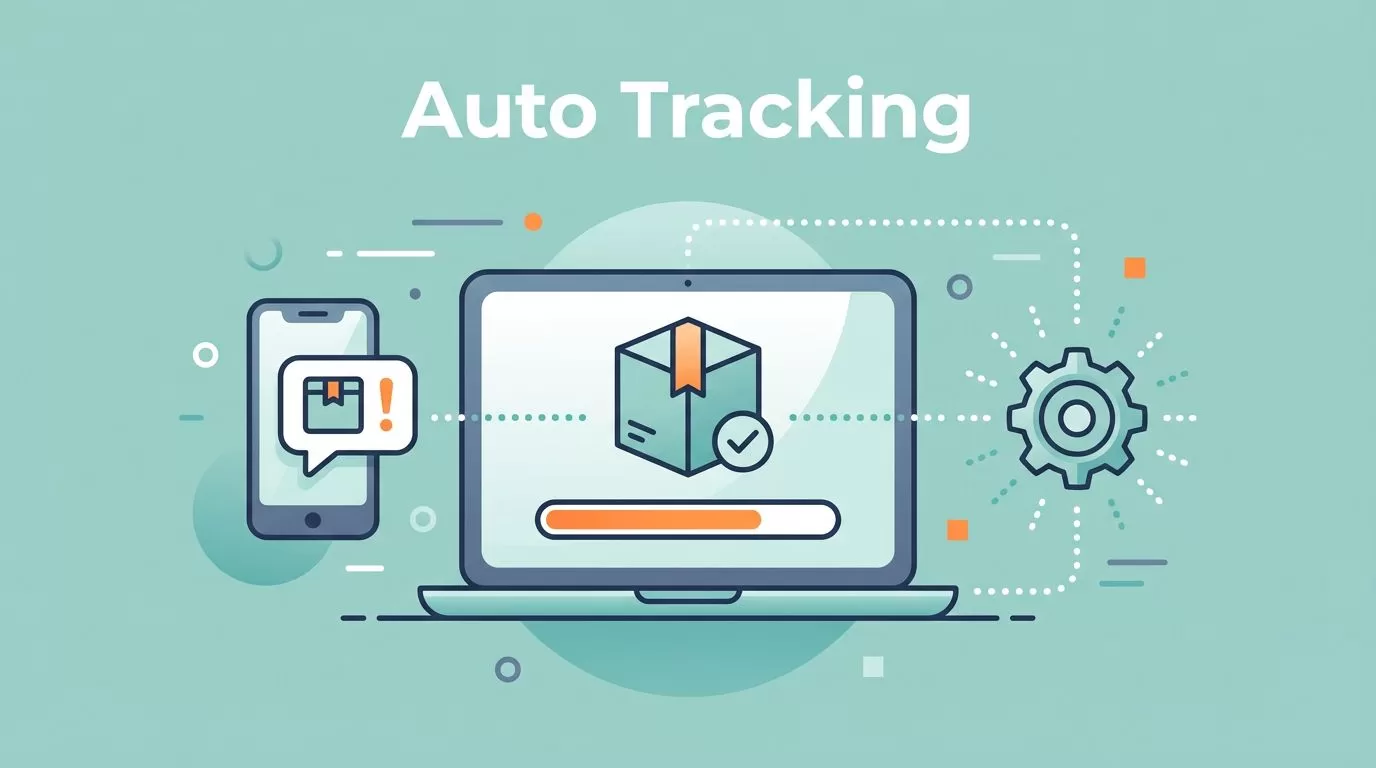
A missed delivery update can turn into a support ticket in minutes. I’ve seen that happen when teams rely on manual tracking, carrier tabs, and inbox reminders that nobody owns.
That’s why I use package delivery tracking automation instead. With the right setup in Twin.so, I can watch shipment status changes, send updates at the right moment, and cut the back-and-forth that slows everything down.
In 2026, buyers expect more than a tracking number. They want clear progress, delay alerts, and a simple path to answers. I want the same thing on the business side, because better visibility keeps my team calm and my customers informed.
Why manual package tracking falls behind in 2026
Manual tracking looks harmless when volume is low. Then orders grow, a carrier misses a scan, and the whole process starts to fray.
That’s because the work piles up in small pieces. I check one tracking page, then another. I paste updates into a ticket, then answer the same question again an hour later. None of that adds value.
Automated tracking changes the shape of the day. Instead of hunting for updates, I get them pushed into one workflow. That means faster responses, fewer mistakes, and less time wasted on status checks.
| Task | Manual tracking | Twin.so workflow |
|---|---|---|
| Status checks | I open carrier portals one by one | I let the flow watch shipment events |
| Customer updates | I answer “Where is my order?” by hand | Customers get timed updates automatically |
| Exception handling | I notice delays late | I get alerts when a package stalls |
| Reporting | I pull data into spreadsheets | I keep tracking events in one place |
That difference matters because shipment visibility is now a basic expectation, not a nice extra. In ShipStation’s 2026 automation piece, the message is blunt, automation is no longer optional for busy teams. I see the same pressure in shipment tracking software trends for 2026, where visibility and exception handling sit near the top of the feature list.
If I still need to check three carrier tabs before lunch, my tracking setup is already wasting time.
That is why I treat tracking as an operations system, not a customer service chore. When I do that, post-purchase visibility improves for everyone.
How I set up package delivery tracking in Twin.so
I keep the setup simple. The best workflow is the one I can trust every day, even when orders spike or a carrier runs late.

I start with one shipment source, then build outward. That might be an order system, a shipping app, or a carrier feed, depending on how my stack is wired. The goal is the same, Twin.so should see the event before a human has to copy it.
Here’s the setup I follow.
- Choose the event source. I decide where tracking data enters the flow. That could be shipment creation, carrier scans, or delivery updates.
- Map the fields I care about. I match order ID, tracking number, carrier name, delivery status, and destination email or channel.
- Set the trigger rules. I define what counts as shipped, delayed, out for delivery, or delivered.
- Pick the notification path. I send updates to email, Slack, a ticketing tool, or another customer-facing channel.
- Add exception handling. I set a second path for stalled scans, failed deliveries, or address issues.
- Test one order first. I run a live shipment through the flow before I expand it to the full queue.
This kind of setup works best when the rules are plain. If a package hasn’t moved in a set number of hours, I want Twin.so to flag it. If a delivery lands, I want the customer to know without waiting for someone on my team.
I also keep the workflow narrow at the start. One lane for shipped orders, one lane for exceptions, one lane for delivery confirmation. That keeps the system easy to read when something goes wrong.
If I’m comparing the rest of my tech stack, I also keep an eye on 2026 logistics software trends. That helps me make sure tracking automation fits the rest of my shipping process, instead of sitting off to the side like an extra tool nobody fully uses.
The customer and ops workflows I automate
The real value shows up after the first scan. Once shipment events flow into Twin.so, I can turn raw status changes into useful action.
Customer updates that reduce support noise
I like to send updates at moments people already care about. “Order shipped” tells the buyer the package is moving. “Out for delivery” sets the right expectation for the day. “Delivered” closes the loop.
That kind of package delivery tracking does more than keep people informed. It lowers the number of status emails and calls my team has to answer. It also gives customers a better post-purchase experience, because they do not have to chase information.
I keep the language short and direct. A delivery notice should answer one question, not open three more. If there’s a delay, I say so plainly and include the next step.
Internal alerts that stop small problems from growing
I use a different path for exceptions. If a shipment stalls, Twin.so can push that event to ops before the customer notices. That gives me time to contact the carrier, check the address, or reship if needed.
This is where automation saves the most time. A delayed package is not just one bad order. It can become a refund, a complaint, and a repeat support touch if nobody sees it early.
I like to route these alerts to the person who can act fast. That may be an operations manager, a fulfillment lead, or a support rep with carrier access. The point is speed, not noise.
Where this saves the most time in real operations
I see the biggest gains in businesses that ship often but do not have a large ops team. A few examples make that clear.
- E-commerce stores use Twin.so to cut “Where is my order?” tickets. When a package moves, the customer hears about it first.
- Wholesale teams use it to track large outbound batches. That helps them spot late freight before a buyer starts asking questions.
- Small service businesses that ship parts or equipment use it to stay ahead of missed deliveries. If a box of replacement gear stalls, the team can react the same day.
The common thread is control. I do not need a giant shipping department to stay organized. I need one reliable workflow that collects shipment events and turns them into action.
That is also why I prefer a setup that grows with volume. As order counts rise, the flow keeps doing the same work. I do not need to hire someone just to refresh tracking pages.
The result is calmer operations, fewer manual checks, and better visibility after the sale. That matters as much to the warehouse as it does to the customer.
Conclusion
When I automate package delivery tracking in Twin.so, I stop treating shipment updates like busywork. I turn them into a live workflow that informs buyers, warns my team, and closes the gap between shipping and delivery.
That matters even more in 2026, when people expect clear status updates and fast answers. If I set the rules well, I get fewer support tickets, better post-purchase visibility, and less time spent chasing tracking numbers by hand.
The best setup is simple, tested, and easy to read. Once that’s in place, delivery tracking stops being a chore and starts doing real work for the business.

