Paddle Affiliate Links in Rewardful: Correct Setup
A referral URL can look correct and still produce a $0 commission. Paddle affiliate links need two parts working together: a Rewardful referral token and a Paddle checkout that receives the referral ID. Many teams mistake a branded landing-...

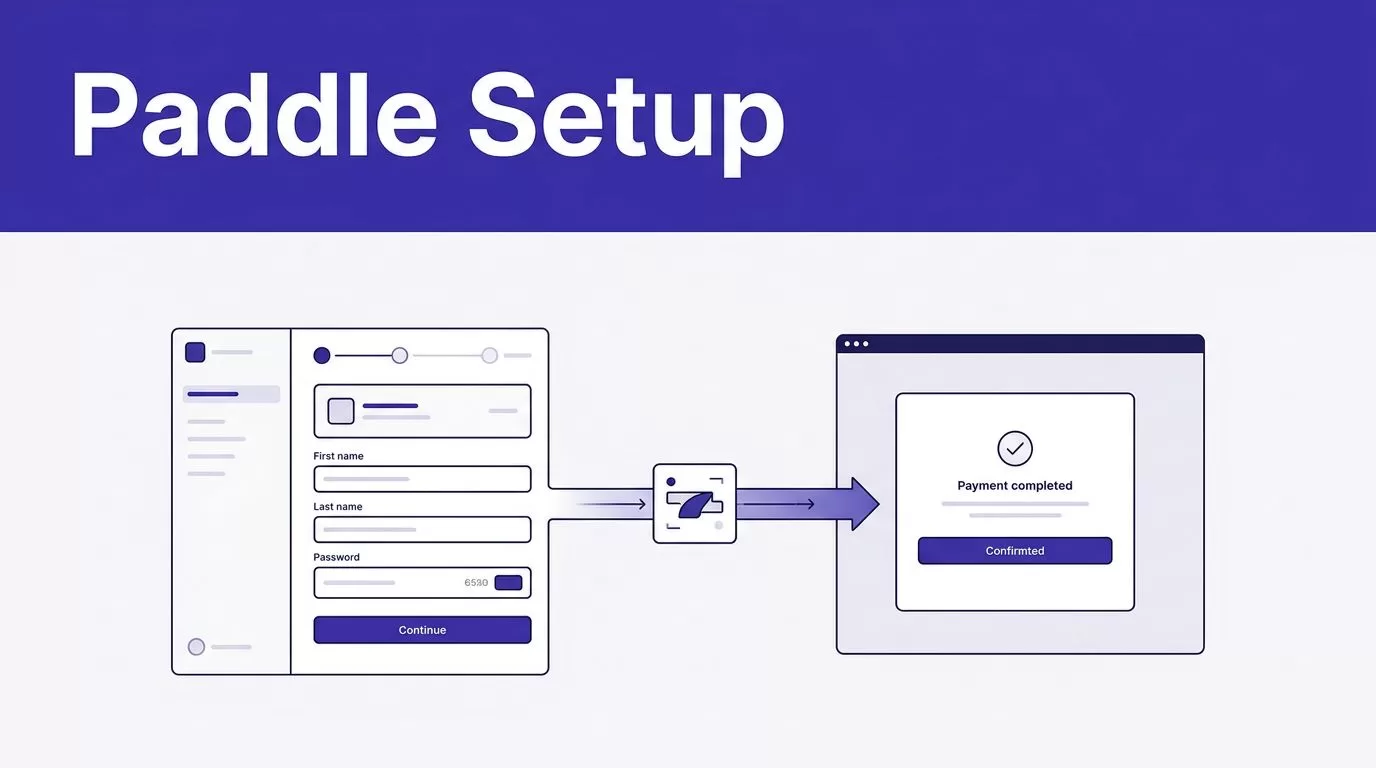
A referral URL can look correct and still produce a $0 commission. Paddle affiliate links need two parts working together: a Rewardful referral token and a Paddle checkout that receives the referral ID.
Many teams mistake a branded landing-page URL for checkout attribution. They are separate steps. Confirm your Paddle product first, then build the link and test one completed customer path.
CONFIRM WHICH PADDLE PRODUCT YOU USE
Rewardful’s documented Paddle connection is for Paddle Classic. It doesn’t support Paddle Billing. Paddle treats the products as separate implementations, as its Paddle Classic and Paddle Billing comparison confirms.
If your account uses Paddle Billing, don’t copy a Paddle Classic setup into production. Rewardful hasn’t published a Paddle Billing procedure for referral links, checkout passthrough, or commission tracking. Check your live Rewardful account before making an exception.
Connect Paddle Classic correctly
Start in Rewardful with the “Connect with Paddle” flow. In Paddle Classic, copy the public key from Developer Tools -> Public Key. Copy the full value, including its BEGIN and END lines.
Rewardful also generates a webhook URL during setup. Add it in Paddle Classic under Developer Tools -> Events, in the URL field for incoming webhooks. The Rewardful Paddle Classic setup guide is the source of truth for the current connection flow.
Dashboard labels can change. Verify the current paths, webhook URL, and connection status in both accounts before you send affiliate traffic.
BUILD CUSTOM PADDLE AFFILIATE LINKS IN REWARDFUL
A custom affiliate link changes the page a prospect lands on. It doesn’t change the affiliate’s attribution record.
Custom Paddle affiliate links normally combine a destination page with the affiliate’s assigned Rewardful token. Rewardful’s default parameter is via, so the tracking part looks like ?via=affiliate-token.
Keep the token separate from the destination
The via value identifies the affiliate. The page before it is the destination.
A partner can send traffic to your pricing page, demo page, comparison page, or product page, provided that page is part of your Rewardful tracking setup. If the page already has query parameters, add the referral value with &via=affiliate-token instead of a second question mark.
Don’t replace the affiliate token with a UTM source, campaign, or content value. UTM parameters help analytics tools group traffic. They don’t replace Rewardful referral attribution.
Use direct-page tracking for branded URLs
Rewardful supports direct-page tracking for partners who need a clean URL that points to a page on your domain. Review the direct-page tracking guidance before publishing a new destination.
Keep the campaign URL and reward rules aligned with the offer. The campaign settings overview is useful when different partner groups need different commissions or landing pages.
If you generate extra affiliate links through the API, check your plan first. Rewardful limits additional link creation through its API to Growth and Enterprise plans.
PASS REWARDFUL ATTRIBUTION INTO PADDLE CLASSIC
The landing-page link starts the referral record. The Paddle Classic checkout completes the handoff.
When a visitor arrives through an affiliate link, Rewardful creates a referral ID. That ID is a UUID. Your checkout code must read it and pass it to Paddle.Checkout.open() as a JSON-encoded passthrough value under rewardful.referral.
Send the referral UUID, not the affiliate token
Your checkout needs the captured Rewardful referral ID, not the visible via token from the URL. The documented payload shape is {"rewardful":{"referral":"UUID"}}.
If your app already uses Paddle passthrough data, merge the Rewardful object into the valid JSON payload. Don’t overwrite metadata your finance, product, or support systems already require.
A missing passthrough value is a common failure point. The visitor may appear in Rewardful, but the paid Paddle customer won’t connect to that referral.
A checkout redirect doesn’t prove attribution
Your Paddle success URL can return a buyer to onboarding, a thank-you page, or your app. That redirect is not proof that the commission tracked.
Rewardful receives relevant subscription and payment activity from Paddle through webhooks. Check the Paddle event tracking behavior in Rewardful when a payment, refund, or commission record looks delayed.
A successful redirect proves the buyer reached a page. A matched referral, customer, payment, and commission record proves the program worked.
TEST COMMISSIONS BEFORE AFFILIATES PROMOTE
Test the full path before you share links with partners. A high click count has no value if the billing record has no affiliate attached.
Run one controlled referral path
Use a dedicated test affiliate and a fresh browser session. Then follow this sequence:
- Open the custom destination through that affiliate’s
vialink. - Confirm that Rewardful records the referred visit or referral.
- Start the Paddle Classic checkout from that session.
- Complete an approved test purchase flow for your account.
- After webhook processing, match the affiliate, customer, payment, and commission record.
Use a separate email address for the test. Don’t rely on an owner account or employee purchase, since self-referral rules can affect the result.
Review records, not clicks
Review a small sample each week. Track paid customers with confirmed attribution, missing or duplicate referrals, internal-purchase exceptions, refund-related reversals, and time spent resolving payout disputes.
Keep a last trusted commission export. If a checkout release breaks the passthrough handoff, pause payouts for affected records and investigate before making manual adjustments.
If product, marketing, and finance teams need one shared test plan, Book A Call to map the tracking fields and exception process.
FINAL THOUGHTS
Paddle affiliate links work when the destination URL, Rewardful referral ID, Paddle passthrough payload, and webhook records agree. A custom page link alone is not enough.
Start with one affiliate, one destination, and one completed checkout test. Confirmed commissions, not referral clicks or redirect activity, are the record that matters.

