Paddle Commission Tracking With Rewardful: A Practical Setup
Affiliate programs become expensive when paid orders, refunds, renewals, and payouts sit in separate reports. Paddle commission tracking needs one clear trail from affiliate click to approved payout. Rewardful can track affiliate attributio...

Affiliate programs become expensive when paid orders, refunds, renewals, and payouts sit in separate reports. Paddle commission tracking needs one clear trail from affiliate click to approved payout.
Rewardful can track affiliate attribution and calculate commission records for Paddle Classic transactions. Paddle handles the checkout and subscription payment events. Rewardful handles the referral data and affiliate reporting. The distinction matters because Rewardful’s current Paddle integration does not support Paddle Billing.
Start with compatibility, then connect the event flow, set rules, and test every transaction state before affiliates start promoting your product.
Paddle commission tracking starts with the right product
Paddle has two distinct products: Paddle Classic and Paddle Billing. They are not interchangeable in this integration.
As of August 2026, Rewardful integrates with Paddle Classic only. If your SaaS runs on Paddle Billing, do not add the Rewardful script and assume commissions will appear. The documented checkout and webhook flow is built for Paddle Classic.
Paddle processes payments
Paddle Classic processes checkout activity. It records transactions, subscriptions, successful payments, and refund events.
Your Paddle account remains the source for payment status. It tells you whether a customer paid, renewed, or received a refund. It does not decide which affiliate should receive a commission.
Paddle also recognizes that merchants can use third-party affiliate tools. That separation is useful. Your payment provider and affiliate system should each have a defined job.
Rewardful tracks referrals and commissions
Rewardful creates and stores the referral relationship. It captures the affiliate referral ID, receives transaction data through Paddle webhooks, and records sales and commission activity.
This gives you a working commission trail:
- Paddle Classic confirms payment activity.
- Rewardful connects that activity to a valid referral.
- Your team reviews due commissions before releasing payouts.
If you use Paddle Billing, choose an affiliate platform that states direct support for Paddle Billing. Do not build a payout process around an unsupported connection.
Map the payment and attribution flow
The setup is simple once you separate the data flow. An affiliate link identifies the promoter. The referral ID then needs to reach the Paddle Classic checkout.
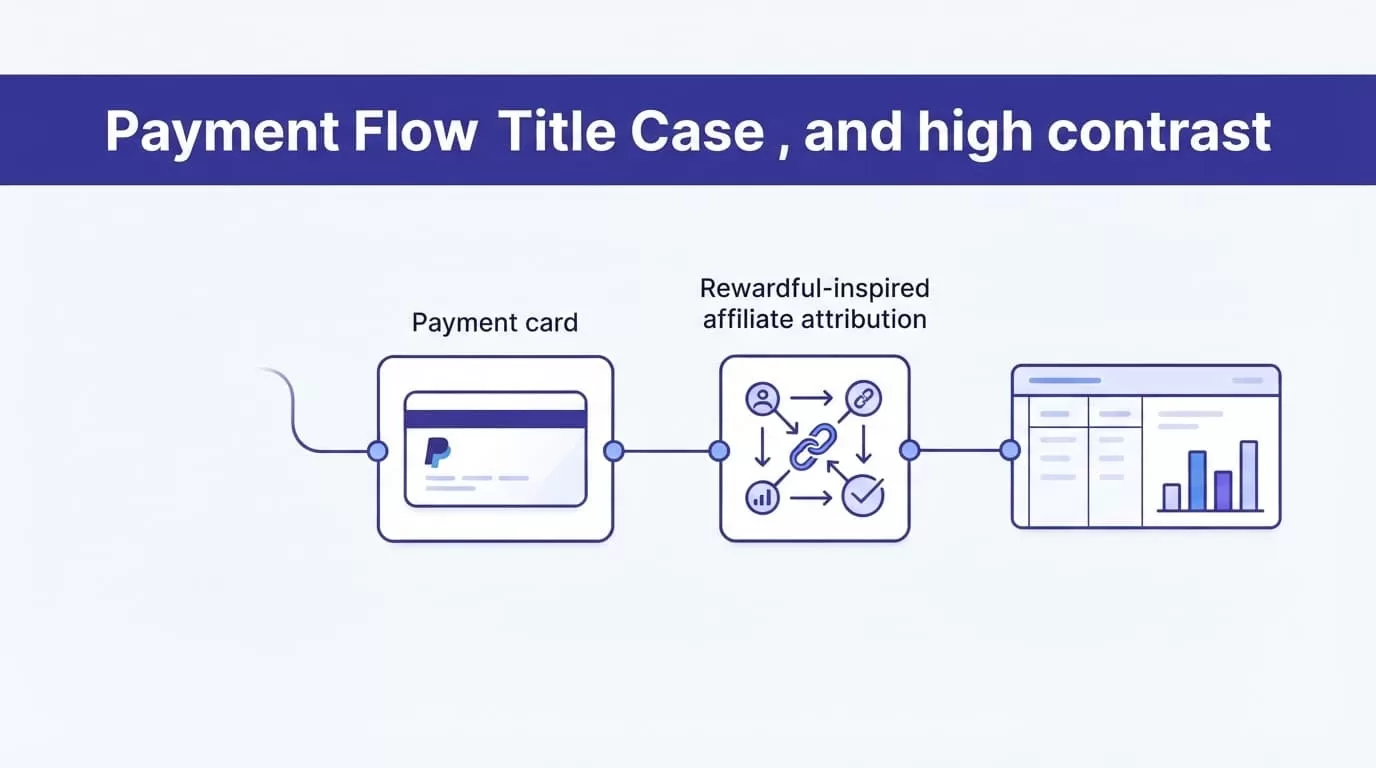
Rewardful’s Paddle integration announcement describes support for subscription billing events, upgrades, and affiliate commission tracking. Your implementation still needs to pass the referral value correctly.
Follow the referral through checkout
A standard Paddle Classic referral flow has five parts:
- An affiliate shares their Rewardful referral link with a prospect.
- The prospect visits your site and Rewardful creates or recognizes a referral ID.
- Your checkout code passes that referral ID to Paddle Classic through the
passthroughfield. - Paddle processes the purchase and sends event notifications to Rewardful.
- Rewardful checks the referral value and creates the related sale and commission record.
The referral ID is the link between marketing activity and payment activity. A UTM parameter can help your campaign reporting, but it is not a replacement for the documented Rewardful referral passthrough.
Keep matching fields available
Store the identifiers your team needs to investigate a payment. At minimum, keep the affiliate, customer email or internal customer ID, Paddle checkout ID, Paddle order ID, commission amount, event date, and payout status.
Use the Paddle order ID as a reconciliation field. It is more reliable than trying to match transactions by amount. Two customers can buy the same plan on the same day. An order ID gives your team a direct record to check.
Connect Rewardful to Paddle Classic
The Rewardful connection uses a Paddle Classic public key, webhook notifications, and checkout passthrough data. It is not a Paddle Billing API-key connection.
Start in Rewardful. Select Paddle as the payment processor, then connect the Paddle Classic account details. Review Rewardful’s Paddle integration page before you copy credentials or change checkout code.
Add the Paddle public key and webhooks
In Paddle Classic, find the public key under Developer Tools. Copy the full key into Rewardful.
Keep the BEGIN and END markers intact. Missing lines or altered characters can break the connection.
Next, add the Rewardful webhook URL in Paddle Classic under Developer Tools and Events. Configure the events Rewardful needs to maintain commission records:
- Subscription creation events
- Successful payment events
- Full refund events
- Partial refund events
Save the Paddle event settings before you return to Rewardful. A correct public key without active webhooks gives you incomplete commission records.
Pass the referral ID into checkout
Install the Rewardful JavaScript where your affiliate traffic reaches your checkout process. When your site opens Paddle Classic checkout, pass the current referral ID inside the passthrough value.
The documented Paddle Classic approach uses Paddle.Checkout.open() with a JSON passthrough object containing rewardful.referral. Your developer does not need to rebuild checkout. They need to preserve the referral value when checkout opens.
Do not manually write affiliate names into an order note. Do not replace the referral value with a campaign label. Rewardful needs the referral ID it created.
Set commission rules before inviting affiliates
A commission policy should answer three questions: what earns a commission, how much it earns, and when it becomes payable.
Write the policy before you create affiliate links. Otherwise, support requests become payout disputes.
Use rules like these as a starting point, then confirm they match your Rewardful program settings and commercial terms.
| Program goal | Sample commission rule | Control to define |
|---|---|---|
| Content affiliates | Pay 20% of net subscription revenue for the first 12 paid months | Exclude refunded amounts and taxes |
| Referral partners | Pay 30% of the first successful payment only | Hold payment until the refund window closes |
| Annual-plan promoters | Pay a fixed $100 after a successful annual charge | Cancel the commission if the annual payment is refunded |
The rule must state whether the calculation uses gross charge value or net revenue after refunds, credits, taxes, and fees. “Twenty percent recurring” is not enough.
Define attribution scenarios in plain language
Consider a visitor who clicks Affiliate A’s link on Monday. They return on Thursday and complete checkout. If the referral ID still passes into Paddle Classic checkout, Rewardful can connect the customer to Affiliate A.
Now consider a direct buyer who uses a generic promotion code but never has a valid Rewardful referral ID in checkout. Do not assign that sale to an affiliate after payment based on guesswork.
Also decide what happens when two affiliates claim the same customer. Your written terms should state the attribution rule, cookie duration, direct-link policy, and treatment of coupon-based promotions. Test each rule in your live configuration before you promise it to partners.
Before publishing program terms, compare them with Rewardful’s current Paddle program guidance. Product settings can change. Your public policy should match the rules you can administer.
Treat refunds as commission events
A refund is not only a finance event. It changes the affiliate record.
Rewardful receives Paddle Classic notifications for full and partial refunds. Decide whether a partial refund reduces a commission proportionally or whether your team reviews it manually. Record the decision against the affected Paddle order.
Keep the original sale record. Add a separate adjustment entry with the refund date, amount, reason, and reviewer. Overwriting the first commission amount removes the history your finance team needs later.
Test the workflow before payout day
Use a controlled internal test before you recruit affiliates. A browser redirect and a successful checkout are not enough.
Run a complete attribution test
Create an internal affiliate account and use its referral link in a fresh browser session. Then complete this test:
- Open the affiliate link and confirm the referral is detected.
- Start Paddle Classic checkout and verify the referral value is passed through.
- Complete a controlled purchase using your approved test or internal purchase process.
- Compare the customer email, checkout ID, and Paddle order ID in Paddle and Rewardful.
- Confirm the commission appears under the expected affiliate and rule.
After that, process or simulate a refund through your approved test process. Check that the related commission changes as your policy requires.
A completed checkout does not prove affiliate attribution. The referral value must reach Paddle, and the payment event must return through the webhook.
Test the failure paths too
Run a direct purchase without an affiliate link. It should not create an affiliate commission.
Test an invalid referral value. Test a purchase where checkout opens without the passthrough field. Test a refund after a commission reaches a due state. These cases expose gaps before a real partner finds them.
Create a test record for every result. Include the date, affiliate ID, order ID, expected outcome, actual outcome, and owner. Keep failed tests visible until someone fixes and retests them.
Monitor commissions and reconcile payouts
Paddle commission tracking should produce records your finance and affiliate teams can trust. The useful number is not exported commissions. It is reconciled payouts.
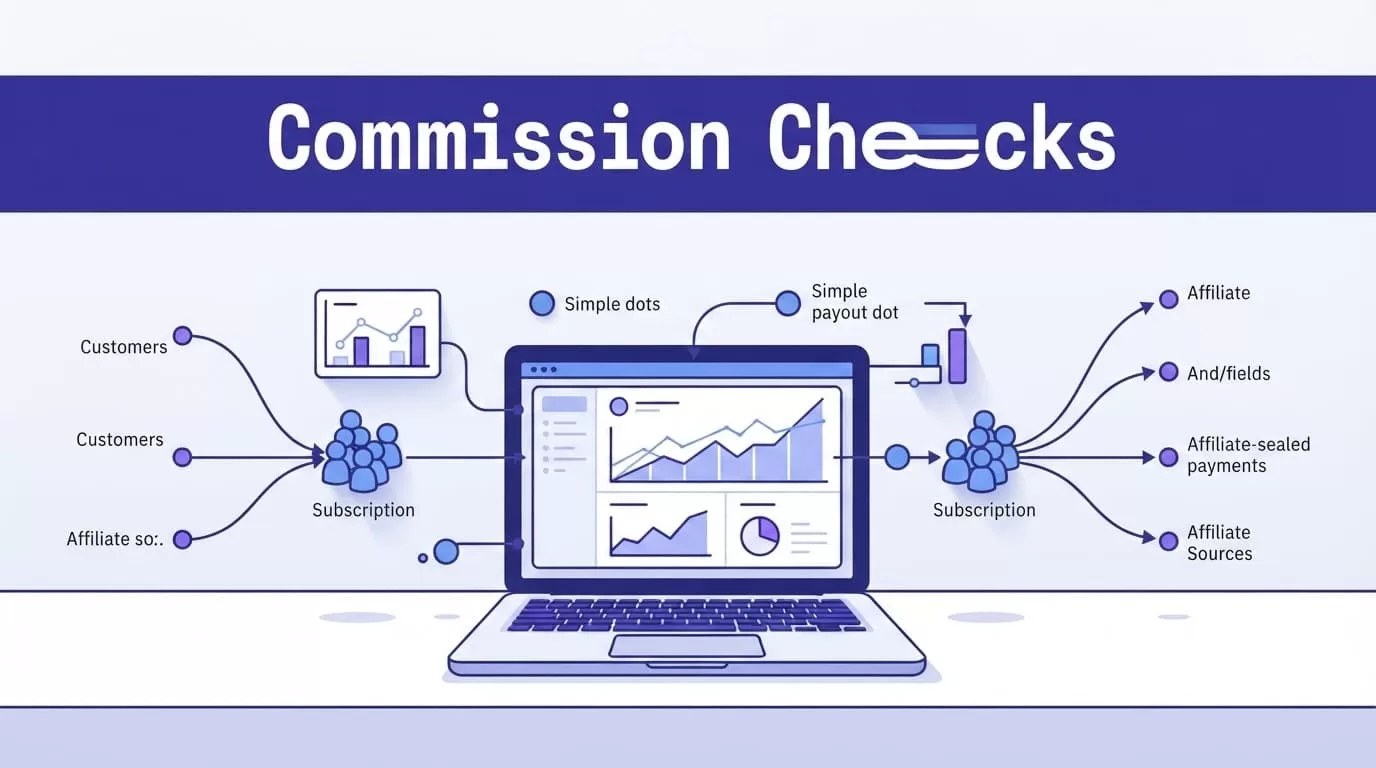
Watch the metrics that expose errors
Use a weekly report for operating issues and a monthly report for payouts.
| Metric | What it tells you |
|---|---|
| Referred checkouts | Whether affiliate traffic reaches checkout |
| Paid orders without an affiliate result | Whether referral passthrough or webhook matching failed |
| Refund-adjustment delay | Whether commission records reflect payment changes quickly |
| Commissions due versus approved | Whether your review queue is building up |
| Paid commissions versus payout confirmations | Whether affiliates received the correct amount |
A rise in paid orders without affiliate attribution needs a technical review. A rise in pending commissions may mean your refund hold period, approval process, or payout schedule needs attention.
Reconcile before releasing money
At each payout cycle, export the relevant Paddle Classic order and refund records. Compare them with Rewardful sales, commission adjustments, and payout statuses.
Match records by Paddle order ID first. Put missing matches, duplicate matches, partial refunds, and disputed referrals into an exception list. Assign each exception to one owner with a follow-up date.
Keep three versions of each record: the original payment event, the proposed commission adjustment, and the final approved payout decision. Never overwrite the original event.
Preserve the last trusted reconciliation report. If a webhook setting changes or a report export fails, your team still has a known-good payout record instead of guessing which commissions were approved.
Build a payout process that stays auditable
Rewardful gives you affiliate tracking and commission reporting. Paddle Classic gives you the underlying payment events. Your team still owns payout approval, tax records, fraud checks, and partner communication.
Paddle commission tracking works when every commission can be traced to a valid referral, a Paddle order, and a documented rule. Start with a small affiliate group, test refunds and renewals, then expand once reconciled payouts match your records.
