How I Verify Podcast Download Metrics with Transistor.fm
Your podcast episode drops. Downloads look solid in one dashboard. Then Apple shows half that number. Confusion hits hard. I faced this early on with my shows. Numbers never matched perfectly across tools. That’s normal in podcasting....

Your podcast episode drops. Downloads look solid in one dashboard. Then Apple shows half that number. Confusion hits hard. I faced this early on with my shows. Numbers never matched perfectly across tools. That’s normal in podcasting. Hosts and apps count differently.
Transistor.fm changed my approach. It gives clear podcast download metrics you can trust. I verify them step by step. This keeps my data reliable for sponsors and growth plans. Let’s walk through my process.
What Podcast Download Metrics Really Mean
Podcasters chase accurate numbers. A download means someone pulled your audio file to their device. Transistor.fm counts every server request that serves the file. They follow industry standards close to IAB guidelines. This filters bots and duplicates from the same IP in 24 hours.
Yet precision stays fuzzy. No host tracks if listeners finish episodes. Transistor reports totals, not plays. They estimate subscribers from first-day pulls. In addition, apps like Spotify stream without full downloads sometimes. So totals vary.
I check these baselines first. Transistor shows average downloads at 7, 30, 60, and 90 days post-release. Trends reveal spikes by day or app. This paints a full picture.
Accessing Metrics in Transistor.fm
I start in my Transistor dashboard. Log in at transistor.fm. Pick your show. Click the Analytics tab. Data loads fast.
Bars show downloads over time. Pie charts break down apps like Apple or Spotify. Line graphs track trends. Filter by episode or date range. Export as CSV for deeper looks.

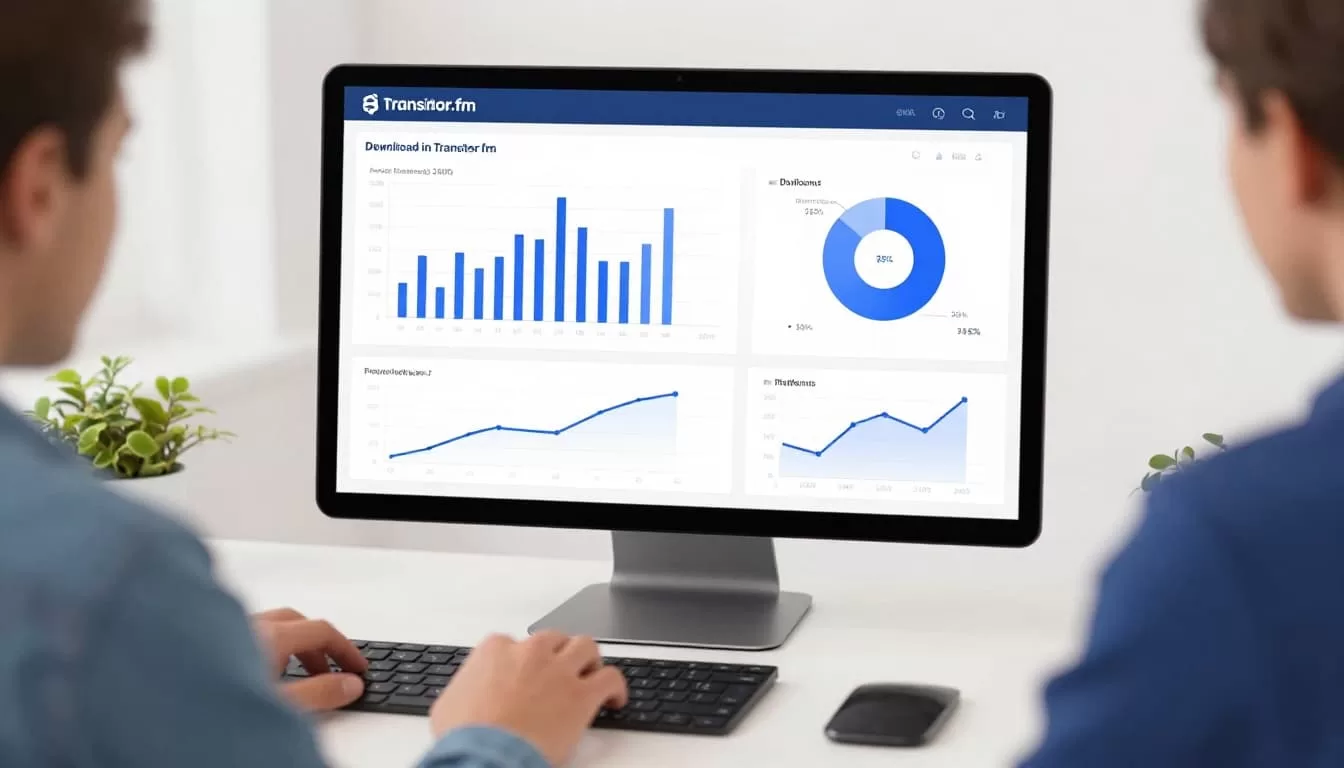
For example, my latest episode hit 1,200 downloads in Transistor at 30 days. Apple reported 600. No panic yet. Time to compare.
Transistor handles unlimited shows on one plan. Analytics stay detailed even as you scale.
Why Metrics Differ Across Tools
Discrepancies frustrate everyone. Hosts like Transistor, Buzzsprout, or Libsyn count server hits. Apple Podcasts Connect only tracks their app. Spotify focuses on streams.
Delayed reporting adds gaps. Apps cache files, so pulls lag 48 to 72 hours. Apple waits up to seven days. IAB filtering cuts bots differently too. Transistor removes datacenter pulls and indexers, per their download definition.
Unique listeners confuse things more. Totals count repeats. Uniques guess distinct people via IP or device. Transistor estimates from early data.
| Factor | Transistor.fm | Apple/Spotify |
|---|---|---|
| Counts | Server requests | App plays only |
| Delay | Near real-time | 48 hours to 7 days |
| Filtering | Bots, duplicates | Platform-specific |
| Uniques | Estimated | Follows or partial |
This table guides my checks. Variances hit 20 to 50 percent often.
Comparing Metrics Across Platforms
Pull reports from everywhere. In Transistor, note totals for your episode. Head to Apple Podcasts Connect. Grab their plays. Check Spotify for YouTube too.
Side-by-side views reveal patterns. Transistor aggregates all sources. Apps show slices. For instance, if Transistor says 2,000 and Apple 800, the rest likely came from Spotify or web players.
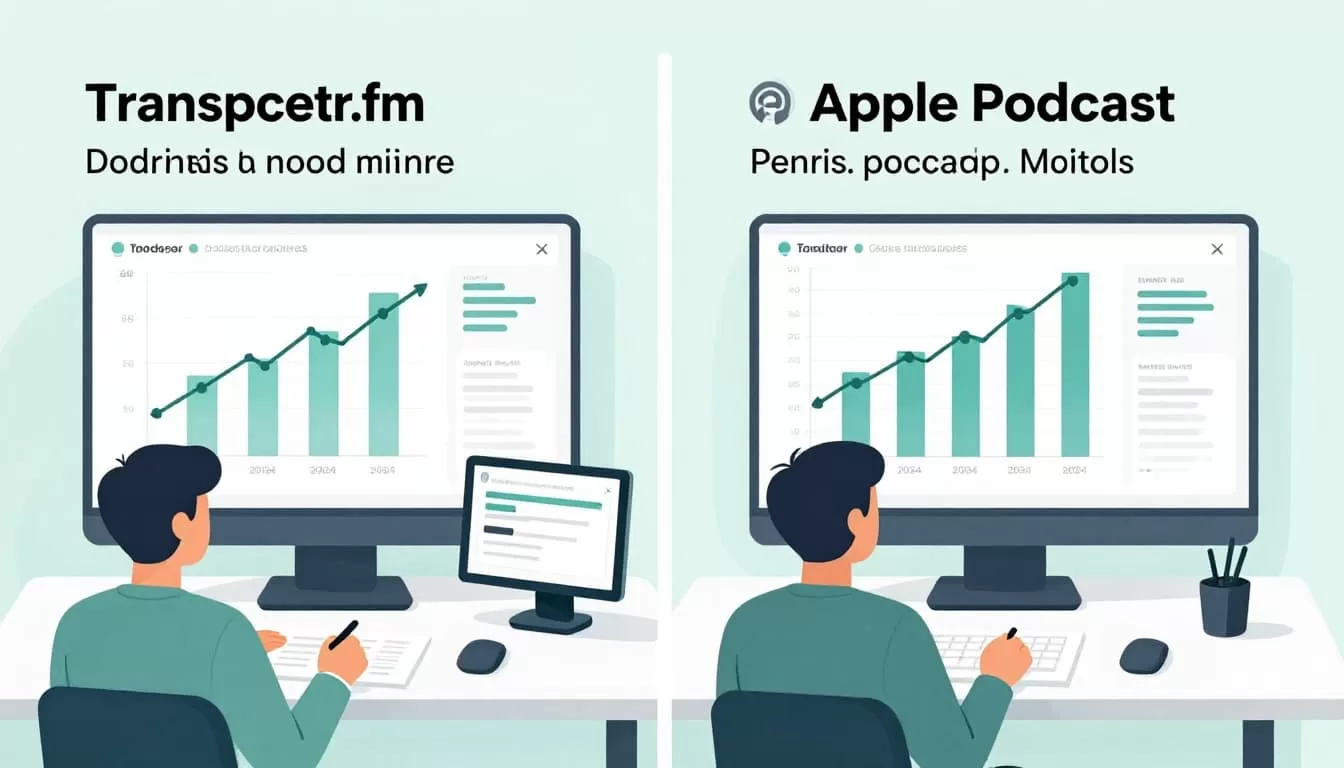
I cross-check why numbers differ. Time ranges must match. My rule: Use 30-day marks for fairness.
My Step-by-Step Verification Process
Verification takes minutes. Follow these steps each week.
First, select one episode. Note Transistor’s 30-day total.
Next, match the date range everywhere. Adjust for delays.
Then, list top apps from Transistor. Sum their Apple and Spotify reports. Gaps fill from others.
Compare uniques if available. Transistor’s estimate guides here.
Finally, review trends. Rising lines confirm health despite raw differences.
I run this after every release. It builds confidence. Sponsors ask for these breakdowns now.
Troubleshooting Common Discrepancies
Numbers still off? Run my checklist. It catches most issues.
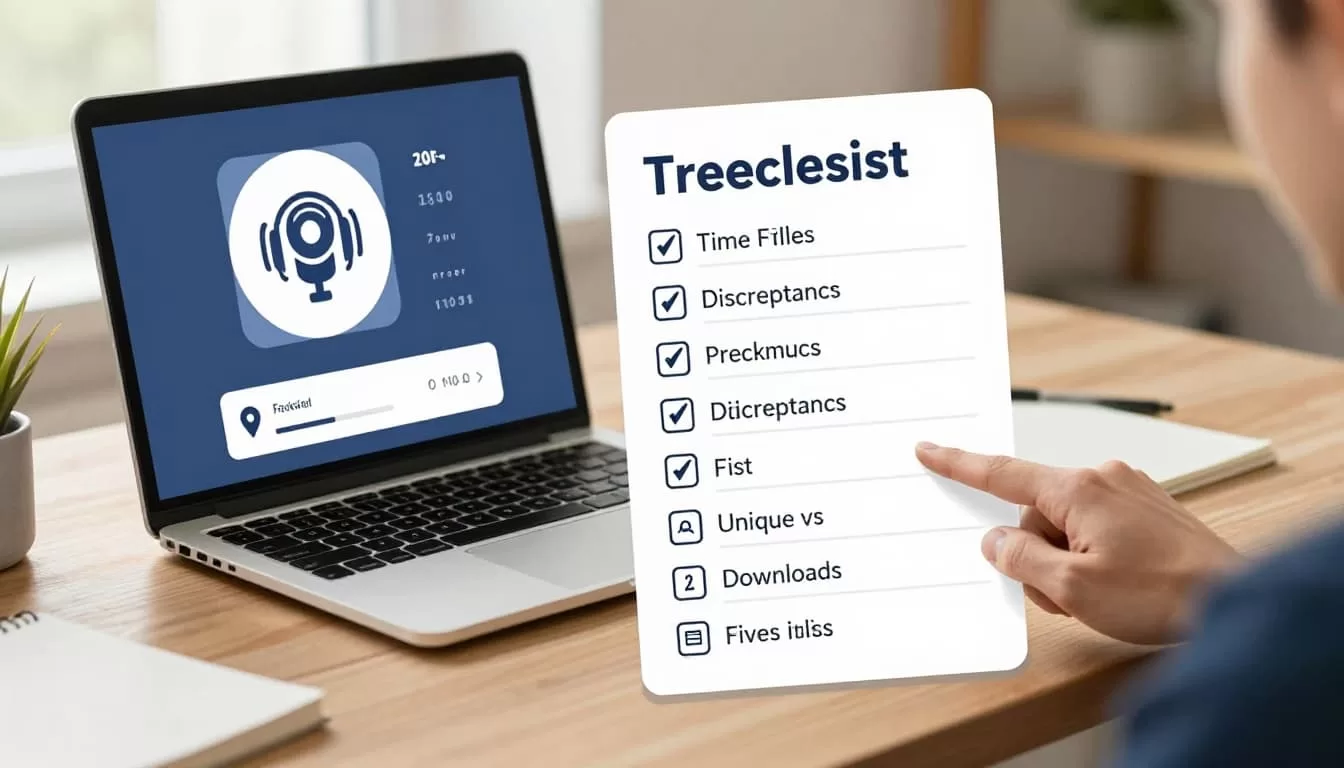
- Match exact time ranges (e.g., 30 days).
- Account for reporting delays (wait 72 hours minimum).
- Check IAB-style filters; raw counts inflate.
- Differentiate total downloads from unique listeners.
- Verify episode IDs match across platforms.
- Test for bots by excluding datacenter IPs.
For my Transistor clip workflows, metrics guide what to repurpose. Clean data drives decisions.
Transistor’s public stats overview helps too. See real shows in action.
Build Trust in Your Podcast Data
I verify podcast download metrics weekly now. Transistor.fm anchors my process. Discrepancies shrink to expected levels. Sponsors trust the full view.
You gain clarity this way. Growth follows reliable numbers. Start with one episode today. Watch confusion fade. Your shows deserve accurate tracking.

