How I Launch a Podcast Landing Page in Transistor.fm
Launching a podcast used to mean buying a domain, stitching together a site, and hoping the player looked good on mobile. With Transistor.fm, I can build a clean podcast landing page before lunch. That matters when I want a page that feels...

Launching a podcast used to mean buying a domain, stitching together a site, and hoping the player looked good on mobile. With Transistor.fm, I can build a clean podcast landing page before lunch.
That matters when I want a page that feels polished on day one, not after a weekend of design fixes. It also helps when I need one home for show notes, subscribe buttons, and a simple share link.
If you want to move fast without making the page feel rough, this is the workflow I use.
Why I start with Transistor.fm
I start with Transistor because the website builder comes with the host. I don’t have to bolt together a separate CMS, podcast player, and RSS setup. Transistor still offers one-click landing pages and custom domains, so the page can go live fast without feeling bare.
I also like that one account can hold multiple shows. That matters when I run a brand podcast and a client podcast, or when I want a private show later. If I need a deeper look at hosting fit before I commit, I keep my Transistor podcast hosting notes open in another tab.
The podcast website builder gives me the basics I need, a homepage, episode pages, an About page, and room for a custom domain. I check the Transistor pricing page before I choose a plan, because monthly download limits matter more to me than a pretty theme.
Build the page in the right order
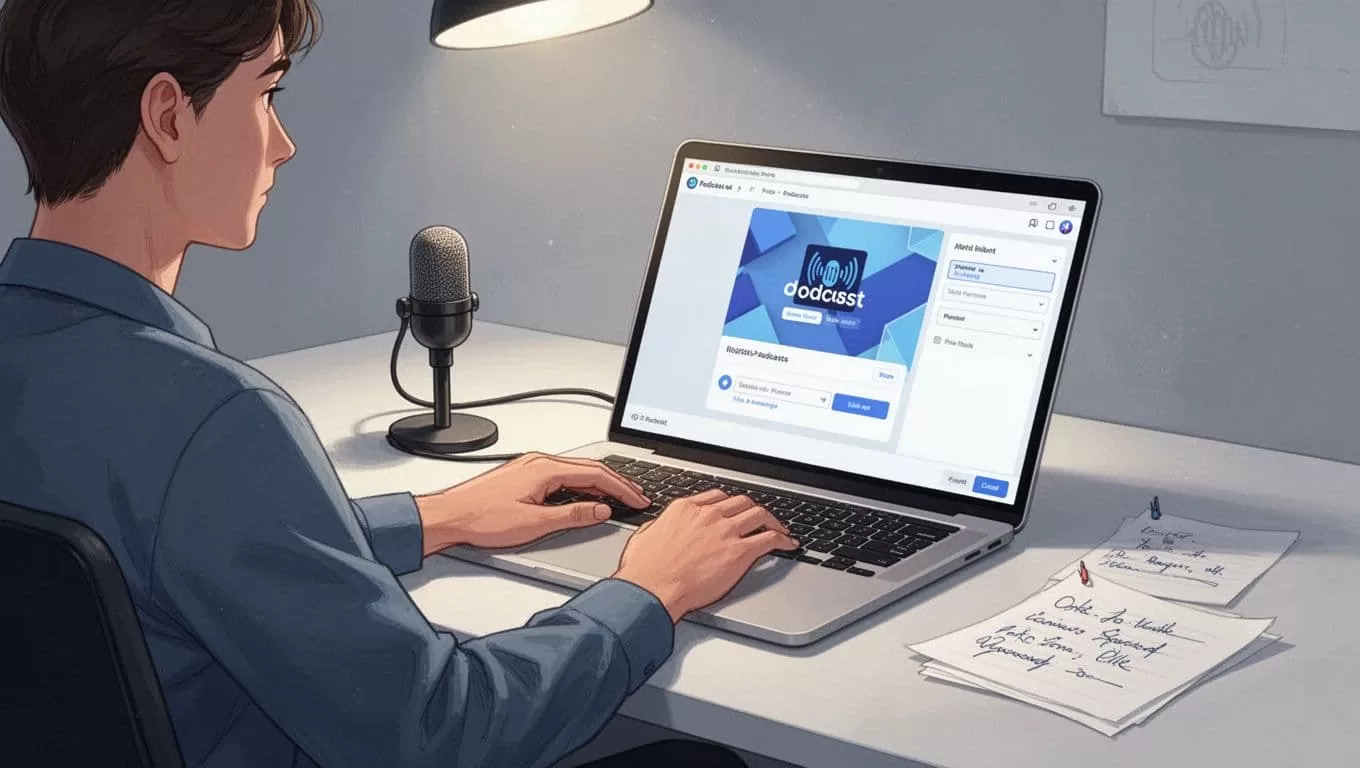
I open the dashboard, create the podcast, then turn on the website. After that, I connect the custom domain so the page feels like part of my brand, not a borrowed template.
The Transistor website builder help page matches the way I like to work. It confirms that each show gets its own website, episode landing pages, and full show notes. That structure keeps the page clear. I do not try to squeeze everything onto one screen.
I usually follow this order:
- I create the show and upload the first episode or trailer.
- I add the title, description, and artwork.
- I pick the homepage copy and one clear call to action.
- I add extra pages only when they help the listener, such as About, Sponsors, or Contact.
I keep the first version lean. A podcast landing page should make the next step obvious, not bury it.

Make the page sound like my show
Once the structure is in place, I tune the words. I keep the headline short, because visitors scan fast. I write one clear description of the show, then I tell people what episode to play first.
I also use the layout to answer the basic questions before people ask them. What is this show about? Who is it for? Why should I press play now? When the answer is obvious, the page works harder for me.
If I want email capture, I connect the page to tools I already use. Transistor’s podcasting integrations include Mailchimp, ConvertKit, Drip, HubSpot, MailerLite, ActiveCampaign, and Klaviyo. That makes it easy to move listeners into a newsletter or launch list without custom code.
This is also where I add small trust cues. A guest page, a sponsor page, or a short About section can make the podcast feel more complete. I keep those pages tight, because clarity beats decoration every time.
Go live, test on mobile, and promote the page
Before I share the link, I open the page on my phone. I check the first screen, the buttons, and the player. If the page feels cramped on a small screen, I fix it before launch.
Then I make sure the custom domain resolves cleanly and the episode page looks right. Transistor also supports video podcasts and YouTube posting, so one feed can still reach different platforms. That helps when I want the landing page to do more than sit there.
For launch-day promotion, I do not stop at one post. I share the page in email, on social, and inside my show notes. If I want clips for extra reach, I use my Transistor video editor workflow to turn the episode into short promo assets.

Keep the page useful after launch
A lot of podcast pages go stale because nobody updates them. I avoid that by treating the landing page like a living front door. When a new episode lands, I check the copy, featured episode, and links again.
I also watch how people arrive. If most visitors come from one platform, I make sure the call to action fits that behavior. If listeners keep asking the same question, I turn the answer into a short page update. That keeps the page useful without turning it into a project.
Transistor gives me enough room to grow without rebuilding the site each time. I can add pages, adjust links, and keep the show notes fresh. That matters more than fancy design, because a landing page should help the next listener, not impress a screen capture.
Conclusion
The fastest way I know to launch a podcast landing page is to keep the stack small. I let Transistor handle hosting, the website, and the RSS feed, then I spend my energy on a sharp headline and a clear first episode.
That approach works because the page feels useful on day one. It also stays easy to update as the show grows.
A good landing page does one job well, it gets the right listener to press play.
