How I Validate My Podcast RSS Feed on Transistor.fm
I once submitted a podcast feed that looked perfect. Apple Podcasts rejected it because of a tiny tag error. Listeners waited weeks for updates. That mess taught me one thing: podcast RSS validation saves headaches. You host on Transistor.f...
I once submitted a podcast feed that looked perfect. Apple Podcasts rejected it because of a tiny tag error. Listeners waited weeks for updates. That mess taught me one thing: podcast RSS validation saves headaches.
You host on Transistor.fm because it handles unlimited shows and auto-distributes to Spotify and Apple. But feeds break. Directories reject invalid ones. In 2026, with Podcasting 2.0 tags rising, clean validation keeps your show live everywhere.
I check my feeds weekly. Follow my process to spot issues fast and fix them before they hit directories.
Why Validate Your Podcast RSS Feed First
Feeds power everything. They tell apps where to grab episodes, art, and notes. A glitchy one means no shows on Overcast or Pocket Casts.
Transistor.fm builds compliant RSS 2.0 feeds. It adds iTunes tags like author and explicit flags. Still, custom tweaks or old imports cause slips.
I validate because directories scan strict. Apple demands artwork under 3000×3000 pixels. Spotify flags missing GUIDs. One error blocks approval.
Skip this, and you chase rejections. I lost a month once. Now I test before every update. It catches broken enclosures or date formats early.
Feeds evolve too. New standards like locked podcasts prevent theft. Validation confirms your setup matches.
Best Tools for Podcast RSS Checks
Regular validators like W3C fail on podcasts. They expect blog posts, not MP3 links.
I stick to Podbase. Paste your Transistor RSS URL there. It scans for directory rules. Transistor’s guide recommends it too.
CastFeedValidator works next. Both flag iTunes specifics that generic tools miss.
Transistor shows your feed in the Distribution tab. Copy it, run the check, get a report with greens and reds. Simple.
For deeper specs, check this podcast RSS guide. It lists tag limits like 100 characters for subtitles.
These tools saved my shows. They align with 2026 shifts, like value tags for chapters.
Step-by-Step Guide to Validate Your RSS Feed
I open Transistor.fm each time. Log in, pick your show. Head to Overview or Distribution.
Copy the RSS link. It ends in your-show-id, like feeds.transistor.fm/my-show.
Paste into Podbase. Hit validate. Wait 10 seconds.
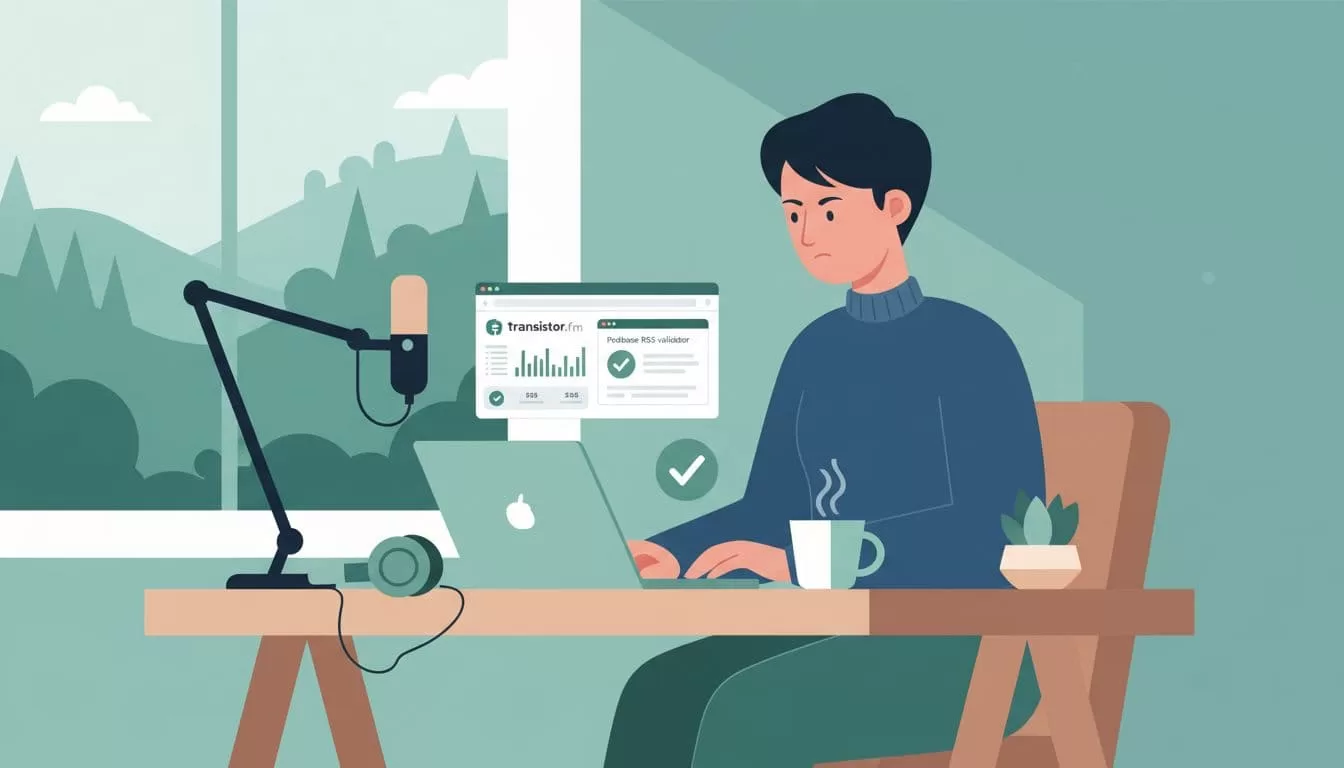
Green means good. Review warnings anyway. Fix in Transistor: edit episodes for pubDates or images.
Test enclosure URLs. Click them. Audio must play, under 500MB usually.
Recheck after changes. Transistor updates feeds in minutes.
Submit once clean. Use Transistor’s one-click to Apple and Spotify. See their RSS creation page for basics.
I run this before launches. It caught a bad redirect once. Listeners stayed happy.
If moving hosts, set 301 redirects. Old feed points to new Transistor one.
Common RSS Feed Errors and Fixes
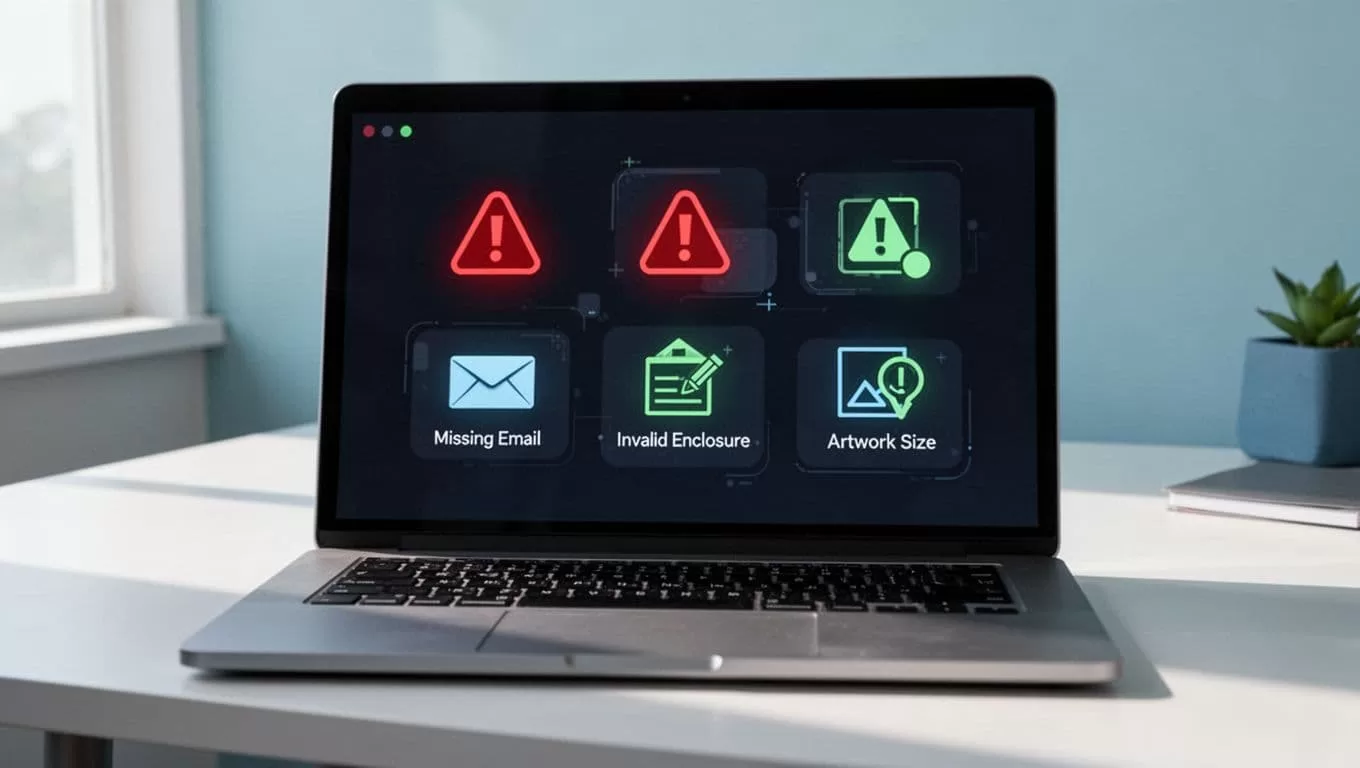
Errors pop up often. Missing emails block imports. Bad dates confuse sorters.
I log these from my checks. Here’s a quick table of fixes I use:
| Error | Cause | Fix |
|---|---|---|
| Missing iTunes email | Privacy hide on old host | Add tag in Transistor; show email |
| Wrong pubDate format | Future dates or bad syntax | Use “Tue, 28 Apr 2026 14:00:00 GMT” |
| Incomplete episodes | Feed shows only recent ones | Ensure all tags match total count |
| Invalid enclosure | Broken MP3 links | Reupload audio; test URLs directly |
| Artwork size issue | Over 3000×3000 pixels | Resize to 1400×1400 square, JPEG |
Dynamic ads mess playback. Disable before import.
For redirects, old hosts like RSS.com need manual setup. Test by visiting the old URL.
Podtools helps too. It checks Podcasting 2.0 readiness. Try their compatibility tool.
I fix these in Transistor settings. No code needed.
Pre-Submission Checklist
Run this list before directories. I print it out.
First, validate with Podbase. Zero critical errors.
Confirm tags: title, description, iTunes image, categories, explicit flag.
All episodes have unique GUIDs and valid enclosures.
Artwork loads square, high-res.
Feed has your website link and language.
Set any locks if private.
For automation fans, pair with my Transistor Opus setup. It pulls clean feeds for clips.
This takes 15 minutes. Worth it.
See Transistor’s Apple upload guide post-check.
Wrapping Up
Clean RSS feeds keep podcasts flowing. I validate on Transistor.fm to dodge rejections and lost plays.
Podbase spots issues fast. Fix tags, dates, and links. Use the checklist before submits.
Your show reaches more ears. Test today. Listeners notice reliable drops.
