Generate Podcast Show Notes Faster With Twin.so
A finished podcast episode still needs a title, summary, timestamps, links, guest details, and search-friendly copy. Writing podcast show notes manually can take longer than editing the episode itself. Twin.so gives podcasters and content t...
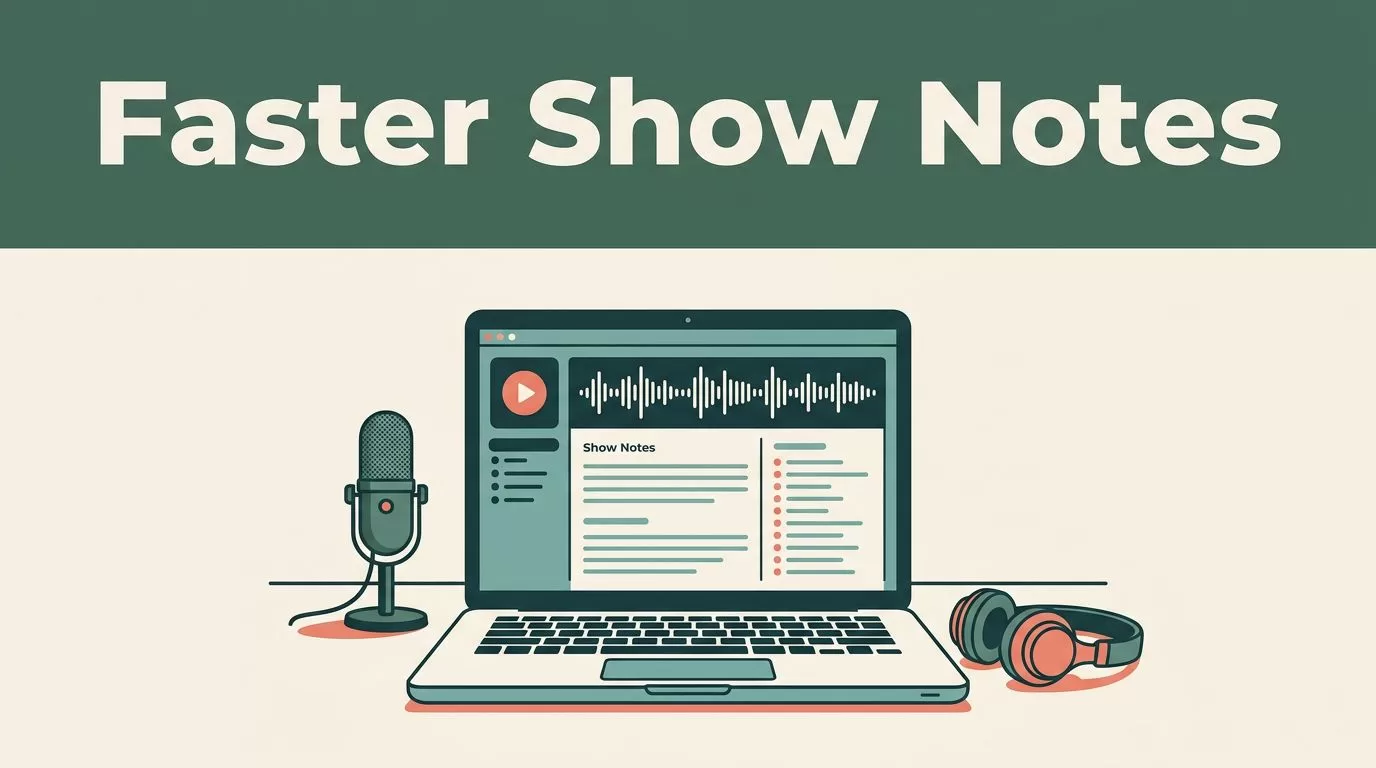
A finished podcast episode still needs a title, summary, timestamps, links, guest details, and search-friendly copy. Writing podcast show notes manually can take longer than editing the episode itself.
Twin.so gives podcasters and content teams a faster starting point. You provide the episode source, review the generated draft, and turn the same material into publish-ready notes and follow-up content. The workflow below shows how to use it without sacrificing accuracy or editorial control.
Why Podcast Show Notes Take Too Long
Show notes look simple on the published page. The work behind them is not.
You need to listen for the main argument, identify useful moments, capture names and terms correctly, and organize the episode into a format readers can scan. You also need to add links, write a strong summary, and remove anything that sounds like raw transcription.
That creates a common production problem. The recording is complete, but publication waits on several hours of manual work.
AI tools reduce the first-draft workload. A podcast show notes generator can identify topics, summarize sections, and locate important moments faster than a person working through a full recording from the beginning. Platforms such as Swell AI’s podcast show notes generator also show how one episode can support transcripts, clips, articles, and newsletters.
Twin.so fits into this process as the production layer between the episode and the final content. It helps you move from an unstructured recording to organized editorial material. You still review the output, but you don’t start with a blank page.
The time savings increase when you publish often. A weekly show produces more than 50 episodes each year. Removing even one or two hours from every notes workflow gives your team back several full workdays.
How Twin.so Generates Podcast Show Notes
The basic process is direct:
- Add your finished episode or transcript to Twin.so.
- Let the tool process the source and create a structured draft.
- Review the summary, topics, timestamps, names, and links.
- Edit the wording for your audience and brand voice.
- Publish the final notes and reuse the source for other formats.
Start with the cleanest source available. A high-quality transcript gives the model better sentence boundaries and speaker context. If you use an audio file, check the recording before uploading it. Cross-talk, background noise, and unclear names can affect the result.
Give Twin.so useful context when the workflow allows it. Add the episode title, guest name, company names, preferred audience, and the main topic. These details reduce vague summaries and help the output use the correct terminology.
Review the first draft in sections. Begin with the opening summary. It should tell a reader what the episode covers and why the discussion matters. Next, check the main points. They should reflect the actual conversation instead of repeating broad themes.
Timestamps need a separate review. An automated system may identify the right topic but assign an approximate time. Play the recording at each listed marker and confirm that the segment begins where the notes say it does.
The fastest workflow is not the one that removes every review step. It is the one that moves review to the exact timestamps where errors occur.
This approach keeps human attention focused on high-risk details. You review names, claims, links, and episode markers. Twin.so handles the repetitive structure and first-pass writing.
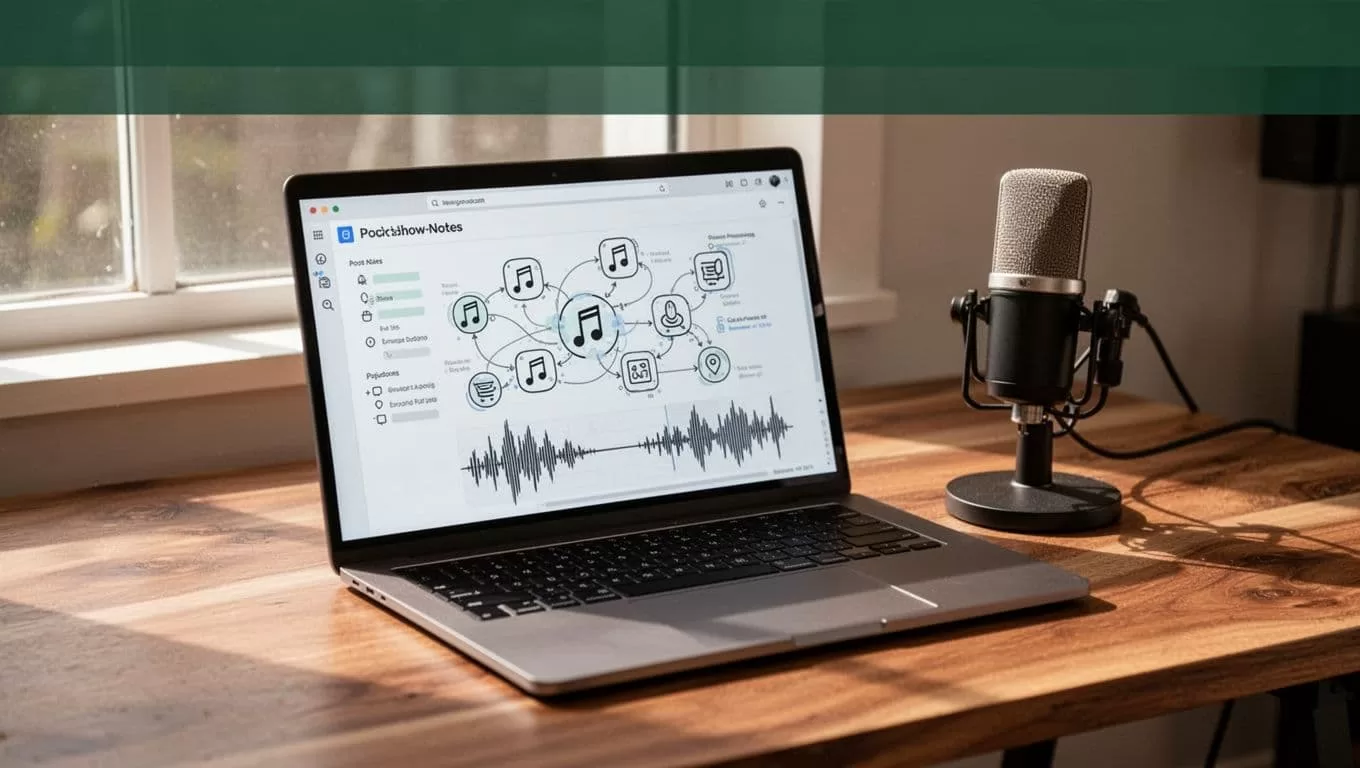
A Practical Twin.so Workflow for Each Episode
Use the same production sequence every time. A repeatable process makes quality easier to maintain across episodes and team members.
Step 1: Prepare the source
Remove duplicate files and identify the final audio version before starting. If you already have a transcript, compare it with the final recording. Published notes should match the version listeners will hear.
Create a simple folder for each episode. Store the audio, transcript, guest information, approved links, and final notes together. This prevents context switching when you return to the episode later.
Step 2: Generate the first draft
Load the source into Twin.so and request the sections your publishing process needs. A useful first draft usually includes an episode summary, key takeaways, chapter timestamps, guest information, resources, and a short call to action.
Don’t ask the tool to make the copy sound dramatic if your brand voice is practical. Clear instructions produce more usable output. Tell it to use short paragraphs, plain language, accurate terminology, and a neutral editorial tone.
Step 3: Check comprehension and pacing
Read the generated notes while listening to the episode. If the platform provides synchronized transcript highlighting, use it as a visual anchor. Words that appear on screen as the audio plays make it easier to find omissions and awkward sections.
Playback speed should match the content. Casual interviews may support a faster review at 1.5x. Technical discussions, legal topics, and detailed product explanations need a slower pass, usually between 1.0x and 1.25x.
If you miss arguments or lose track of the discussion, reduce the speed. Faster playback is useful only when comprehension stays intact.
Step 4: Correct the high-risk details
Check every proper noun. Verify guest names, job titles, product names, companies, URLs, statistics, and quotations. These errors damage trust faster than a weak transition sentence.
Bookmark unclear sections while reviewing. Record the timestamp and the required correction instead of stopping to rewrite the entire page. Then complete one focused editing pass after the listening review.
Step 5: Publish and store the final version
Copy the approved notes into your website or content management system. Add internal links, the episode embed, and any required metadata. Keep the final file in the episode folder so producers can find it during future promotion.
This workflow is faster because it separates generation, verification, and publishing. Each stage has one job.
What High-Quality Podcast Show Notes Should Contain
Good notes help two audiences at the same time. Listeners need a quick reason to press play. Search engines need clear information about the page and episode topic.
Use this checklist before publishing:
- A specific episode title that describes the main subject.
- A short opening summary that explains the episode’s value.
- The guest’s full name, role, company, and relevant background.
- Three to seven accurate key takeaways.
- Timestamps that match the recording.
- Important terms and topics discussed in natural language.
- Links to guests, products, studies, books, and resources mentioned.
- A clear next step, such as subscribing, contacting the guest, or reading a related page.
- A transcript or link to the full transcript when accessibility requirements call for it.
- A final proofread for names, punctuation, links, and claims.
The summary should not repeat the episode title several times. Use related terms naturally. If the episode covers conversion tracking, for example, mention attribution, analytics, reporting, and measurement only where the conversation supports them.
Timestamps should describe a real change in the discussion. “Discussion continues” gives readers no useful information. “03:42: Why first-party data changes campaign reporting” gives them a reason to jump to that point.
Turn One Episode Into More Content
Podcast show notes are the base document for a larger content workflow. Once Twin.so creates a reliable structure, you can adapt the material for other channels.
Pull the strongest ideas into a short article. Use the episode summary as the outline, then add supporting sources and internal links. Turn individual insights into social posts or newsletter sections. Use guest quotes for promotional graphics only after checking the exact wording against the recording.
You can also create a short episode email with three parts: the problem discussed, the most useful insight, and the listening link. Keep the email shorter than the show notes. Its job is to earn the play, not reproduce the full page.
For teams comparing tools, Recast Studio’s show notes generator provides another example of how episode content can become structured notes and key moments. The important operational metric is not the number of formats a tool lists. Measure the time between final recording and published notes.
A practical test period should track:
- Minutes spent preparing the source.
- Time required to correct the first draft.
- Timestamp accuracy.
- Number of factual errors.
- Time needed to create related content.
- Total time from episode completion to publication.
The Podcast Tech Stack’s tool testing guidance also recommends measuring the gap between a finished episode and published notes. That measurement gives you a better basis for software decisions than a feature list.
Where Human Review Still Matters
Twin.so can reduce manual writing. It can’t decide whether an interpretation is fair, whether a claim needs qualification, or whether a guest’s answer was represented accurately.
Keep editorial review in the workflow for sensitive subjects, technical claims, medical information, legal issues, and sponsored episodes. Confirm the context around every quote. A short excerpt can sound different when separated from the surrounding discussion.
Review the notes for three common problems. First, remove claims that the guest never made. Second, replace generic summaries with concrete descriptions. Third, check that the page does not promise information the episode doesn’t deliver.
The final notes should sound like your publication, not like an automated transcript. Shorten repeated sentences. Remove filler words. Use the same spelling, capitalization, and terminology across every episode.
Automation should remove repetitive production work, not remove responsibility for what gets published.
Twin.so gives you the useful first pass. Your review determines whether the result is accurate, readable, and ready for your audience.
Conclusion
Podcast production doesn’t end when the recording stops. The episode still needs a searchable page, useful timestamps, verified links, and content that helps listeners decide to press play.
Twin.so can reduce the blank-page work by turning an episode source into a structured draft. Use it with a fixed workflow: prepare the source, generate the notes, verify the details, review timestamps, and repurpose the strongest ideas.
The result is not only faster podcast show notes. It is a repeatable content system that lets one finished conversation support the rest of your publishing schedule.
