Browser-Based Podcasting Software for Mac: My Transistor.fm Setup
I started podcasting on my Mac last year. Downloads grew fast, but editing ate my evenings. Native apps felt heavy. Then I switched to browser tools. They pair perfectly with Transistor.fm for hosting. You record, edit, and publish without...

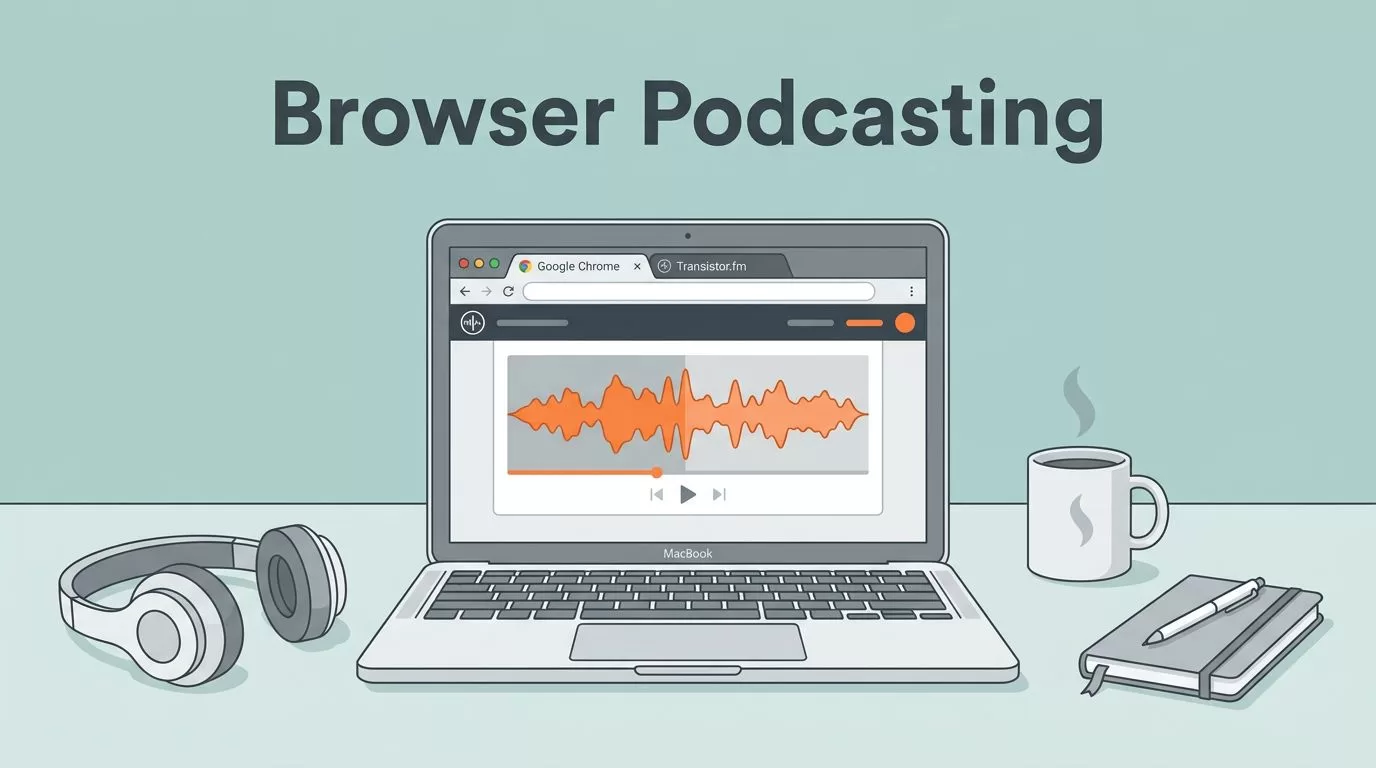
I started podcasting on my Mac last year. Downloads grew fast, but editing ate my evenings. Native apps felt heavy. Then I switched to browser tools. They pair perfectly with Transistor.fm for hosting. You record, edit, and publish without downloads. Let’s walk through my daily flow.
Transistor handles distribution to Spotify and Apple Podcasts. Browser software fills the gaps in recording and tweaks. On Mac, Chrome shines for full features. Safari works too, but check tool notes. I save hours this way.
Why Mac Users Love Browser Podcast Tools
Macs run smooth browsers. You avoid app clutter. I clear 20 gigs of unused software monthly. Browser apps launch instant. No updates nag you.
Transistor.fm focuses on hosting. It pushes episodes everywhere. You need separate tools for audio capture. Browser options like Descript fit right in. They export clean files for upload.
Picture your desk. MacBook open. One tab records a solo rant. Another trims ums. Transistor waits in the background. Business pros love this. You discuss CRM tips or automation hacks. Clips go live fast.
Safari handles basics well. Chrome unlocks advanced effects. I test both weekly. No crashes on Sonoma.
Recording Solo Episodes on Mac
Solo shows build your voice. I talk sales funnels or AI tools. Browser software grabs it clean.
Descript tops my list. It runs in any Mac browser. I hit record. Levels stay even. Guest invites send easy too, but solos shine simplest.
Chrome gives best quality. Safari lags on multi-track sometimes. I stick to Chrome for interviews.


Your mic plugs in. USB works fine. I use a Blue Yeti. Waveforms show live. Pause, rewind, resume. Export MP3 in minutes. No desktop install.
Riverside.fm records video too. Great for B2B faces. It locals tracks, so glitches vanish. Both export to Transistor seamless.
Handling Remote Interviews in the Browser
Guests join from anywhere. I book data analysts or cyber experts. Browser links make it zero fuss.
Descript shares a room URL. They click in. Audio syncs perfect. Mac Safari joins fine. Chrome edits post-call.
One call last month. Guest in Berlin shared payment automation wins. I cut dead air live. Transcript popped up. Edit by text later.
Zencastr offers similar. Check their guide on browser recording. Chrome or Brave best. Safari supports basics. Local files prevent drops.
You download stems separate. Upload to Transistor later. Guests love no-app links. Conversion rates jump.
Editing Audio Right in Your Mac Browser
Raw files need polish. Browser editors turn rough into pro.
Descript edits like Google Docs. Transcript shows words. Delete “uh” and audio cuts. I fix levels with one slider. Music drops in easy.
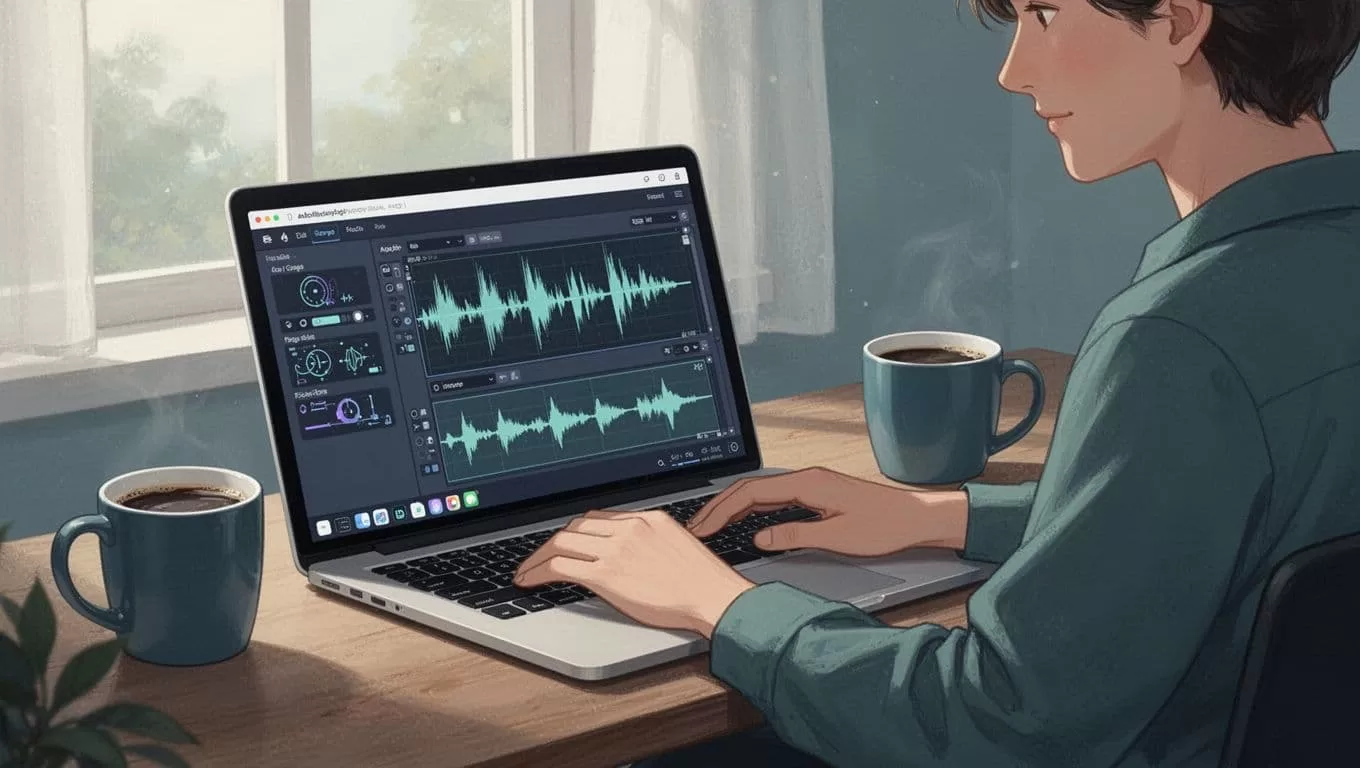
Chrome handles effects smooth. Safari skips some AI filler removal. Test your workflow first.
Transistor links direct with Descript. See their editing picks. Riverside trims clips quick. Noise gates clean guest lines.
I add intro music from free libraries. Fade outs soft. Export at 128kbps. Ready for host.
Seamless Publishing to Transistor.fm
Transistor.fm shines here. Unlimited shows on one plan. I host three: finance, tools, interviews.
Browser tools export MP3 or WAV. Drag to Transistor dashboard. It distributes instant. Analytics track plays.
Descript pushes direct. No download step. Riverside needs manual upload, but files pristine.
For clips, I pair with Opus. Check my Transistor.fm Opus workflow for viral shorts. Shorts boost reach.
One episode hit 2k downloads. Clips added 5k views. Business leads followed.
Your Full Publishing Workflow
Start in browser. Record 30 minutes. Edit 10. Upload to Transistor. Schedule release.
Solo takes 45 minutes total. Interviews double that. Still beats desktop suites.
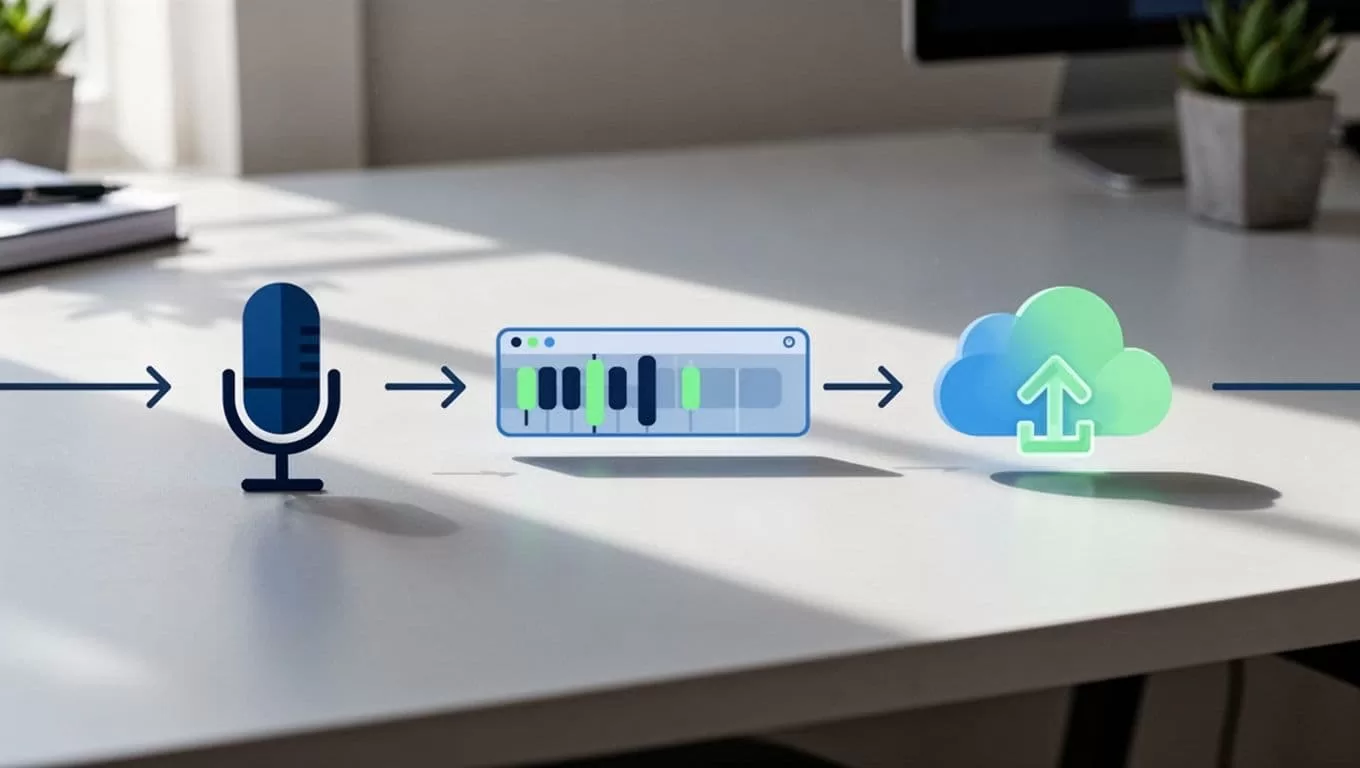
Chrome first for features. Fallback Safari. Test mics weekly. Backup files always.
Transistor features like auto YouTube posts save more time. I watch listener drop-offs. Tweak next show.
Conclusion
Browser podcasting software for Mac streamlines my Transistor.fm routine. Descript handles most. Record clean, edit fast, publish wide. You focus on content, not tech.
Business podcasts thrive this way. Share your automation stories or cyber tips. Listeners engage. Start small. One episode changes everything.

