Best Project Intake Tools for Service Businesses in 2026
Bad intake costs me more than time. It turns clear requests into vague scopes, slows client onboarding, and leaves my team chasing missing details later. That’s why I look for project intake tools that capture the right facts early, r...
Bad intake costs me more than time. It turns clear requests into vague scopes, slows client onboarding, and leaves my team chasing missing details later.
That’s why I look for project intake tools that capture the right facts early, route work cleanly, and hand it off without confusion. In April 2026, the best options do more than collect forms, they help me qualify requests, approve work, and keep delivery teams moving.
What I want a project intake tool to do
I treat intake as the front door and project management as the room behind it. A general PM tool can track tasks well, but intake tools collect the original request, capture the budget, timeline, and owner, then push that request to the right workflow.

I want three things before I buy. First, the form has to be easy for clients to finish. Second, the tool has to route requests without manual sorting. Third, it needs enough structure for handoff, so sales, ops, and delivery all see the same facts.
If the form misses budget, timeline, or the decision-maker, the project usually pays for it later.
When I only need a simple form and a clean spreadsheet handoff, I often start with a lighter setup like my Tally and Google Sheets intake workflow. For a broader view of form-first options, Orbit AI’s 2026 intake forms guide is a solid reference point.
My short list for 2026
Here’s the quick view I use when I compare the top tools for service businesses.
| Tool | Best fit | Public pricing context | Watch-outs |
|---|---|---|---|
| Workamajig | Creative agencies with client-heavy workflows | Quote-based | Heavier setup, less friendly for tiny teams |
| monday.com | Teams that want intake, CRM, and routing in one place | Starts around $9/user/month | Can feel broad if you only need forms |
| Asana | Service teams that want quick adoption | Starts at $10.99/user/month | Less flexible for complex routing |
| ClickUp | Budget-conscious teams that want deep customization | Starts at $7/user/month | Feature-heavy, so setup takes discipline |
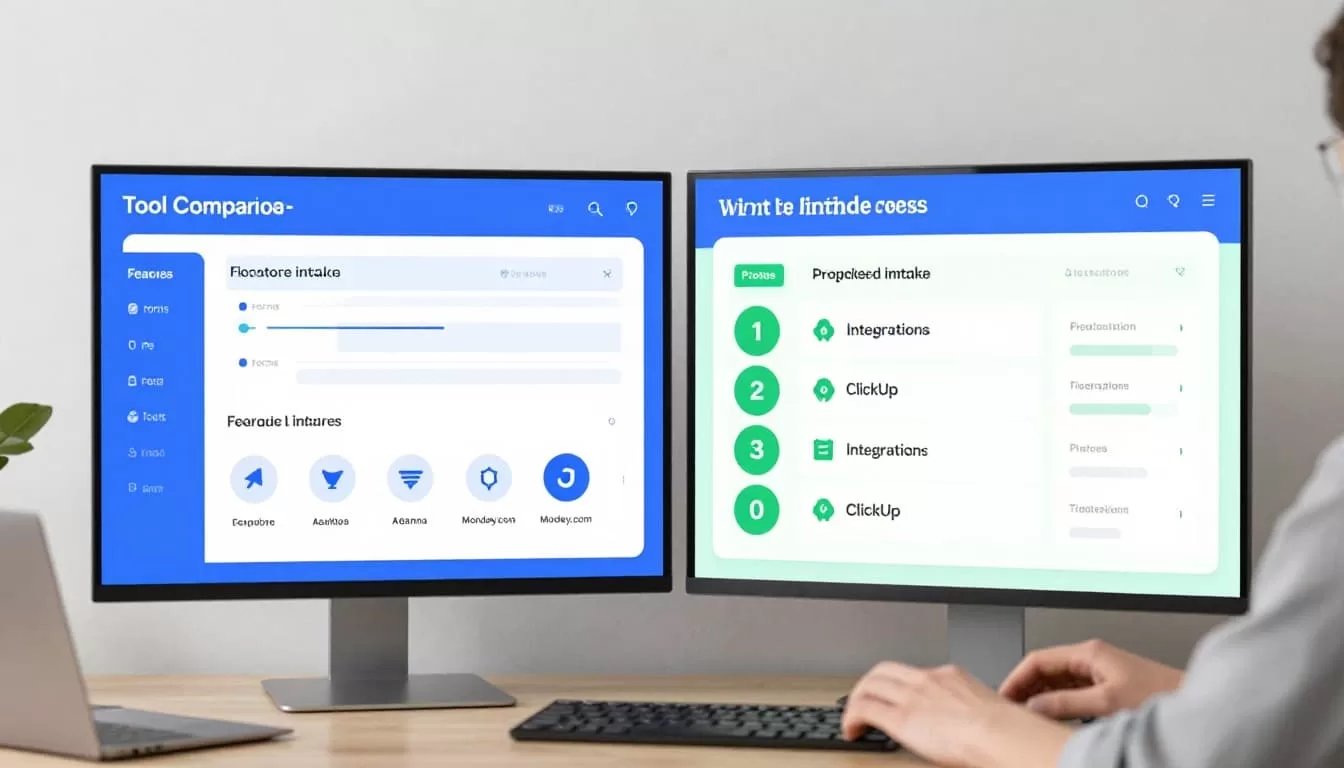
My short version is simple. I’d pick Workamajig for agency operations, monday.com for cross-team routing, Asana for ease of use, and ClickUp for flexibility on a tighter budget.
Workamajig
I’d choose Workamajig when my intake process is tightly tied to agency delivery. It fits creative firms that need client forms, approvals, scheduling, and a built-in CRM in one place. That matters when requests move from pitch to brief to production fast.
Its biggest strength is agency fit. The downside is the price model. Workamajig uses custom quotes, so I expect a sales call and a heavier setup. I don’t reach for it when I only need a small, simple intake form.
monday.com
monday.com works well when intake has to cross departments. I like it for service teams that need forms, automations, approvals, and CRM-style tracking in one system. It also scales better than many tools when a request needs to move from sales to delivery.
I also like the way monday.com presents its project intake software features, although the tool itself can take time to tune. The tradeoff is setup. It can feel broad, and smaller teams may pay for more platform than they use. Still, the public pricing stays approachable, starting around $9 per user each month.
Asana
Asana is the tool I recommend when adoption matters more than deep customization. It gives me clean forms, request workflows, and a familiar interface that most teams learn fast. That makes it useful for service businesses that want fewer training headaches.
I also like Asana’s own project intake page, because it shows how the platform thinks about request capture and follow-through. My only caution is routing depth. Asana handles straightforward intake well, but more complex approval paths may feel narrow. Pricing starts at $10.99 per user each month, which is fair if I value speed over complexity.
ClickUp
ClickUp gives me the most flexibility for the money. I use it when I want custom forms, status fields, nested work views, and detailed automations without a high entry price. That makes it attractive for smaller service teams and consultants who want one workspace for intake and delivery.
The tradeoff is noise. ClickUp can feel crowded, and the setup needs strong rules. If I let everyone build their own version, the system gets messy fast. Still, at $7 per user each month, it’s hard to ignore for teams that need depth on a budget.
Which one I’d pick by team size
If I run a small consulting shop, I’d start with ClickUp or Asana. Both give me enough structure without forcing a long rollout. If I run a creative agency with more client approvals, Workamajig makes more sense because the intake flow stays close to delivery.
For larger service teams, monday.com is the safest all-round choice. It handles request routing, shared visibility, and cross-team work better than most tools in this category. And if I want a lean form-first setup, I’d keep the stack simple and compare options like Tally vs Typeform for client intake forms in 2026.
The best choice depends on how much process I need before the work starts. If intake is messy, even a great delivery team wastes hours cleaning it up.
A strong tool doesn’t just collect requests. It gives me a clean first step, a clear owner, and a reliable handoff. That’s what keeps projects from slipping before they even begin.
