Purchase Order Automation With Twin.so
A purchase order shouldn’t take five emails, two spreadsheets, and a manual finance check. Purchase order automation gives your team a repeatable way to capture requests, create accurate PO drafts, and route approvals without retyping...

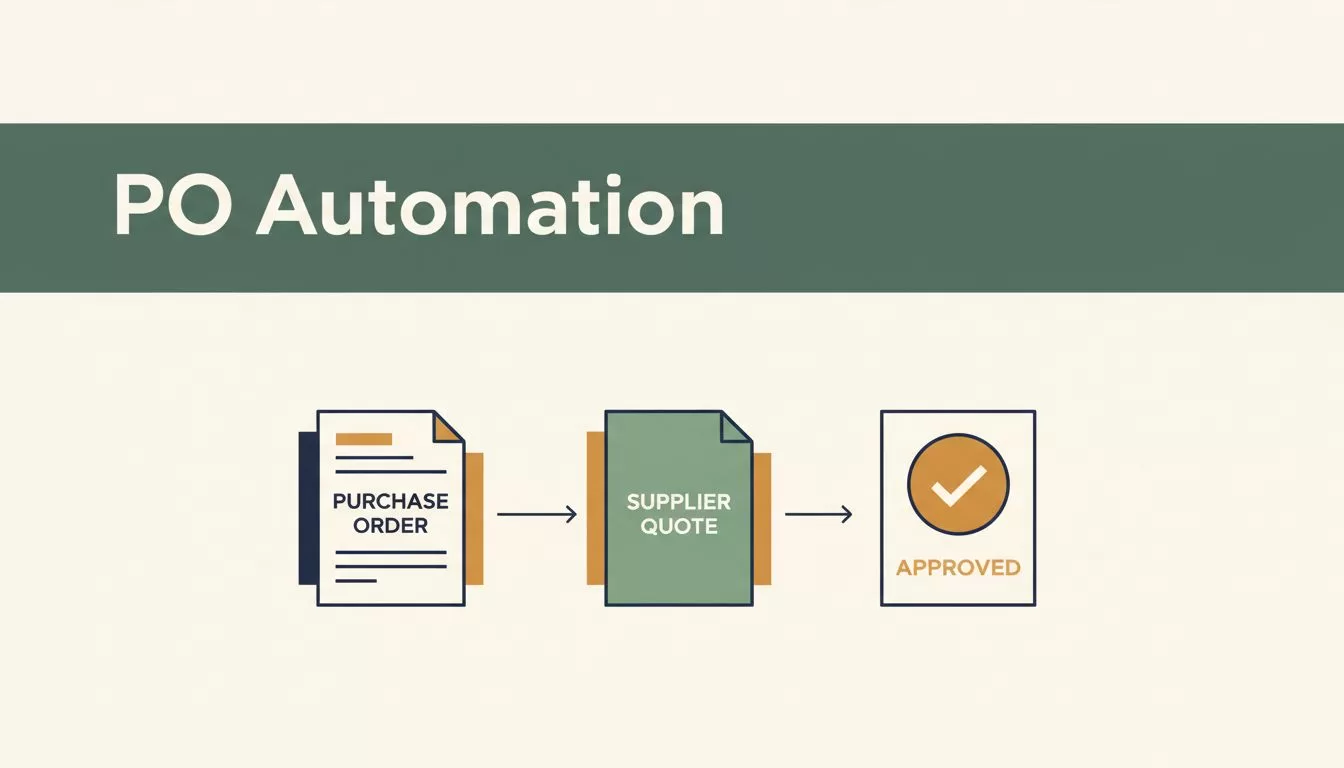
A purchase order shouldn’t take five emails, two spreadsheets, and a manual finance check. Purchase order automation gives your team a repeatable way to capture requests, create accurate PO drafts, and route approvals without retyping the same information.
Twin.so fits this workflow by handling repetitive document and data tasks while your team keeps control over spending decisions. The goal isn’t to remove procurement judgment. It’s to move that judgment to the points where it matters.
Why Purchase Order Automation Matters
Manual PO creation creates small errors that become expensive later. A buyer may copy the wrong quantity from a supplier quote. A requester may omit the cost center. Finance may receive a document with no contract reference or unclear payment terms.
The process also creates delays. A typical request moves through email, a shared spreadsheet, a procurement system, and an accounting platform. Each handoff gives someone another task to complete. The PO waits whenever that person is busy.
The problem gets larger as purchase volume grows. Ten manual orders per week may be manageable. Hundreds of orders create a queue that procurement teams can’t clear without adding headcount.
A purchase order automation workflow can handle repeatable work such as:
- Reading supplier quotes, request forms, and supporting documents.
- Extracting vendor names, line items, quantities, prices, and dates.
- Checking required fields before a PO moves forward.
- Assigning cost centers, departments, and approval routes.
- Creating a draft PO with a unique reference number.
- Sending exceptions to the correct employee for review.
- Recording the actions taken during the process.
Amazon Business procurement automation guidance also highlights approval automation and PO number tracking as practical areas to improve control.
The result is not only faster processing. It is a cleaner record of who requested the purchase, which quote supported it, who approved it, and what the business agreed to buy.
How Twin.so Creates Purchase Order Drafts
Twin.so should sit between the purchase request and the system that stores or issues the PO. It receives the source information, processes the documents, applies your rules, and returns structured purchase order data for review or write-back.
The exact integration depends on your existing tools and Twin.so configuration. Your accounting system, ERP, procurement platform, or database remains the source of truth for vendor and financial records.


1. Capture the purchase request
Start with the information your team already uses. A request may arrive through an intake form, email, uploaded quote, or supplier document.
Twin.so can organize that input into a consistent record. The request should include the requester, department, supplier, requested delivery date, business purpose, and expected spend.
A clean intake record reduces follow-up work. It also gives your approval rules enough information to select the correct route.
2. Extract and validate PO fields
The workflow should capture more than the supplier’s name and total price. Useful fields include:
| PO field | Automated check | Human review |
|---|---|---|
| Vendor name and ID | Match the approved vendor record | Review new or changed vendors |
| Item description | Check for missing line details | Confirm the purchase scope |
| Quantity and unit price | Recalculate line totals | Compare against the quote |
| Cost center | Validate department ownership | Approve unusual allocations |
| Delivery date | Flag missing or past dates | Confirm operational need |
| Payment terms | Compare with approved terms | Review nonstandard conditions |
Twin.so can then normalize the information. For example, it can separate a supplier quote into individual line items instead of treating the entire PDF as one description.
The workflow should also flag conflicts. A total on the quote may not match the sum of the line items. A vendor name may differ from the approved database record. A requested price may exceed the contracted price.
3. Create the PO draft
After validation, Twin.so creates a draft using the approved data. The draft should contain the vendor details, items, prices, taxes, shipping costs, currency, delivery information, terms, requester, and supporting documents.
Don’t allow the workflow to fill missing financial data with guesses. A missing tax value, unclear quantity, or unmatched supplier should create an exception.
Your team can then approve the draft, send it back for correction, or reject it. Once approved, the workflow can pass the final record to the connected procurement or accounting system.
Keep Human Review in the Right Places
Purchase order automation doesn’t mean every PO should bypass review. It means your team should review decisions that carry risk and let the system process routine requests.
The safest workflow automates data movement, not accountability.
Set approval rules around spend, vendor status, category, department, and contract terms. A routine office supply order may need one manager approval. A new software contract may need procurement, finance, security, and legal review.
Use clear thresholds as a starting point. For example, a department manager may approve purchases up to $2,500. Finance may review orders above that amount. A purchase above $10,000 may require both finance and an executive approver.
These values are examples. Set your own thresholds based on budget size, purchasing policy, and risk.
Twin.so should route the PO based on the data it extracts. It shouldn’t decide whether an unusual supplier is acceptable. That decision belongs to the employee with the right authority.
Route exceptions instead of stopping the entire queue
A useful workflow separates normal requests from exceptions. The system can process a valid PO draft while sending problem cases to a review queue.
Common exceptions include:
- The supplier isn’t in the approved vendor database.
- The PO total differs from the attached quote.
- The request exceeds the department budget.
- The price is higher than the contract rate.
- Required banking or tax information is missing.
- The order appears to duplicate an existing PO.
- The requester and approver are the same person.
- The purchase could be split into smaller orders to avoid a threshold.

Keep an audit record for each decision. Store the original request, extracted fields, validation results, approval comments, timestamps, and final PO number.
Build a Twin.so PO Workflow
A reliable implementation starts with the process, not the software configuration. Map the current workflow before you automate it.
1. Document the existing process
Record every step from request submission to final PO creation. Identify where employees copy data, wait for approval, search for documents, or correct errors.
Measure the current cycle time. Track the number of requests returned for missing information. Count duplicate POs and price mismatches. These figures give you a baseline for the automation project.
2. Define the source of truth
Choose where vendor records, cost centers, budgets, contract prices, and PO numbers are maintained. Twin.so should read from the correct system instead of relying on outdated spreadsheets.
If vendor data lives in an ERP, connect the workflow to that record. If contract pricing is stored elsewhere, define how Twin.so checks the applicable rate.
Spendflo’s procurement automation process guidance recommends assessing the current process before selecting automation rules. That sequence matters. Automating a broken approval path only makes errors move faster.
3. Configure the data model
Define the required fields for every PO. Separate mandatory fields from optional fields.
For a service purchase, required data may include the supplier, statement of work, service period, total value, department, cost center, and approver. For inventory, you may also need SKU, unit of measure, quantity, warehouse, and expected delivery date.
Use consistent field names across systems. “Supplier ID” and “Vendor Number” may describe the same value, but inconsistent labels create mapping problems.
4. Add validation and approval rules
Set rules for totals, duplicate detection, contract prices, budget codes, and approval thresholds. Add a rule for every common failure you identified during process mapping.
Then define what happens when a rule fails. The workflow should return a clear reason and assign the issue to a named queue or employee.
5. Pilot with a narrow category
Start with repeatable purchases that have stable suppliers and clear approval rules. Office supplies, recurring subscriptions, and standard maintenance services are common pilot categories.
Run the automated process beside the manual process for a limited period. Compare field accuracy, approval time, exception volume, and final system records.
Expand only after the pilot produces reliable results. Complex categories should come later because they often contain unusual terms, variable pricing, and more approval risks.
Controls to Test Before Launch
Test the workflow with real documents, not only clean sample forms. Supplier PDFs vary in layout, naming, currency, and line-item structure.
Check how Twin.so handles missing pages, scanned documents, multiple tax rates, and quotes with several delivery dates. Test a request with two currencies and another with a supplier name that differs from the vendor master record.
Your launch tests should also cover:
- A duplicate request with a different reference number.
- A quote total that doesn’t match the line extensions.
- A purchase above the approval limit.
- A new supplier with incomplete records.
- A rejected PO that is resubmitted with changes.
- A failed connection to the procurement or accounting system.
- A user who should be able to request but not approve.
- A PO that contains sensitive supplier or employee data.
Ivalua’s procurement process recommendations cover process design, technology use, and procurement controls. Use the same discipline when testing your Twin.so workflow.
Review access permissions before production. Requesters should not edit approved POs without creating a visible change record. Approvers should not approve their own requests unless policy allows it. Finance should be able to trace the final PO back to the source documents.
Track results after launch. Monitor automation completion rate, exception rate, average approval time, correction volume, and duplicate detection. A high exception rate usually means the intake form or validation rules need work.
Conclusion
Purchase order automation works when it removes repetitive entry without hiding important decisions. Twin.so can help your team collect request data, extract quote details, validate PO fields, create drafts, and route exceptions.
Keep vendor changes, unusual pricing, budget exceptions, and high-value purchases under human review. Start with a narrow category, connect the right source systems, and test failure cases before expanding.
The strongest workflow is not the one that approves every PO automatically. It is the one that gives employees accurate information, clear approval steps, and a complete record before money leaves the business.

