QA A/B Tests Rapidly Using Mida.so
Testing changes on your website shouldn’t require a week of engineering support. If you’re stalling on launches because you’re worried about broken scripts or invalid data, you’re losing potential revenue every day....
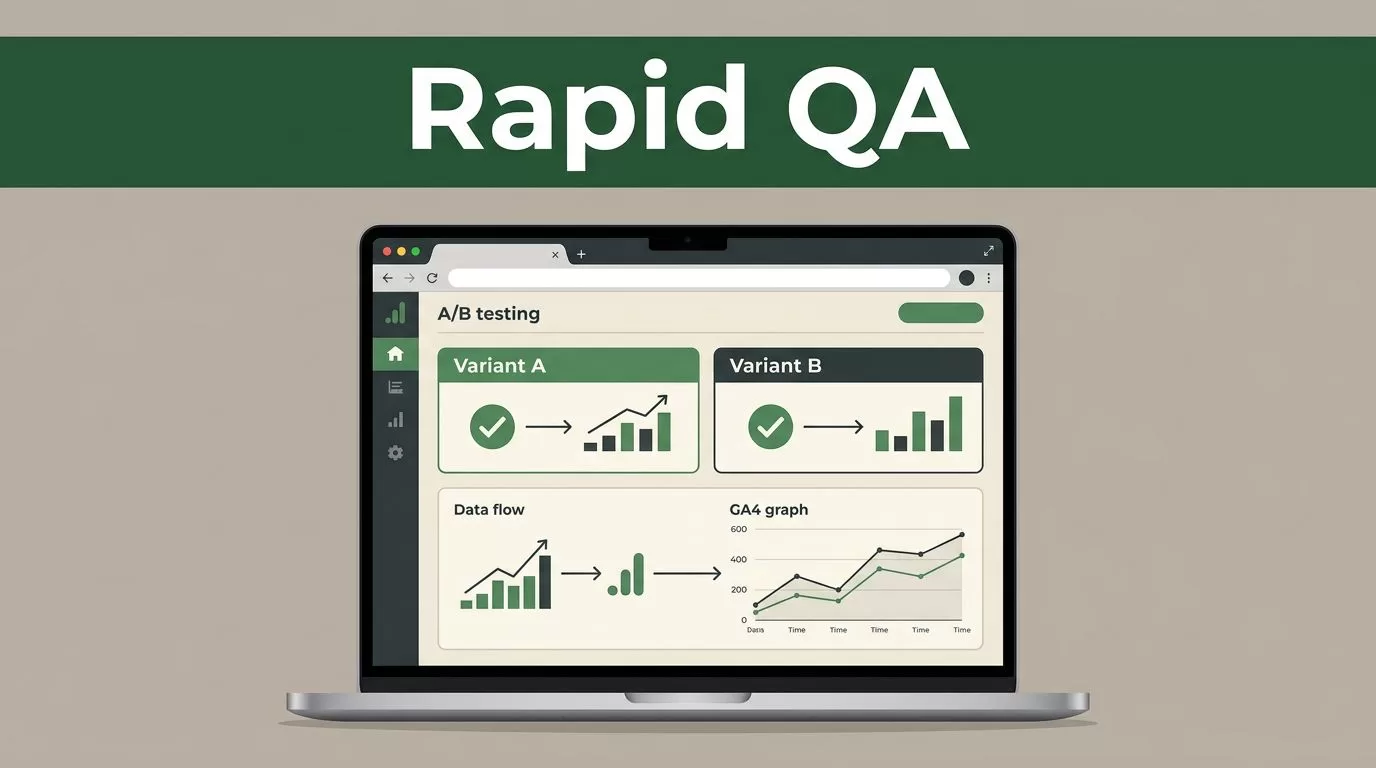
Testing changes on your website shouldn’t require a week of engineering support. If you’re stalling on launches because you’re worried about broken scripts or invalid data, you’re losing potential revenue every day. Using Mida.so allows you to move faster while keeping your site stability intact through automated quality assurance.
Standard A/B testing workflows often break because of manual oversight. You need a system that validates your setup before the first visitor sees your variant. Here is how to maintain high standards for your experiments without slowing down your growth loop.
Key Takeaways
- Automated QA checks prevent common experiment failures like Sample Ratio Mismatch (SRM).
- The Mida.so Chrome extension lets you preview and validate changes live on your site without deploying code.
- Integrating GA4 directly ensures your revenue data stays clean and accessible throughout the test.
- Prioritizing speed doesn’t mean skipping validation; use built-in guardrails to protect your site performance.
Build Faster Without Compromising Quality
Most CRO teams struggle with the trade-off between deployment speed and data integrity. If you deploy a test that breaks your checkout flow, the cost is immediate. Mida.so addresses this by embedding 70 platform-agnostic checks directly into the setup process. These checks verify your snippet installation, confirm your goals are tracking correctly, and detect potential targeting conflicts.
You shouldn’t have to wait for developers to inspect every CSS change. When you use the no-code visual editor, you can pinpoint specific elements on your page to ensure your variants trigger correctly across devices. By automating the validation of your experiment configuration, you remove the human element that typically introduces errors during the build phase.
Use the Chrome Extension for Instant Validation
Before you set an experiment live, you need to see exactly what your users will experience. The Mida.so Chrome extension provides a sandbox environment where you can inject your changes onto your live production site safely. This lets you confirm your layout adjustments, copy changes, and CTA positioning before they impact a single real session.
The extension bypasses X-Frame-Options to allow live editing on sites that usually block framing. Use this tool to verify that your variations don’t cause flicker or layout shifts. Ensuring a stable user experience is just as important as understanding why AA testing is crucial for baseline data accuracy.
Set Up Reliable Tracking Pipelines
An A/B test is worthless if the data doesn’t map to your business goals. Mida.so integrates natively with GA4, which simplifies how you track revenue, signups, and custom events. You don’t need to manually configure data layers or write complex event triggers for basic conversion tracking.
This integration is critical for maintaining consistency. When you link your experiment to your analytics platform from the start, you avoid the common pitfalls of managing and analyzing multiple tests where data sets often get disconnected. Keep your primary metrics aligned with your site’s business objectives to ensure your statistical results are actually actionable.
Essential QA Checklist for Your Experiments
Do not skip these steps before hitting the launch button. Running a systematic QA process ensures your results remain statistically valid.
- Snippet Validation: Check that the Mida.so script is present on all target pages and loads before the content paints.
- Goal Verification: Confirm your conversion pixels fire correctly when users complete the intended action.
- Targeting Audit: Verify your audience segments (device, URL, or custom events) are capturing the right users.
- SRM Check: Monitor for Sample Ratio Mismatch early to ensure traffic is being split evenly across variations.
- Preview Test: Open the experiment in the Chrome extension and navigate through the user journey as if you were a customer.
If you find that your data looks inconsistent, double-check that your site isn’t caching old versions of your pages. Use the Mida.so preview mode to force-refresh your variant and see if the issue persists.
Handling Common Setup Obstacles
Even with automation, you may run into technical hurdles. If your test isn’t showing, look at your console logs to see if another script is overriding the Mida.so changes. Conflicts with existing JavaScript or conflicting CSS styles are the most frequent causes of failed experiments.
If you notice your variant is flickering on load, verify that you’ve implemented the anti-flicker snippet correctly. Mida.so uses a lightweight 15KB script to keep your Core Web Vitals healthy, but external dependencies can still occasionally create latency. If you suspect an issue, isolate the Mida.so script on a test page to verify it performs as expected without third-party interference.
Final Thoughts
The goal of rapid experimentation is to iterate on winning ideas, not to fix broken setups. By using automated QA tools and strict validation checklists, you keep your data clean and your site performance high. Focus on these operational details now, and you’ll spend less time troubleshooting and more time scaling your winning variations.
Start by validating your next test in the Chrome extension. A few minutes of manual previewing saves hours of post-test data cleanup.
