How I Read Long PDFs Without Losing Focus
Long PDFs don’t beat me because they’re long. They beat me when I let them scatter my attention. A 60-page report can drain me fast if I open it like a casual article. One notification, one tab, one stray thought, and I’m...
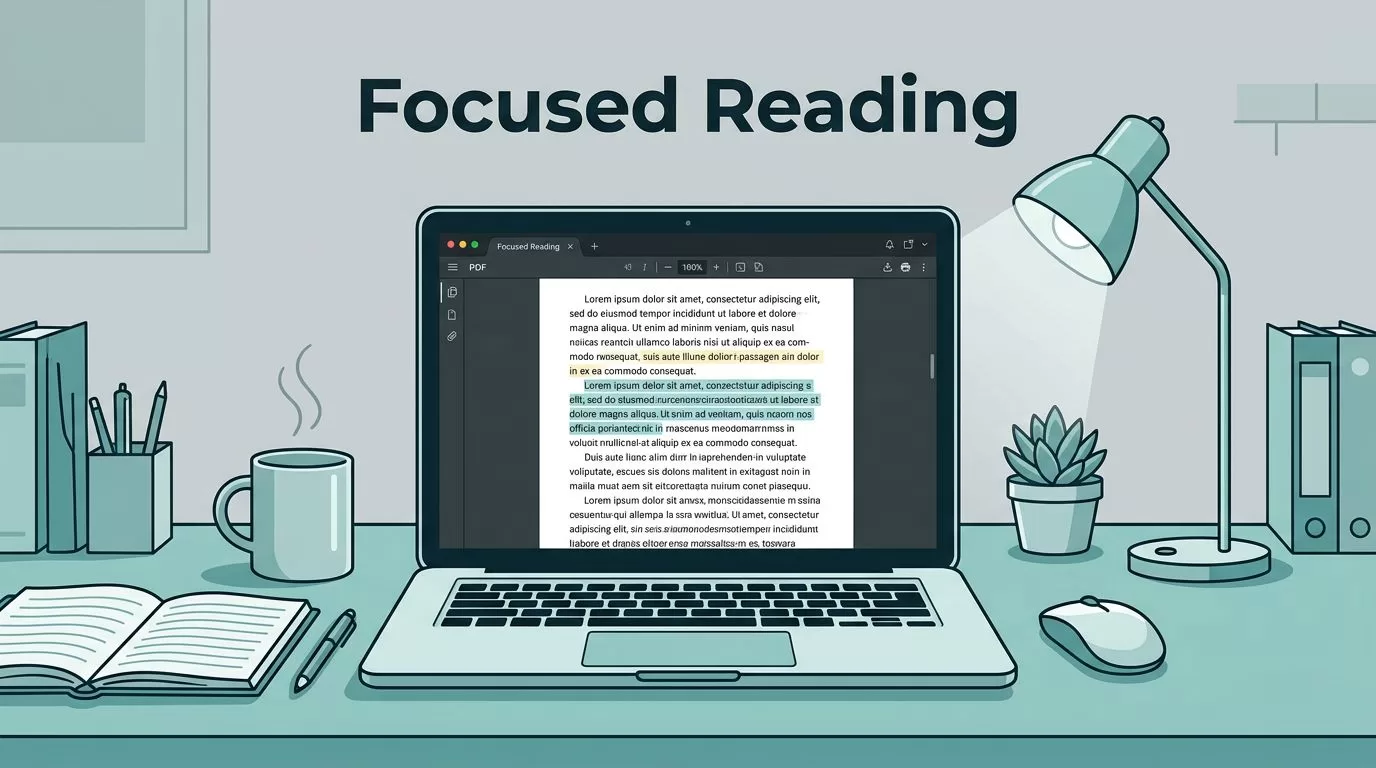
Long PDFs don’t beat me because they’re long. They beat me when I let them scatter my attention.
A 60-page report can drain me fast if I open it like a casual article. One notification, one tab, one stray thought, and I’m rereading the same paragraph. So I treat long PDF reading like a planned session, not a test of willpower.
The good news is that focus gets easier once I remove friction. A few small habits, plus the right PDF features, help me finish dense files without feeling fried.
I set up my reading space before I open the file

Before I read, I clear the stage. I close extra tabs, silence alerts, and keep only the PDF and my notes on screen. If the document is dense, I switch to full-screen view and bump up the zoom a little.
I also keep a short setup routine. Phone away. Water nearby. Notebook open. Dark mode on if I’m reading at night. That tiny ritual tells my brain that it’s time to read, not drift.
Reading stamina matters here too. I’ve noticed that focus grows when I stop treating long-form reading like a sprint. For a useful companion idea, I like the simple approach in building reading stamina for long-form texts.
I let the PDF do some of the work
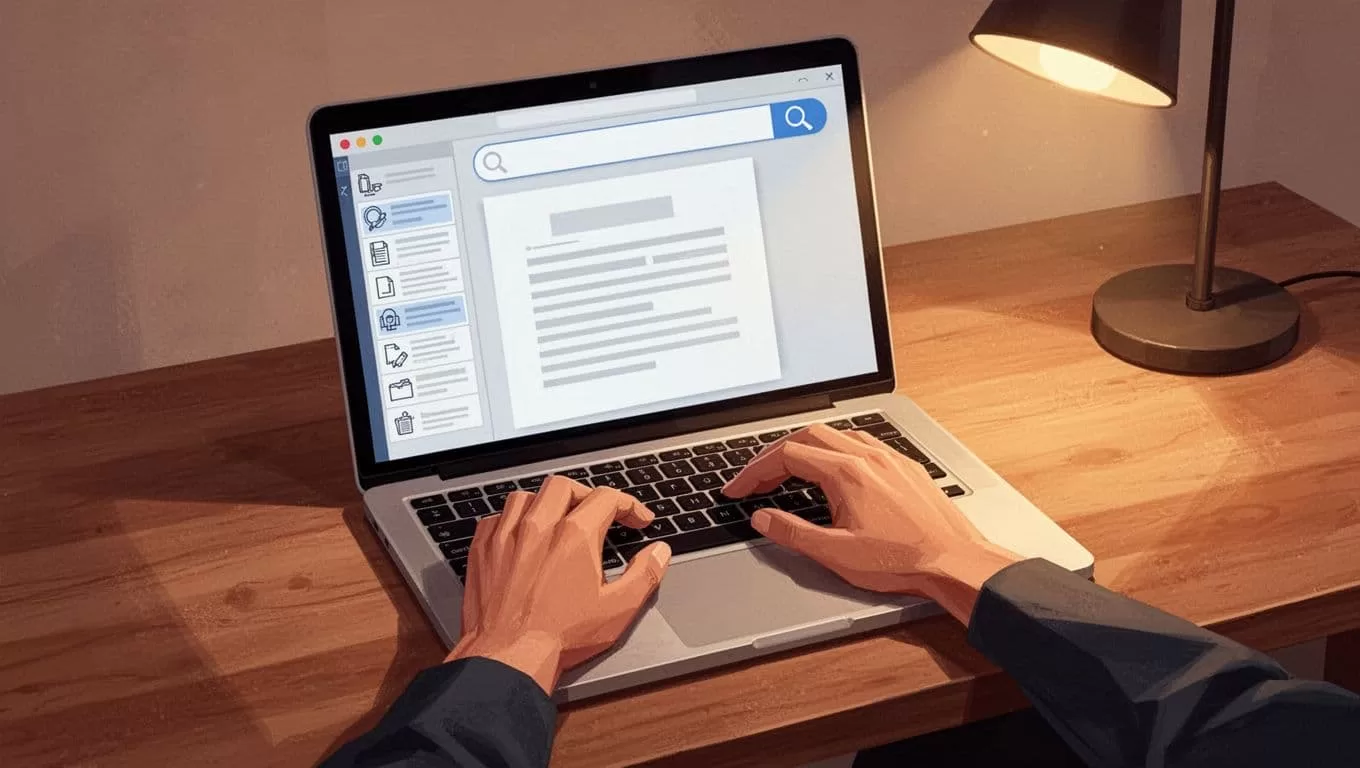
When I read long PDFs, I don’t start at page one and grind forward blindly. I check the table of contents first. If the file has a clear outline, I use it like a map. It shows me where the real work lives.
Search and find are even more helpful. If I need a term, a date, or a figure, I search for it instead of skimming ten pages. Bookmarks help me mark the spots I want to revisit. Split-screen is useful too, because I can keep the PDF on one side and my notes on the other.
I think of these features as friction cutters. They keep me from getting lost in the middle of the document. I spend less time hunting, and more time understanding.
I read in short passes, not one endless stretch
I lose focus fastest when I try to absorb too much at once. So I break the work into smaller passes.
- I read one section at a time.
- I stop and say the point in my own words.
- I highlight only the lines I’d want later.
- I write one short note or question.
- I pause before moving on.
That rhythm keeps me active. I’m not staring at the text like a passenger. I’m working with it.
If I highlight everything, I remember nothing.
Notes matter more than I used to think. A few plain words in the margin, or a short summary in a notebook, can save me from rereading the same file later. That’s especially true for research papers, policy docs, and client reports. I’m not trying to copy the PDF. I’m trying to leave a trail back to the main idea.
I switch to audio when my eyes get tired
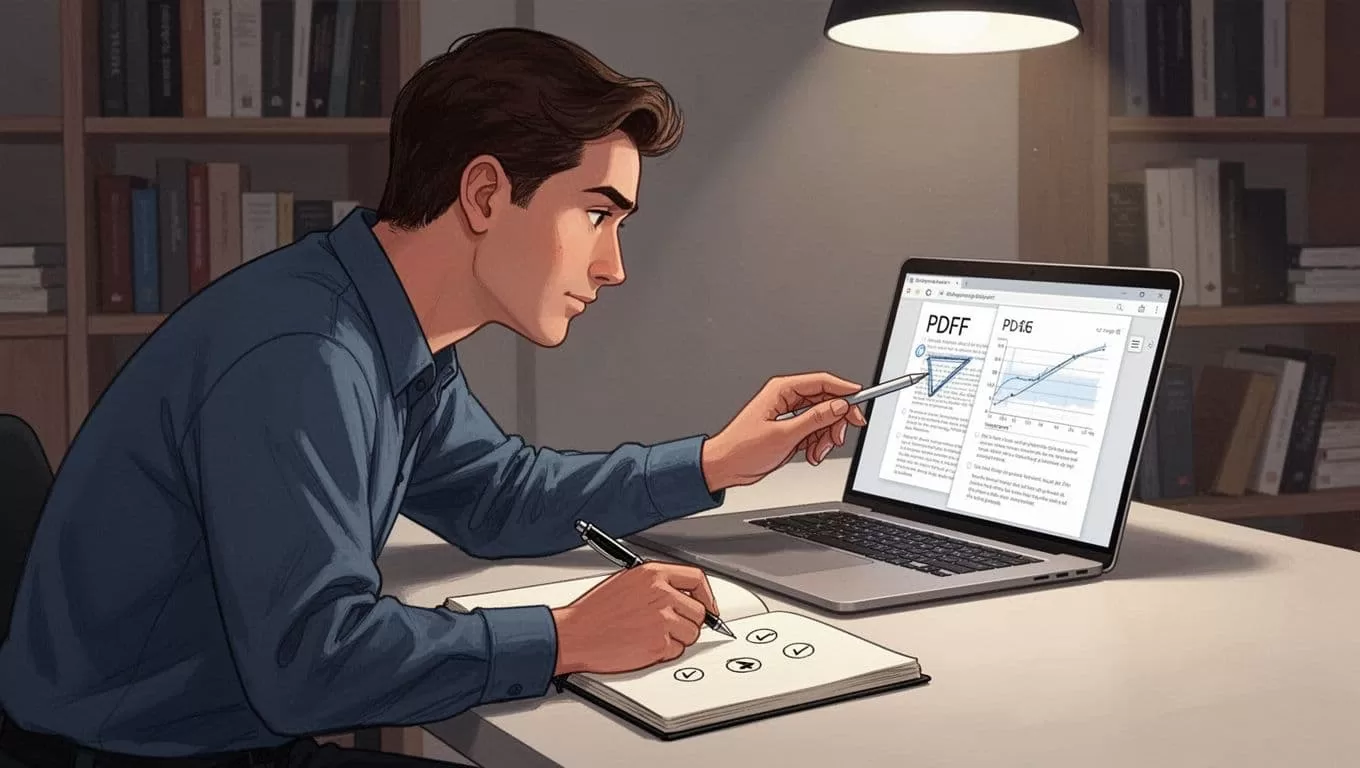
Text-to-speech gives my eyes a break without stopping the work. I use it for review passes, not always for the first read. Hearing the words while following along helps me catch missed points and stay present longer.
If I want a simple way to listen to documents, I use Speechify for PDF reading as a practical example of that workflow. It fits well when I’m tired, commuting, or just need a different way into the material.
Dark mode helps too, especially at night. It doesn’t solve focus by itself, but it cuts glare and feels easier on my eyes. When I start rereading the same line twice, I take that as a sign to switch modes. Reading on a screen shouldn’t feel like staring into a lamp.
I pace the session before my focus snaps
Long PDFs feel lighter when I give them a pace. I like short reading blocks with planned breaks, because my brain pays attention better when it knows relief is coming.
A 25-minute block works well for me. I read, pause, stretch, and write a quick one-sentence summary before I continue. That small reset keeps the next block cleaner. It also stops the slow slide into distraction that usually starts around page eight or nine.
This approach lines up with the idea behind reading with intervals. I don’t need to read faster. I need to stay fresh long enough to finish well.
When a section feels sticky, I mark it and move on. I come back later with a clearer head. That habit saves me from the trap of forcing attention past the point where it’s gone.
I finish by making the PDF easier to return to
The last thing I do is leave the file in a useful state. I keep the best bookmarks, save my notes, and note any pages I’ll need again. That way, the next reading session starts with a head start instead of a fresh search.
That’s how I read long PDFs without losing focus. I make the file easier to move through, I keep my notes simple, and I give my attention room to breathe. When I do that, even a thick PDF feels less like a wall and more like a path I can follow.
