How I Build a Candidate Experience Platform on Recruit CRM
Candidates notice the small things first. A slow reply, a missed follow-up, or a clumsy interview schedule can undo weeks of sourcing effort. That’s why I use Recruit CRM as the base for a candidate experience platform. It gives me on...
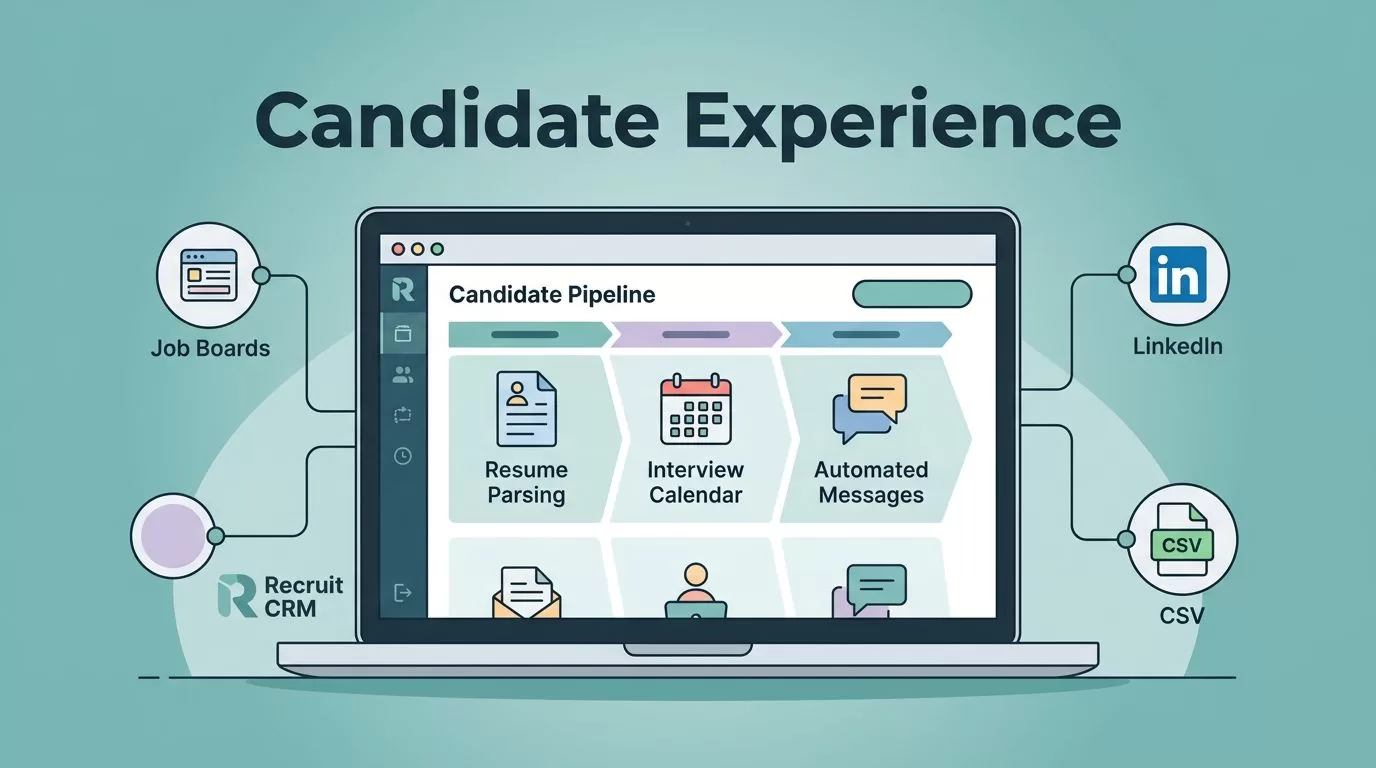
Candidates notice the small things first. A slow reply, a missed follow-up, or a clumsy interview schedule can undo weeks of sourcing effort.
That’s why I use Recruit CRM as the base for a candidate experience platform. It gives me one place to capture applications, segment talent, automate updates, manage interviews, and keep the relationship alive after placement.
Build the intake path before anything else
I start with application intake because everything else depends on clean data. Recruit CRM pulls candidates in from job posts, job boards, LinkedIn, CSV files, and manual adds, so I don’t waste time copying details into separate tools.
I also clean up the fields I actually need. For agency work, that usually means role type, seniority, location, salary range, availability, visa status, and source. Once those fields are set, I can sort candidates without guessing.
The built-in parsing matters here. If a resume lands in my inbox, I want the profile to fill itself as much as possible. That’s why I often pair this setup with saving time with Recruit CRM parsing, because the first minutes after an application arrives set the tone for the whole process.
The first reply matters more than most teams admit. If I respond fast, the rest of the process feels easier for the candidate.
I also use the Recruit CRM features page to check what’s current before I map a new intake flow. As of April 2026, the platform includes AI sourcing, resume parsing, email automation, LinkedIn messaging, and workflow tools that fit this kind of setup well.
Use segmentation so every candidate gets the right next step
Once candidates enter the system, I segment them quickly. A candidate experience platform falls apart when everyone sits in one giant bucket. Recruit CRM gives me rich profiles, custom fields, tags, and history, so I can sort people by skill, stage, geography, and priority.
That’s where Recruit CRM recruitment workflows help me think in steps instead of reminders. I can trigger actions when a candidate applies, when a recruiter changes a stage, or when a client gives feedback. In practice, that means fewer manual tasks and fewer dropped balls.
I also use the official workflow automations setup when I need to connect Recruit CRM with email, calendars, and other tools. The point isn’t to automate for its own sake. The point is to make sure a candidate in an active search gets a different path from someone I want to nurture for later.
A simple segmentation model works well:
- Active applicants get fast screening and status updates.
- Qualified but unavailable candidates go into a nurture pool.
- Interviewed candidates get tighter follow-up and feedback tracking.
- Placed candidates move into post-placement care.
That structure keeps communication relevant. It also helps me avoid the common mistake of blasting the same message to everyone.
Automate communication without sounding robotic
Automation matters most where silence hurts. A candidate shouldn’t wonder if their application disappeared into a black hole. With Recruit CRM, I can set email, SMS, LinkedIn, and in-app messages to go out at the right moment.
I use automation for four touchpoints. First comes the application acknowledgment. Next is the screening update. Then I send interview reminders. Finally, I ask for feedback or next-step confirmation after each stage.

The trick is tone. I keep messages short, clear, and human. I don’t need to sound fancy. I need to sound present.
I also like that Recruit CRM can tie communication to calendar and workflow actions. That means I can send a reminder when an interview is booked, then another one a few hours before the meeting. If a candidate replies, I can keep the thread inside the CRM instead of hunting through inboxes later.
For more context on how I think about this layer, I often pair it with improving candidate relationships with Recruit CRM. The strongest candidate experiences feel personal, even when the system behind them is automated.
Keep interviews and feedback inside one record
Interview coordination is where many teams lose momentum. One recruiter has the update. Another has the schedule. The client is waiting for feedback. The candidate sees none of it.
Recruit CRM helps me keep that chain in one place. I schedule interviews with calendar links, track submissions to clients, and store notes where the whole team can see them. That cuts down on repeat questions like “Has anyone heard back yet?”
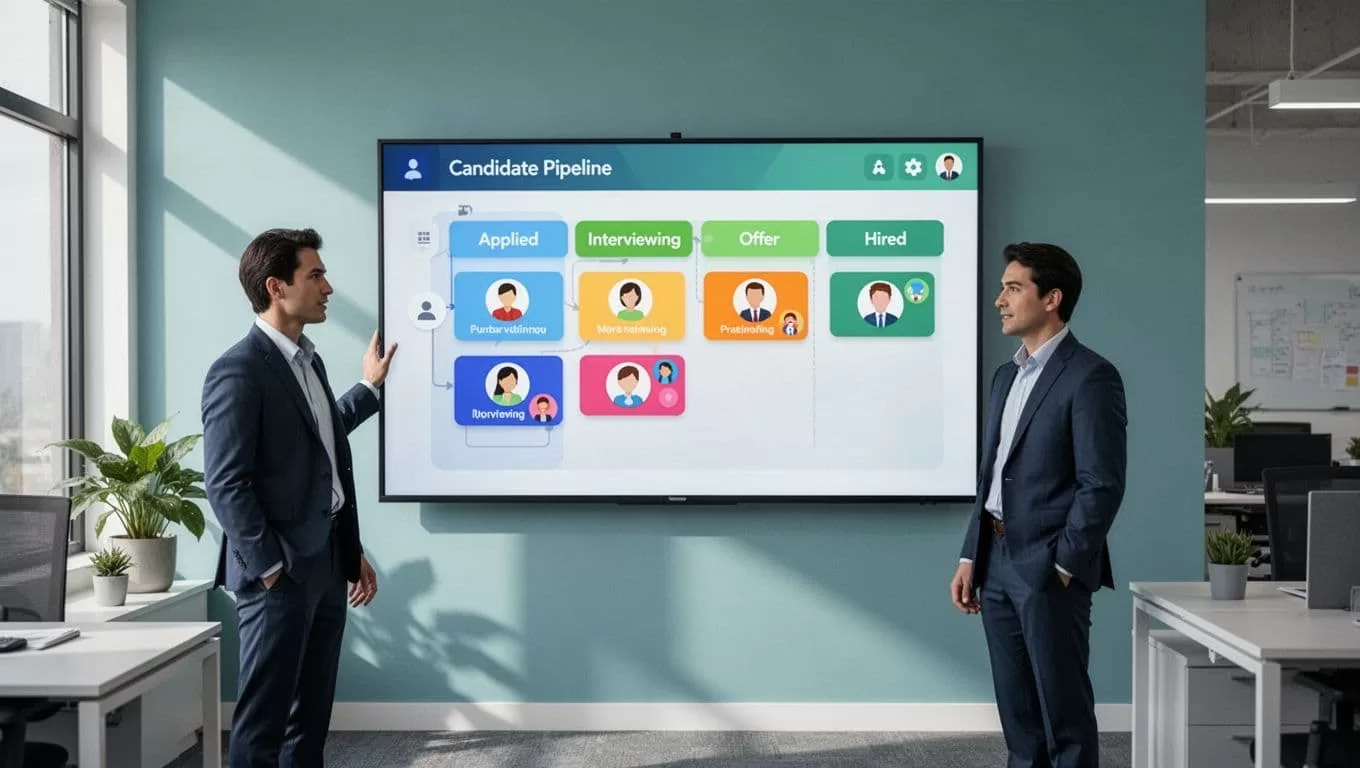
Pipeline visibility matters here because it keeps the whole process honest. I can see who is stuck, who needs feedback, and which stage is piling up. That view helps me spot problems before candidates feel them.
For feedback, I keep it simple. I want a yes, no, or needs review response from clients as soon as possible. If I wait too long, the candidate experience slows down even when the work is already done. Scorecards and structured notes help too, because they reduce vague feedback and make the next decision faster.
Nurture candidates after the first role
A good candidate experience doesn’t end at placement. In agency work, the best people often come back later for another role, or they refer someone strong. That’s why I treat post-placement engagement as part of the platform, not an extra task.
I use talent pools, periodic check-ins, and role updates to keep warm relationships alive. If a candidate is not right for this job, I tag them for the next one. If someone is placed, I still keep contact notes and career updates in the CRM so the relationship doesn’t go cold.
This is also where Recruit CRM candidate engagement setup fits well. The same system that moves a candidate through screening can also keep that person in my orbit for months.
Custom branding helps here too. Every email, reminder, and follow-up should feel like it came from my team, not from a generic tool. That detail matters more than most firms think.
Conclusion
If I want a better candidate experience, I don’t start with a prettier form or a longer email template. I start with a system that keeps intake, communication, interviews, and follow-up in one place.
That’s where Recruit CRM works well for agencies and talent teams. It gives me the structure to move fast without making candidates feel rushed or forgotten.
When the platform is set up right, the process feels steady, and candidates feel it at every step.
