How I Automate Recruitment with Recruit CRM Email Sequencing
Picture this: a stack of candidate profiles waits on your desk. Each needs a nudge, a follow-up, or a warm check-in. You spend hours copying emails, one by one. Sound familiar? That’s the old way. Now, I handle it all on autopilot. Re...

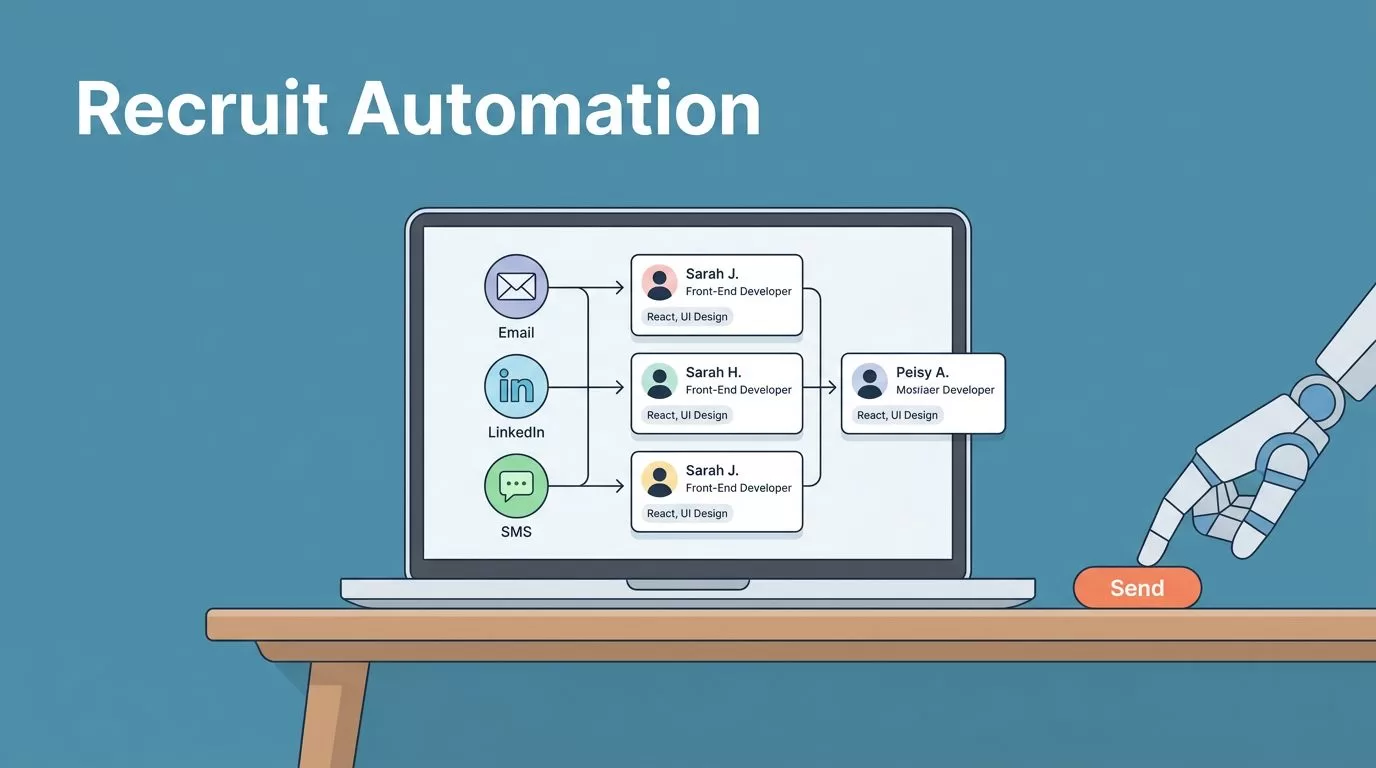
Picture this: a stack of candidate profiles waits on your desk. Each needs a nudge, a follow-up, or a warm check-in. You spend hours copying emails, one by one. Sound familiar? That’s the old way. Now, I handle it all on autopilot.
Recruit CRM email sequencing changed everything for my team. It sends personalized messages across email, LinkedIn, and SMS without me lifting a finger. Candidates respond faster. No-shows drop. And I focus on closing deals, not chasing inboxes.
Ready to set it up? Let’s walk through how I do it, step by step.
Why Recruit CRM Email Sequencing Fits Busy Recruiters
I run a small staffing firm. Time slips away on routine tasks. Recruit CRM email sequencing fixes that. It triggers messages based on pipeline changes or silence. A candidate applies? Boom, a welcome email lands. No reply after three days? A gentle nudge follows.
This setup boosts response rates. Data shows follow-ups snag 42% more replies than single emails. Yet, manual work eats hours. Automation frees me for calls and interviews.
Compliance stays simple too. Recruit CRM handles GDPR rules. It logs sends and adds unsubscribe links automatically. I control frequency to avoid spam flags.
For deeper features, check the Recruit CRM features page. It shows how sequences integrate with sourcing and calling tools.
In short, it scales outreach without scaling stress.
Step-by-Step: Building Your First Sequence
I start simple. Log into Recruit CRM. Head to the sequences tab. Click “new sequence.”
Name it clear, like “New Applicant Welcome.” Pick a trigger: candidate added to pipeline. Or inactivity after seven days.
Next, craft emails. Use merge tags for names, job titles, skills. Keep subjects punchy: “Why [Job] Fits Your [Skill] Background.”
Set delays. First email hits instantly. Second waits two days. Third, four days later. Add branches: if they reply, pause. No open? Send SMS.
Test it. Preview on a dummy profile. Send to yourself first. Tweak based on feel.


This process takes 15 minutes. Once live, it runs forever. I built one for job submissions. Responses jumped 25%.
Pro tip: Link it to your Recruit CRM email sequencing features. That page details AI boosts for smarter flows.
Candidate Nurturing Sequences I Rely On
Nurturing keeps talent warm. I use sequences for fresh leads. One starts with “Thanks for connecting on LinkedIn.” Day three: “Roles matching your Python skills.” Day seven: “Quick chat this week?”
For interviews, another kicks in post-scheduling. “Prep tips for tomorrow.” Then, “All set? Confirm here.” No-shows fell 30% for me.
Re-engagement revives old profiles. After 30 days quiet, “New openings in your field.” Personalize with past chats.
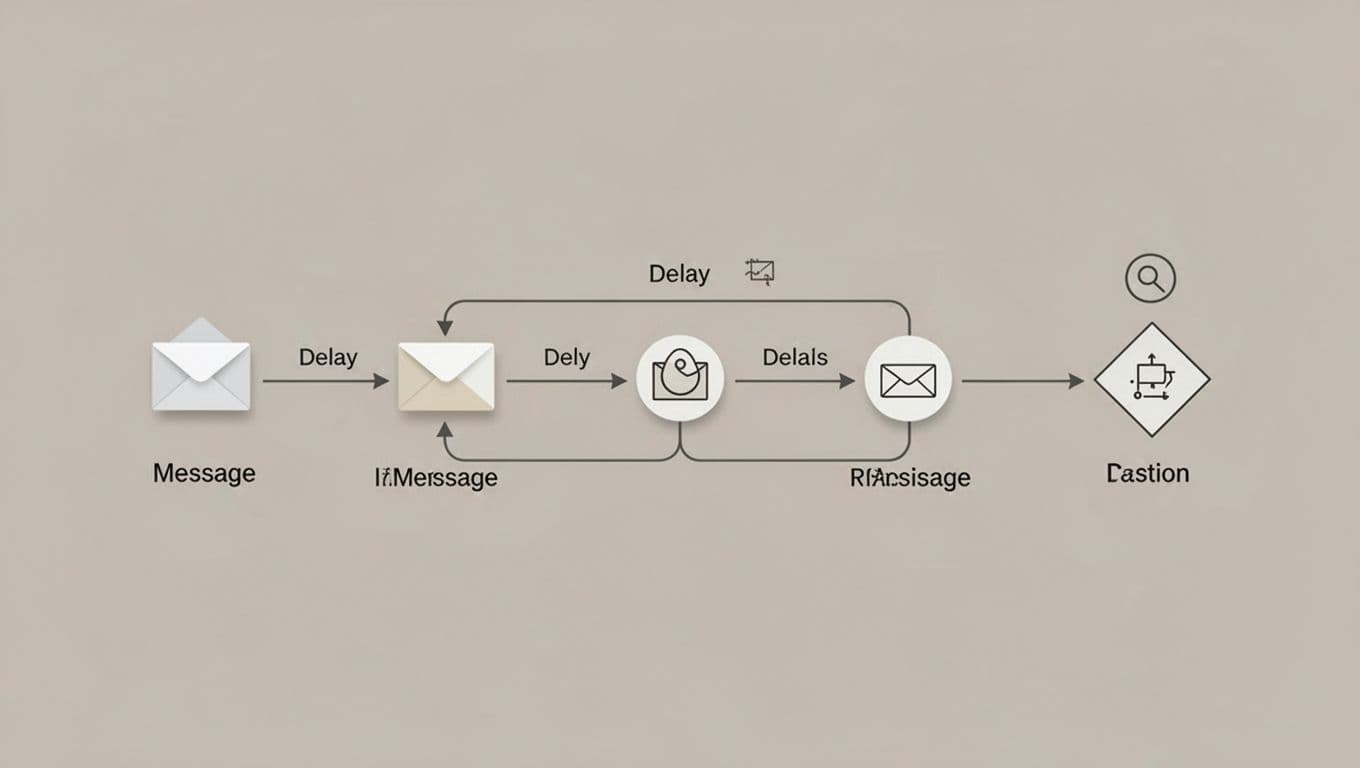
These flows mimic real talks. Candidates feel seen, not spammed. Always cap at four touches. Space them out.
Client Follow-Ups That Close Deals Faster
Clients need love too. I sequence post-submission: “Candidate slate sent. Feedback?” No reply? Day two: “Top three matches attached.”
Interview loops work great. After candidate submit: “Shortlist ready.” Then, “Decision timeline?” It speeds feedback.
One sequence re-engages dormant clients. “Hiring uptick? Let’s talk.” Paired with data from past placements, it wins contracts.
Balance volume. Two emails max per week. Include value, like market salary insights.
Personalization Keeps It Human
Automation shines with personal touches. I swap generic lines for specifics. “Saw your AWS cert” beats “Hi there.”
Merge tags pull from profiles. Add if-then branches: replied to email one? Skip two.
Candidate experience matters. Short emails load fast on mobile. Clear CTAs guide next steps. Track opens to refine.
Don’t over-automate. Review stalled sequences weekly. Jump in for high-potential fits.
For email finding before sequences, I pair it with tools like Hunter.io domain search for recruitment emails.
Compliance Basics I Never Skip
Rules protect everyone. Get consent upfront: “Opt in for job alerts?” Unsubscribes link every email.
Frequency: three max per week. Space by days, not hours. Log all for audits.
Recruit CRM flags risks. It suppresses bounces auto. Review replies fast; pause on “no thanks.”
Local laws vary. US teams watch CAN-SPAM. EU? GDPR consent logs.
Stick here, and trust builds.
Measuring and Refining Your Sequences
Data drives tweaks. Recruit CRM dashboards show opens, clicks, replies. Aim for 40% opens, 5% replies.
Low opens? Test subjects. Few replies? Sharpen value.
A/B test two versions. One wins? Scale it.

I check weekly. One sequence hit 12% replies after cuts. Refine often.
Pull It All Together Now
Recruit CRM email sequencing turned my outreach from chore to strength. Sequences nurture candidates, chase clients, and close faster. Personalize, comply, measure, repeat.
Start small. Build one today. Watch responses climb.
Your turn: Which sequence will you automate first? Drop it in comments.

