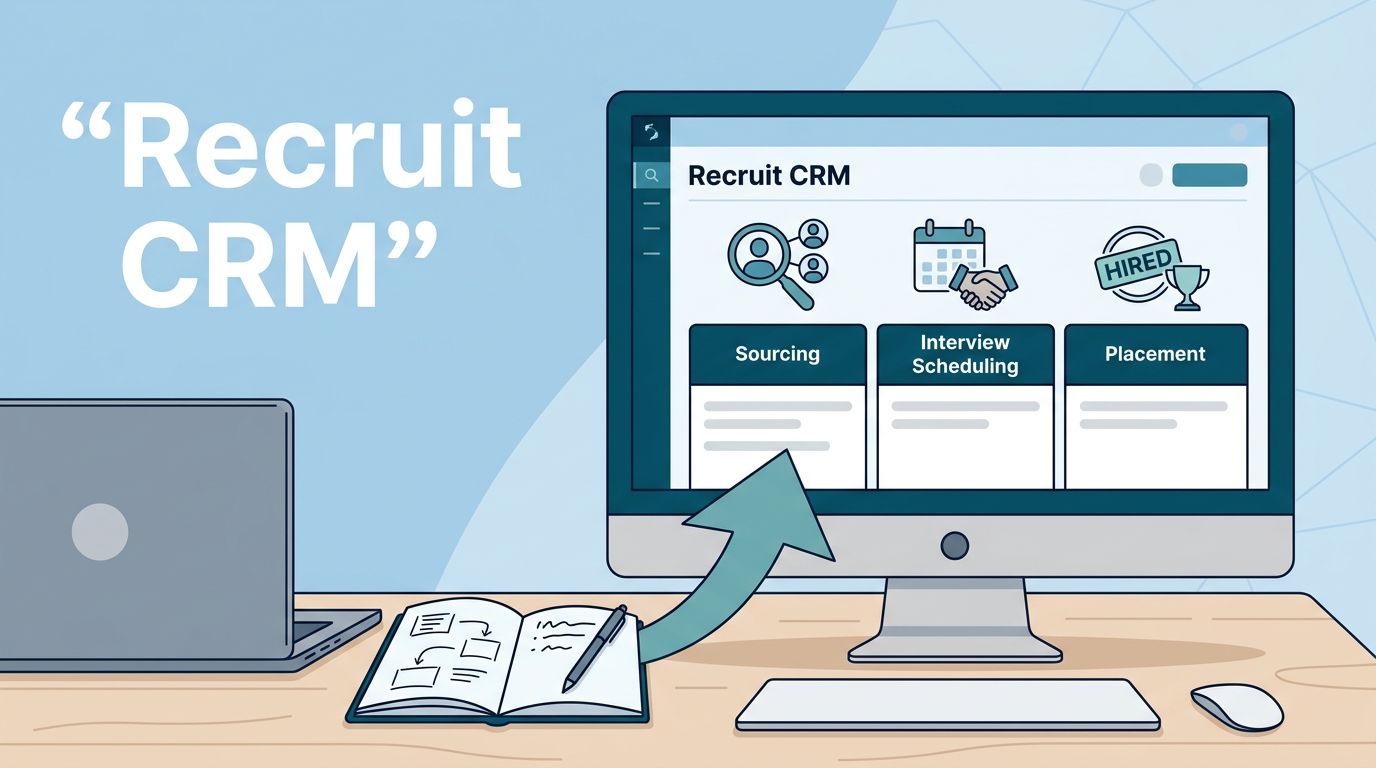
A messy CRM rollout slows placements before the first candidate even lands in a pipeline. When I set up Recruit CRM, I want the system to mirror how my agency already works, not force my team into a new habit on day one.
That means I start with the workflow, then I shape the fields, stages, automations, and permissions around it. If I do that well, Recruit CRM becomes the desk, the tracker, and the handoff point for the whole team.
I map the agency workflow before I touch settings
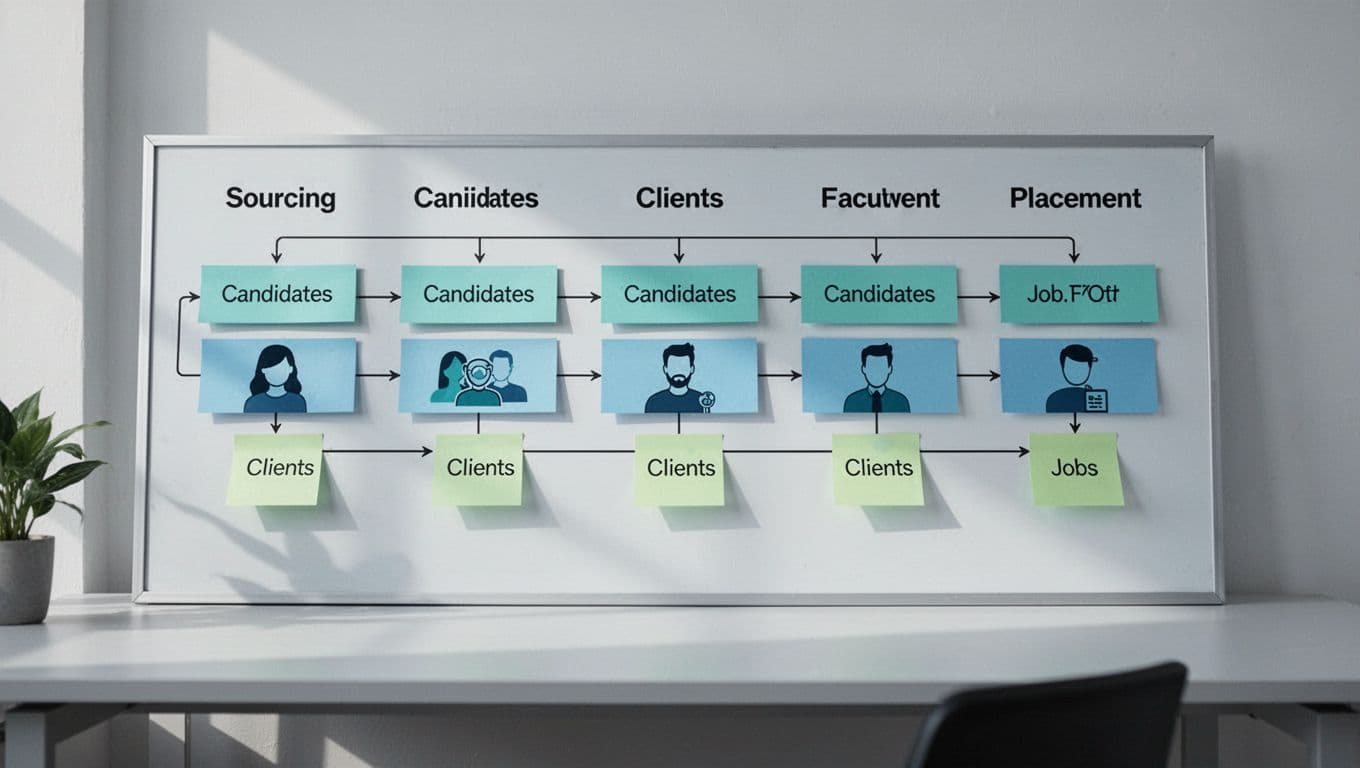
My first move is simple. I write down how a role moves through the agency, from lead to placement. That usually includes candidate sourcing, client intake, job creation, submission, interview scheduling, feedback, and closeout.
I keep my own Recruit CRM setup notes open while I plan this. It helps me stay focused on the order of work, not the feature list.


If I copy an old process into a new system without cleaning it up, the CRM just automates confusion.
I also decide who owns each step. For example, sourcers can create candidate records, recruiters can manage interviews, and account managers can update client notes. That one decision saves a lot of back-and-forth later.
I set up candidates, clients, and jobs with clean data
Once the workflow is clear, I configure the records I use every day. Recruit CRM works best when the data model is simple and consistent. I keep custom fields useful, not decorative.
I usually define the main record types like this:
| Record type | What I define first | Why it matters |
|---|---|---|
| Candidate | core skills, location, salary range, status | keeps sourcing and matching fast |
| Client | company size, contact roles, hiring notes | keeps relationship history in one place |
| Job | title, location, stage, priority, owner | keeps the pipeline readable |
| Submission | send date, feedback, interview outcome | keeps placements easy to track |
That structure helps me avoid the usual clutter of duplicate notes and half-finished profiles. For platform basics, I also keep the official onboarding collection open while I work through account setup and team training.
For candidate management, I focus on source, fit, and next action. For client management, I focus on decision makers and active roles. For jobs, I keep the title and stage visible at a glance. If a recruiter opens a record and still has to hunt for the next step, the setup needs more work.
I build Recruit CRM pipelines around real desk activity
This is where the platform starts to feel alive. I set up pipelines for jobs, submissions, and placements so the team can see progress without digging through inboxes. Recruit CRM’s boards, templates, and automation tools help here, but only if I keep the flow realistic.
I use one pipeline for open jobs and another for candidate movement. Then I align the stages with how my team actually works, such as:
- Sourced
- Screened
- Submitted
- Interviewing
- Offer
- Placed
I also set up notes and task reminders at each stage. For example, when a candidate moves to “Submitted,” I want the recruiter to log the client version sent, the date, and the follow-up task. That keeps the process from slipping between desks.
I like to keep the workflow side connected to a practical source, like workflow mapping for recruiters, because the best setup follows habits the team already understands.
Recruit CRM’s current feature set also makes interview coordination easier. I can connect email and calendars, use templates for outreach, and keep candidate notes close to the record. In practice, that means fewer missed follow-ups and cleaner handoffs between recruiters and account managers. The Recruit CRM onboarding part 2 guide is useful when I want to confirm how search, jobs, and candidate submission behave in the product.
I train the team before I call the rollout done
My rollout only counts when the team can use it without me hovering. So I run a short training block and test the most common actions live.
Here’s the checklist I use:
- I import a small batch of clean records first.
- I assign roles and permissions by desk or seniority.
- I connect email, calendar, and the Chrome extension.
- I test one full workflow, from sourcing to placement.
- I ask each recruiter to complete the same steps on their own.
This is also where I check mobile access, saved searches, and reporting. If the team can’t find a candidate in seconds, or if a manager can’t see a live job pipeline, I fix that before go-live.
I also test the submission flow with a real example. One recruiter sends a candidate to a client, the manager approves the format, and the account owner confirms feedback lands in the right place. That small drill exposes gaps fast.
Mistakes I avoid during rollout
The biggest mistake is overbuilding the setup. Too many custom fields, too many stages, and too many automation rules slow people down. I keep the first version lean.
I also avoid these common problems:
- importing old data without cleaning duplicates
- giving every user the same permissions
- hiding key stages behind too many clicks
- launching automations before the process is stable
- skipping team training because the tool feels “easy”
Another trap is treating the CRM like a storage box instead of a workflow tool. If my team only logs data after the fact, I lose the main benefit. Recruit CRM works best when it supports the next action, not the last one.
Conclusion
A strong Recruit CRM setup is less about filling fields and more about shaping the way my agency works every day. When I plan the workflow first, then match candidates, clients, jobs, submissions, interviews, and placements to that flow, the system starts pulling its weight.
That’s the real test. If my recruiters can use it without friction, and my managers can trust the data, the rollout is working.