How I Send Recruit CRM Email Templates to Candidates
I remember chasing candidates through endless email threads. Responses lagged. Pipelines stalled. Recruit CRM email templates fixed that for me. Now, I send personalized messages in seconds. They keep candidates engaged and hires flowing. Y...
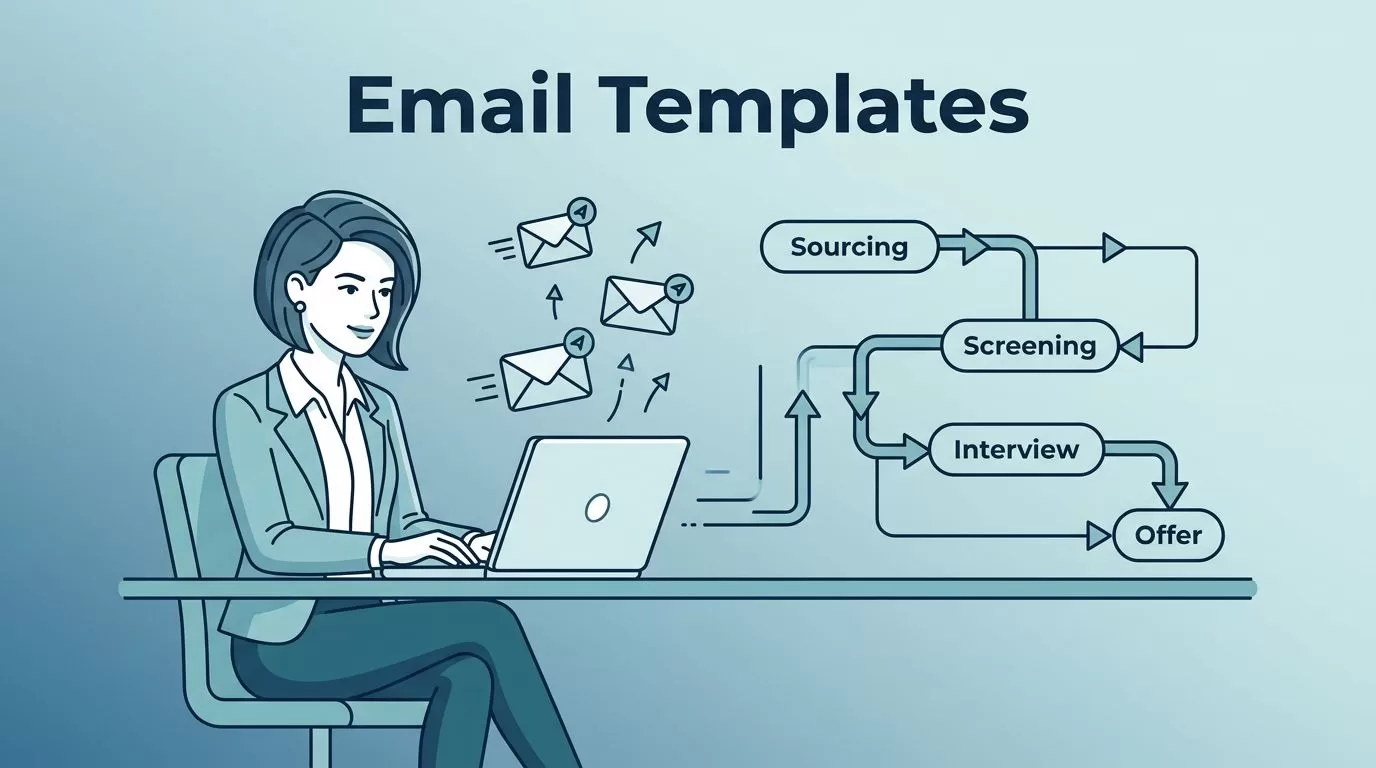
I remember chasing candidates through endless email threads. Responses lagged. Pipelines stalled. Recruit CRM email templates fixed that for me. Now, I send personalized messages in seconds. They keep candidates engaged and hires flowing.
You face the same grind in staffing or recruitment. Custom emails build trust fast. This guide shares my steps. I cover setup, examples, and tweaks inside Recruit CRM.
Why Recruit CRM Email Templates Boost My Workflow
Recruit CRM handles my outreach at scale. Templates cut drafting time by 70%. I focus on relationships, not repetition.
Candidates get pro touches. Open rates climb because messages fit their stage. For example, a quick invite beats a blank stare at a cursor.
I tie templates to pipelines. A sourced lead triggers outreach. An interview slots in a calendar link. Efficiency shows in faster fills.
Personalization matters most. Placeholders pull names, skills, jobs. It feels handcrafted. Candidates reply more.
Bulk sends work too. I hit lists without spam flags. Compliance stays tight with opt-outs.
This setup pairs with my Recruit CRM workflow builds. Automations fire templates on moves. No misses.
Setting Up Email Templates in Recruit CRM
I start in the mailbox. Click Email Templates. Hit Create Email Template. Pick type: candidate or contact.
Name it clear, like “Initial Outreach.” Add a subject: “Quick Chat on [Job Title] Fit?” Body follows.
Recruit CRM offers a builder. Drag elements. Add placeholders: {{candidate.first_name}}. Test sends preview data.
Save drafts anytime. Schedule for peaks, like Tuesday mornings. I sync my Gmail first. Settings > Integrations. It logs replies auto.
For bulk, select lists. Choose template. Tweak per batch. Send.

See Recruit CRM’s official steps for templates. They match my flow. I add signatures early. Logo, contact, unsubscribe.
Pro tip: Test on yourself. Check mobile view. Links click smooth.
Recruitment Email Template Examples
Templates shine in real scenarios. I use five core ones. Each pulls data auto.
Initial Outreach:
Subject: Hi {{candidate.first_name}}, [Job Title] Caught My Eye
Body:
{{candidate.first_name}}, your LinkedIn shows [skill] experience. We have an opening at [company] that matches. Interested in 15 minutes next week?
Best, [my name]
Rates hit 40% opens.
Interview Invite:
Subject: {{candidate.first_name}}, Let’s Schedule Your [Job Title] Interview
Body:
Great chat last week. Calendar here: [ Calendly link ]. Pick a slot. Prep notes attached.
See you soon, [my name]
Follow-up:
Subject: Checking In on {{job.title}} Role
Body:
{{candidate.first_name}}, loved your resume. Any thoughts on the software engineer spot? Reply or book time.
Cheers, [my name]

Rejection:
Subject: Update on {{job.title}} Application
Body:
{{candidate.first_name}}, thanks for applying. We went another way this time. Your profile fits future roles. Stay in touch?
Regards, [my name]
Keeps doors open.
Re-engagement:
Subject: {{candidate.first_name}}, New [Industry] Roles Open
Body:
Haven’t connected in months. Fresh sales positions match your background. Coffee chat?
Best, [my name]
These draw from Recruit CRM’s sample warm templates. I tweak for voice.
Customizing Recruit CRM Email Templates
Placeholders make magic. {{candidate.company}} or {{job.salary_range}}. Pulls from profiles.
I edit in builder. Swap lines. Add buttons: “Yes, Book Now.” Colors match brand.
For sequences, link to my email sequencing setup. Day 1 outreach. Day 4 value add.
Test variations. A/B subjects. Track in analytics.
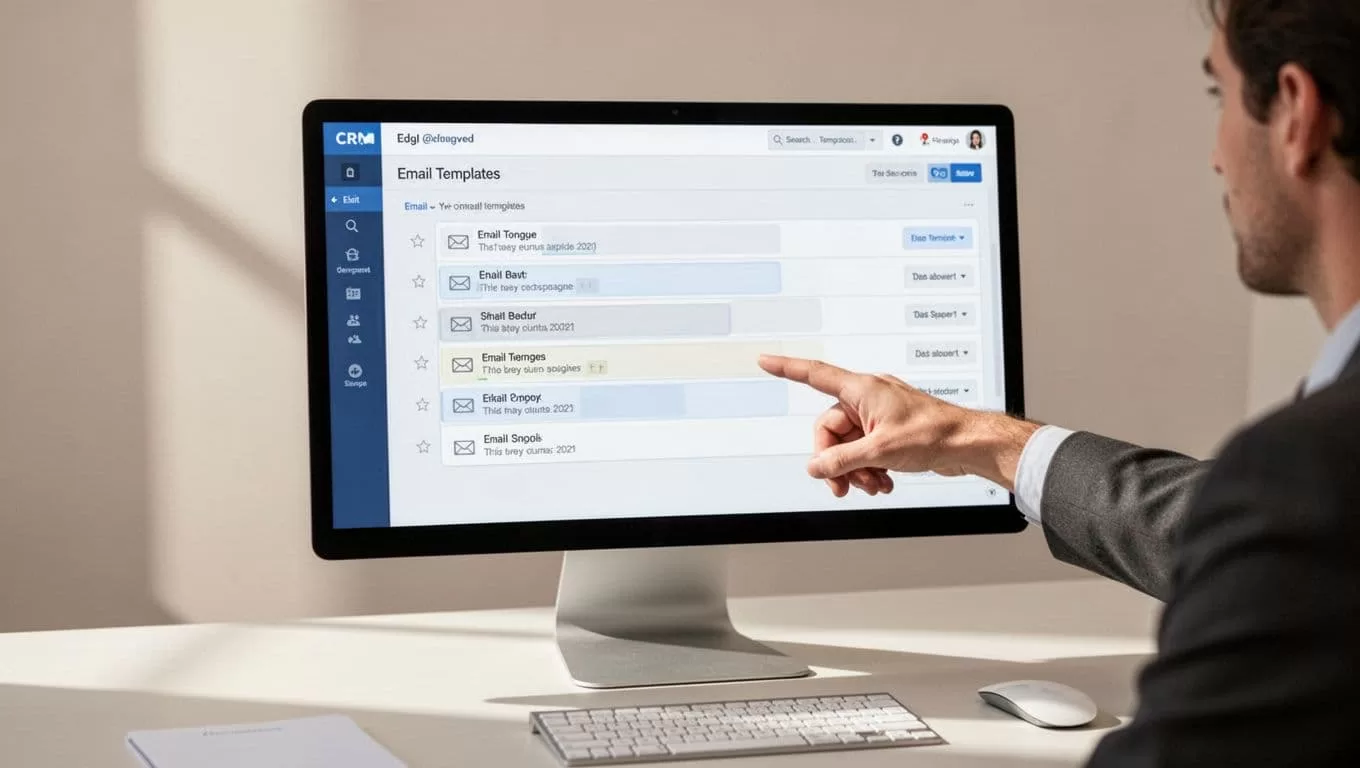
Bulk personalize: Select candidates. Template loads data. Preview before send. See bulk emailing guide.
Avoid overload. One call to action max.
Sending Templates and Pro Tips
From candidate view, click email icon. Pick template. Edit light. Send.
Or bulk: List page. Select all. Email option. Template drops in.
Track opens, clicks. Adjust low performers.
Pair with candidate engagement tactics. SMS follows email.
Mistakes I skip: Generic blasts. No mobile checks. Ignore replies.
Key Takeaways
Recruit CRM email templates streamline my hires. Setup takes minutes. Examples cover key touches. Personalize heavy.
Candidates feel seen. Responses pour in. Placements speed up.
Start with one template today. Watch your pipeline move.
