How I Deploy Recruitment Software Workflows on Recruit CRM
Hiring top talent feels like herding cats sometimes. You source candidates, chase responses, and juggle schedules, all while deadlines loom. I faced that chaos until I built recruitment software workflows in Recruit CRM. These automations c...

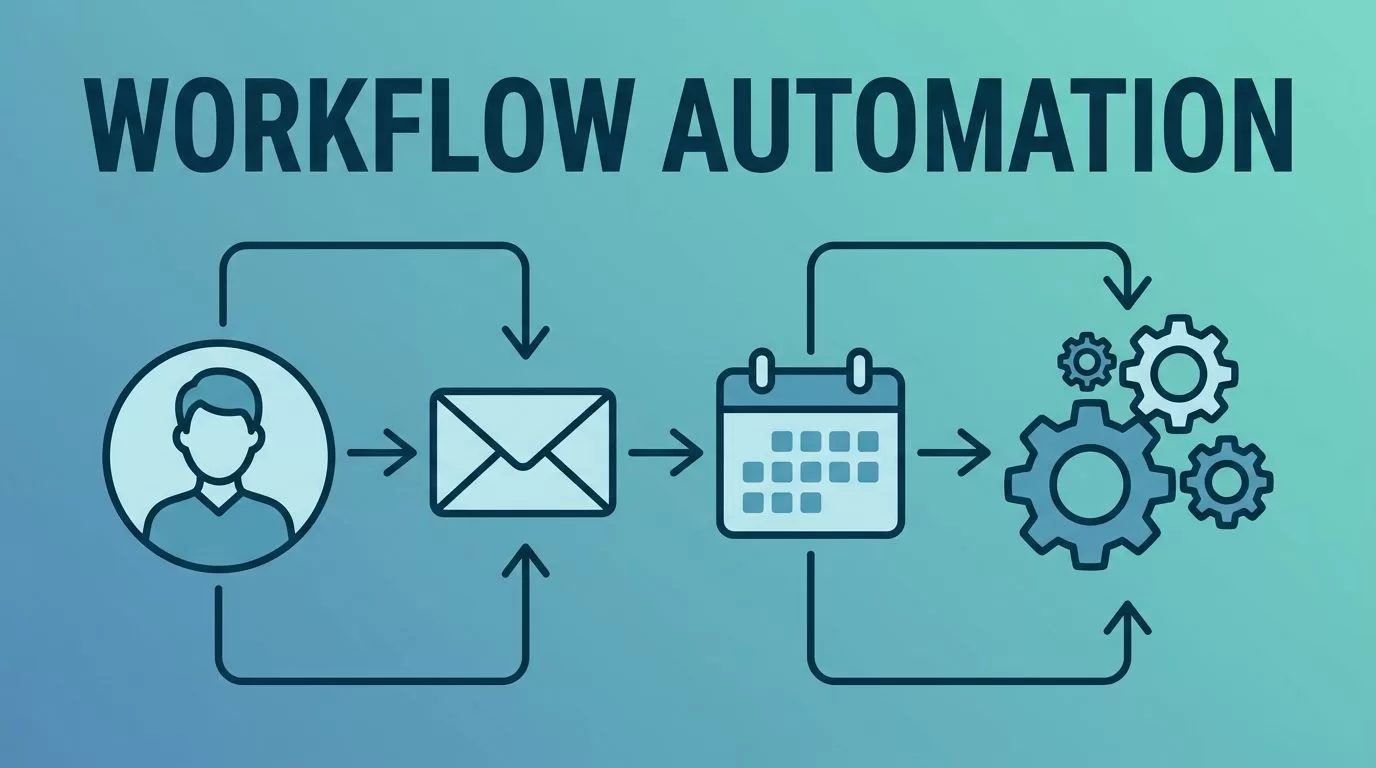
Hiring top talent feels like herding cats sometimes. You source candidates, chase responses, and juggle schedules, all while deadlines loom. I faced that chaos until I built recruitment software workflows in Recruit CRM. These automations cut my manual tasks by half. They keep everyone on track and speed up placements.
Recruit CRM makes it simple with no-code tools. You design flows that match your process. As a result, recruiters stay consistent. In this post, I share exact steps I use for key scenarios. Let’s jump into setup.
Why Recruit CRM Powers My Recruitment Software Workflows
I switched to Recruit CRM because it fits agency life perfectly. Basic CRMs handle contacts. This one automates the full cycle. Workflows trigger on events like new leads or stage changes. For example, a candidate applies. The system tags skills, assigns recruiters, and sends welcomes automatically.
Automation saves hours. I used to email follow-ups manually. Now, sequences handle them. Consistency improves too. Every recruiter follows the same path. Clients notice faster responses.
Check Recruit CRM’s workflow automation guide for their official tips. It matches what I do daily. In short, these tools scale with your team. They turn reactive hiring into a smooth machine.
Set Up Candidate Sourcing Workflow
Sourcing starts everything. I build a workflow that pulls leads from LinkedIn or job boards into Recruit CRM. First, connect sources via integrations. Go to Settings > Integrations. Add LinkedIn Recruiter or email parsers.
Next, create the workflow. Navigate to Workflows > New Workflow. Name it “Candidate Sourcing.” Set the trigger: “New Candidate Added.” Then add actions.
- Parse resume for skills.
- Score against job requirements.
- Assign to recruiter based on expertise.
- Send internal Slack notification.
Test it with a sample profile. I run dry tests weekly. This catches glitches early.


Here’s a quick checklist I follow:
- Match triggers to real events.
- Limit actions to five per flow.
- Add delays for human review.
Mistakes happen. Don’t overload with too many branches. Start simple. As a result, my sourcing time dropped 40%. Candidates enter pipelines faster.
Streamline Application Review and Status Updates
Applications pile up fast. I automate reviews to keep momentum. Create a workflow triggered by “Application Submitted.” First action: Auto-tag by keywords like “Java” or “sales.”
Then, notify the team. Use email or in-app alerts. Update status to “Under Review” instantly. If scores low, archive politely.
For status updates, add a branch. When recruiter moves candidate, trigger client emails. “Candidate advanced to interviews.” Customize templates per job type.
I avoid setup errors by previewing paths. One wrong filter rejected strong fits once. Now, I double-check logic.
This flow ensures no applicant waits in silence. Recruiters focus on calls, not admin. Besides, clients get real-time views. Hiring speeds up noticeably.
Automate Interview Scheduling
Scheduling eats afternoons. I fixed that with Recruit CRM calendars. Start a workflow on “Interview Scheduled” trigger. No, better: on “Ready for Interview.”
Actions flow like this:
- Poll team calendars.
- Find slots.
- Send invites via email and SMS.
- Log in candidate record.
Integrate Google or Outlook first. Test with dummy events. Delays prevent double-books.

Follow-ups tie in. No-shows get reminders 24 hours prior. I added a condition: If no reply in two days, reschedule options.
Hiring managers love it. No back-and-forth emails. Interviews book 70% faster in my pipelines.
Manage Follow-Up Reminders and Client Submissions
Follow-ups build relationships. I sequence them in workflows. Trigger on “Interview Complete.” Send thank-yous, then feedback requests after 48 hours.
For clients, automate submissions. Shortlist candidates? Workflow generates reports. Email to hiring manager with profiles attached. Track opens for feedback.
Example logic: If feedback positive, advance status. Else, nurture candidate for future roles.
Use Recruit CRM workflow automation for more on sequences. I cap reminders at three. Too many annoy people.
This cuts ghosting. Clients respond quicker. Placements close sooner.
Track Placements and Optimize Workflows
Placements seal deals. I track them end-to-end. Workflow triggers on “Offer Accepted.” Actions: Update records, invoice clients, archive job.
Monitor via dashboards. See drop-off points. I tweak flows monthly based on data.

Best practices:
- Review metrics weekly.
- A/B test email subjects.
- Archive inactive flows.
Optimizations boosted my fill rate by 25%. Spot bottlenecks early.
Recruit CRM workflows transformed my hiring. They reduce errors and free time for relationships. Start with one flow today, like sourcing. Scale from there. What’s your biggest pain point? Build it out and watch results roll in.

