How I Consolidate My Recruitment Tech Stack With Recruit CRM
When I review a recruitment tech stack, I usually find the same problem, too many tools and not enough shared data. A recruiter sources in one app, emails in another, logs notes in a spreadsheet, and builds reports somewhere else. That setu...
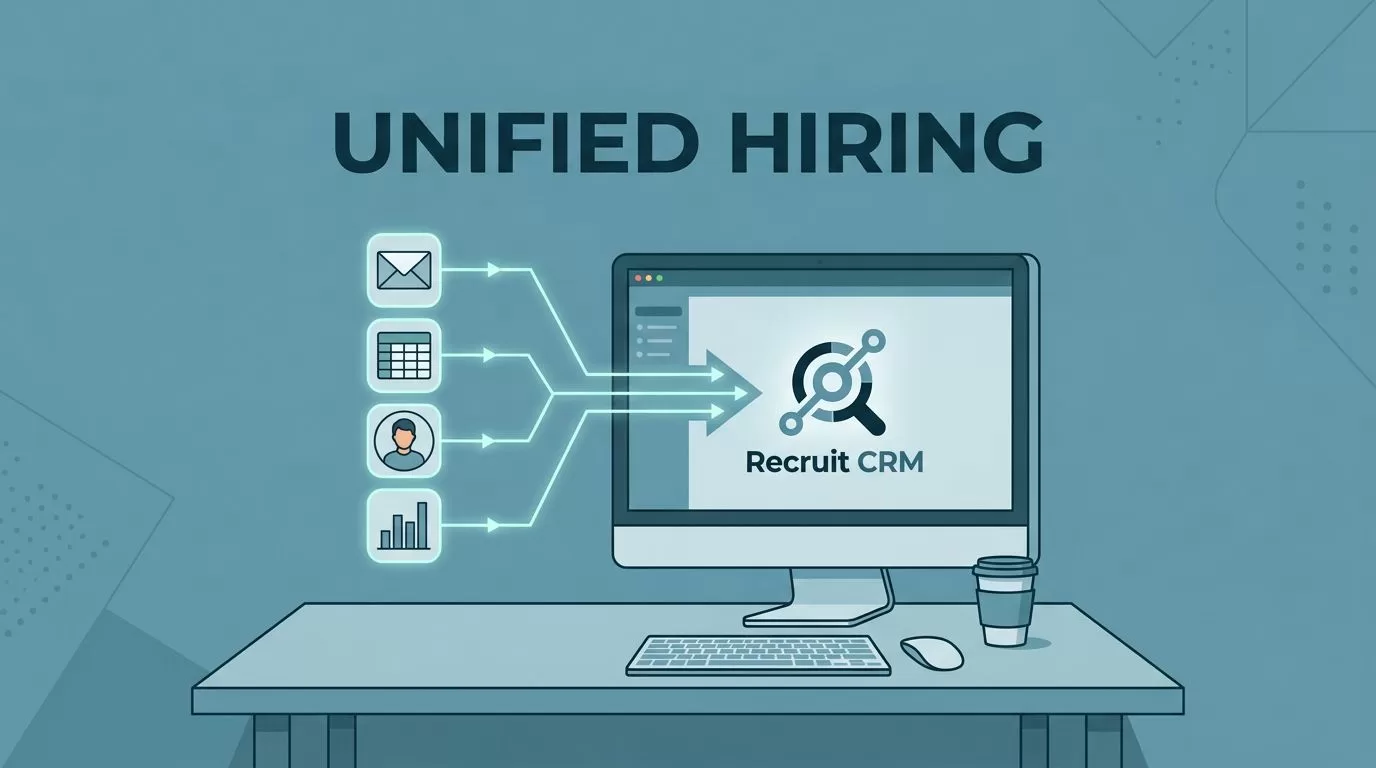
When I review a recruitment tech stack, I usually find the same problem, too many tools and not enough shared data. A recruiter sources in one app, emails in another, logs notes in a spreadsheet, and builds reports somewhere else.
That setup slows the team down. It also creates duplicate records, weak reporting, and a clumsy candidate experience. When I want to fix that, I look for one system that keeps the whole hiring process in one place.
Why fragmented tools slow recruiters down
A broken stack rarely fails all at once. It fails in small cuts. A candidate gets added twice. A message lives in one inbox. A client note stays in someone’s head instead of the CRM.

That is where the waste starts. Recruiters spend minutes copying data instead of moving roles forward. Managers then read reports that do not match the team’s daily work.
If I have to update the same candidate twice, the process is already leaking time.
The candidate side feels it too. Follow-ups arrive late. Messages repeat. Interview notes get lost between tools. A person who should feel known and supported feels like an entry in three different systems.
What Recruit CRM brings into one place
When I want one system of record, I look at Recruit CRM’s product page. It combines candidate tracking and client management, so I can keep jobs, contacts, and communication in one workspace.
The current feature set is broad enough to replace several tools at once. I get AI candidate matching, resume parsing, AI sourcing, automated sequencing, LinkedIn messaging, workflow automation, advanced analytics, job multiposting, a Chrome extension, and more than 5,000 integrations.
That matters because I do not want one app for sourcing and another for handoff. I want the data to stay attached to the job and the person. I also want my team to work from the same record.
I compare that setup with the criteria in my staffing agency CRM comparison, because the right platform should fit agency work, not fight it.

The real win is visibility. When sourcing, outreach, and reporting all share the same database, I can see what happened without chasing five tabs.
Workflow examples I use after consolidation
The best way to judge a platform is to watch a real day flow through it. I start a role in Recruit CRM, then connect the brief to the job record, the client, and the outreach plan. That is the same structure I describe in my Recruit CRM recruitment workflows.
Next, I source candidates and pull them into the pipeline with less manual work. A LinkedIn profile can move into the database through the Chrome extension, then the system can parse details and keep the profile tied to the right opening. When I need faster data entry, I use the approach I covered in resume parsing software in Recruit CRM.
For engagement, I like a simple chain:
- A candidate gets added to the role.
- The outreach sequence starts with a relevant first message.
- Replies, SMS notes, and call logs stay on the same record.
- The team sees status changes without asking for a status update.
That is also where my team avoids confusion. I can hand off a role without losing history. If another recruiter steps in, they see the same timeline.
I also keep candidate follow-up tight by using the same logic I wrote about in candidate engagement setup. The point is not more automation. The point is fewer gaps.

A simple checklist before I switch systems
Before I consolidate anything, I run a short checklist. It keeps me from buying another tool that adds more noise.
- I map every tool and write down what data it owns.
- I find every place where the same candidate gets entered twice.
- I choose one system of record for candidates, clients, and jobs.
- I test email, LinkedIn, SMS, calendar, and reporting in one flow.
- I check permissions, search speed, and mobile use.
- I keep only the add-ons that solve a clear problem.
If a tool cannot explain its place in the process, I cut it. That rule saves money, but it also protects focus.
How I compare Recruit CRM with other options
I do not start with pricing alone. I start with fit. I also read platform context like Recruit CRM’s tech stack guide, because the best choice depends on how much you want to centralize.
Here is the simple test I use when software options start to blur together:
| Buying question | What I want to see |
|---|---|
| Does it combine ATS and CRM? | One record for each candidate and client |
| Can I source, message, and track work in one place? | Fewer handoffs and fewer errors |
| Do reports pull from shared data? | One dashboard, not five versions of the truth |
| Will my recruiters adopt it fast? | Clean screens and light training |
| Can it still connect to key tools? | Enough flexibility without a messy stack |
That table keeps the decision grounded. I am not buying features for a brochure. I am buying fewer clicks, fewer mistakes, and better follow-up.
Conclusion
A fragmented recruitment tech stack looks flexible at first. In practice, it creates duplicate data, weak reporting, and slow handoffs. It also makes the candidate experience feel patchy.
When I consolidate around Recruit CRM, I get one record, one workflow, and one place to track the work. That gives my team faster action and cleaner visibility.
If I had to choose one lesson, it would be this, less tool sprawl means more recruiting time. That is the kind of change I can measure without guessing.
