Share Referral Assets Directly in Rewardful
A referral program stalls when partners have a link but no useful way to promote it. They need approved copy, current visuals, landing pages, and campaign rules in one place. Referral assets give partners the materials to publish. Rewardful...

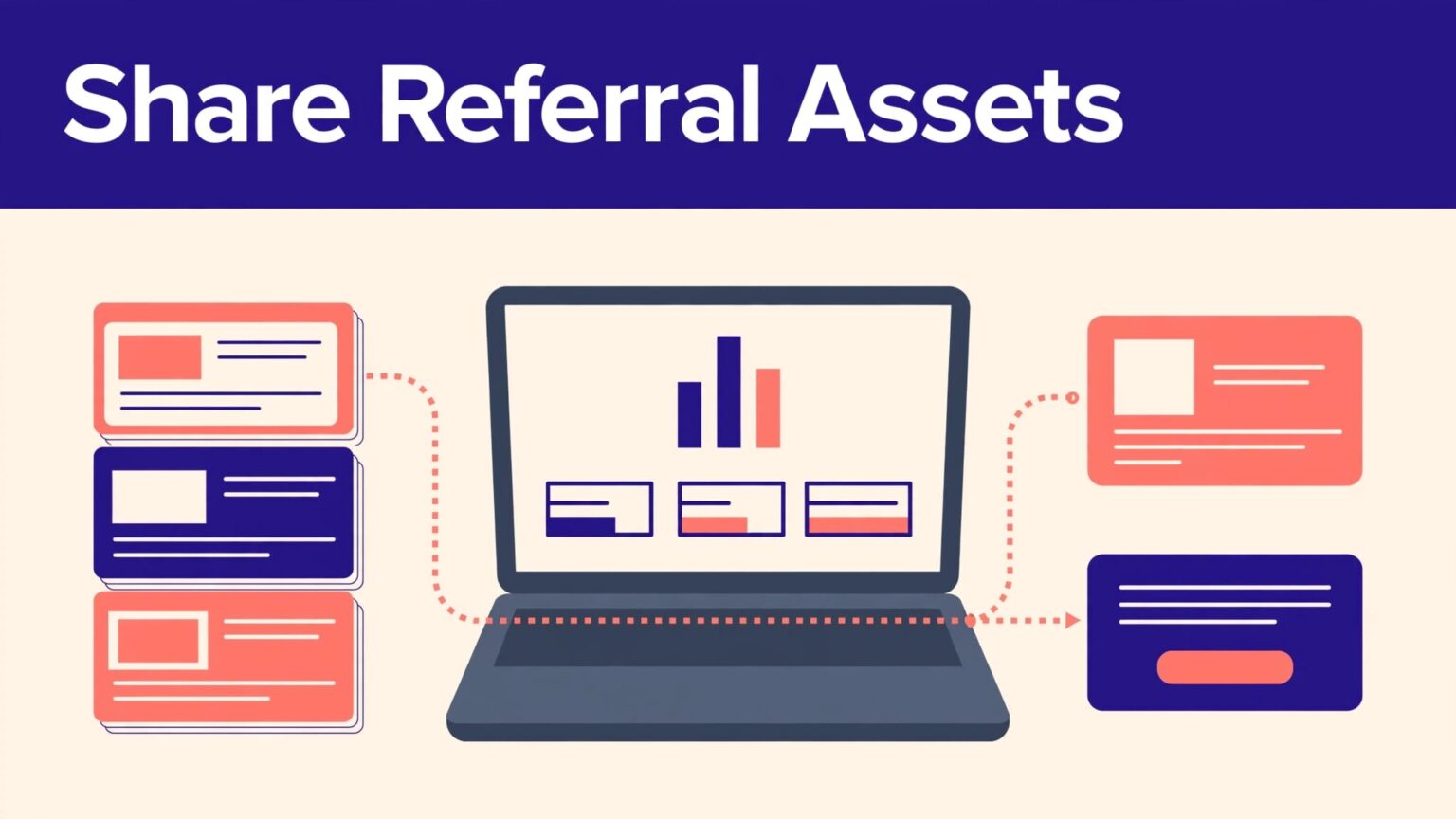
A referral program stalls when partners have a link but no useful way to promote it. They need approved copy, current visuals, landing pages, and campaign rules in one place.
Referral assets give partners the materials to publish. Rewardful gives you a practical way to pair those materials with the tracked links that record results.
Set the campaign rules first. Then give every partner a short, current resource set they can use without chasing your team.
Referral Assets vs. Referral Links
A referral link is an attribution tool. It identifies the partner who sent a visitor, usually through their unique token and a ?via= parameter. The link tracks the referral. It does not explain your offer or give the partner content to publish.
Referral assets are the promotional materials around that link. They can include:
- A product screenshot or social image
- A pre-approved LinkedIn post or email blurb
- A banner for a partner’s website
- A landing page for a focused audience
- Brand guidelines, pricing details, and offer terms


The distinction matters. A partner can share a perfect tracking link in a weak post and produce little qualified traffic. They can also publish a great review with no personal link and lose attribution.
Give partners both parts of the campaign: material that helps them sell, and a link that records who referred the customer.
Rewardful’s asset creation guidance suggests useful formats such as social posts, images, and website banners. Keep the message consistent across each format.
Configure the Campaign Before You Upload Materials
A campaign is the operating record for your referral program. It controls the website URL, reward rules, tracking behavior, cookie window, and affiliate-facing settings.
Open your campaign settings and confirm the basics before you distribute referral assets. Rewardful’s campaign settings overview covers the fields partners depend on, including the campaign name, site URL, coupon settings, and affiliate dashboard text.
Check the destination URL
Your website URL is the base for referral links. Test it on desktop and mobile before partners receive anything.
The page must match the campaign promise. If your asset promotes an annual plan, send people to an annual-plan page. Don’t point them at a generic homepage and expect them to find the offer.
State the earning rules in plain language
Partners need more than a commission percentage. Tell them what triggers a reward, whether rewards recur, when payments are approved, and what can reverse a commission.
Keep these details in the campaign text or resource document:
- The product or plan that qualifies
- The commission amount or percentage
- The attribution period and coupon rules
- Any excluded traffic sources or customer types
- The approval and payout process
Clear terms reduce support requests and stop partners from making claims your program can’t support.
Build a Small, Useful Asset Library
Rewardful’s Assets Library can hold File, Link, and Text assets. Current documentation lists JPG, PNG, and PDF files, with a maximum file size of 25 MB. You can save items as drafts, then publish them when they are ready.
Published materials are available across all campaigns. That makes the library a good place for evergreen brand materials, but not for a private campaign offer.
Start with five assets, not fifty
A crowded library creates choice paralysis. Launch with the few materials a partner can use this week:
- A short product description with approved claims.
- Two social posts written for different audiences.
- One square image and one wider banner.
- A focused landing page URL.
- A one-page PDF with commission terms and brand rules.
Use files for visuals and PDFs. Use Link assets for landing pages, demo videos, or shared folders. Use Text assets for copy partners can paste into an email or social post.
Name materials by use, audience, and date
Avoid vague names such as “New Banner Final.” Use a simple format like LinkedIn-Post-Founders-Sep-2026 or Banner-Partner-Blog-728x90.
Add dates when an offer, screenshot, or price may change. Archive old versions instead of leaving them beside current files. Partners should never have to guess which banner is safe to publish.
Share Assets Where Partners Already Work
The Assets Library works for general materials. Use campaign-level affiliate dashboard text when partners need campaign-specific instructions, links, or terms.
Rewardful lets you add custom dashboard text for affiliates. This is the right place for a short welcome message, resource links, contact details, and a reminder to use their personal referral URL.
Give partners a ready-to-use link pattern
A partner may need to send visitors to more than one page. Build approved deep links that retain the partner’s token. Rewardful supports a token variable in affiliate-facing content, so a destination can follow a pattern like:
https://yourdomain.com/pricing?via={{affiliate.default_token}}
Test every destination before publishing it. A broken deep link can create clicks without useful conversions, then turn into a reporting problem nobody can reproduce.
Rewardful also recommends a dedicated partner landing page or resource center. Its landing page guide includes promotional materials and tracking links among the resources affiliates need.
If your team needs help defining campaign rules, asset ownership, or review steps, Book A Call.
Review What Partners Actually Use
Uploading referral assets is not the finish line. Review the program on a fixed schedule, usually monthly.
Track which assets partners access, which deep links receive clicks, and which campaigns create approved customers and cleared commissions. Clicks show attention. They don’t prove revenue or partner quality.
Keep pending, approved, reversed, and paid commissions separate in your internal record. If a commission changes later, add an adjustment row with the date and reason. Don’t overwrite the original result.
A program that produces many referrals but creates hours of correction work has a setup problem. Check the campaign URL, payout rules, coupon handling, and asset claims before you add more partners.
Put Referral Assets to Work
Good referral assets remove the waiting time between partner approval and partner promotion. They give affiliates usable copy, approved visuals, and the right destination links.
Start with a small library. Publish only current materials. Test each referral link, then review approved results before expanding the program.
Open Rewardful, publish your first asset set, and give partners a campaign they can promote with confidence.

