How to Share Affiliate Assets Easily on Rewardful
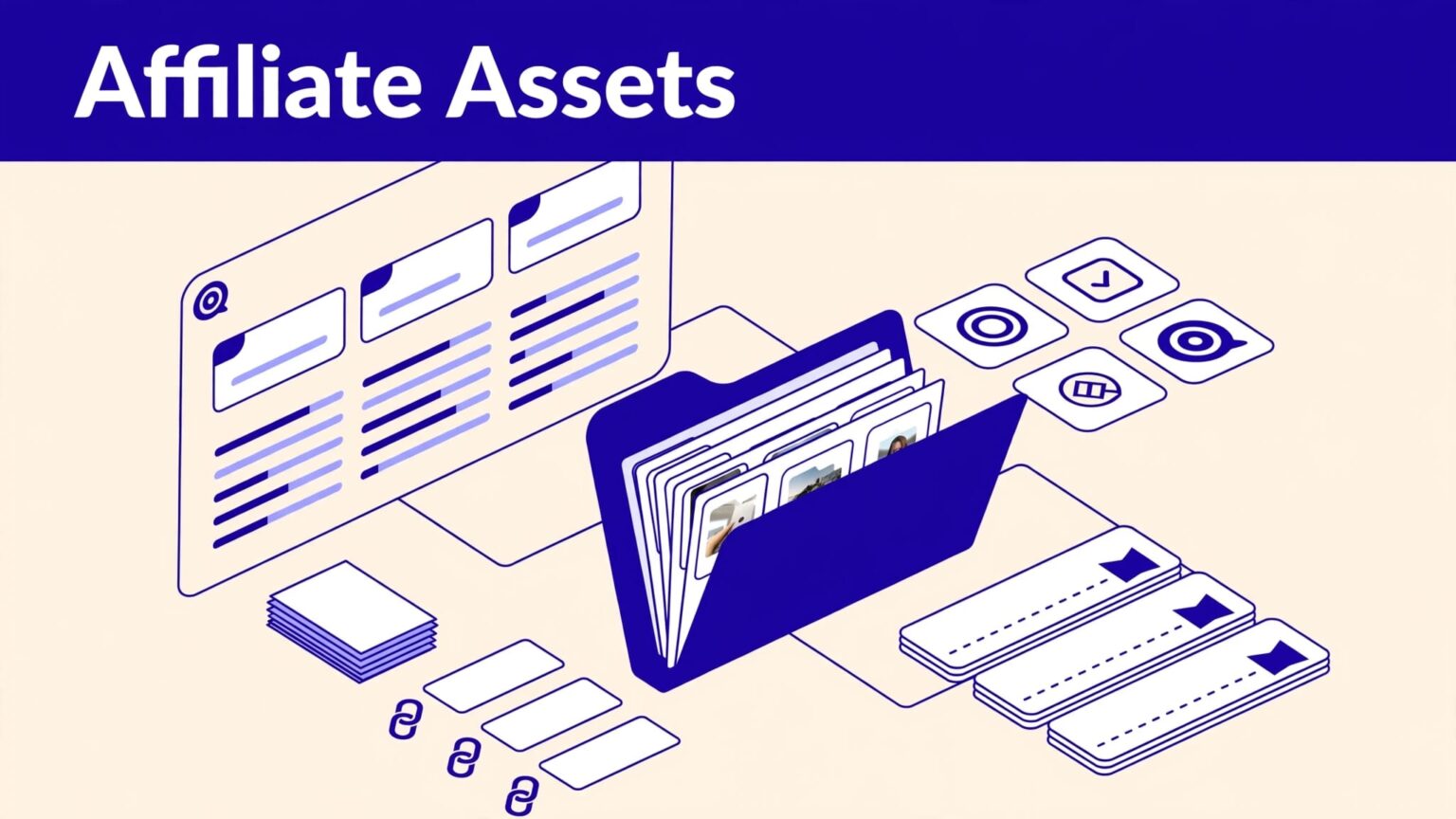
Affiliates can’t promote what they can’t find. If your logo is old, your copy is scattered, or your links are unclear, partners will either stop or publish the wrong material. A solid Rewardful affiliate assets system gives ever...

Affiliates can’t promote what they can’t find. If your logo is old, your copy is scattered, or your links are unclear, partners will either stop or publish the wrong material.
A solid Rewardful affiliate assets system gives every partner one approved place to start. It also gives your team control over campaign rules, tracking links, discounts, and version changes.
Set the structure before you invite more affiliates. That prevents support tickets, off-brand promotions, and untracked referrals later.
Build a Rewardful affiliate assets system
Rewardful campaigns are the operating layer for your program. A campaign controls how referrals are tracked and rewarded, while your asset library gives affiliates the materials they need to promote it.
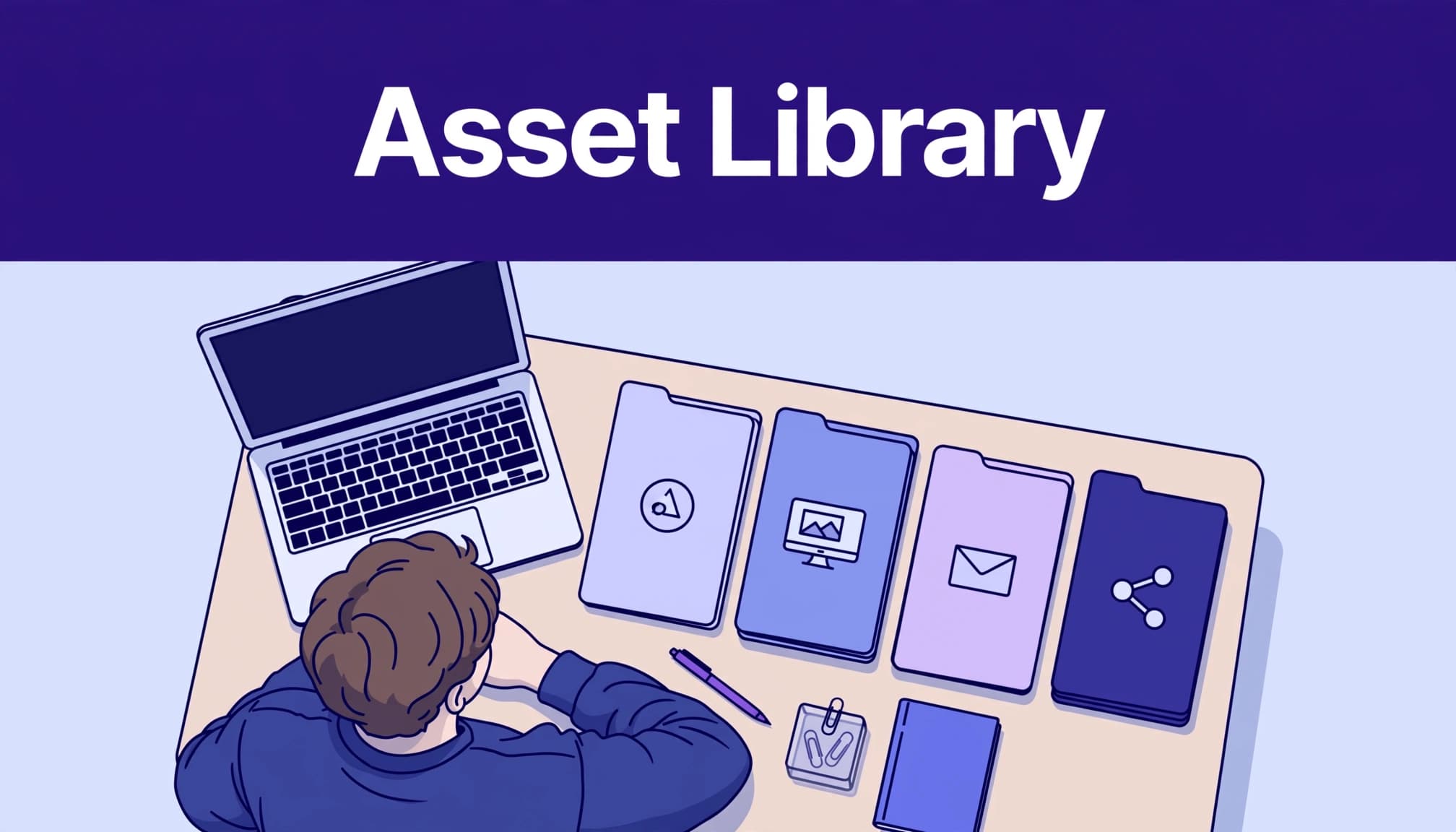
Start with one source of truth outside Rewardful. Use a shared Google Drive folder, Notion page, Dropbox folder, or a page in your help center. Don’t attach files to random onboarding emails. Don’t make affiliates search Slack messages from three months ago.
Your central library should contain approved files only. Give your team edit access. Give affiliates view-only access.

Match each library to a campaign
Rewardful supports multiple campaigns. Each one can have its own commission structure, cookie window, signup link, and target website. Review Rewardful’s guide to working with multiple campaigns before you create separate partner tiers.
Use separate asset folders when the offer changes. For example, a lifetime-deal campaign needs different copy than a recurring SaaS commission campaign. A partner program for agencies also needs different assets than one for creators.
Name folders by campaign, not by vague labels such as “New Assets” or “Affiliate Stuff.”
A practical structure looks like this:
Core SaaS Affiliate CampaignAgency Partner CampaignCreator Promo Code CampaignEnterprise Referral Campaign
Every folder should include a short readme page. State the audience, approved claims, main landing page, commission terms, and date last reviewed.
Keep one approved version live
Version control matters more than file volume. Affiliates don’t need 40 banner variations. They need a small set of current files that match the offer and destination page.
Use file names that show the asset type and version. For example:
product-dashboard-screenshot-v3.png
affiliate-email-template-2026-09.docx
linkedin-launch-post-v2.txt
Keep retired files in an internal archive. Don’t delete them without a record. A partner may ask why a link, screenshot, or pricing claim changed after they published it.
An asset download proves access. It does not prove the affiliate used the right message, link, or offer.
Choose assets affiliates can use without edits
Your affiliate library should remove work, not create it. Give partners materials they can publish, adapt, or reference in minutes.
Most SaaS teams need a smaller collection than they think.
Start with conversion assets
Conversion assets help a partner send qualified visitors to the right page. These are the files that support a review, newsletter, video, comparison page, or social post.
Include:
- Your approved logo files in PNG and SVG formats.
- Product screenshots that show current features and current branding.
- A short product overview with the core customer problem and outcome.
- Landing-page links for your main use cases.
- A comparison sheet for common alternatives, if legal and product teams approve it.
- Short and long product descriptions.
- Testimonials or case studies you have permission to share.
- Email copy, social captions, and video talking points.
Write copy in modules. Give affiliates a 25-word description, a 75-word version, and a fuller paragraph. A newsletter writer needs less copy than a reviewer building a detailed product page.
Add trust and compliance material
SaaS affiliates often make claims that create avoidable risk. They may mention pricing, security, integrations, results, or features that changed months ago.
Give them a clear claims guide. State what they can say, what needs context, and what they must not claim. Include your affiliate disclosure requirement and any paid-search restrictions.
This table keeps the library focused.
| Asset category | What to include | Why it matters |
|---|---|---|
| Brand files | Logos, colors, product screenshots | Keeps promotions accurate |
| Product copy | Short descriptions, use cases, key features | Reduces invented messaging |
| Conversion links | Campaign links and deep links | Sends readers to the right page |
| Proof | Approved testimonials and case studies | Gives partners usable evidence |
| Rules | Terms, disclosure language, claims guide | Limits compliance problems |
The goal is not to give every affiliate a design kit. The goal is to give them approved material that fits their channel.
Configure Rewardful around the offer
Build the campaign before you distribute its assets. Your commission rules, tracking method, and promotional materials must point to the same offer.
Rewardful describes campaigns as the place where you control referral tracking and rewards. Check the current campaign settings overview when setting up a new program or reviewing an existing one.
Set the campaign URL and partner access
Use the campaign website URL that matches the landing page you want affiliates to promote. Rewardful uses this base URL to generate affiliate links.
Decide whether the campaign is public or private. Public programs work for broad recruitment. Private campaigns work better for agencies, customers, influencers, or strategic partners you approve first.
Give every campaign a plain-language name. Affiliates should know what the offer is without guessing from an internal code.
Check these items before you publish:
- Confirm the commission rate and whether it is recurring or one-time.
- Set the payout threshold and payout rules your team can support.
- Test the generated referral link on desktop and mobile.
- Confirm the landing page message matches the assets in the library.
- Add the campaign signup link to your recruitment and onboarding flow.
Rewardful’s affiliate program launch guide is useful when you need a quick review of campaign setup and partner tiers.
Use promo codes only with clear rules
Promo codes help affiliates who promote through podcasts, short-form video, communities, and offline events. A listener may remember a code but never click a tracked link.
Rewardful lets you use promotion codes for referral tracking through campaign settings. Read its instructions for promotion-code referral tracking before you turn this option on.
State whether the code gives a customer discount, tracks attribution only, or does both. Also state whether it applies to new customers only.
Don’t enable codes as an afterthought. Rewardful notes that promo-code settings cannot simply be disabled after saving. You must remove the coupon code from the campaign.
Give every affiliate a clear starting point
A new partner should not receive a link and a vague “let us know if you need anything” email. That leaves them to build their own offer, then your team has to correct it later.
Send a short welcome message after approval. Put the same message in the affiliate portal or campaign welcome content where possible.

Send one onboarding package
Your first affiliate message should include four things:
- Their Rewardful referral link and where to find it again.
- The approved asset-library link for their campaign.
- The commission, attribution, payout, and reversal rules.
- One recommended first promotion, such as a newsletter mention or product review.
Keep the first request narrow. Ask the partner to choose one channel and one approved asset. That gives your team a clear first result to review.
For example, ask a SaaS newsletter operator to use the short product description, one approved screenshot, and their campaign link. Don’t ask them to “share the brand however you want.”
Explain tracking in plain language
Affiliates need to know what their link does. They also need to know that a click is not the same as a paid commission.
Explain the main stages:
- A visitor clicks the affiliate link or uses the affiliate’s approved promo code.
- Rewardful attributes the referral under the campaign rules.
- The customer signs up or pays, based on your program conditions.
- Rewardful records the referral and commission activity.
- Refunds, cancellations, or failed conditions can reverse a reward.
This protects both sides. It reduces the common complaint that an affiliate “made a sale” when the customer never completed an eligible payment.
Track asset use, not only affiliate clicks
Clicks are useful. They show that an affiliate placed a link somewhere. They don’t show whether your assets are current, whether the traffic fits the offer, or whether the partner produces approved revenue.
Create a simple operating record for every active affiliate and campaign.
Use a fixed partner record
Track these fields in a spreadsheet, Airtable base, or CRM:
| Field | What to record |
|---|---|
| Affiliate name | Partner and primary promotion channel |
| Rewardful campaign | Campaign name and referral link |
| Asset version | Folder or asset pack shared |
| First promotion date | When the partner published |
| Placement URL | Newsletter archive, video, review, or post |
| Clicks and referrals | Activity from Rewardful |
| Approved commissions | Cleared earnings after reversals |
| Review status | Approved, needs update, paused, or removed |
Keep the original record when something changes. Add an adjustment row when a commission reverses, an asset is retired, or a partner updates a placement. Don’t overwrite history.
The same rule applies to asset changes. If a pricing page changes, record the date, affected asset, owner, and affiliate groups notified.
Measure accepted work
Don’t judge the library by download count. A folder with 500 downloads can still create bad copy, broken links, and support work.
Review a small sample each month. Check the placements your active partners publish. Confirm the logo is current, the destination page loads, the offer is accurate, and the disclosure appears where required.
Track:
- Active affiliates who used an approved asset pack.
- Live placements that pass review without correction.
- Asset-related support requests.
- Broken or outdated links found.
- Time required to update partners after a material change.
- Approved commissions by campaign and partner type.
A system that creates more affiliate activity but adds hours of corrections is not working. Measure the output your team accepts.
Maintain the library like a product page
Affiliate materials expire faster than most teams expect. A product screenshot becomes wrong. A new plan changes pricing. A feature moves. A comparison page adds an obsolete claim.
Assign one owner for every asset category. Marketing can own copy and screenshots. Product marketing can own positioning. Legal or compliance can own claims guidance. Partnership managers can own campaign links and partner communication.
Run a monthly asset review
Use a fixed monthly review window. Check the offer, campaign URL, pricing references, screenshots, case studies, promo codes, and affiliate terms.
Run an extra review before a major launch, rebrand, pricing change, checkout change, or product retirement.
Mark every asset with a review date. If nobody has reviewed a file in six months, treat it as unapproved until the owner checks it.
Use a short change log in the asset library. Partners need to know what changed and what action they need to take.
Tell partners what changed
Don’t send a vague update that says “new assets are available.” State the asset name, the deadline, and what needs replacing.
A useful message is direct: “Replace the old pricing screenshot by October 15. The annual-plan price shown in the prior image is no longer available. Use the new file in the campaign folder.”
If several affiliates need help rebuilding old content, Book A Call and review the campaign structure, asset access, and tracking path together.
Avoid the mistakes that create partner friction
Most asset problems start with weak ownership. The files exist, but nobody knows which version is safe to use.
Don’t mix every partner into one folder
A customer advocate, coupon publisher, agency, and YouTube reviewer need different materials. One giant library creates confusion and pushes affiliates toward the wrong offer.
Build campaign-level folders. Keep shared brand files in one central location. Link each campaign folder back to those approved files.
Don’t treat promo codes as generic discounts
Promo codes can affect attribution and customer expectations. Never give the same public code to several affiliates if you need partner-level tracking.
Test the code at checkout before you announce it. Check discount duration, customer eligibility, and campaign assignment.
Don’t let old links stay live
An affiliate may continue sending traffic to an old comparison page or retired offer for months. Review high-traffic placements first.
Fix the destination before you ask for more traffic. A stronger call to action cannot repair an offer that no longer matches the page.
Final thoughts
Rewardful affiliate assets work best when they are campaign-based, easy to find, and actively maintained. Give partners one approved library, a working referral path, and clear rules on what they can publish.
The strongest program is not the one with the most files or clicks. It is the one where affiliates can publish accurate material and your team can verify the result.

