Remitly Argentina: Send Funds Securely
Sending money across borders adds extra steps. You need the correct recipient details, a suitable delivery method, and a clear view of the final cost. Remitly Argentina gives senders several ways to deliver funds, but the safest transfer st...

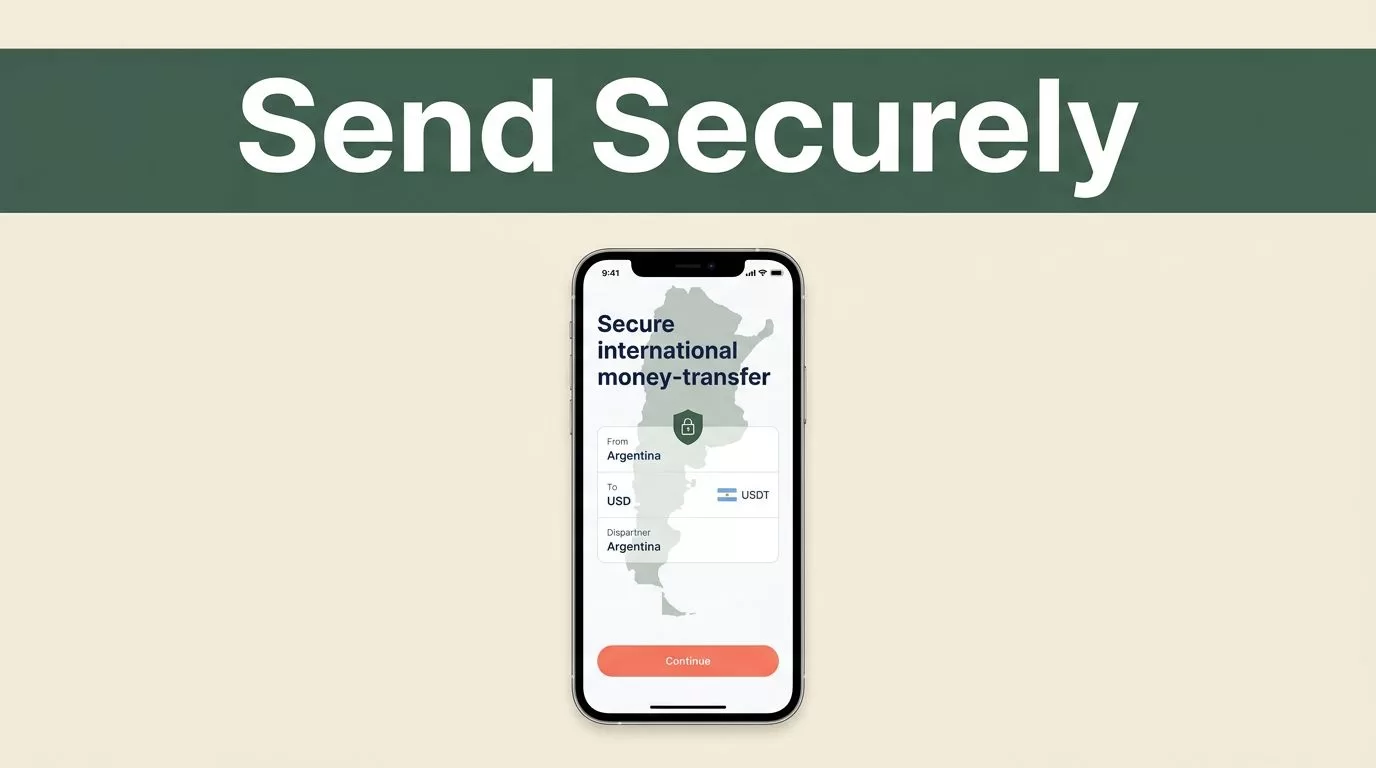
Sending money across borders adds extra steps. You need the correct recipient details, a suitable delivery method, and a clear view of the final cost. Remitly Argentina gives senders several ways to deliver funds, but the safest transfer still depends on careful checks before you confirm payment.
Remitly handles account verification, payment processing, transfer tracking, and delivery through its available partner network. You control the details that create many real-world problems, including the recipient name, account number, payment method, and response to scam requests. Start with the transfer setup, then review each security point before sending.
Remitly Argentina: Pick the Right Delivery Method
Remitly’s Argentina options depend on your sending country, the recipient’s location, and the provider available at the destination. The details below match the United States-to-Argentina flow shown on Remitly’s official Argentina transfer page. Other sending countries can show different fees, currencies, and delivery choices.
You may see these delivery methods:
- Bank deposit sends money directly to the recipient’s Argentine bank account. This option works well for recurring family support and bills. You need accurate bank details, including the recipient’s CBU when the bank-deposit flow requests it.
- Cash pickup lets the recipient collect funds at an available partner location. The recipient usually needs identification and transfer information. The name on the transfer must match the recipient’s valid documents.
- Mobile wallet sends funds to a supported digital wallet. Availability depends on the wallet provider and the recipient’s account.
- Crypto wallet may appear for some Argentina transfers. Use this option only when both parties understand wallet addresses, asset conversion, and the risks of sending cryptocurrency.
A provider-specific option can also appear in the app. For example, Remitly has a dedicated page for its Mi receiving option in Argentina. Do not assume that a provider shown for one recipient is available for another. Enter the destination details and check the options displayed for that transfer.
Bank deposit is usually the better operational choice when the recipient has a verified account. Cash pickup can be more practical when the recipient needs access without a bank account. Choose the method that matches the recipient’s actual situation, not the method that appears fastest at first glance.
Prepare the Recipient Details Before You Send
Incorrect information is one of the easiest ways to delay a transfer. Collect the details before opening the payment screen. Ask the recipient to send the information in a message, then confirm it through a second trusted channel if the amount is significant.
Remitly may request the recipient’s:
- Full legal name
- Phone number
- Street address
- City and province
- Bank name and account information
- CBU number for some bank deposits
- Reason for sending, such as family support, education, savings, or a loan payment
The required fields vary by delivery method and receiving provider. A cash pickup transfer needs different information from a bank deposit. The recipient’s address may also need to match the details used by the receiving provider.
A nickname, shortened name, or spelling variation can create a problem when the recipient must show identification. Use the recipient’s legal name exactly as requested.
The Remitly Argentina flow normally starts with an account, transfer amount, destination country, delivery method, recipient details, and payment method. You may need to verify your identity with government-issued identification. This check supports financial compliance and can happen before a transfer is approved.

How to Send Money Through Remitly
Use the app or website you normally trust. Avoid links sent through unsolicited emails, social media messages, or text messages. Type the official address yourself or open the installed app from your device.
Follow this sequence:
- Create an account or sign in to your existing Remitly account.
- Select Argentina as the destination and enter the amount you want to send.
- Review the available delivery methods for the recipient’s location.
- Add the recipient using their legal name and the requested contact or bank details.
- Select an available payment method, such as a bank account, debit card, or credit card.
- Review the exchange rate, transfer fee, payment cost, recipient amount, and estimated delivery time.
- Confirm the details and authorize the transfer.
- Save the receipt and share only the necessary tracking information with the recipient.
Read every field before pressing the final confirmation button. Check the first and last name, CBU, phone number, province, and delivery provider. If the recipient recently changed banks or phone numbers, confirm the new details through a known contact method.
Do not treat a copied screenshot as proof that the information is correct. Scammers can alter screenshots, and a real account number can still belong to the wrong person. A short voice call can prevent an expensive mistake.
Review Fees, Exchange Rates, and Delivery Times
The amount you pay and the amount the recipient receives are not the same figure. Remitly can apply a transfer fee, an exchange-rate margin, or payment-method charges. Promotions can also change over time and may apply only to eligible new customers or qualifying transfers.
Check the final quote inside the app or website before every transfer. Don’t rely on an old screenshot, a search result, or a previous transaction. Exchange rates move, and the displayed rate can differ based on the sending country, payment method, amount, and delivery option.
Delivery estimates also depend on the route. Remitly states that many Argentina transfers arrive within minutes, but the estimate can change based on how you pay, when you complete the transfer, the selected delivery method, and any required review. A bank deposit may follow a different schedule from cash pickup or a mobile wallet transfer.
Some routes show options such as Express or Economy. These labels describe different processing choices when available. Express may use a card and cost more, while an economy option may use a bank transfer and take longer. Treat those descriptions as general guidance, not a guarantee.
Before you send, compare:
- The exact amount charged to your payment method
- The exchange rate shown for the transaction
- The total fee
- The amount the recipient will receive
- The estimated delivery time
- Any conditions attached to a promotion
The recipient amount is the number that matters for family support or a bill. A low fee does not help if the exchange rate produces less money at the destination.
Separate Remitly’s Security Controls From Your Own
Remitly controls the account system, identity checks, payment workflow, transfer status, and available receiving providers. It may request more information, pause a transfer, or delay delivery when a transaction needs review. Those controls reduce certain risks, but they don’t confirm that your recipient is trustworthy or that the payment request is genuine.
You control the security of your account and the instructions you follow. Use a unique password that you don’t reuse on email, banking, or social media accounts. Turn on two-step verification if the option is available. Keep your phone, browser, and operating system updated, and use a device lock.
Never share your password, one-time verification code, card PIN, or full card details with someone who contacts you unexpectedly. A person claiming to be a Remitly employee should not need your login credentials or payment codes to release a transfer.

Watch for common payment scams:
- A supposed family member asks you to send money to a new account and refuses a phone call.
- Someone promises a refund, prize, job payment, or investment return after you pay a fee.
- A buyer or stranger sends more money than expected and asks you to return the difference.
- A caller creates urgency and tells you not to contact anyone else.
- A person asks you to send funds to yourself, a stranger, or a different country.
Stop the transfer when the request doesn’t make sense. Contact the person through a known phone number or an existing conversation. If you suspect fraud, use Remitly’s official support channel, contact your bank or card provider, and keep the receipt and messages connected to the incident.
Track the Transfer and Confirm Receipt
After payment, save the confirmation number and monitor the transfer status in the app. Send the recipient only the information needed to collect or identify the funds. Don’t post the transfer number publicly or share it with unrelated contacts.
For cash pickup, tell the recipient to bring the required identification and follow the provider’s instructions. The recipient should check the name and amount before leaving the location. For bank deposits, ask the recipient to confirm that the funds reached the correct account rather than relying only on a notification.
A pending status doesn’t automatically mean the money was lost. Payment processing, identity review, provider availability, and bank procedures can affect the status. Don’t submit a second transfer while the first one is still being processed. Contact official support first.
If you notice a wrong recipient detail, act quickly. Cancellation or correction options depend on the transfer status and whether the recipient has collected the funds. Waiting can remove available recovery options.
Conclusion
A secure Remitly Argentina transfer starts with accurate recipient data and ends with a careful review of the final quote. Select the delivery method based on how the recipient will actually access the money. Check the app for current fees, rates, availability, and delivery estimates before confirming.
Remitly’s platform provides account and transaction controls, but your password, verification codes, recipient checks, and response to urgent requests remain your responsibility. Take those steps every time, especially when the transfer request arrives unexpectedly.

