Send Money to Argentina With Remitly: Fees and Steps
Sending money to Argentina should not require guesswork about fees, exchange rates, or pickup rules. If you search for “send money Argentina”, you likely want a clear way to transfer funds to family, friends, or a business recip...

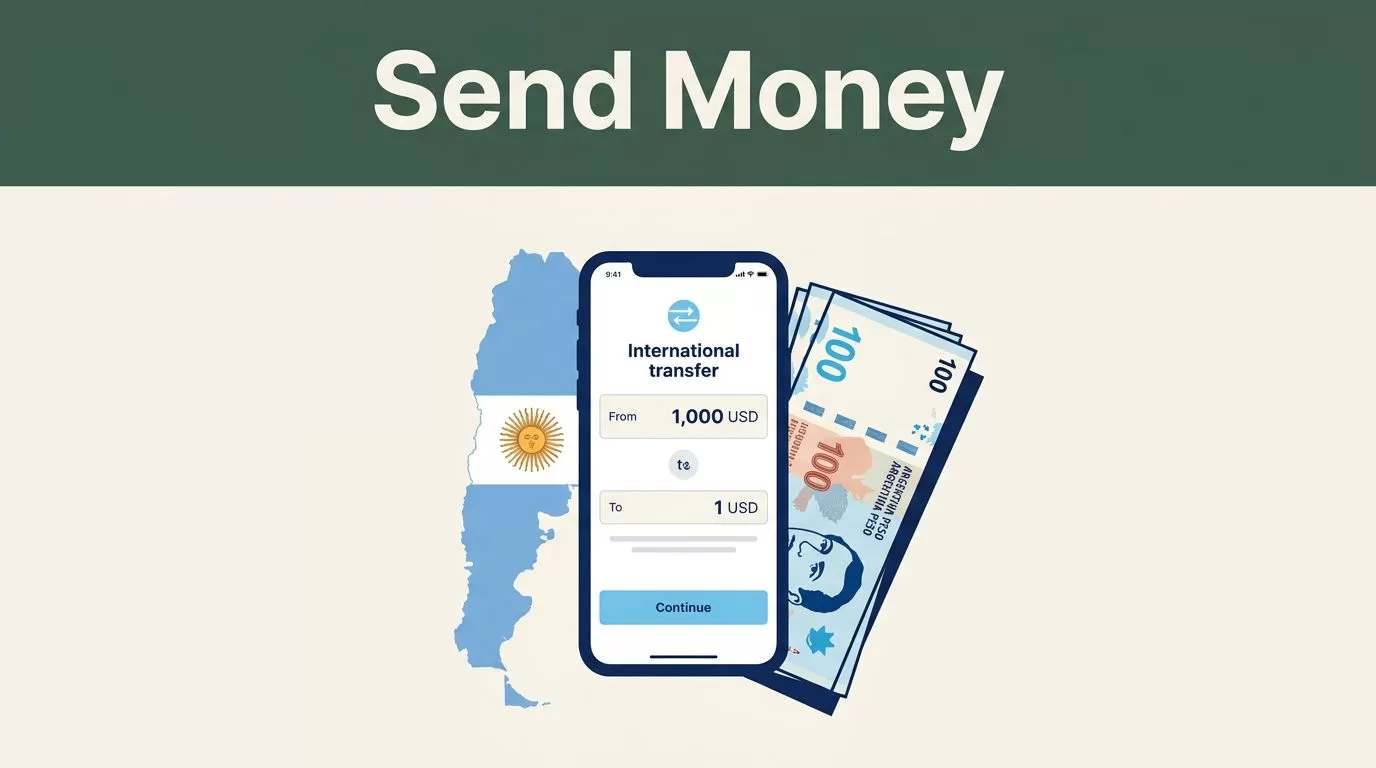
Sending money to Argentina should not require guesswork about fees, exchange rates, or pickup rules. If you search for “send money Argentina”, you likely want a clear way to transfer funds to family, friends, or a business recipient without creating avoidable delays.
Remitly supports several delivery methods, including bank deposits, cash pickup, mobile wallets, and crypto wallets. The correct choice depends on how the recipient wants to receive the money, what is available in their location, and what the live quote shows before payment.
What “send money Argentina” Means in Remitly’s Workflow
Remitly lets eligible senders create transfers through its website or mobile app. You select Argentina as the destination, enter the amount, choose a delivery method, add the recipient’s information, and review the final quote before sending.
A search for “send money Argentina” doesn’t tell you whether the recipient needs Argentine pesos, cash, a bank deposit, or USDC. That decision matters because each delivery method has different recipient requirements, processing steps, and availability.

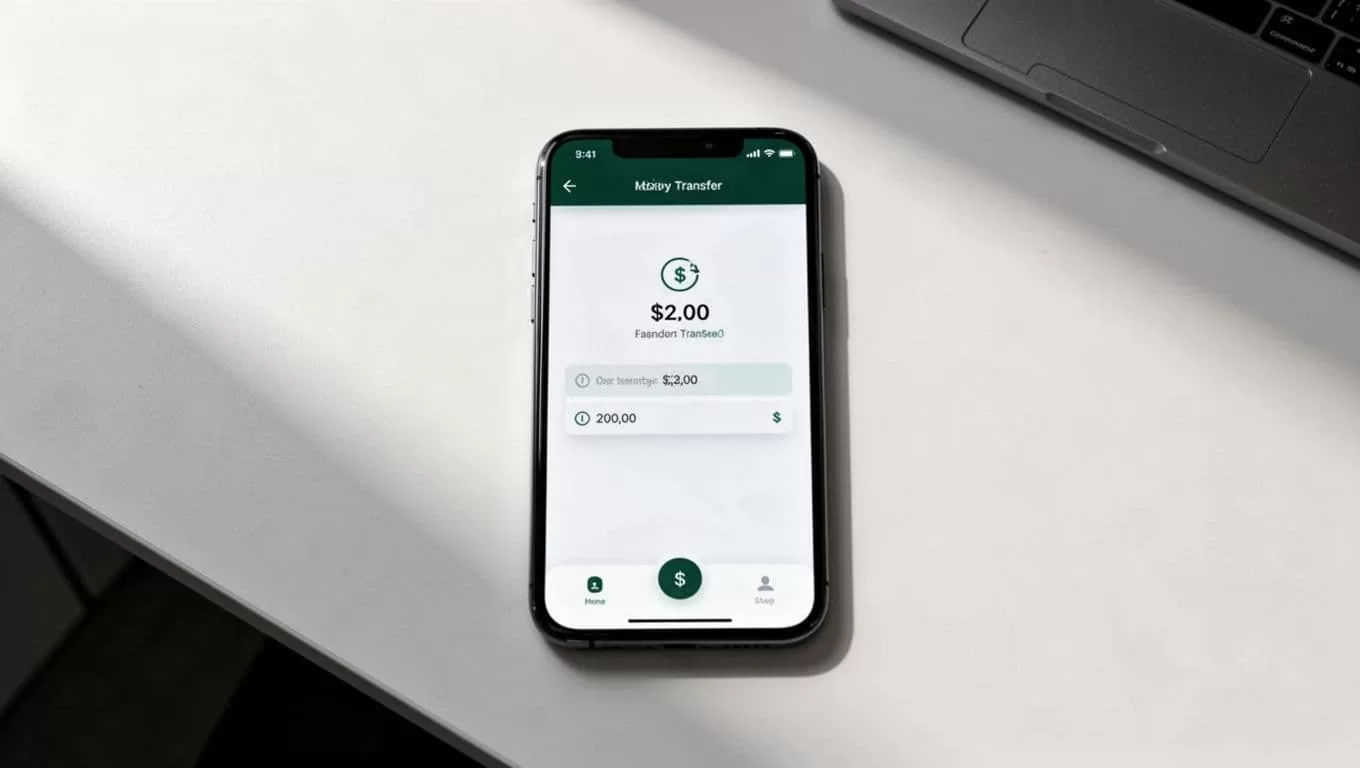
For U.S. senders, Remitly lists debit cards, credit cards, and bank accounts as payment options. The available payment methods can vary by account, location, transfer amount, and compliance review.
Remitly’s Argentina money transfer page is the right place to start. It shows the options available for your sending corridor and lets you build a current quote instead of relying on an older fee table.
The four main delivery methods are:
| Delivery method | What the recipient receives | Best fit |
|---|---|---|
| Bank deposit | Funds deposited into an eligible account | Recipients who already use a bank account |
| Cash pickup | Argentine pesos collected at a supported location | Recipients who need physical cash |
| Mobile wallet | Funds delivered to a supported wallet | Recipients who manage money through a wallet app |
| Crypto wallet | USDC sent to a supported wallet address | Recipients who understand stablecoin transfers |
Availability depends on the recipient’s location and the providers Remitly displays during checkout.
How to Send Money Argentina With Remitly
The process is short, but accuracy matters. A mismatch between the recipient’s legal name and identification can delay cash pickup or trigger additional verification.
Follow these steps:
- Create or access your Remitly account. Use the website or official mobile app. New customers may need to verify their identity with government-issued identification.
- Choose Argentina as the destination country. Confirm that your sending country and payment currency are correct before entering the transfer amount.
- Enter the amount you want to send. Review both sides of the quote. Check how much you pay and how much the recipient receives after the exchange rate and fees are applied.
- Select the delivery method. Choose bank deposit, cash pickup, mobile wallet, or crypto wallet based on the recipient’s setup.
- Add the recipient’s details. Enter the information exactly as it appears on the recipient’s identification, bank account, or wallet profile.
- Choose your payment method. Remitly may offer a bank account, debit card, or credit card for your transfer. The cost can change based on the selected payment method.
- Review and confirm the transfer. Check the recipient name, delivery method, exchange rate, fee, payment amount, and estimated delivery information before you authorize payment.
- Track the transfer. Save the confirmation and transaction reference number. Share the reference with the recipient only when they need it for pickup or status checks.
Recipient Details Checklist
Prepare the details before you start. This reduces typing errors and prevents interruptions during checkout.
- The recipient’s full legal name, matching their government-issued ID.
- Their mobile phone number and address, if Remitly requests them.
- The recipient’s bank name, account type, and account number for a bank deposit.
- The supported mobile wallet information, such as the registered phone number.
- The crypto wallet address if you select a crypto delivery.
- The preferred pickup location and provider, when cash pickup is available.
- The transaction reference number after the transfer is confirmed.
Don’t guess a wallet address or bank account number. Copy it from a trusted source and ask the recipient to confirm it before you send.
Remitly Fees, Exchange Rates, and Delivery Times
Transfer pricing is dynamic. Remitly states that the cost can change based on the amount sent, payment method, and delivery option. Your quote may also differ based on promotions, account eligibility, and the sending corridor.
For U.S. dollar transfers converted to Argentine pesos, Remitly’s USD to ARS rate page currently displays Economy and Express pricing. The page has listed $2.99 for Economy and $4.99 for Express, but treat those figures as a current display rather than a permanent price guarantee.
| Quote item | What to check |
|---|---|
| Transfer fee | The charge shown for your amount and delivery method |
| Exchange rate | The current USD-to-ARS rate applied to the transfer |
| Recipient amount | The final amount delivered in Argentina |
| Payment method | Whether bank, debit card, or credit card changes the cost |
| Promotion | Whether a welcome rate or fee discount applies to your account |
New customers may see a no-fee first-transfer offer. Remitly describes this as limited to new customers and one transfer per customer. Promotions can have eligibility rules, limits, and expiration dates, so review the terms shown in your account.
Use the quote as the source of truth. Do not calculate the recipient’s final amount using a rate copied from a search result, social media post, or previous transfer.
Delivery speed also varies. Cash pickups may be ready within minutes after payment confirmation in some cases. A bank deposit can take longer because the recipient’s bank may need to process the funds. Mobile wallet delivery depends on the wallet provider and account status.
Crypto wallet transfers can arrive within a few minutes once the setup is complete, but they are delivered as USDC rather than Argentine pesos. The recipient needs a compatible wallet and must understand how to use and convert the asset.
Remitly’s receive-money guidance for Argentina states that recipients don’t pay a receiving fee in the described service flow. The sender should still review the complete quote because sender fees, exchange rates, and delivery conditions affect the amount received.
Choosing the Right Delivery Option
The best option is the one the recipient can access immediately and use without extra setup.
Bank deposit is practical for recurring support, rent, bills, or household expenses. Confirm the recipient’s banking information before sending. A bank deposit isn’t useful if the recipient has no active account or if the selected account details don’t match.
Cash pickup works when the recipient needs physical Argentine pesos. The recipient typically needs a government-issued photo ID and the transaction reference number. Their name must match the transfer details. Ask them to confirm the pickup location before you submit the transfer.

Mobile wallet delivery can be convenient for recipients who already use a supported wallet. Check the registered phone number and wallet availability in the Remitly quote. Don’t assume that every wallet in Argentina is supported.
Crypto wallet delivery is a separate use case. Remitly’s stablecoin flow sends USDC with a 1:1 USD-to-USDC conversion in that flow. This isn’t the same as sending Argentine pesos to a bank account. Use it only when the recipient has requested USDC and can manage the wallet securely.
The delivery method can affect the fee, speed, and amount received. Compare the final quote for the methods available to your recipient instead of selecting the first option displayed.
Checks to Complete Before You Send
Treat the transfer like a small financial transaction, not a casual app payment. A few checks prevent most avoidable problems.
First, confirm the recipient’s legal name and delivery details through a separate message or call. Don’t rely on an old bank record if the recipient recently changed accounts.
Next, inspect the quote line by line. Check the sending amount, fee, exchange rate, delivery method, recipient amount, and estimated arrival information. Rates can change during the day, so review the quote immediately before payment.
Then, check the payment source. Make sure the bank account or card has enough available funds and belongs to you. Remitly may request identity documents or additional information before completing a transfer.
After sending, save the confirmation number and monitor the status in your account. Send the reference number to the recipient when needed, especially for cash pickup. Don’t share account passwords, card details, or wallet recovery phrases.
If the recipient reports a problem, compare their information with the transfer confirmation before contacting support. A single incorrect digit or misspelled name can create a delay.
Conclusion
Remitly gives you several ways to send money to Argentina, but the delivery method controls much of the practical experience. Bank deposits suit account holders, cash pickup suits recipients who need pesos, mobile wallets support existing wallet users, and crypto delivery sends USDC rather than local cash.
The “send money Argentina” process is simple when you prepare the recipient details first. Build the live quote, compare the fee and exchange rate, confirm the delivery method, and review every field before you authorize payment. The amount and timing shown at checkout are more reliable than any fixed rate or estimate published elsewhere.

