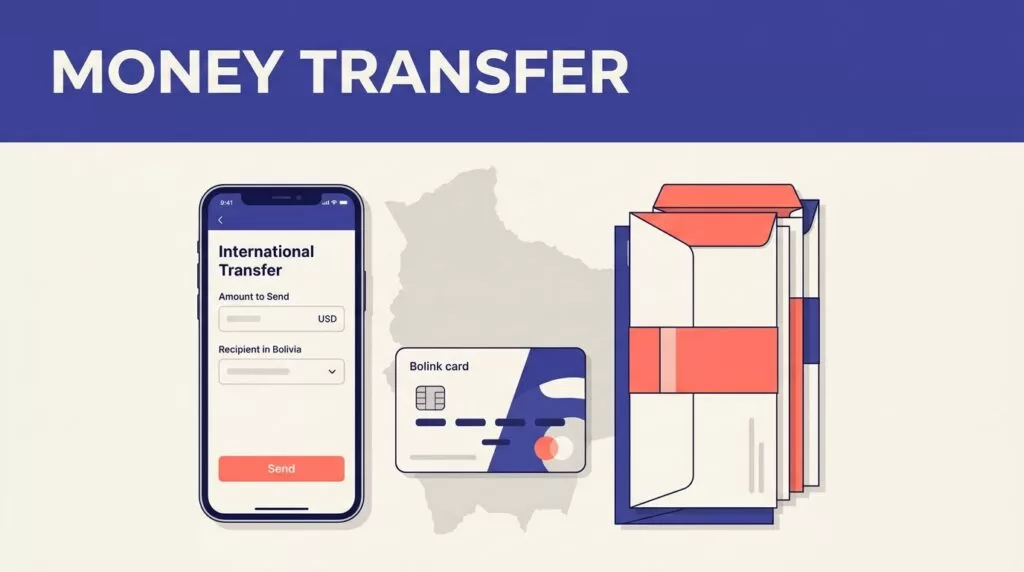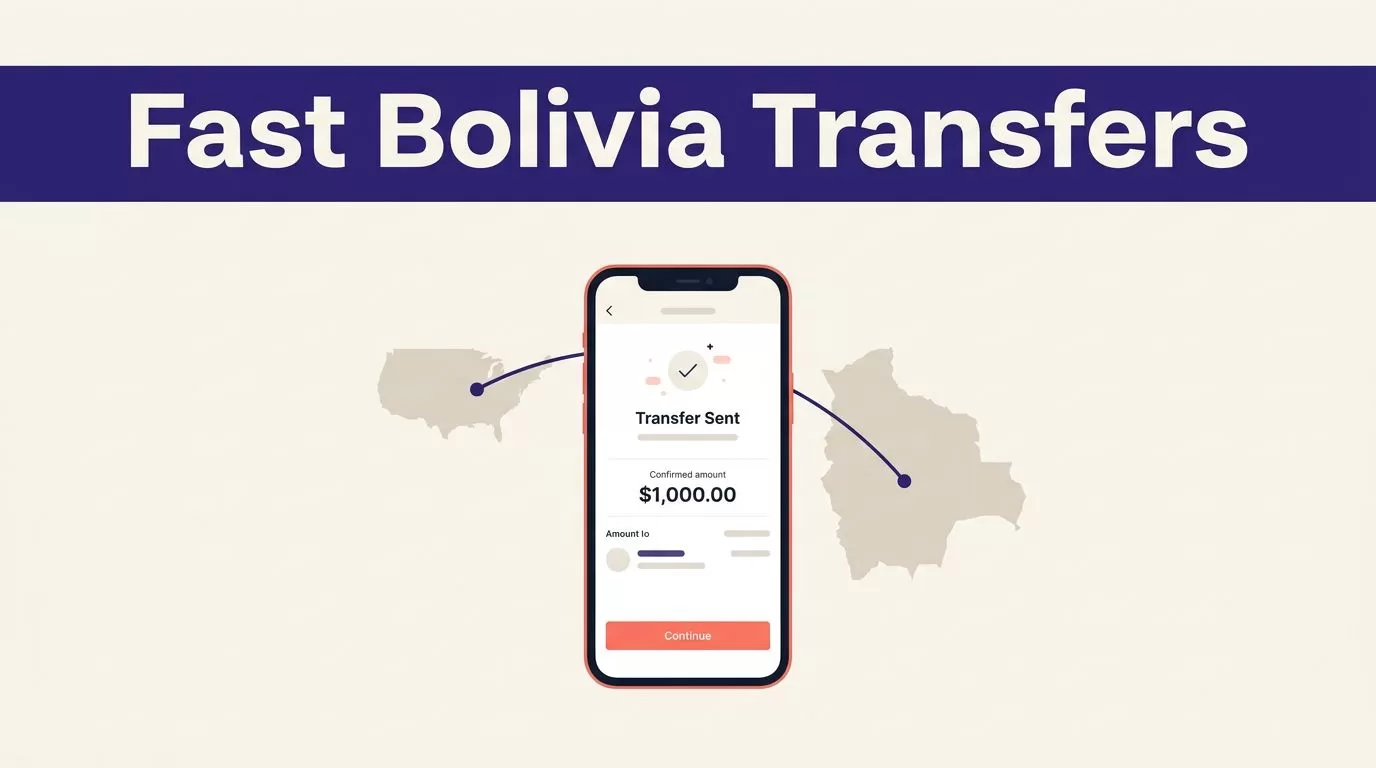
A fast Remitly Bolivia transfer depends on accurate recipient details, the right delivery method, and a final review of the live quote. Speed doesn’t help if a name mismatch sends the payment into manual review.
The steps below use the United States-to-Bolivia route as the example. Payment methods, limits, fees, delivery options, and verification requirements can change by sender country and recipient location, so confirm the final details in the Remitly app or on the official Bolivia transfer page before paying.
What You Need Before Sending Money
Prepare the information first. This reduces errors and makes the transfer process shorter.
Confirm your account and payment source
Create or access your Remitly account through the official app or website. The US-to-Bolivia flow requires your email address and a payment method available in the United States.
Depending on the transfer amount, your identity verification status, payment method, or compliance checks, Remitly may request additional documents. Complete those requests through the official Remitly channel only.
Keep your payment source ready. The available choices may include a debit card, credit card, or bank account, but the options shown depend on your location and the route.
Gather the recipient’s exact details
Ask the recipient for their full name, address, and phone number. Enter the name exactly as it appears on their identification or receiving account.
For a bank deposit, collect the bank name and account number. Confirm every digit before submitting the transfer. A wrong account number can create a longer correction process than a simple spelling error.
For cash pickup, ask which provider and location are convenient. The recipient may need valid identification before collecting the money. Requirements can vary by provider and local rules.
Compare Bolivia Delivery Methods
Your recipient’s access is more important than the fastest label in the app. Remitly’s Bolivia provider directory lists available delivery methods and supported providers for the route.
Cash pickup
Cash pickup can work well when the recipient doesn’t use a supported bank account or mobile wallet. It also gives the recipient a physical collection option in their area.
Check the provider name, pickup location, recipient name, and expected arrival time. The recipient may need to show identification. A small mismatch between the transfer details and the recipient’s ID can delay collection.
Bank deposit or mobile wallet
Bank deposit is useful when the recipient already has a supported account. It removes the need to travel to a pickup location, but the account information must be correct.
A mobile wallet can be faster for recipients who already use an eligible service. Availability depends on the recipient’s location and the current Remitly provider network. Don’t select a wallet method until the recipient confirms the correct account or phone number.
If the app shows options such as Express and Economy, compare the complete quote. A faster route may cost more. A lower-cost route may take longer. The app’s delivery estimate is more useful than the option name alone.

How to Complete a Remitly Bolivia Transfer
Use the following numbered process for a new transfer. Keep the recipient available if you need to confirm a bank, wallet, or pickup detail.
Start the transfer
- Open the official Remitly app or website. Sign in or create an account. Avoid links sent through unexpected messages, social media, or email.
- Set Bolivia as the destination and enter the amount. Check whether you’re entering the amount you want to pay or the amount the recipient should receive. Confirm both currencies before continuing.
- Select the delivery method. Choose cash pickup, bank deposit, mobile wallet, or another option shown for the recipient’s location. Review the provider name and the estimated delivery time.
The destination, amount, delivery method, and payment source affect the quote. Don’t rely on a price you checked earlier. Currency pricing can change, so enter the amount again when you’re ready to submit.
Verify and pay
- Enter the recipient information. Add the name, address, phone number, and any bank or wallet details requested. Compare the information with the recipient’s document or account record.
- Review the complete summary before payment. Check the transfer fee, exchange rate, total amount charged to your payment method, recipient payout, delivery method, provider, and estimated arrival time. A low fee doesn’t always produce the highest recipient payout. The exchange rate also affects the final amount.
Once the review is complete, authorize the payment. Save the transfer reference number and confirmation message. These details help if you need support or want to check the status later.
Remitly doesn’t publish one universal sending limit for every Bolivia transfer. The amount you can send may vary by sender location, verification status, delivery method, destination, banking partner, and compliance requirements. Check the current sending-limit guidance in the app or help center before planning a large payment.
Track, Cancel, or Troubleshoot the Transfer
A completed payment doesn’t always mean the recipient has collected or received the funds. Track the transfer until the delivery status is complete.
Track the delivery status
Remitly can provide transfer updates through the app, email, and text messages. The sender and recipient may receive notifications, depending on the route and contact details.
Use the transfer reference number when checking progress. The Remitly transfer tracking instructions explain where to check the current status.
Ask the recipient to monitor their phone as well. A missed message can make a completed cash pickup or wallet delivery look delayed.
Cancel before the transfer is completed
Cancellation depends on the delivery stage. Remitly generally allows cancellation only before funds are deposited into the recipient’s bank account or mobile wallet, before home delivery, or before cash pickup is completed.
If the cancellation qualifies, Remitly says it aims to return the money paid, including service fees, within three business days. Your bank or payment provider may take longer to post the refund.
Don’t assume a transfer can be reversed after the recipient receives it. Contact Remitly support as soon as you identify a wrong detail or possible fraud.
Check the common delay points
Delivery estimates aren’t guarantees. A transfer can take longer because of payment processing, transaction review, system availability, the selected delivery method, provider handling, or incomplete recipient information.
First, check whether your payment was accepted. Next, review the recipient details and the current status. If the status doesn’t change, use the Remitly transfer delays page or contact support with your reference number.
For a US transaction problem, keep the sender email, recipient details, amount, reference number, and a clear description of the issue ready. Those details reduce repeated questions during support review.
Use a Final Security Check
Protect your account and payment
Use only the official Remitly app or type the official website address into your browser. Check the domain before entering a password, payment detail, or identity document.
Never share a Remitly verification code with another person. Remitly support won’t need you to forward a one-time code to complete a transfer. Treat unexpected requests for passwords, card details, or remote device access as suspicious.
If someone asks you to send money to a different recipient after the payment is submitted, stop and verify the request through a trusted channel. Don’t let urgency replace account verification.
Run the last review
Before confirming a Remitly Bolivia transfer, check these fields:
- The amount you pay and the payment currency.
- The exchange rate and transfer fee.
- The total charge to your card or bank account.
- The exact amount the recipient receives.
- The delivery method, provider, and estimated arrival time.
- The recipient’s name, phone number, address, and account details.
- Any promotional condition or verification request shown in the summary.
Take a screenshot or save the confirmation for your records. Don’t treat an earlier quote as the final price. The live summary at payment is the amount that matters.
Conclusion
A fast Remitly Bolivia transfer starts with correct recipient information and ends with a careful review of the live quote. Choose delivery based on the recipient’s access, not only the advertised speed.
Confirm the fee, exchange rate, total charge, payout amount, delivery estimate, and transfer limit before paying. Then keep the reference number and track the transfer until the recipient confirms delivery.