Complete a Fast Remitly Bulgaria Transfer Without Mistakes
A Remitly Bulgaria transfer can move money to family, friends, or your own account without visiting a bank branch. The process is digital, but the result depends on choosing the correct delivery method and entering accurate recipient detail...
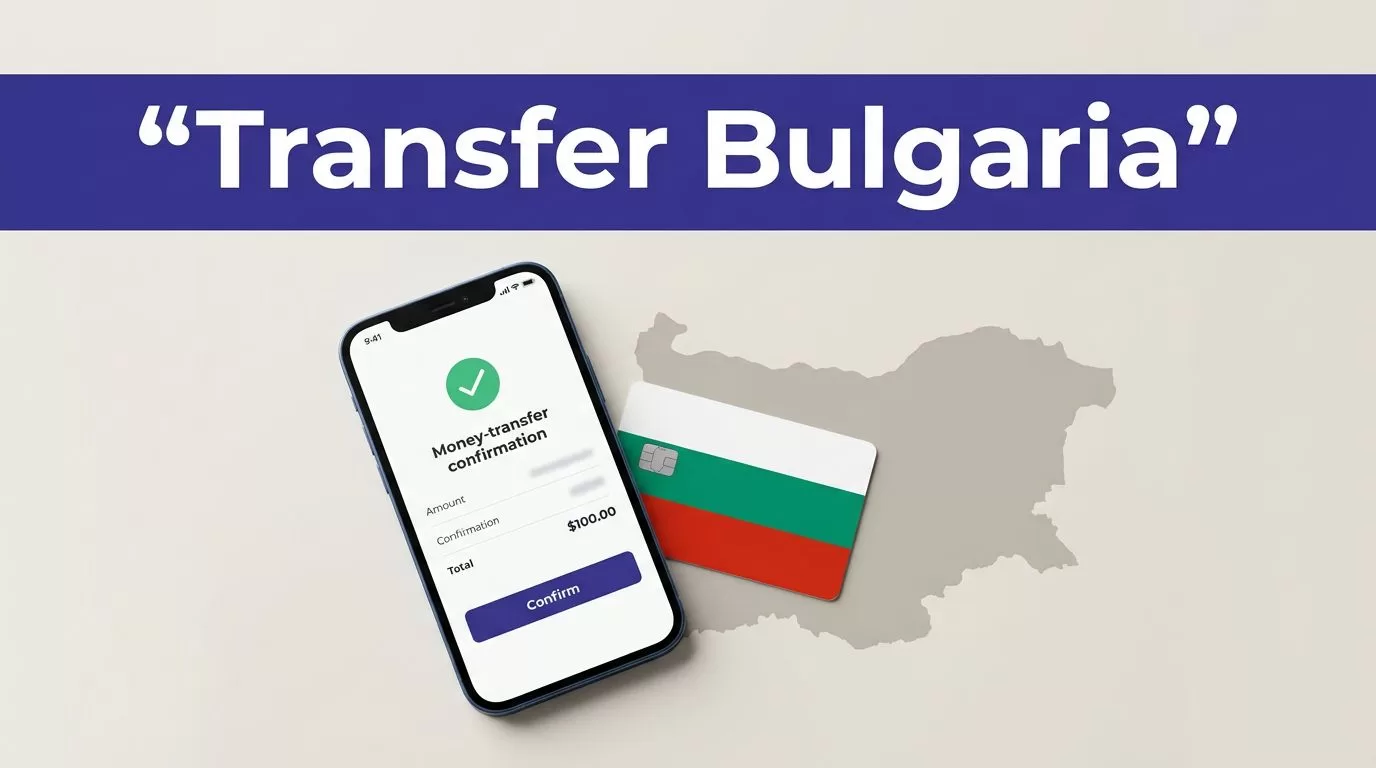
A Remitly Bulgaria transfer can move money to family, friends, or your own account without visiting a bank branch. The process is digital, but the result depends on choosing the correct delivery method and entering accurate recipient details.
Your sending country, transfer amount, payment method, recipient location, and delivery speed can change the final fee, exchange rate, and available options. Review the live quote in the Remitly app or website before you approve the transfer.
How a Remitly Bulgaria Transfer Works
Remitly uses a simple send-and-receive process. You create an account, select Bulgaria, add the recipient, choose how the money will arrive, and pay for the transfer.
The exact screens can vary by country. Start with the official Remitly money transfer website and select your real sending country before entering any details.
1. Create your account and select Bulgaria
Enter your legal name, email address, phone number, and password. Remitly may ask you to verify your identity before allowing a transfer. Complete that step through the official app or website.
Next, choose Bulgaria as the destination. Enter the amount you want to send and select the currency shown in the quote. Don’t rely on a previous quote because rates and fees can change.
2. Select speed, delivery, and payment
Remitly normally presents available delivery speeds before you send. The faster option may cost more, while a lower-cost option may take longer. The final screen shows the fee, exchange rate, total payment, estimated delivery information, and amount the recipient should receive.
Check every figure before continuing. The quote shown for your account is the one that matters.
3. Add the recipient and approve the transfer
Enter the recipient’s information exactly as requested. Then select the available payment method, review the complete transaction summary, and submit the transfer.
Save the receipt and reference number. You may need both if you contact support or if the recipient needs help collecting the money.
Choose the Right Delivery Method
A Remitly Bulgaria route may show bank deposit, cash pickup, debit card deposit, or another supported option. Availability depends on your sending country, the recipient’s location, and the payout provider connected to the route.

Photo by Monstera Production
Bank deposit
A bank deposit sends the money directly to an eligible Bulgarian bank account. This is usually practical when the recipient already uses a supported account and doesn’t need physical cash.
The recipient doesn’t need to visit a payout location when the deposit is completed. However, an incorrect account number, name mismatch, or unsupported bank can delay the transfer or require correction.
On the U.S. route, Remitly lists Bulgarian providers such as UniCredit Bulbank, Tokuda Bank, and Euro-finance Ltd. The available deposit method, currency, and recipient requirements vary by provider. Some provider pages list BGN and EUR, but don’t assume both currencies are available for every transfer.
Cash pickup
Cash pickup allows the recipient to collect money at an eligible location in Bulgaria. This can help when the recipient doesn’t have a supported bank account or needs physical cash.
The recipient may need a valid government-issued ID and the transfer reference. The name on the transfer must match the identification document. Pickup hours and availability also depend on the selected provider and location.
Remitly’s Bulgaria transfer page shows the delivery choices available for the selected route. Check the recipient’s preferred location before paying.
Debit card deposit and other options
Some routes may show debit card deposit, mobile money, or home delivery. These choices aren’t universal for Bulgaria. The app only displays methods available for your sender country and the selected recipient details.
Don’t choose an option based only on the advertised speed. Compare the recipient’s final amount, delivery instructions, and any requirements shown at checkout.
Prepare the Recipient Information
Accurate information is the main control you have over a transfer. A small spelling error can create a review or delay, especially with cash pickup.
Information for a bank deposit
The app may request the recipient’s:
- Full legal name as recorded by the bank
- Phone number and address
- Bank name or selected payout provider
- Account number or IBAN, where required
- Currency or account details requested by the provider
Copy the information from a trusted source. Don’t type an account number from memory. Ask the recipient to confirm the details through a separate communication channel before you submit the payment.
Check whether the account belongs to the person you intend to pay. A successful deposit to the wrong account can be difficult to reverse.
Information for cash pickup
For cash pickup, Remitly may ask for the recipient’s full name, phone number, address, and selected pickup location. The recipient should check the transfer instructions before traveling.
Tell the recipient the exact name used on the transfer. They should take the required identification document and keep the reference number available. Don’t post the reference number publicly or send it to anyone outside the transaction.
A transfer can be processed correctly and still fail at pickup when the recipient’s name doesn’t match their ID.
Review the Full Quote Before Sending
The headline exchange rate isn’t the full cost. Review the exchange rate, transfer fee, amount charged to you, delivery speed, and amount the recipient receives as one transaction.
The Remitly pricing page for transfers from the United States to Bulgaria displays the route-specific quote and available pricing information. If you’re sending from another country, use the pricing page connected to your account instead.
Check the route, currency, and recipient amount
Before confirming, verify these details:
- Sending country and destination
- Amount you pay
- Transfer fee
- Exchange rate
- Currency delivered
- Delivery method
- Estimated arrival information
- Recipient’s final amount
- Recipient name and account or pickup details
Don’t use an old screenshot or saved estimate. Open the transfer again when you’re ready to pay and review the current figures.
A promotion may apply only to a first transfer, a certain payment method, or a specific amount. Treat promotional pricing as temporary unless the checkout screen confirms it.
Protect your account and payment details
Download the Remitly app through the official Apple App Store or Google Play. You can also access the service by typing the official website address into your browser. Avoid APK files, unexpected login links, and ads that redirect to unfamiliar domains.
Use a unique password and protect your email account. Never share your password, one-time verification code, card security code, or account login with the recipient or a person claiming to be Remitly support.
Confirm unusual requests through official support. Scammers often create urgency and ask senders to change the recipient, pay an extra fee, or send a verification code.
Track, Cancel, or Fix a Delayed Transfer
A completed payment doesn’t always mean the recipient has the money immediately. The transaction may still be moving through review, bank processing, or a local payout provider.
Track the transfer in the app
Open Remitly and sign in. The Home tab shows recent transfers. Select the relevant transaction to view its status, transfer details, and reference number. Use the transfer history view if the transaction isn’t listed among recent activity.
You can also check status through the Remitly website. Keep the receipt until the recipient confirms receipt or pickup.
The status message is more useful than a general delivery estimate. It tells you whether the transfer is pending, processing, delivered, available for pickup, or affected by a problem.
Request a cancellation quickly
Cancellation availability depends on the transfer status and delivery method. Look for a cancellation option in the transaction details as soon as you change your mind or notice an error.
If no cancellation option appears, contact Remitly through the official support channel immediately. Don’t assume a transfer can be reversed after a bank deposit or cash payout. Tell support the reference number and explain whether the recipient has received or collected the money.
Never create a second transfer until you understand what happened to the first one. Duplicate payments are easy to make when the first transaction is still pending.
What to do when delivery is delayed
Start by checking the transfer status and recipient details. Then confirm that the recipient’s bank account is open, the pickup location is operating, and the recipient has completed any required verification.
Delays can result from incorrect details, payment problems, identity checks, bank processing, provider hours, weekends, holidays, or a payout partner review. Delivery estimates aren’t guarantees.
If the status hasn’t changed or the expected date has passed, contact Remitly support. The U.S. pricing page provides access to help resources and lists 24/7 support options for some channels. Support availability can vary by sending country and language.
Give support the transfer reference number, payment receipt, recipient name, and a clear description of the problem. Don’t send sensitive information through an unverified social media account.
Conclusion
A fast Remitly Bulgaria transfer starts with the correct route and ends with a careful review. Choose bank deposit when the recipient has an eligible account. Choose cash pickup when the recipient needs physical cash and can meet the provider’s identification requirements.
Enter the recipient’s details exactly, compare the complete quote, and save the receipt and reference number. Track the transaction in the app, and contact official support quickly if the transfer is delayed or needs cancellation.
Speed matters, but an accurate transfer is the one that reaches the right person without correction work.
