How I Send Money to Colombia Bank Accounts with Remitly
I remember the first time I needed to wire cash to my cousin’s bank in Bogotá. Banks quoted fees that ate half the amount, and delays stretched weeks. You know that frustration when family waits on funds for rent or school? Remitly fi...
I remember the first time I needed to wire cash to my cousin’s bank in Bogotá. Banks quoted fees that ate half the amount, and delays stretched weeks. You know that frustration when family waits on funds for rent or school? Remitly fixed it for me. It delivers straight to Colombian banks like Davivienda or BBVA with low costs and quick speeds. In this guide, I share exactly how I do it in 2026, based on my transfers.
Rates and fees shift, so I always check Remitly’s site first. Let’s walk through why it works and my full process.
Why I Choose Remitly for Colombia Transfers
Remitly stands out when I send USD to Colombian pesos. It skips the high bank markups I faced before. Picture sitting at your desk, phone in hand, watching funds hit a bank account hours later. That’s my routine now.
I like the app’s simplicity. It shows the exact amount received before I pay. No surprises. Plus, security feels solid with two-factor checks and encryption. I’ve sent thousands without issues.
For Colombia routes, Remitly partners with local banks directly. That means deposits land in accounts at BBVA or Bancolombia, not just cash pickups. I avoid extra steps recipients hate.
New users get perks too. My first two transfers cost nothing. That saved me $8 right away. Compared to wires, Remitly keeps more money there.

This setup suits freelancers or families. If you bill overseas clients, tools like Wise Business fees for international sends offer alternatives, but Remitly wins on speed to Colombia.
Current Fees and What They Mean for Your Transfer
Fees depend on amount and speed. For bank deposits under $500, I pay $3.99. Over $500, it’s free. Mobile wallets cost $0.99 below $500, cash pickup $4.99. New customers skip fees on first two sends.
I always pick bank deposit for Colombia. It matches my needs. Economy option saves more but takes days. Express rushes it same-day sometimes.
Exchange rates add up fast. Remitly uses a promo rate for new users’ first $500: about 3,830 to 3,960 COP per USD. Beyond that, standard rates apply with a small markup. I check the converter tool each time because mid-market rates fluctuate.
Here’s a quick breakdown from recent transfers:
| Amount Sent (USD) | Delivery Speed | Bank Deposit Fee | Typical COP Received (approx.) |
|---|---|---|---|
| Under $500 | Economy | $3.99 | 3,850 COP/USD promo first |
| $500+ | Express | Free | 3,900 COP/USD standard |
| Any | First two | Free | Varies by promo |
This table shows why I batch sends over $500. Fees drop to zero. Always preview in the app; it factors payment method too, like debit versus bank.
For full details on Remitly providers in Colombia, their page lists options. Rates beat traditional banks by 4-7% in my tests.
Banks and Delivery Speeds Supported in Colombia
Remitly covers major Colombian banks. I send to Davivienda, BBVA, Bancolombia, Banco Agrario, and more like Banco de Bogotá or Grupo Éxito. Over 20 partners total.
Bank deposit goes direct to the account. Recipients get pesos fast. No pickup lines.
Speeds vary. Express hits banks in minutes to hours. Economy takes 3-5 days but costs less. Factors like verification or holidays affect it. I choose Express for urgent needs, like bills.
Mobile wallets work too, but banks suit most. Cash pickup at stores like Éxito is backup.
Supported banks include:
- BBVA Colombia
- Banco Davivienda
- Bancolombia
- Banco Agrario
- Banco Caja Social
I confirm recipient details match exactly. Wrong account number bounces funds back.
See Remitly’s guide to sending to Bancolombia for specifics. It lists currencies: COP only.
If you handle multi-currency like Wise Euro IBAN receives, compare setups. Remitly focuses on speed here.
Step-by-Step: How I Transfer Money to Colombia Banks
I start the Remitly app or site. Account setup takes minutes: email, phone, ID verify. First-timers upload passport or driver’s license.
Here’s my process:
- Enter amount and select Colombia. Choose bank deposit.
- Add recipient: full name, phone, bank name, account number, bank code if needed. I copy-paste from their statement.
- Pick speed: Express or Economy. Preview fee, rate, arrival amount.
- Pay: debit card, ACH bank, or wallet. Avoid credit; fees jump.
- Confirm and track. Get receipt, share reference number.
That flow keeps it under 10 minutes.
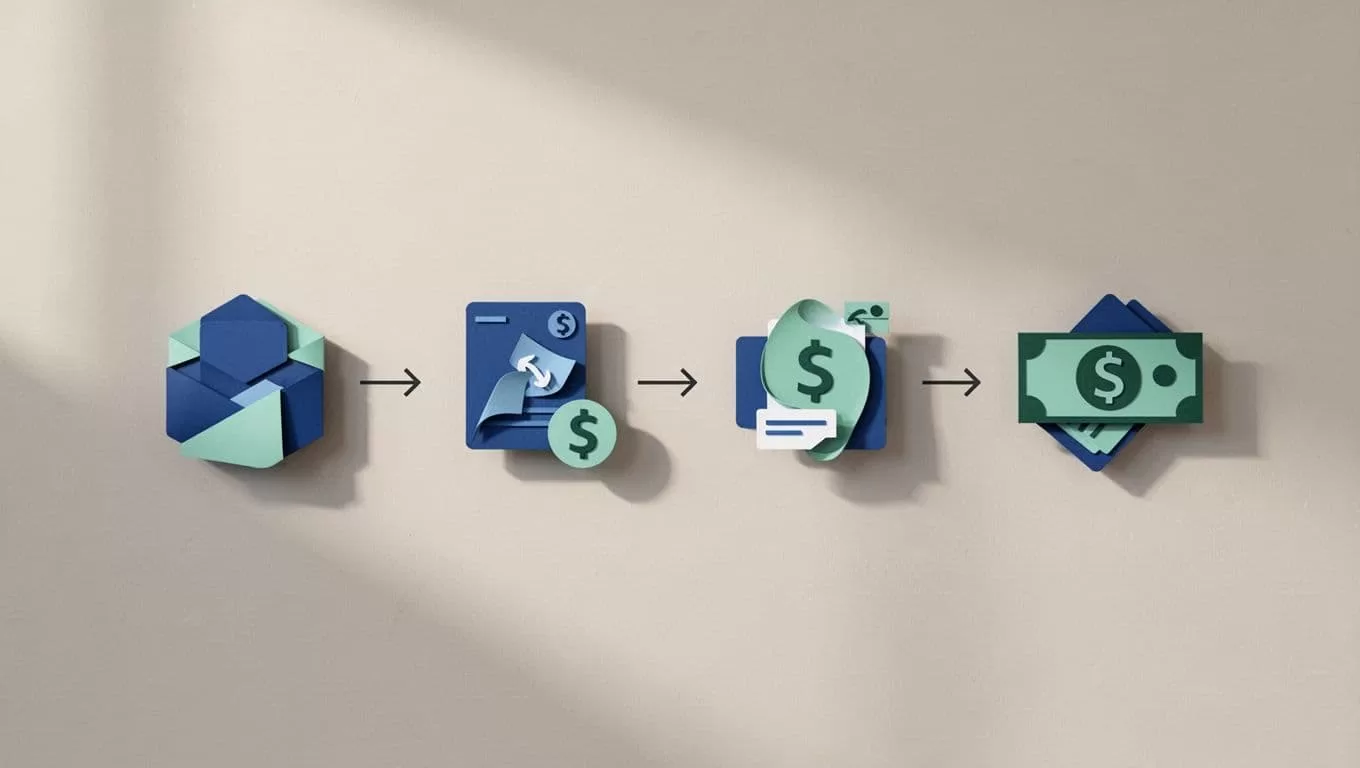
For visuals on the full how-to, check Remitly’s Colombia transfer blog. I follow it closely.
Limits start low for new users, up to $2,999 daily after verify. Colombia caps vary by bank.
Requirements and Tips to Speed Things Up
You need a valid ID for signup. Recipients just share bank info. No Remitly account required on their end.
Verification holds first transfers sometimes. I upload clear photos fast. Delays come from fuzzy docs or mismatched names.
Tips I swear by:
Match bank details perfect. Colombian accounts use 10-18 digit numbers; add type if asked (savings/checking).
Send midweek. Weekends slow processing.
Batch over $500 for free fees. Test small first.
Track via app notifications. Share the reference; banks credit fast.
Common pitfalls: wrong routing codes or unverified sender status. I double-check everything.
If international billing is your game, pair with Wise vs Payoneer for transfers. Remitly edges on Colombia speed.
Exchange rates lock at send time. I time sends when USD strengthens.
Conclusion
Remitly makes Colombia bank transfers reliable and cheap for me. Low fees on bigger amounts, direct deposits to banks like Davivienda, and clear previews build trust. Stick to verified details and app previews to avoid hiccups.
I’ve cut costs 30% versus banks. Next time family needs funds, Remitly handles it smooth. Check their site for your exact quote; details shift. Your turn to try it.
