How to Complete a Fast Remitly Croatia Transfer
Sending money to Croatia should not require guesswork. A Remitly Croatia transfer can be fast, but the final cost and delivery time depend on your sending country, amount, payment method, and selected delivery option. Remitly lists Croatia...

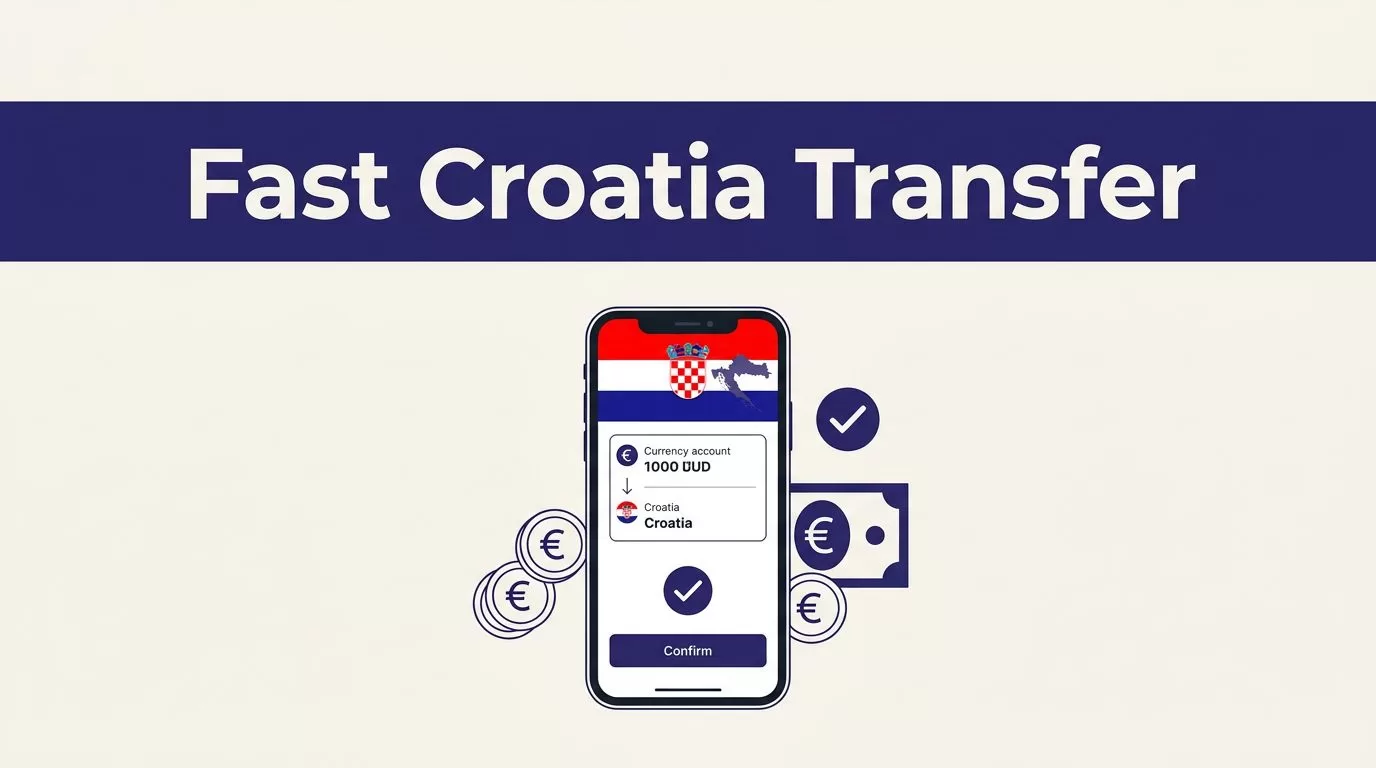
Sending money to Croatia should not require guesswork. A Remitly Croatia transfer can be fast, but the final cost and delivery time depend on your sending country, amount, payment method, and selected delivery option.
Remitly lists Croatia as an available destination, including a U.S. route through its website and app. Your job is to enter accurate recipient data, compare the full quote, and keep the reference details until the money arrives. Start with the current route quote, not an old fee screenshot or search result.
Prepare the Transfer Before You Open the App
The fastest transfer is usually the one that doesn’t stop for a missing field or an identity check. Gather the details first.
Use the Official Remitly Website or App
Open Remitly’s official website by typing the address yourself or using a trusted bookmark. If you use a phone, install the app through the Apple App Store or Google Play, not an APK site or a link from an unexpected message.
Create the account with your own email address. Use the real country you are sending from. Pricing, delivery methods, limits, and verification rules can change when the origin country changes.
Don’t use a VPN or incorrect location to access a different price page. The quote must match your actual sending country and payment setup.
Confirm the Recipient Record
Ask the recipient to send their details in the format their bank or payout provider expects. Use the full legal name. For a bank deposit, check the account information carefully, including the IBAN when requested. Add the recipient’s current address and phone number when Remitly asks for them.
A small name mismatch can delay a payout. Don’t rely on a saved contact if the person changed banks or moved. Recheck the recipient before every new transfer, even when the last one worked.
Read the Full Quote Before Paying
The fee is only one part of the price. Remitly should show the exchange rate, amount charged, recipient amount, delivery method, and estimated arrival time before you confirm. Compare those fields together.
No Croatia transfer should be assumed instant or free. The delivery option and the payment route affect the final result.
Check Fees and Delivery Speed
For U.S. senders, the Remitly U.S. Croatia transfer page displayed $0.99 for Economy and $1.99 for Express when sending USD to EUR at the time of checking in August 2026. Treat these as displayed route examples, not permanent prices. A promotion, payment method, amount, or account status can change the quote.
Economy may cost less and take longer. Express may cost more and may arrive sooner, but neither label replaces the actual estimate on your screen. Timing can also change because of payment processing, transaction review, partner availability, or system issues.
Compare the Rate With the Recipient Amount
The exchange rate determines how many euros arrive. A low fee can still produce a weaker result if the rate is less favorable. Check the amount you pay and the exact amount the recipient receives.
The U.S. USD-to-EUR page showed a promotional first-transfer rate of 0.8480 EUR for 1 USD when checked. That figure is not a standing rate. Reopen the transfer and review the live quote when you are ready to send. The USD to EUR rate page can provide context, but the final quote in your account controls the transaction.
How to complete a Remitly Croatia transfer
The workflow is short. Slow down at the fields that affect delivery. For a Remitly Croatia transfer, the delivery option is part of the price, not an afterthought.
Enter the Amount and Choose the Destination
Select Croatia and enter the amount you want to send or the amount the recipient should receive. Confirm the currencies. Croatia payouts should show EUR when that delivery route is configured for euros.
The quote updates as you change the amount. Don’t copy a previous quote into a new transaction. Pricing can change between sessions.
Check whether the screen calculates the recipient amount or the amount you need to pay. These are different starting points. Use the option that matches your goal.
Select the Delivery Method
Choose from the options Remitly shows for your route and recipient. Depending on the sending country and location, options may include bank deposit, mobile wallet, debit card deposit, or cash pickup. The list is not universal.
Pick the method the recipient can use. A bank deposit requires correct account data. A pickup option may require the recipient to present identification and the transfer reference. Tell the recipient which method you selected.
Don’t choose a method based on speed alone. Compare the recipient amount, delivery estimate, provider location, and any instructions the recipient must follow.
Add Payment Details and Confirm
Enter your payment information inside the official Remitly flow. Review the fee, exchange rate, total debit, recipient amount, delivery method, and estimated arrival time.
Only confirm after the recipient’s name and payout details pass your final check. Save the receipt, confirmation email, and reference number. These records help if you need support or need to track the transfer later.
Limits and Identity Checks Can Change the Flow
A transfer can be ready to send and still require review. Plan for that if the amount is large or the account is new.
Don’t Assume a Universal Transfer Limit
Remitly doesn’t publish one universal Croatia limit that applies to every sender. Limits can depend on the sending country, identity verification, delivery method, destination, and account history. The U.S. Croatia page states that limits vary across these factors.
Check the limit shown for your account before building a payment plan. Don’t split one transfer into several smaller payments to bypass a restriction. That can create extra fees, delays, or review requests.
A new account may also have different limits than a verified account. Treat the limit shown during your transfer as the usable value.
Complete Verification With Accurate Information
Remitly may ask you to verify your identity or provide additional information. The exact requirements depend on the route and account. Use information that matches your official documents. Don’t submit edited images or someone else’s details.
Keep passwords, one-time codes, and identity documents inside the official website or app. Remitly support won’t need your account password. If a message asks for payment or login details through an unfamiliar link, stop and open the official site manually.
Track and Troubleshoot the Transfer
A fast transfer still needs a control point after payment. Tracking tells you whether the transaction is processing, delivered, or waiting for an action.
Save the Reference Number and Status
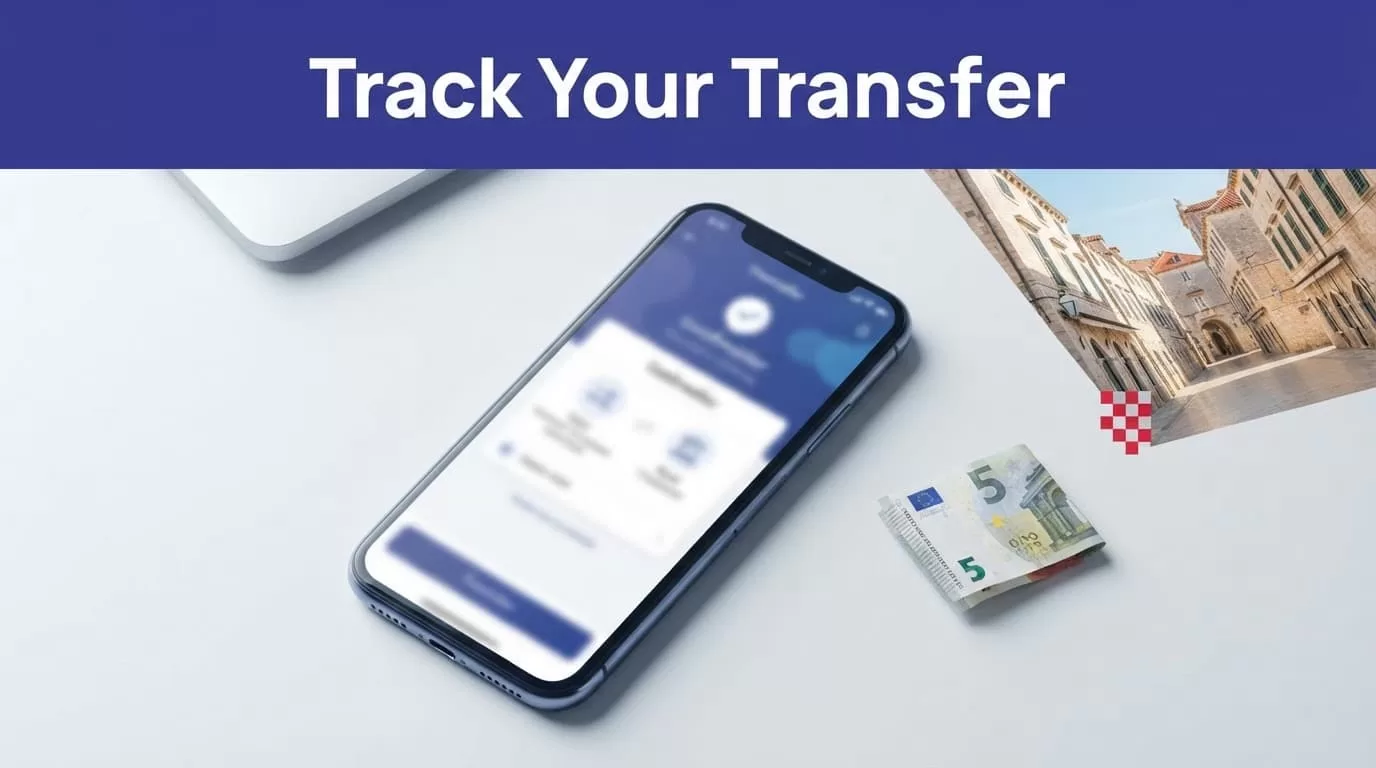
Use the Remitly app or website to view transfer status. The app’s Home area and the website’s Transfer History can show the transaction details. Remitly’s Croatia guidance also says reference details can be used for tracking, and notifications may arrive by text, email, or in-app message when available.
Send the recipient the relevant reference information only through a trusted channel. Don’t post it publicly. Ask the recipient to confirm when the money reaches the selected account or provider.
Respond to Delays Without Sending Again
If the delivery estimate passes, check the status before creating another transfer. A payment review, bank processing delay, partner issue, incorrect recipient detail, or system availability problem can affect timing.
Compare the transaction status with the receipt. If the recipient details are wrong, contact Remitly through its official support path before making changes. Keep screenshots, the confirmation number, payment record, and messages from the recipient.
Don’t assume the first transfer failed because a second message says it failed. Verify the account status first. Sending a duplicate payment can create a second charge and a separate recovery process.
Use a Short Security Checklist
Money transfers are difficult to reverse after payout. Use these checks every time:
- Open Remitly from the typed official domain or a verified app store listing.
- Verify the recipient’s legal name and payout details with the recipient.
- Compare the fee, exchange rate, total charged, amount received, delivery method, and estimated arrival.
- Keep passwords and one-time codes private.
- Save the receipt and reference number, then monitor the status until delivery is confirmed.
A transfer isn’t complete because a browser page says “sent.” Wait for the recorded status and the recipient’s confirmation. A reliable Remitly Croatia transfer has two control points, the final quote before payment and the delivery record afterward.
Conclusion
A fast Croatia transfer depends on preparation, not on selecting the fastest label blindly. Set the correct origin country, use the official Remitly channel, enter recipient data exactly, and compare the final euro payout with the total amount charged.
Fees, rates, limits, delivery methods, and timing can change. The live quote and transfer status are the usable records. Review them before payment, then keep the receipt and reference number until the recipient confirms delivery.

