How I Check Remitly Exchange Rates for Philippines Transfers
I remember the first time I needed to send money to family in the Philippines. The bank quoted a rate that left me short, and fees ate another chunk. You know that feeling when small details add up to real loss. That’s why I always pr...
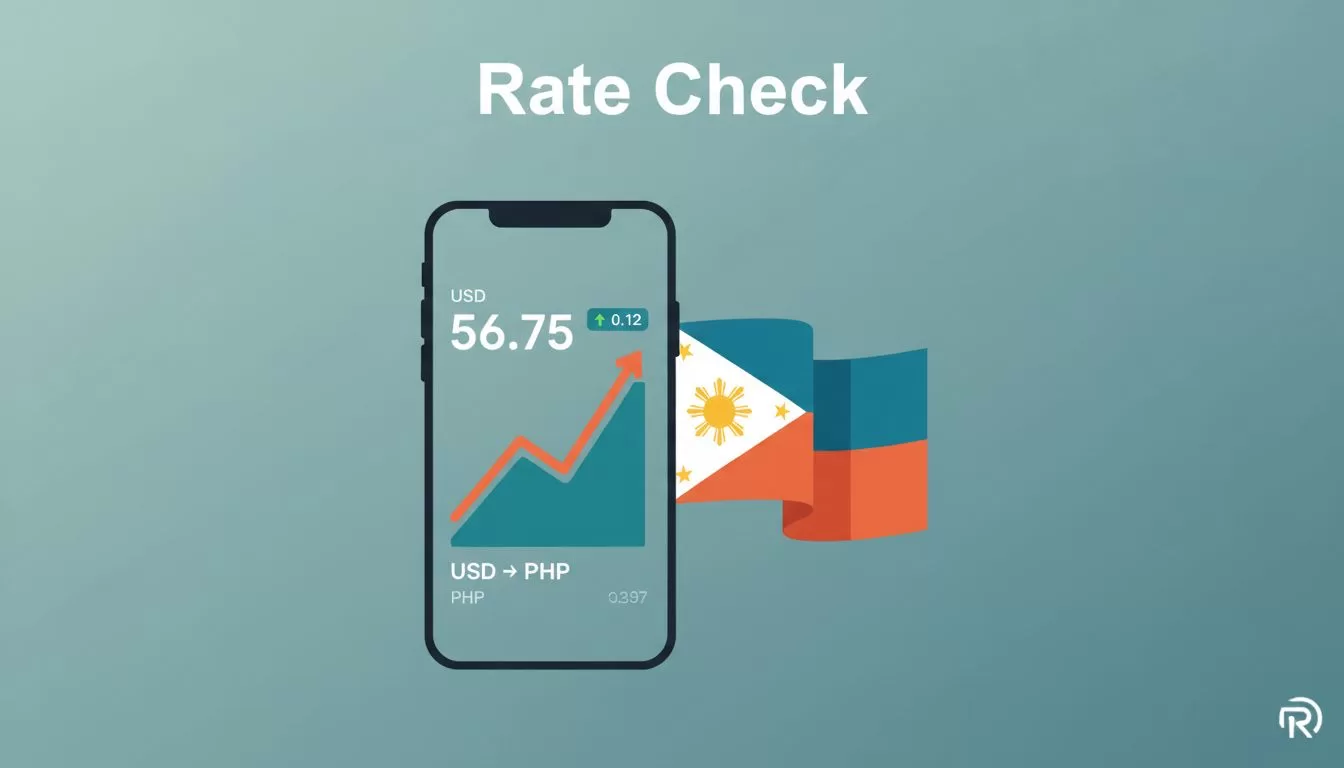
I remember the first time I needed to send money to family in the Philippines. The bank quoted a rate that left me short, and fees ate another chunk. You know that feeling when small details add up to real loss. That’s why I always preview the Remitly exchange rate for Philippines transfers before hitting send. It shows exactly what arrives in PHP.
Rates shift every minute with markets. Remitly makes it simple to see live quotes. In this guide, I walk you through my steps. You get the full picture on fees and delivery too.
Why Remitly Stands Out for Philippines Money Transfers
I turn to Remitly for quick sends to the Philippines because it handles popular options like GCash wallets and LBC cash pickups. Banks often hide markups in their rates. Remitly shows everything upfront.
Market rates hover around 58 PHP per USD right now. Remitly adds a small spread, but their tool lets you compare. I check because a few pesos per dollar means hundreds less for your recipient over larger amounts.
New users snag promo rates up to 62 PHP per USD on the first $1,000. Regular sends sit at 56 to 59 PHP per USD. That gap matters. For example, $500 at promo gives about 31,000 PHP. At standard, it’s closer to 28,000 PHP.
Delivery speed affects the quote too. Express hits in hours. Economy takes days but might cost less overall. I pick based on urgency. Partners like GCash make receipt easy, no bank needed.
Remitly claims no hidden fees. Still, I verify in their calculator. It factors payment method, like debit card versus bank transfer.
Step-by-Step: How I Check Remitly’s Live Exchange Rate
Start on the Remitly site or app. I use the USD to PHP converter because it pulls real-time data.
Enter the amount you plan to send, say $200. Select USD as from and PHP to Philippines. Choose delivery, like mobile wallet or cash pickup.
The screen updates instantly. It lists exchange rate, any fee, and total PHP. Promo pops if you’re new. Rates lock once you start the transfer.

Sign up with email to see the best offer. No commitment yet. I screenshot quotes for records. Markets move fast, so check minutes before pay.
If traveling or sending often, download the app. Push notifications alert rate changes. I set mine for USD-PHP drops.
Test small first. Send $50 to confirm flow. That builds confidence.
Fees, Delivery Speed, and Your Final PHP Amount
Exchange rate is just one piece. Fees and speed shape the total. Remitly often lists zero fees for promo Philippines transfers.
Express delivery costs nothing extra in many cases. It arrives same day via GCash or LBC. Economy spreads over 3-5 days, sometimes with a tiny fee.
Your screen preview spells it out. For $1,000 promo, expect 62,000 PHP or more. Subtract any fee, and that’s the recipient’s haul.
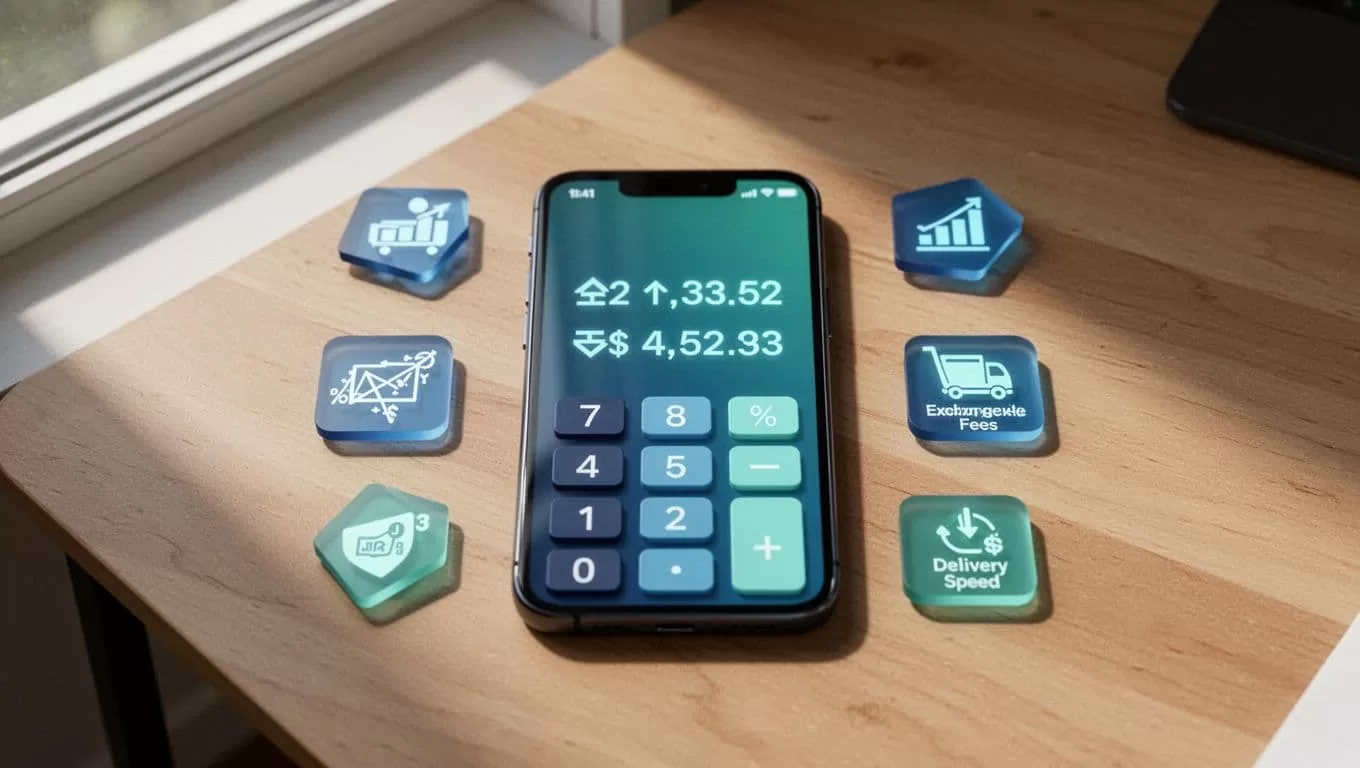
Payment method matters. Bank ACH is free. Credit cards add 3%. I stick to debit or ACH.
Amount sent influences too. Promo caps at $1,000. Beyond that, regular rate applies.
Always review the breakdown. It shows rate, fee, speed, and net PHP. No surprises.
Grab Promo Rates as a New User
First-timers get the edge. I signed up and saw 62.11 PHP per USD right away. That’s above market.
Limit is $1,000. Send more, and it blends promo then standard. Perfect for one-off needs.
Create account free. Email verifies in seconds. Promo shows before card details.
Repeat sends drop to 56-59 PHP. Still competitive, but not bank-level markup.
Check Remitly’s pricing page for options. It lists per route.
Quick Comparison to Wise for Cross-Border Sends
Remitly shines for speed to Philippines partners. Wise uses mid-market rates with low fees, around 0.6%.
I check both. For business, see Wise business fees breakdown to compare conversions.
Wise suits larger, slower transfers. Remitly wins for urgent cash or wallet.
Final Thoughts
Live checks keep your Philippines transfers on track. Preview Remitly’s rate, fees, and delivery every time. New user promos boost PHP received most.
Rates flux, so act on fresh quotes. Your family gets more, fees stay low. Next send, start with the calculator. It pays off quick.
(Word count: 982)
