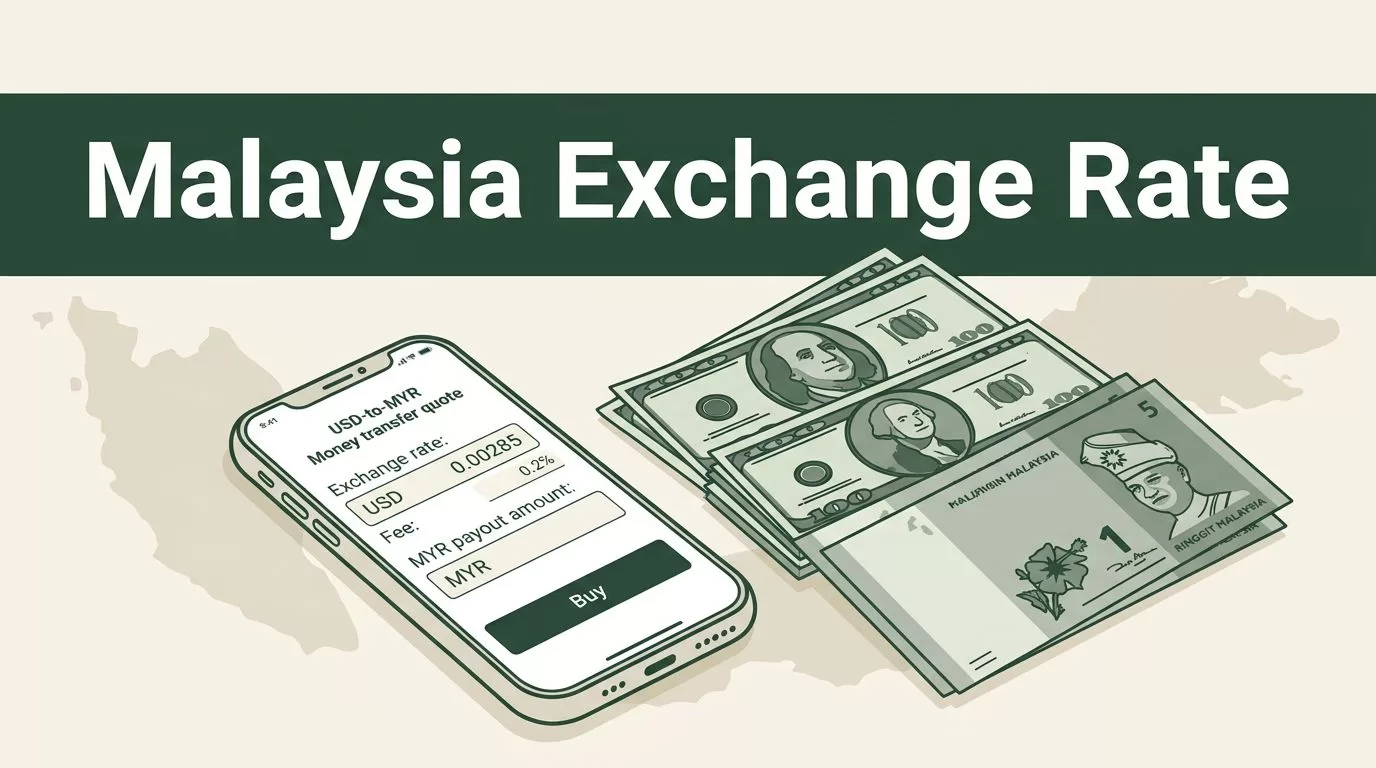
The rate in a search result isn’t the amount your recipient gets. To check the Remitly Malaysia exchange rate, open the live USD to MYR quote for your sending country and enter the actual transfer amount. Remitly then shows the rate, fee, and estimated MYR payout together.
When you send money to Malaysia, the exchange rate is only one part of the transaction. Payment method, delivery speed, promotions, and transfer size can change the quote. Use the live quote, not an old screenshot or general currency calculator.
What the Remitly Malaysia exchange rate tells you
The exchange rate shows how much Malaysian ringgit you receive for each unit of your sending currency. For a USD to MYR transfer, a quote such as 1 USD = 3.87305 MYR means one US dollar converts to that amount before the full transaction calculation.
That figure isn’t the same as your total cost. It also isn’t always the same as the mid-market rate shown by a separate currency website. Remitly displays a transaction quote based on your sending country, account, payment method, delivery option, and any active promotion.
The recipient amount in MYR is the figure that matters for the person receiving the money. A transfer fee can reduce the amount converted or increase the amount you pay, depending on how Remitly structures that quote. Read the complete calculation before confirming.
Remitly’s USD to MYR exchange-rate page currently lists a $1.49 transfer fee on its US route and says the first transfer has no fee. That information is route-specific. Don’t assume the same fee applies when you send from another country.
A low transfer fee doesn’t guarantee a low-cost transfer. Compare the total amount you pay with the exact MYR amount your recipient receives.
How to check the Remitly Malaysia exchange rate
Use the website or mobile app to generate a quote for your actual transaction. The process is usually as follows:
- Open Remitly and select Malaysia as the destination. Choose the country where you’re sending money and the currency you plan to use. A USD to MYR quote can differ from a GBP to MYR or SGD to MYR quote.
- Enter the amount you want to send. Some transfer screens also let you enter the amount the recipient should receive. Changing between these options can alter the amount you need to fund.
- Select the delivery method. Eligible Malaysian recipients may receive money through options such as bank deposit or another supported payout method. The available choices depend on the recipient and location.
- Choose your payment method and delivery speed. Remitly may support bank account payments, debit cards, or credit cards, depending on the sending country. Economy and Express options can produce different prices and arrival estimates.
- Review the complete quote. Check the exchange rate, transfer fee, total amount charged, expected MYR payout, delivery estimate, and any promotion. The live quote is more useful than a general rate displayed on a public currency page.
- Enter the recipient’s details accurately. Use the recipient’s legal name and the correct bank or account information. A mismatch can delay review or prevent the payout.
Remitly’s Malaysia transfer page provides the route-specific transfer flow. Your account may show different options because pricing and availability depend on where you send money.
Separate the rate, fee, and MYR payout
Treat every Remitly quote as three separate figures.
The exchange rate converts your sending currency into Malaysian ringgit. It tells you the conversion price, but it doesn’t tell you the final transaction cost.
The transfer fee is the amount Remitly charges for arranging the transfer. It can vary by sending country, transfer amount, delivery speed, payment method, and promotional eligibility. A first-transfer discount may remove the fee without improving the standard rate after the offer ends.
The recipient payout is the MYR amount scheduled for delivery. This figure reflects the rate and any deductions included in the quote. It is the number to use when checking whether the recipient will receive enough.
Your total cost is the amount that leaves your account, including the Remitly fee and any other cost displayed during payment. Your bank or card provider could apply separate charges that aren’t included in the Remitly quote. Check those terms before paying with a card.
A useful comparison calculation is:
Effective cost = total amount paid divided by MYR received
This isn’t a replacement for the live quote. It gives you a consistent way to compare two transfer options. Don’t compare a bank-funded transfer with a card-funded transfer by looking only at the visible fee.
Check promotions separately
Promotional pricing can make one quote look better than the standard rate. Remitly’s Malaysia page has displayed a welcome rate of 1 USD = 4.0906 MYR for the first $750 sent. The promotion has eligibility rules and can change. A new customer may see different pricing after reaching the promotional amount.
The U.S. rate page also says the first transfer has no fee. That doesn’t mean every future transfer is free. Check whether the offer applies to your account, sending country, amount, payment method, and delivery option.
Why your quote can change
Remitly prices a specific transaction, not only a currency pair. Two people sending money to Malaysia can receive different quotes even when they send on the same day.
Sending country and currency
A transfer from the United States uses a different route from a transfer sent from the United Kingdom or Singapore. Local regulations, supported payment rails, account requirements, and provider pricing can change the final quote.
The same principle applies to the currency. USD to MYR, GBP to MYR, and SGD to MYR transfers don’t use the same rate or fee structure. Always select your real sending country before judging the quote.
Payment method and delivery speed
Bank account payments can have different pricing from debit or credit card payments. An Express transfer can also produce a different fee or rate from an Economy transfer. Faster delivery may cost more, but the app shows the actual difference for your transaction.
The payment method can affect more than the fee. It can change the available delivery option, estimated arrival time, verification requirements, and maximum amount. Choose the method you plan to use before comparing the final MYR amount.
Transfer amount and recipient details
Promotional rates often apply only to a limited amount. Your quote may also change when you send a larger sum, select another delivery method, or choose a different recipient provider.
Exchange rates can move during the day. The amount shown in an old article or social media post isn’t a reliable basis for today’s transfer. Review the quote immediately before payment and check whether Remitly gives you a time limit for completing it.
A simple USD to MYR quote example
The following figures come from a comparison example, not a guaranteed live quote. They show how the fee and payout can work together.
| Quote item | Example |
|---|---|
| Amount sent | $1,000 USD |
| Displayed exchange rate | 1 USD = 3.87305 MYR |
| Transfer fee | $1.49 |
| Recipient receives | 3,867.28 MYR |
In this example, the $1.49 fee is deducted before conversion. The remaining $998.51 converts at the displayed rate, producing 3,867.28 MYR. Wise’s Remitly fee comparison shows this type of route example.
Your live quote can use different figures. The example rate may differ because it was captured at another time, under another promotional offer, or with another transaction setup. Use the calculation to understand the fields, not to predict today’s payout.
Final checks before you send
Run these checks before authorizing the transfer:
- Confirm the recipient’s legal name, bank details, and account number.
- Check that Malaysia is the destination and that MYR is the receiving currency.
- Review the displayed exchange rate and transfer fee separately.
- Compare the total amount paid with the MYR amount received.
- Confirm whether a welcome rate or fee discount applies to your transfer.
- Check the delivery method and estimated arrival time.
- Look for identity verification requests, sending limits, or payment warnings.
- Review possible charges from your bank or card provider.
If the recipient must receive a specific MYR amount, enter that amount when the app allows it. Remitly will calculate how much you need to pay. If you enter only the sending amount, inspect the payout field before continuing.
Conclusion
The Remitly Malaysia exchange rate is only one part of your transfer quote. Check the exchange rate, fee, total cost, and final MYR payout as separate figures.
Rates and fees can change with your sending country, payment method, delivery speed, transfer amount, and promotion. Generate a live quote for the exact transaction, verify the recipient details, and use the displayed payout amount before you send.