I remember the first time I needed to wire cash across the ocean to family in Lahore. Banks dragged their feet with high fees and poor rates. Remitly changed that for me. It cut through the hassle.
You face the same issue if you run a business with ties to Pakistan or support relatives there. Slow transfers eat time. Bad rates shrink the amount that arrives. Remitly to Pakistan offers a direct fix with clear options.
Let me walk you through my exact process. I’ll cover setup, steps, costs, and pitfalls. This keeps your money moving fast and full.
Why Remitly Fits My Cross-Border Needs
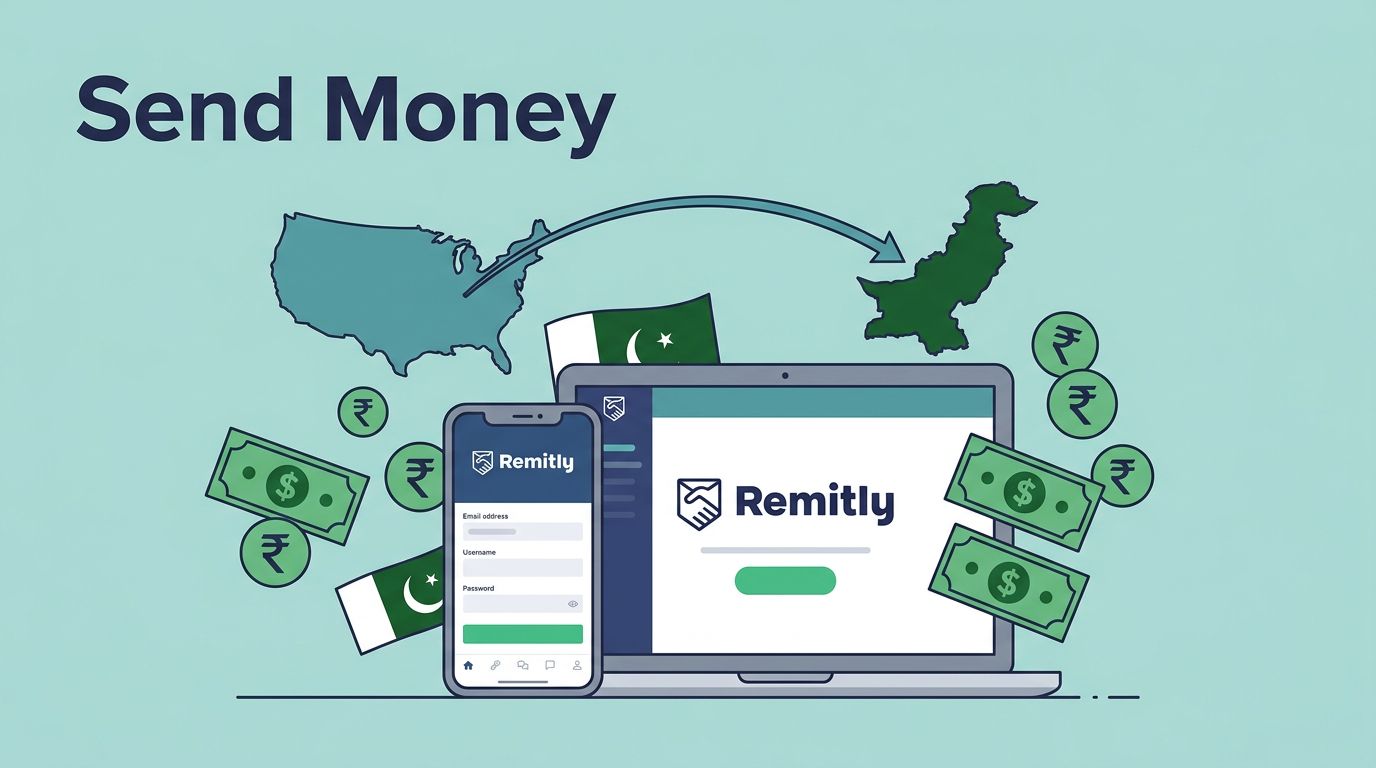
Remitly stands out because it handles Pakistan transfers from the US with reliable speed. I send from my phone or laptop. The app shows everything upfront. No surprises.
Pakistan gets millions in remittances each year. Families count on it for basics like school fees or medical bills. I pick Remitly over banks for its focus on this route. Partners like Allied Bank and Pakistan Currency Exchange make delivery smooth.
I also like the security. It uses encryption and follows US rules. Your details stay safe. Plus, tracking lets me share updates with recipients in real time.
For business folks, it scales well. I handle client payouts or supplier payments without extra tools. If you deal with overseas teams, this app saves hours. Compare it to options like Wise business fees if you need multi-currency holds, but Remitly excels for quick PKR drops.
Rates hover around 1 USD to 281 PKR right now. Check live quotes in the app. They beat most banks because no hidden markups pile on.
Setting Up Your Remitly Account
Start with the app or site. Download from the app store. I use the iOS version for its clean interface.
Enter your email and phone. Verify both with codes. It takes two minutes. Add your full name and address as on your ID.

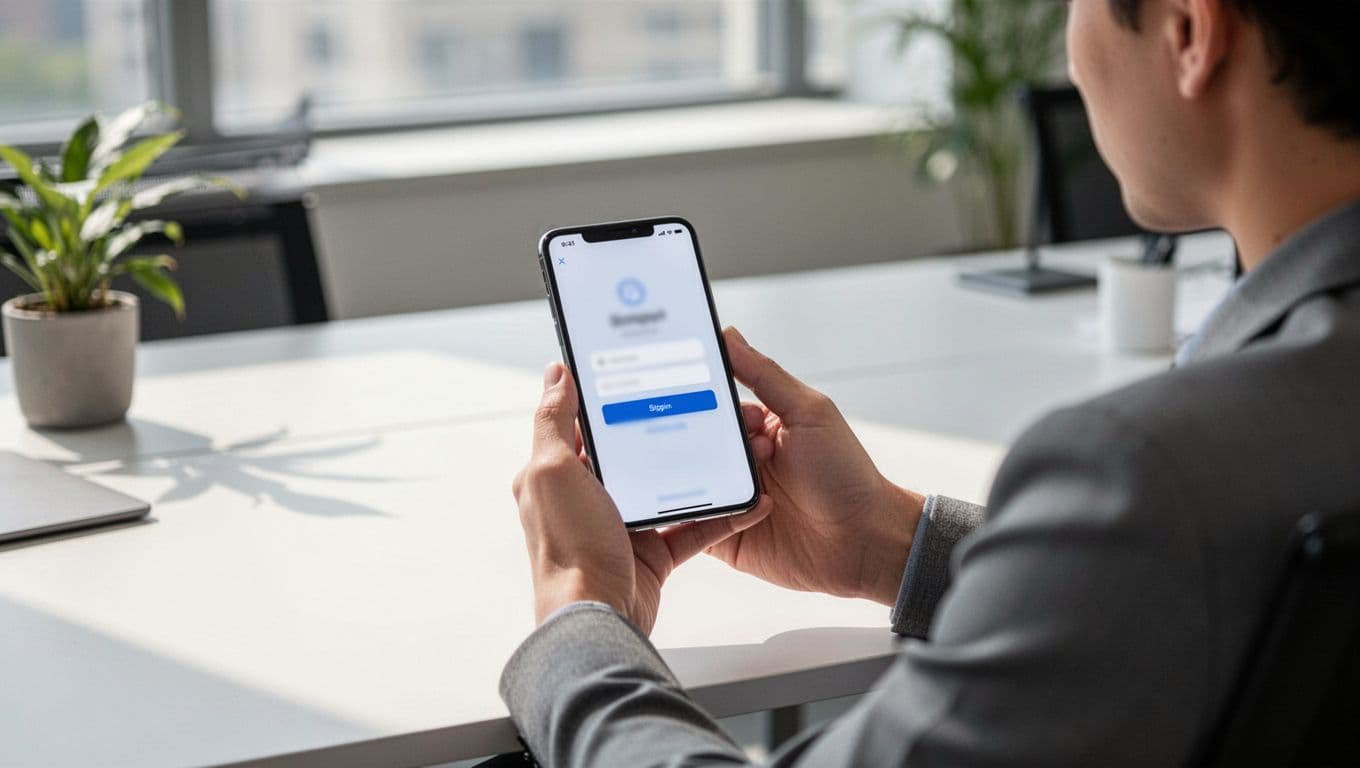
Link a payment method next. Debit cards work best for speed. Bank accounts cost less overall. Credit cards add fees, so I skip them unless urgent.
New users get perks like zero fees on the first send. I claimed mine right away. Upload ID if prompted. A driver’s license or passport works. Approval comes fast.
Once set, save recipient details. I store family bank info and phone numbers. This speeds future transfers. Test with a small amount first. I sent $20 to confirm the flow.
The dashboard shows your history and limits. New accounts cap sends low for safety. I verified more docs to raise mine. Now I handle larger sums without issues.
Step-by-Step: How to Send Money to Pakistan
Open the app. Tap “Send Money.” Pick Pakistan as destination.
Enter the amount in USD. The app converts to PKR live. Choose speed: Express for now or Economy for cheap.
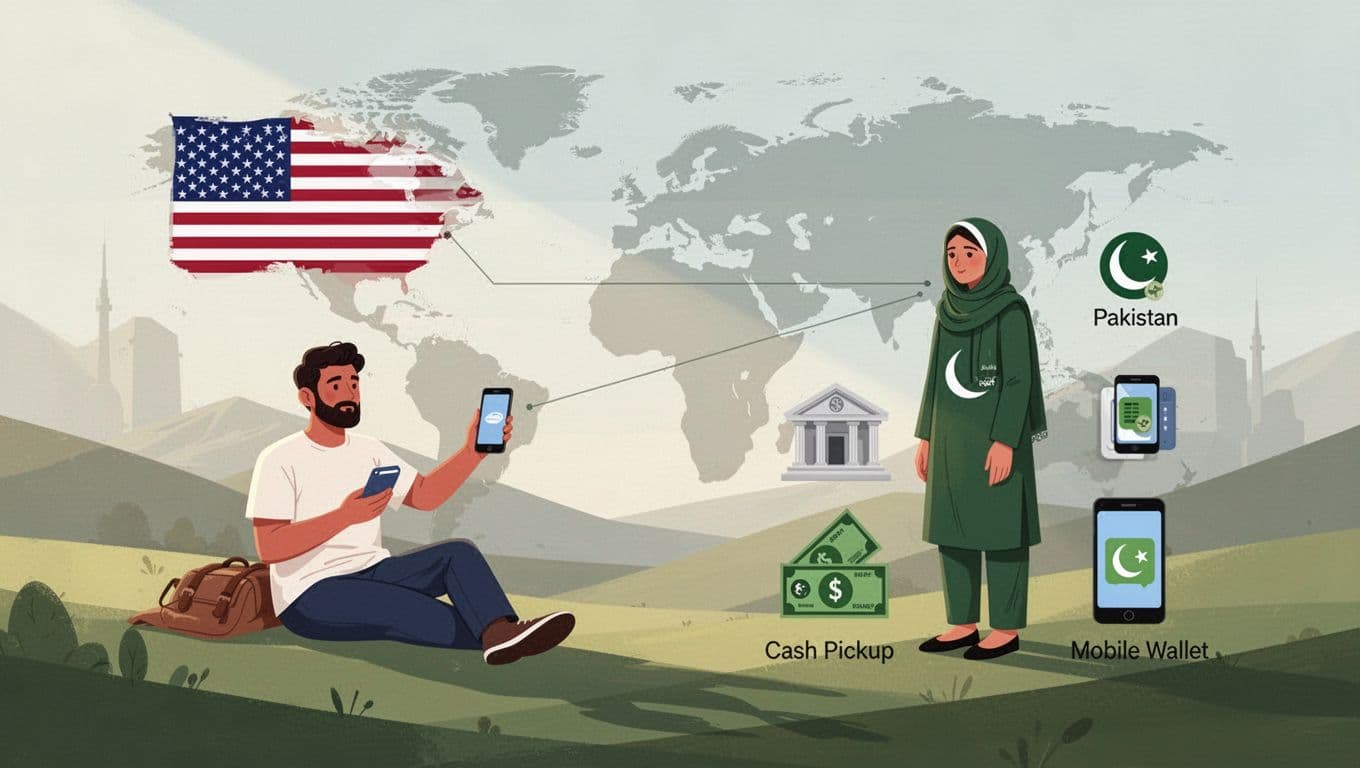
Select delivery. Bank deposit needs account number, name, and city. Cash pickup requires their ID name and phone. Mobile wallet uses their number.
Review fees and rate. Pay with your linked method. Get a tracking number instantly.
I sent $500 last week. Express hit the bank in minutes. Track via app or share the link. Recipients get texts too.
For repeat sends, reuse profiles. It cuts steps in half. Always double-check details. One wrong digit delays everything.
If issues pop up, chat support helps quick. I fixed a name mismatch that way once.
Delivery Options That Work for Pakistan
Bank deposit suits most. Funds land in accounts at Allied Bank or others. Recipients access via ATM or branch. No travel needed.
Cash pickup shines for the unbanked. Spots like Pakistan Currency Exchange let them grab notes same day. They show ID and tracking code.
Mobile wallets add convenience. Send to their phone. They withdraw or pay bills direct. Easy for urban users.
I mix them based on need. Family prefers bank. Friends grab cash. Check Remitly’s Pakistan page for partner lists. Availability matches big cities best.
Home delivery isn’t standard here. Stick to these three. Each shows estimated arrival before you pay.
Fees, Exchange Rates, Speeds, and Limits Explained
Costs vary by amount and speed. First transfers often run free. Larger ones over 58,000 PKR dodge fees too.
Exchange rates stay close to market. At 281 PKR per USD, you keep more. No big spreads like banks.

Express zips funds in seconds or hours with cards. Economy takes days but saves cash via bank pay. I pick Express for urgency.
Limits start low: say $2,999 daily for newbies. Request hikes with extra info. US max hits $100,000 yearly sometimes.
Always preview totals. Fees show before confirm. Compare via Wise’s Remitly guide for exchange markups.
Current details shift, so verify in-app. Policies block high-risk sends.
| Factor | Express | Economy |
|---|---|---|
| Speed | Minutes to hours | 1-5 days |
| Best Pay | Debit/credit | Bank account |
| Fee Example | Higher upfront | Lower overall |
This table sums my choices. Express for speed, Economy for bulk.
Common Pitfalls I Avoid When Sending
Wrong recipient details top the list. Match ID exactly. I screenshot bank slips.
Don’t send max limits blind. Start small. Scale after success.
Rates fluctuate. Lock in during low USD times. Weekends cost more sometimes.
Credit cards tempt but charge extra. Stick to debit or bank.
Track every send. Share codes early. Recipients wait less.
For business, log transfers. Ties to Wise vs PayPal for freelancers if you mix tools.
Backup with support if stuck. Phone or chat resolves most.
Conclusion
Remitly keeps my Pakistan sends simple and sure. Bank drops, cash grabs, or wallet loads all work fast. Fees stay low, rates fair.
I trust it for family and work cash. Check the app for your quote today. It beats old bank waits every time.
Your next transfer arrives full and quick. That’s the win. (1,478 words)