Remitly Paraguay: Download the App and Send Money Safely
An international transfer can fail because of one wrong account number, a missed fee, or an outdated exchange rate. If you need to send money to family, friends, or a business recipient, the Remitly Paraguay route gives you a clear process...

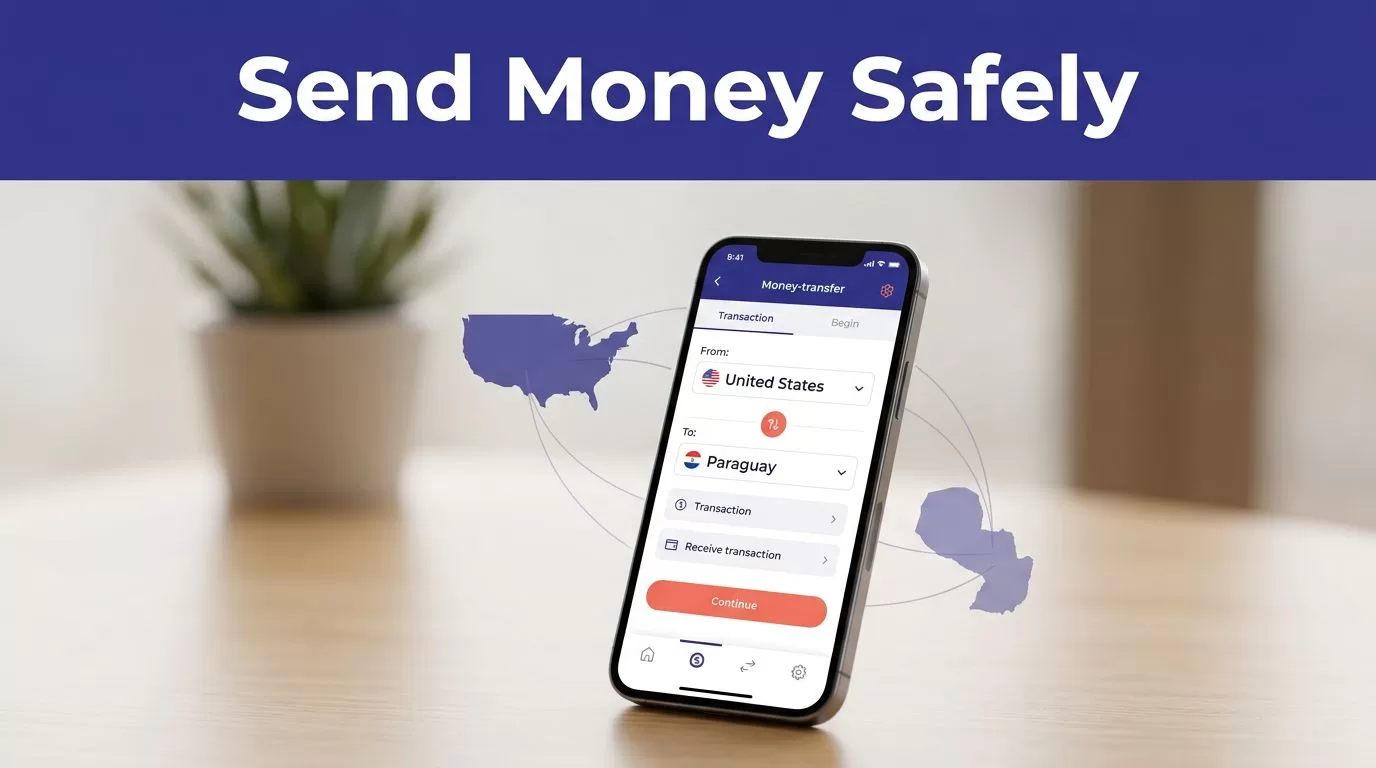
An international transfer can fail because of one wrong account number, a missed fee, or an outdated exchange rate. If you need to send money to family, friends, or a business recipient, the Remitly Paraguay route gives you a clear process through its mobile app.
The app lets you select Paraguay, add the recipient, choose a delivery method, review the quote, and track the transfer. Fees, rates, delivery times, limits, and available payment options can change, so the final quote matters more than an advertisement or an earlier estimate.
Is Remitly Paraguay the Right Transfer Option?
Remitly supports transfers from the United States to Paraguay through its website and mobile app. Other supported sending countries may show different prices, payment methods, delivery options, and promotions.
The official U.S.-to-Paraguay route currently lists cash pickup and bank deposit. Depending on the sender’s location and the recipient’s location, other options may appear, such as debit card deposit, mobile money, or home delivery. Don’t assume every option is available on every route.
What the Paraguay route supports
You can send money in U.S. dollars and check the recipient’s payout in Paraguayan guaranies, or PYG. Remitly also lists several Paraguayan payout providers, including Banco Atlas, Banco Basa, Banco Continental, Banco Familiar, Banco Itaú, BBVA, Bancop, and Sudameris Bank.
The available provider depends on the delivery option and the recipient’s location. A bank deposit requires accurate account information. A cash pickup requires the recipient to visit an eligible location with matching identification.
Start with the official Remitly Paraguay transfer page to confirm that the route is available for your sending country.
Compare the full cost
The transfer fee is only one part of the price. The exchange rate determines how much PYG the recipient receives. A lower fee can still produce a smaller payout if the rate is less favorable.
The recipient’s final payout is the practical price of a transfer. Review it alongside the fee and total amount charged.
Remitly’s USD-to-PYG page currently displays a $5.49 fee for USD-to-PYG transfers. That figure may not match your final quote if a promotion, payment method, transfer amount, or account condition changes the price.
Download the Official Remitly App
Download the app only through the official Apple App Store or Google Play. Avoid app files shared through messages, unofficial download pages, or advertisements that redirect to unknown websites.
The official listings identify the publisher as Remitly Inc on Apple and Remitly, Inc. on Google Play.


Photo by Monstera Production
Download Remitly on an iPhone
- Open the App Store on your iPhone.
- Search for “Remitly: Send Money & Transfer.”
- Confirm that the publisher is Remitly Inc.
- Review the app listing, then tap Get.
- Install the app and open it.
- Allow notifications if you want transfer status updates.
You can use the official Remitly App Store listing instead of searching through third-party pages.
Download Remitly on Android
- Open Google Play on your Android phone.
- Search for “Remitly: Send Money & Transfer.”
- Confirm that the developer is Remitly, Inc.
- Check the app package and publisher details before installing.
- Tap Install, then open the app.
- Sign in or create an account when prompted.
The official Google Play listing is the correct starting point for Android users.
Keep your phone’s operating system updated. Use a strong, unique password for your Remitly account. Never give your password, security code, or one-time verification code to someone who claims to be helping with the transfer.
How to Send Money to Paraguay With Remitly
The steps below use the U.S.-to-Paraguay flow. The exact screens can differ when you send from Canada, the United Kingdom, or another supported country.
Set the destination and recipient
- Open the Remitly app and sign in.
- Select Paraguay as the destination country.
- Enter the amount you want to send.
- Select whether the recipient will receive a bank deposit or cash pickup.
- Choose the available payout provider.
- Add the recipient’s legal name, phone number, and delivery details.
Enter the recipient’s name exactly as it appears on the person’s government ID. This matters most for cash pickup. A small spelling difference can delay collection or require a correction.
For a bank deposit, check the bank name, account number, account type, and any other required information. Ask the recipient to send these details directly. Don’t rely on an old message or a saved contact record without checking it again.
Choose payment and review the quote
Remitly shows payment options based on your sending location and account. Depending on the route, you may see a bank account, debit card, or credit card option. The payment method can affect the delivery estimate and total cost.
Select the delivery speed shown in the app. Remitly may present Economy and Express choices, but the actual estimate depends on payment processing, delivery method, transaction review, and system availability.
Before confirming, check these details:
| Transfer detail | What to verify |
|---|---|
| Amount sent | The amount and currency leaving your account |
| Recipient payout | The exact PYG or USD amount the recipient should receive |
| Exchange rate | The rate used for this transfer |
| Fee and total | The separate fee and full amount charged |
| Delivery method | Bank deposit, cash pickup, or another available option |
| Arrival estimate | The date or time range shown for your route |
| Promotion | Any first-transfer or limited-time condition |
Submit the transfer only after the amount, recipient, payment method, and delivery estimate are correct. Save the confirmation number and receipt after payment.
Fees, Rates, Timing, and Limits
Remitly pricing is not one fixed number for every customer. The quote can change based on your location, transfer amount, funding method, destination, payout method, account status, and current promotion.
Promotions have conditions
The current U.S. Paraguay quote flow displays promotional language for a special rate and no fee on a first transfer. It also references a promotional exchange rate for the first $1,000 sent. These offers may depend on eligibility and can change.
If you send more than $1,000, don’t assume the promotional rate applies to the entire amount. Read the offer terms and review the rate shown for the full transfer.
Reopen the app and generate a new quote when you’re ready to send. A quote from yesterday may no longer apply.
Delivery times and limits vary
The app provides an estimated delivery speed for the selected transfer. That estimate isn’t a fixed guarantee. Payment processing, identity checks, recipient information, provider availability, weekends, holidays, and system reviews can affect the timing.
Remitly’s public Paraguay information doesn’t provide one universal transfer limit for every sender. Limits can vary by sender location, verification status, delivery method, and destination country. Check the limit shown in your account or the Remitly Help Center before planning a large payment.
If the recipient needs money quickly, compare the Express quote with Economy. If timing isn’t urgent, Economy may cost less. Use the actual price and arrival estimate shown for your transfer.
Verify the Transfer Before You Send
Most transfer problems come from incorrect recipient information or an incomplete review of the final quote. Build a short verification step into every payment, including repeat transfers.
Check recipient details twice
Ask the recipient to confirm:
- Their full legal name
- Their current phone number
- Their bank and account details, if using a deposit
- Their preferred payout provider
- Their location, if using cash pickup
For cash pickup, confirm that the recipient knows the selected provider and understands which identification documents may be required. Remitly’s provider pages can show specific options, such as the Sudameris Bank delivery route, but availability still depends on the transfer details.
Don’t send money to a new recipient because of an urgent request alone. Verify the request through a separate phone call or trusted channel. A familiar name in a message isn’t proof that the request is legitimate.
Keep a usable payment record
Save the receipt, confirmation number, amount sent, fee, exchange rate, delivery method, and completion date. For business payments, attach the receipt to the related invoice or accounting record.
A completed transfer doesn’t always mean the recipient has collected cash or received a bank deposit. Track the status in the app and ask the recipient to confirm delivery.
For repeat payments, don’t copy the previous transfer without review. Reopen the recipient record, confirm the payout method, and generate a current quote every time.
Is Remitly Paraguay Practical for Your Use Case?
Remitly is a practical option when the recipient prefers bank deposit or cash pickup and you want to manage the transfer from a phone. The app provides the route, quote, delivery selection, and tracking in one workflow.
It may not be the lowest-cost choice for every amount. Compare the recipient payout using the same sending amount, destination currency, payment method, and delivery speed when evaluating another provider.
The strongest comparison is not “Which service has the lowest fee?” Use this question instead: Which option delivers the required amount to the recipient at an acceptable total cost and time?
Conclusion
To send money through Remitly Paraguay, download the official app, select Paraguay, enter the recipient’s details, choose bank deposit or cash pickup, and review the complete quote before paying.
Fees, rates, limits, delivery times, payment methods, and payout providers can change by location, amount, funding method, and promotion. Confirm the final exchange rate, recipient payout, total charge, and delivery estimate on the last screen.
The safest transfer is the one you verify twice, record properly, and send only after the recipient details match exactly.

