How I Send Money Securely to the Philippines with Remitly
I remember the first time I needed to wire cash to family in Manila. Banks dragged their feet with high fees and poor rates. That’s when I turned to Remitly. It cut my costs and got funds there fast. You face the same hassle with cros...

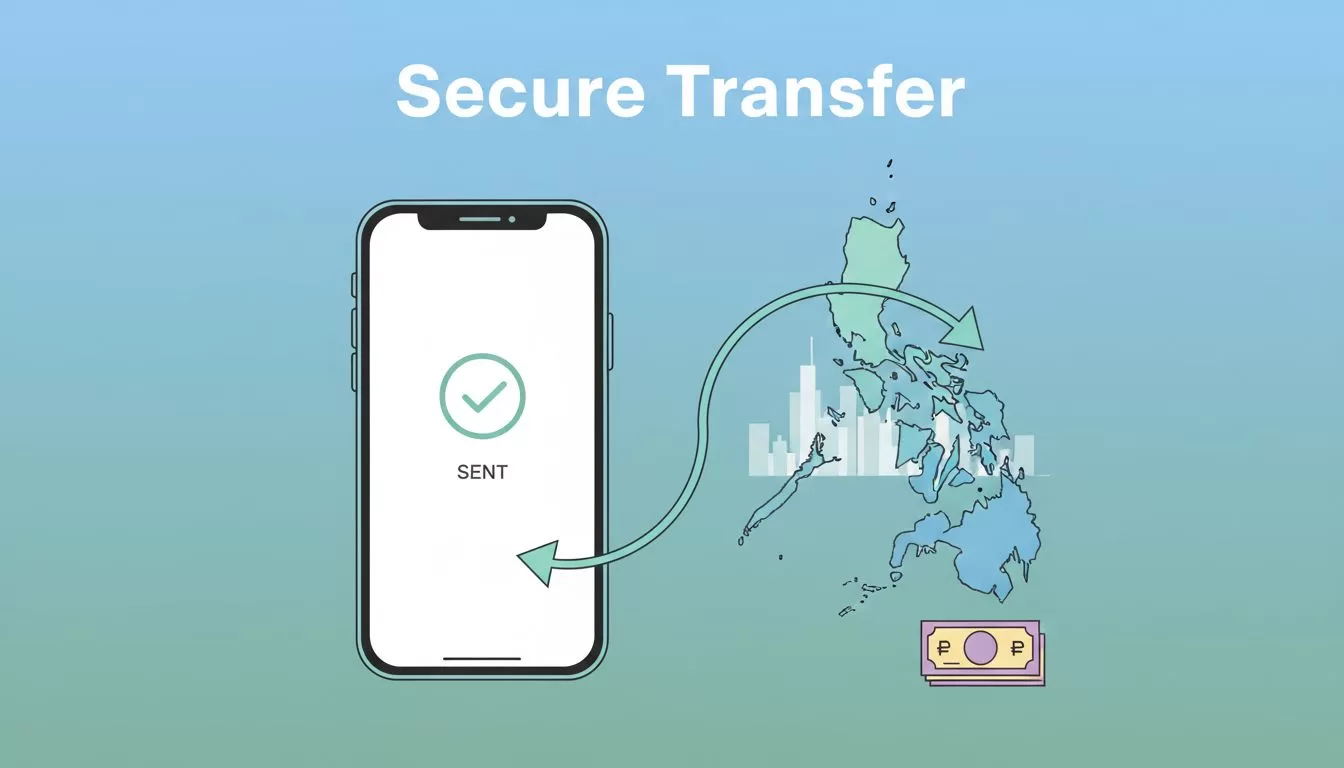
I remember the first time I needed to wire cash to family in Manila. Banks dragged their feet with high fees and poor rates. That’s when I turned to Remitly. It cut my costs and got funds there fast. You face the same hassle with cross-border payments. Remitly handles Remitly Philippines transfers reliably from the US. Let me walk you through my process.
Why Remitly Fits My Philippines Transfer Needs
Remitly stands out for US-to-Philippines sends because it skips many bank headaches. I send often for business clients or family support. The app shows exact costs upfront. No surprises hit later.
Fees stay low, especially on bank deposits. Exchange rates beat most banks, though they trail true mid-market sometimes. For example, I sent $500 last month. My recipient got solid pesos without extra charges.
Payout choices match real needs. Cash pickup works for rural spots. Bank deposits suit urban accounts. I pick based on speed and cost. Remitly also refunds fees if delays occur. That peace of mind keeps me coming back.
Compare it to options like Wise business fees. Wise shines for mid-market rates on repeats. Remitly wins on first-transfer promos and cash options.
Remitly Fees and Exchange Rates in 2026
Fees depend on amount, method, and speed. Your first transfer often runs free up to $1,000. Bank deposits or mobile wallets cost nothing then. Repeats add a percentage plus flat fee.
Here’s what I see for US-to-Philippines sends right now:
| Delivery Method | Under $1,000 Fee | $1,000+ Fee |
|---|---|---|
| Bank/Debit Deposit | 1.25% + $2.99 | 0.75% + $2.99 |
| Cash Pickup | 1.75% + $2.99 | 1.25% + $2.99 |
Credit cards tack on 3%. Always pay from bank to save. Check Remitly’s USD to PHP converter for live quotes.
Exchange rates vary. Promo on first send hits around 62 PHP per USD. Regular drops to 56-59 PHP. That’s below mid-market, so factor it in. For $300, I got 17,000 PHP after fees. Recipient confirmed receipt next day.

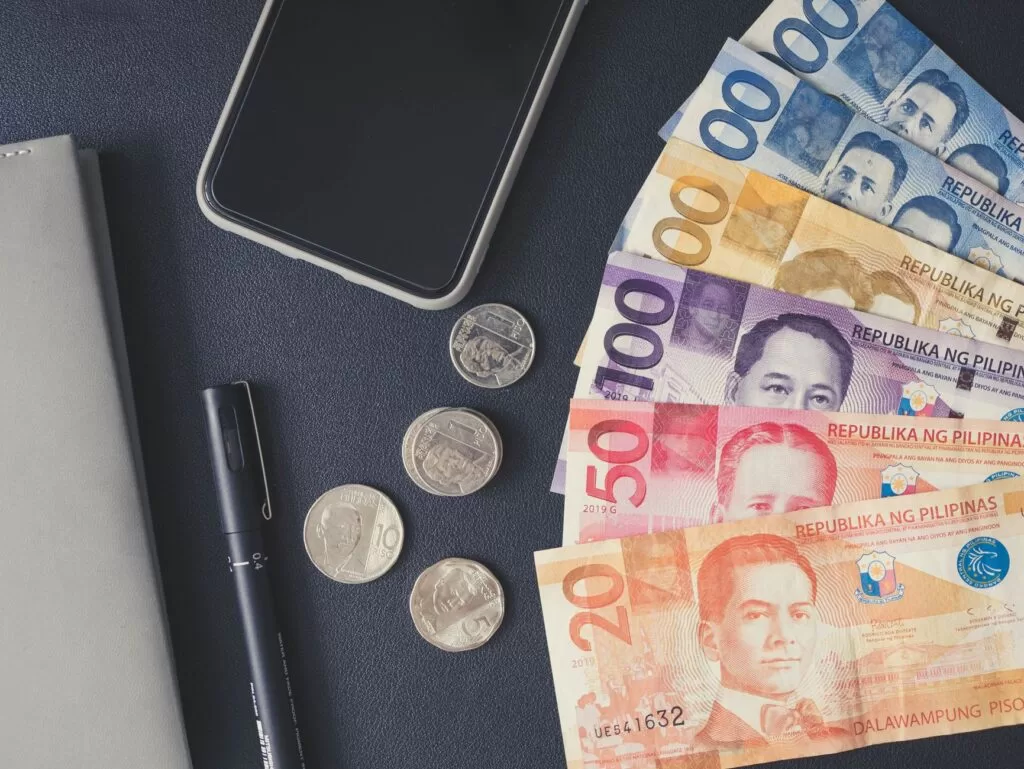
Photo by Angie Reyes
Rates shift daily. I preview the full breakdown. That shows pesos received before I commit.
Step-by-Step Guide to My Remitly Transfer Process
I start with the app or site. Download if new. Sign up takes minutes with email and ID scan.
First, enter amount and recipient details. Pick PHP. Choose payout like bank deposit. I verify the account number twice.
Next, select speed. Express rushes cash pickup in minutes. Economy takes 3-5 days but costs less. For non-urgent, I go economy.
Fund from bank or debit. Avoid credit. Review the quote. It lists fees, rate, and arrival pesos. Hit send.
Track in-app. Updates ping my phone. Last week, I sent $200 to a Baguio bank. Funds hit in hours.
Before big sends over $5,000, note no daily limits. See Remitly’s guide for large transfers. I split if needed for caution.
Quick checklist I follow:
- Confirm recipient info matches old records.
- Screenshot the quote.
- Test small first if new route.
- Log out after.
This keeps things smooth.
Payout Options and Speeds for Philippines Recipients
Remitly offers five main ways funds land in the Philippines. Each fits different setups.
Bank deposit goes direct to accounts like BDO or BPI. Free and reliable. Ideal for salaries or bills.
Cash pickup at partners like Cebuana or MLhuillier suits no-bank areas. Agent finds it fast.
Mobile wallets like GCash or Maya load instantly. Great for young users.
Debit card deposits work too. Home delivery exists but adds fees.
Speeds match choice. Express: minutes for pickup or digital. Economy: days. I mix them. Urgent family needs get express. Business invoices wait economy.
Details vary by partner. Always check Remitly’s Philippines send page for updates.
Staying Secure with Remitly Philippines Transfers
Security tops my list. Remitly uses encryption and fraud checks. Two-factor adds locks. I enable it always.
Scams target senders. Fake sites promise low rates. They steal details. Stick to official app. Never pay upfront fees.
Texts claiming “verify transfer” are traps. Real updates come via app. I ignore unknowns.
For business, I link one bank account. Monitor logs weekly. If odd activity, freeze fast.
Remitly scans for issues pre-send. If late, they refund. That covers most risks.
Tips that save me grief:
- Use strong, unique passwords.
- Avoid public Wi-Fi.
- Share tracking only with trusted.
- Verify recipient calls back with code.
Compare security in my Wise vs Revolut payments review. All solid, but habits matter most.
Key Takeaways for Secure Remitly Transfers
Remitly simplifies my US-to-Philippines sends with clear costs and options. First transfers hook you free. Repeats stay affordable if you pick smart.
Stick to official channels. Preview everything. Fees, rates, and times shift, so check live before send. My family relies on these steps.
You can start secure today. Funds arrive safe and sound.
(Word count: 982)

