Remitly South Africa cash pickup: How to Send Money
Your recipient may need cash without waiting for a bank deposit. The Remitly South Africa cash pickup option lets you send money through the Remitly app or website for collection at a participating local partner. The setup is quick, but the...


Your recipient may need cash without waiting for a bank deposit. The Remitly South Africa cash pickup option lets you send money through the Remitly app or website for collection at a participating local partner.
The setup is quick, but the important details vary. Fees, exchange rates, transfer limits, delivery times, pickup partners, and ID requirements depend on your sending country and transfer details. Check the live quote in Remitly before you confirm payment.
How Remitly South Africa cash pickup works
Cash pickup sends the money to a designated physical location in South Africa. Your recipient visits that location, provides the required information, and collects the cash in person.
This option can work well when your family member or friend:
- Doesn’t have a suitable bank account.
- Needs access to physical cash.
- Lives near a participating pickup location.
- Doesn’t want to create a new financial account.
Remitly’s South Africa network includes cash pickup and bank deposit options. The U.S. transfer page lists partners such as ABSA Bank, Capitec Bank, First National Bank, Mukuru, and Standard Bank. The wider provider network also includes institutions such as Nedbank, Bidvest Bank, Investec, African Bank, Tyme Bank, and others.
The available provider list isn’t identical for every customer. Remitly shows options based on the sending country, destination city, transfer amount, and selected delivery method. A partner listed on one route may not appear on another route.
Start with Remitly’s South Africa transfer page to check whether cash pickup is available from your location. Don’t rely on an old fee table or a previous transfer quote.
A cash pickup transfer is only useful if the recipient can reach the selected partner location and meet its collection requirements.
Check the live quote before sending
The amount you pay isn’t the same as the amount your recipient receives. Remitly calculates the final payout using the transfer amount, exchange rate, fee, payment method, and delivery option.
Review each item before you tap the final confirmation button.
| Transfer detail | What to check |
|---|---|
| Transfer fee | The fee shown for your sending country and transfer amount |
| Exchange rate | The current conversion into South African rand |
| Recipient payout | The exact amount available for collection |
| Delivery time | The estimated arrival or collection time |
| Transfer limit | The maximum amount allowed for your account and route |
| Verification | Any identity or payment checks required before delivery |
The fee can change when you switch between cash pickup and bank deposit. Your payment method may also affect the quote. A debit card, credit card, bank account, or another supported method can produce different costs or delivery estimates.
Remitly may display promotional pricing for eligible first transfers. Treat that quote as specific to the transaction shown. Promotional rates and fee waivers can have conditions, limits, or expiration dates.
Use the Remitly providers page for South Africa to review the delivery network, then confirm the exact partner and payout amount inside your account.
How to send cash pickup to South Africa using Remitly
The Remitly South Africa cash pickup workflow follows a direct sequence. Prepare the recipient’s legal details before you start.

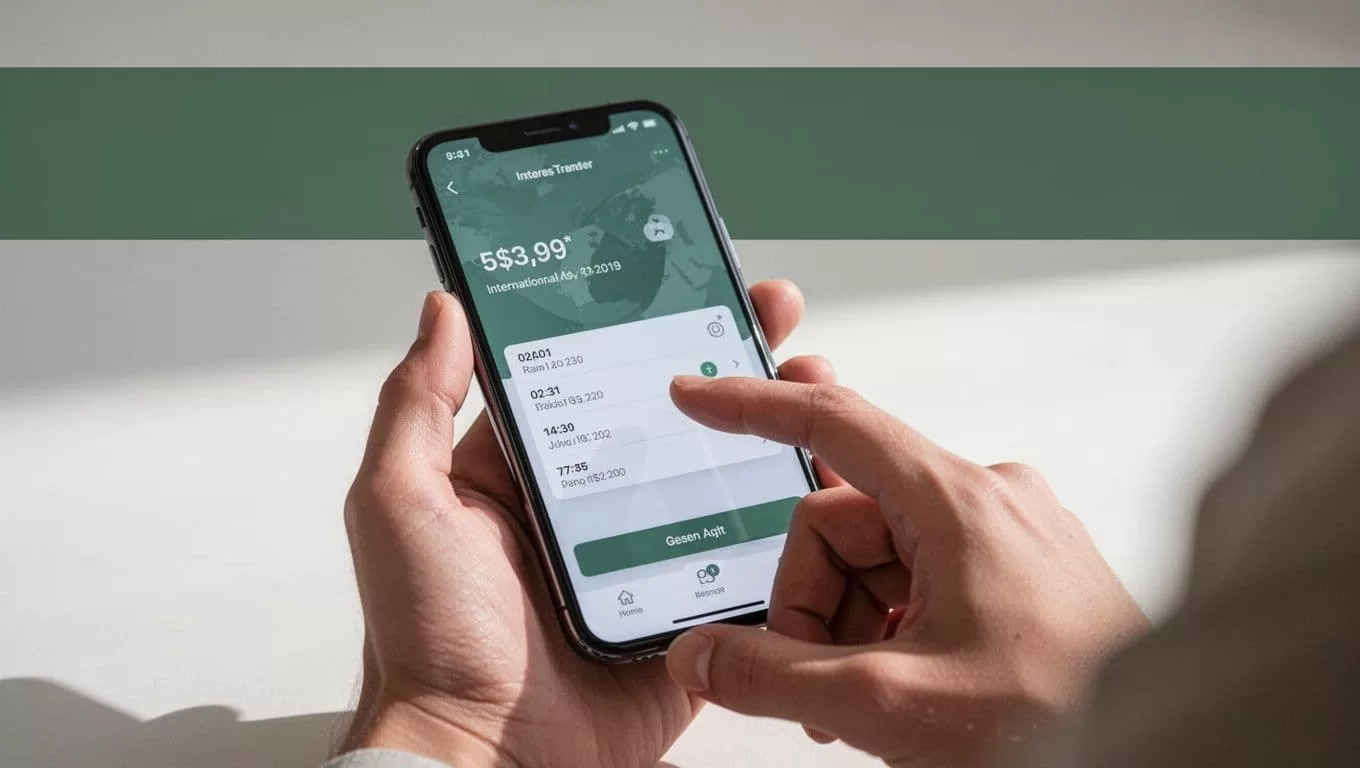
1. Open Remitly and select South Africa
Use the official Remitly app or website. Sign in to an existing account or create a new one. Select South Africa as the destination country.
New users may need to verify their identity before completing a transfer. Remitly can request government-issued identification and other information to meet account and payment requirements. The exact process depends on your sending country.
2. Enter the amount
Choose whether you want to enter the amount you will send or the amount the recipient should receive. The quote should show the transfer fee, exchange rate, and final payout.
Check the currency carefully. Your recipient will generally collect South African rand, but the displayed amount and conversion depend on the live quote.
3. Select cash pickup
Choose cash pickup instead of bank deposit. Remitly should then display available providers or pickup locations for the recipient’s area.
Ask your recipient which location is practical before selecting one. Check the city, address, operating hours, and any location restrictions shown in the app. A location near home is usually more useful than one with a slightly different schedule or longer travel time.
4. Add the recipient’s details
Enter the recipient’s legal name exactly as it appears on the ID they plan to use. Add the requested phone number, city, and other contact information.
Don’t shorten a first name, remove a middle name, or use a nickname. Even a small mismatch can delay collection or require a correction.
Confirm the details with your recipient through a trusted contact method before you continue. Don’t copy information from an unverified message or social media account.
5. Choose your payment method
Select an available payment method. Options depend on your sending country and account. Remitly may support bank-funded transfers, debit cards, credit cards, or other local payment methods.
Review the payment screen carefully. The funding method can affect the total fee, processing time, and eligibility for the transfer.
6. Review and confirm
Check the recipient name, pickup provider, location, sending amount, fee, exchange rate, expected payout, and delivery estimate.
If anything is wrong, stop and correct it before payment. A low fee doesn’t compensate for an incorrect recipient name or an unsuitable pickup location.
7. Share the transfer information securely
After the transfer is accepted, Remitly provides transaction details and a reference number. Send the reference number to the recipient through a private channel.
Don’t post it publicly. Don’t send your Remitly password, payment card details, or account verification codes to anyone.
What your recipient needs for cash pickup
Your recipient normally needs two core items: the transfer reference number and a valid government-issued photo ID. The name on the ID should match the name entered on the transfer exactly.
The Remitly cash pickup guidance explains the general collection process, but local requirements can vary. The pickup partner may request additional details based on the transfer, location, or local rules.

Before sending, ask the recipient to prepare:
- The same legal name used on the transfer.
- A current, acceptable photo ID.
- The Remitly reference number.
- The sender’s name and expected amount, if requested.
- The selected pickup location and its opening hours.
The recipient should inspect the ID requirements before travelling. An expired document, damaged ID, or name mismatch can prevent collection.
Don’t send a second transfer because the first one appears delayed. Check the transfer status in the app and contact Remitly support through the official website or application. Duplicate transfers can create additional cost and confusion.
Safe-money-transfer checks
International transfers need the same basic controls as any other financial transaction. Use a short verification process every time.
First, confirm the recipient’s identity using a phone number or contact method you already trust. Scammers can impersonate relatives, friends, landlords, employers, or support agents. A request for urgent cash should not remove your normal verification step.
Second, use only the official Remitly app or website. Avoid links sent through unexpected messages. Check the website address before entering login or payment information.
Third, keep the transfer reference private. The recipient may need it for collection, but strangers don’t need access to it. Never share your account password, one-time security code, or full card number with someone claiming to be a Remitly representative.
Finally, save the receipt and quote details until the recipient confirms collection. If someone asks you to pay an unrelated release fee or send a security code outside the Remitly process, pause the transfer and verify the request through official support.
Cash pickup or bank deposit?
Cash pickup is a practical choice when the recipient needs physical money or doesn’t use a bank account supported by Remitly. It also gives the recipient control over when to travel to the partner location.
Bank deposit may be more convenient when the recipient has an eligible account at a supported institution. The money goes directly into the account, so the recipient doesn’t need to visit a counter or provide a pickup reference during collection.
Neither option is automatically cheaper or faster. The result depends on your sending country, payment method, transfer amount, selected partner, and current Remitly quote.
Compare both delivery methods in the same transfer session. Record the fee, exchange rate, payout amount, and estimated delivery time for each option. Select the method that fits the recipient’s access and timing needs, not only the lowest advertised fee.
Conclusion
Remitly South Africa cash pickup gives people abroad a practical way to send funds for collection at a local partner location. The main steps are simple: select South Africa, enter accurate recipient details, choose cash pickup, review the live quote, and send the reference number securely.
The important checks happen before payment. Confirm the current fee, exchange rate, delivery estimate, transfer limit, pickup partner, and ID requirements in the Remitly app or website. Accurate details and a verified recipient reduce the risk of delays when your family member goes to collect the cash.

