Remitly South Africa transfer: cut the total cost
Sending money to South Africa is not a one-line fee decision. The recipient’s final rand amount changes with the exchange rate, funding method, transfer fee, delivery speed, and payout method. A Remitly South Africa transfer can be af...

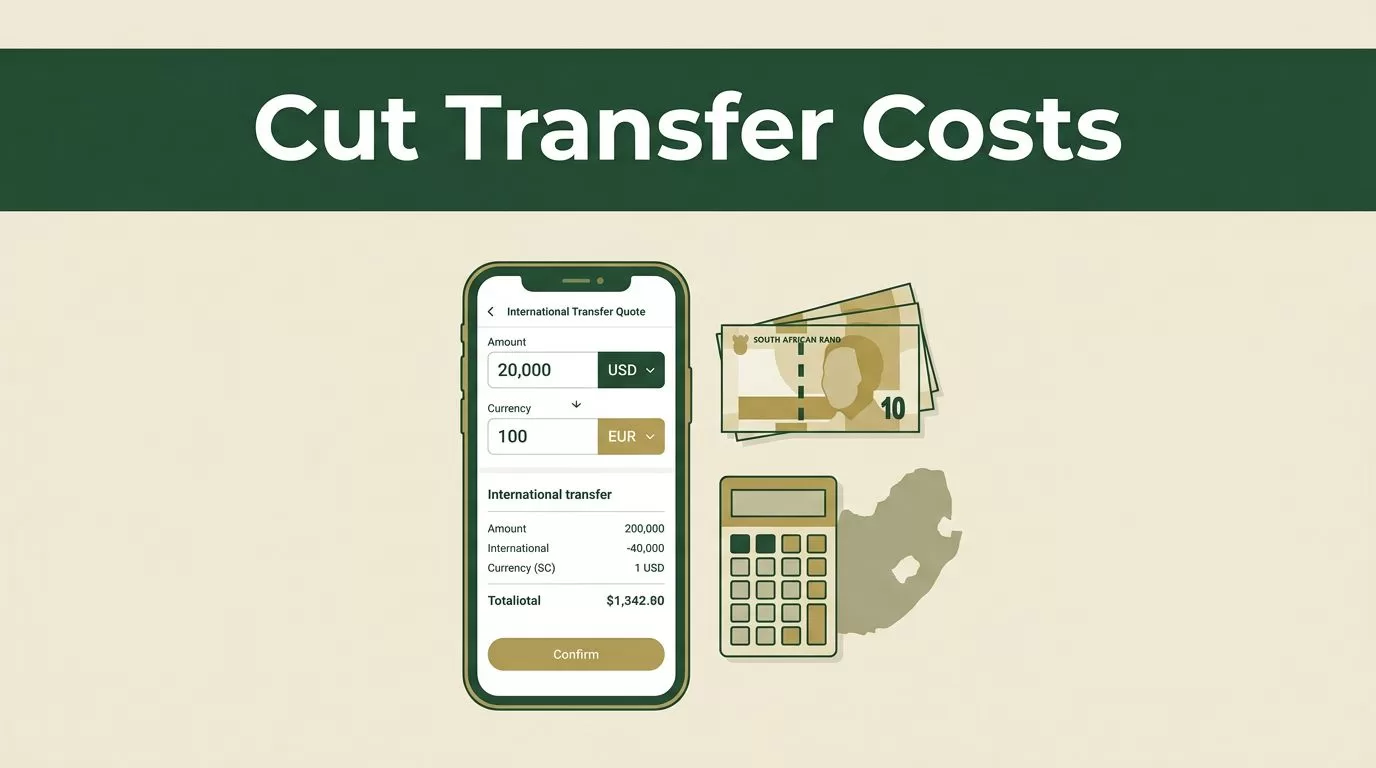
Sending money to South Africa is not a one-line fee decision. The recipient’s final rand amount changes with the exchange rate, funding method, transfer fee, delivery speed, and payout method. A Remitly South Africa transfer can be affordable, but only when you compare the complete quote instead of relying on the headline fee.
Remitly gives you a practical way to set up the transfer, verify the recipient, select delivery, and review the payout before payment. The process is simple. The pricing still needs careful checking.
How a Remitly South Africa transfer is priced
Start with the live quote for your sending country. Do not use an old rate from a search result, email, or previous transfer. Remitly updates rates and fees based on the currency corridor, payment method, transfer amount, and delivery option.
For U.S. senders, the official South Africa transfer page currently advertises a welcome offer with no transfer fee and a promotional exchange rate on the first USD 1,000 sent. The page also states that the displayed rates can change. Amounts above the promotional threshold may use the standard exchange rate.
That offer can reduce the cost of your first transfer. It doesn’t tell you what future transfers will cost. Promotional pricing and standard pricing need separate comparisons.


The exchange rate is part of the fee
A transfer fee of zero doesn’t automatically mean the transfer is cheap. The provider can also earn through the exchange rate used to convert U.S. dollars, British pounds, euros, or Canadian dollars into South African rand.
Compare these two figures:
- The total amount you pay.
- The total amount the recipient receives.
The difference gives you a better view of the real cost than the transfer fee alone. A Remitly fee guide from Wise also explains why the exchange-rate margin needs to be included in any comparison.
For context, current third-party comparisons often show Economy pricing near USD 3.99 and Express pricing near USD 4.99 for the USD to ZAR corridor. These are reference points, not guaranteed prices. Your live quote controls the transaction.
Check the final rand amount
At the time of checking, Remitly’s U.S. South Africa page displayed a promotional rate of 1 USD = 16.72 ZAR. At that rate, USD 500 converts to 8,360 ZAR before any other applicable cost.
Your actual payout can differ because the rate may change, the promotion may not apply, or the selected payment and delivery options may produce a different quote. Always inspect the recipient amount immediately before confirming payment.
Compare the full cost before you send
Run the same transfer scenario through each available option. Keep the send amount, payment method, and delivery speed consistent. Otherwise, you aren’t comparing like for like.
| Cost factor | What can change | What to check |
|---|---|---|
| Exchange rate | Promotional or standard pricing | Rand received per unit of your currency |
| Transfer fee | Economy or Express delivery | Separate fee shown at checkout |
| Payment method | Bank account, debit card, or credit card | Any payment-related cost |
| Delivery speed | Minutes, same day, or longer | Estimated arrival time |
| Payout method | Bank deposit or cash pickup | Recipient access and possible local charges |
A bank-funded transfer may produce a different quote than a debit-card-funded transfer. Express delivery may cost more than Economy delivery. Cash pickup may suit a recipient without convenient bank access, while a bank deposit may be better for recurring family support.
The best-value option is the one that delivers the required amount at an acceptable speed for the lowest total cost. It isn’t always the option with the lowest visible fee.
Set up and send money to South Africa
Before you start a Remitly South Africa transfer, collect the recipient’s information and decide how quickly the money needs to arrive. Missing details can interrupt the process after you’ve already entered the payment information.
1. Create and verify your account
Use the Remitly transfer website or the official mobile app. Enter your email address and personal details. Remitly may request government-issued identification or additional documents before allowing certain transfers.
Verification supports financial compliance and can affect your sending limits. Complete it before an urgent transfer rather than waiting until the payment is ready.
2. Select South Africa and enter the amount
Choose South Africa as the destination. Enter either the amount you want to send or the amount you want the recipient to receive in rand.
The quote should show the exchange rate, transfer fee, delivery method, and expected payout. Change the amount if necessary and check whether the promotional rate still applies.
If you need the recipient to receive a precise amount, enter the recipient-side figure when the interface supports it. The platform will calculate how much you need to pay.
3. Add the recipient correctly
Use the recipient’s legal name. Don’t use a nickname for cash pickup or a shortened name for a bank deposit.
Depending on the payout method, Remitly may request the recipient’s:
- Full legal name
- Mobile phone number
- Bank name and account details
- Pickup location
- Other information required by the payout provider
Ask the recipient to send their details directly. Copy the information carefully instead of relying on memory.
4. Select delivery and payment
Choose the available delivery speed and payout method. Then select how you will fund the transfer. Supported payment methods vary by sending country and account status, but may include a bank account, debit card, or credit card.
Review the quote after changing either option. A payment method can affect both the fee and the exchange rate.
5. Review before confirming
Check the sender amount, recipient name, payout method, exchange rate, delivery estimate, and final rand amount. Confirm that the payment source belongs to you and has enough available balance.
Save the confirmation and transfer reference after submitting. Give the reference to the recipient only through a trusted channel.
Choose the right payout method
The payout method determines how the recipient accesses the money. It also affects timing and sometimes the total cost.
A bank deposit works well when the recipient has an eligible South African bank account and doesn’t need physical cash. Confirm the account number and account-holder name before submitting. A small spelling error can lead to a manual review or failed payout.
Cash pickup can help when the recipient doesn’t have a suitable bank account or needs access through a participating location. The recipient will usually need acceptable identification and the transfer reference. The name on the transaction must match the identification used at collection.
Some quotes may show additional local delivery options. Availability depends on the sender’s location, the recipient’s location, and the payout partners connected to that corridor.
Remitly may show no recipient fee in the quote, but the recipient’s bank or local provider can apply its own charge. Tell the recipient to check their account terms if the payout is going into a bank account.
Choose Economy when the recipient can wait and the price difference matters. Choose Express only when the delivery time justifies the extra cost.
Prevent delays, limits, and failed payouts
Most transfer problems come from incorrect recipient data, funding issues, or additional verification. Build a short review into every payment.
A correct bank account number doesn’t fix a mismatched legal name. Match the recipient’s name to the bank or identification record before you submit.
Check these items before authorizing the transfer:
- Confirm the recipient’s legal name, phone number, and account details.
- Confirm that the selected payout method is available in the recipient’s city.
- Review the delivery estimate after selecting the payment method.
- Check your account’s sending limit before entering a large amount.
- Keep enough money available for the transfer and any payment authorization.
- Respond quickly if Remitly requests identity or source-of-funds information.
- Save the receipt and monitor the transfer status.
Sending limits can depend on your verification level, sending history, destination, and payment method. A new account may have a lower limit than a fully verified account. If your transfer exceeds the displayed limit, complete the requested verification or reduce the amount only when that fits your purpose.
Don’t split a large transfer into smaller payments to avoid a limit. Follow the instructions shown in your account and review the applicable terms before proceeding.
Security matters as well. Remitly support will not need your account password or one-time security code. Avoid sharing those details with anyone claiming to be the recipient or a support agent.
Is Remitly always the cheapest option?
No. The cheapest choice changes with the transfer amount, exchange rate, payment method, delivery speed, and payout method. A welcome promotion may make Remitly highly competitive for a first transfer, while a standard transfer may produce a different result.
Compare the final recipient amount across at least two providers when the transfer is large or recurring. Use the same currency, amount, speed, and payout type. Check the quote again shortly before payment because currency rates move during the day.
For regular family support, record the total paid and total received each time. This creates a useful cost history. You can see whether a lower transfer fee is being offset by a weaker exchange rate.
A Remitly South Africa transfer is a strong fit when the live quote meets your price and delivery requirements, the recipient can use the selected payout method, and the account verification process is complete.
Conclusion
A cheap money transfer to South Africa depends on the final payout, not the advertised fee. Check the exchange rate, transfer charge, payment method, delivery speed, and payout route in one live quote.
Remitly’s first-transfer promotion may reduce your initial cost, but standard pricing needs a fresh comparison. Confirm the recipient’s legal details and applicable limits before you authorize payment. That process prevents avoidable delays and gives you a clearer view of what your money actually costs.

