Send Money to Sri Lanka With Remitly Securely
Sending money to family in Sri Lanka shouldn’t require guesswork. Remitly Sri Lanka transfers let you choose how the recipient receives funds, review the exchange rate and fees, and track the payment from one account. The main risks a...
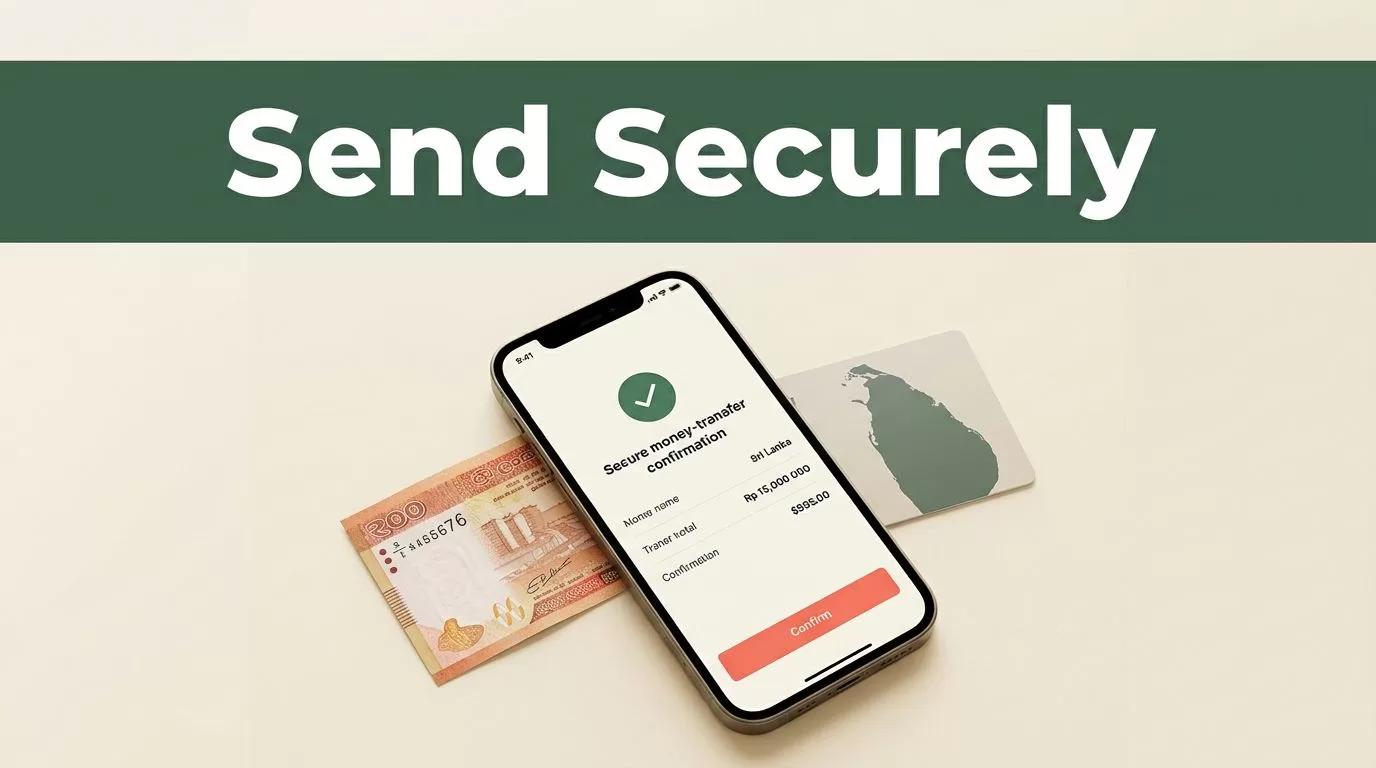
Sending money to family in Sri Lanka shouldn’t require guesswork. Remitly Sri Lanka transfers let you choose how the recipient receives funds, review the exchange rate and fees, and track the payment from one account.
The main risks are operational, not complicated. Entering the wrong recipient details, accepting a poor exchange rate, or responding to a fake support message can create delays and financial loss. Use the correct delivery method, verify every detail, and review the final quote before confirming.
Remitly Sri Lanka: How the Transfer Works
Remitly lets people in supported sending countries transfer money to Sri Lanka through its website or mobile app. The available delivery methods depend on your sending country, the recipient’s location, the selected local provider, and the amount you send.
The official Remitly Sri Lanka transfer page lists several delivery options for U.S. senders:
| Delivery method | Best fit | Details to verify |
|---|---|---|
| Bank deposit | A recipient with an active Sri Lankan bank account | Bank name, account number, and account details |
| Cash pickup | Someone who needs physical cash | Legal name, phone number, and pickup location |
| Mobile wallet | A recipient who uses a supported wallet | Wallet availability and registered phone number |
| Debit card deposit | A supported card-based delivery option | Card eligibility and recipient information |
| Home delivery | Locations where this option is offered | Recipient address and local availability |
Bank deposit is usually practical for regular household support, tuition payments, or larger planned transfers. Cash pickup can work better when the recipient doesn’t have a suitable bank account or needs access to funds quickly.
Commercial Bank is one example of a Sri Lankan provider shown on Remitly. Other providers and payout methods may appear based on the recipient’s location. Don’t assume that an option available in Colombo will also be available in every smaller town.
The recipient normally receives Sri Lankan rupees, or LKR. You choose the sending amount in your own currency, then review the amount that will arrive in Sri Lanka before payment.
How to Send Funds Through Remitly
Set up the transfer in a controlled sequence. Don’t rush the recipient form because a small spelling or number error can cause a failed payout.
- Create your Remitly account. Use the official website or download the app from your device’s recognized app store. Register with an email address you control and use a unique password that you don’t reuse elsewhere.
- Complete identity verification. Remitly may request government-issued identification and additional information. This process supports financial compliance and can affect how quickly your first transfer is approved. Enter your legal details exactly as they appear on your documents.
- Select Sri Lanka as the destination. Enter the amount you want to send. The app will display the receiving amount in LKR, the exchange rate, any transfer fee, and the estimated delivery time.
- Choose the delivery method. Select bank deposit, cash pickup, mobile wallet, debit card deposit, or another available option. The list shown in your account is the list that applies to your route and recipient.
- Add the recipient. Use the recipient’s legal name, not a nickname. For a bank deposit, enter the bank and account information carefully. For cash pickup, confirm the recipient’s name and contact details match their identification.
- Select your payment method. Depending on your sending country, Remitly may support a bank account, debit card, credit card, or another local payment option. Check the payment account name and billing details before continuing.
- Review the transfer summary. Compare the amount you pay with the amount the recipient receives. Check the exchange rate, fees, delivery method, recipient details, and estimated arrival time.
- Confirm and track the transfer. Save the confirmation number and monitor status updates inside the app or website. Share the pickup information with the recipient only through a trusted private channel.
The review screen is your final control point. If the recipient receives less than expected, the exchange rate or fee may be responsible even when the transfer itself arrives on time.
If the app requests more information after submission, respond through the official account interface. Don’t send identity documents or payment information to an unknown email address claiming to represent Remitly.
Check the Exchange Rate, Fees, and Delivery Time
Remitly doesn’t use one fixed Sri Lanka fee for every transfer. The total cost can change based on the sending country, transfer amount, payment method, delivery option, recipient location, and current promotion.
The exchange rate also changes. A transfer with a low visible fee may still deliver less money if its exchange rate is less favorable. Compare the final LKR amount, not the fee alone.
The number that matters is the recipient’s final amount in LKR after the fee and exchange rate are applied.
Before confirming a Remitly Sri Lanka transfer, record these five values:
- The amount charged to your payment method.
- The exact transfer fee.
- The exchange rate applied to the transaction.
- The amount the recipient will receive in LKR.
- The estimated delivery date or time.
Remitly may show Express and Economy options on some routes. An Express transfer can cost more or use a different rate than a slower option. Choose speed based on the recipient’s actual need. Paying extra for immediate delivery makes little sense when the money is for a planned monthly expense.
The delivery estimate is not the same as a guarantee that applies in every situation. Identity checks, payment approval, weekends, public holidays, provider hours, incorrect recipient details, and local service interruptions can affect timing.
You can also compare the final quote with other providers before sending. The Remitly fees guide from Wise explains why the transfer fee and exchange-rate margin both affect the total cost. Use comparison information as a reference, then rely on the live quote shown for your own route.
Promotional rates can apply to a first transfer or a specific payment method. Read the conditions before treating a promotional quote as your normal recurring cost. A rate that looks attractive today may change on your next transfer.
Availability, transfer limits, exchange rates, fees, delivery options, and delivery times may vary. Verify the current details in the Remitly app or on the official website before confirming payment.
Protect Your Account and Recipient
A secure transfer starts before you enter the amount. Use a private device, a trusted internet connection, and the official Remitly app or website. Avoid public computers and shared browser sessions where another person could access your account.
Use a strong, unique password. If Remitly offers additional account security controls for your route or account, activate them. Keep your email account secure because password resets and transfer notifications may go there.
Never share your password, one-time passcode, card number, or identity document with a person who contacts you unexpectedly. Remitly support won’t need you to move money to a personal account to “unlock” a transfer.
Common scam patterns include:
- A fake support agent asking for an urgent verification payment.
- A message claiming your recipient must pay a release fee outside the app.
- A social media account offering a better exchange rate in exchange for direct payment.
- A stranger asking you to send money first and promising reimbursement.
- A request to change the recipient’s bank details after you have already approved the transfer.
Check the sender’s email address and avoid links in unexpected messages. Open the app directly or type the official website address yourself. The official Remitly website is the safer starting point when you need to sign in or find support.
Verify the recipient through a separate channel before sending. Call them using a number you already have. Confirm the legal name, bank account, mobile wallet number, and pickup location. Don’t rely on a forwarded message that could have been edited.
For cash pickup, tell the recipient to use only the authorized location shown in their transfer instructions. They should bring the identification required by the local provider. Don’t send the transfer confirmation to a public group or post it online.
Fix Errors Before They Become Delays
Reviewing details before payment is faster than correcting a failed transfer. Ask the recipient to send their legal name exactly as it appears on their identification or bank records. Sinhala and English spelling differences can matter when a provider checks the recipient’s identity.
Bank deposit errors usually involve the account number, bank name, branch details, or account holder name. Copy the information carefully, then ask the recipient to confirm it before you submit the transfer.
Cash pickup errors often involve a shortened name or a phone number the recipient no longer uses. The recipient may not be able to collect the funds if the information doesn’t match the provider’s requirements.
If the transfer is pending, check the status inside your Remitly account first. The app may request identity verification or payment confirmation. Don’t create a second transfer until you understand the status of the first one. Duplicate submissions can create two charges or confuse the recipient.
If you notice an error immediately, use the official support channel shown in your account. Cancellation or correction options depend on the transfer status and delivery method. Once funds have been collected or deposited, recovery may be limited.
Keep a basic record of each transfer. Save the confirmation number, send date, recipient, amount paid, LKR amount, and delivery method. This information helps you compare recurring costs and resolve support questions.
For regular family payments, create a repeatable process. Confirm recipient details once, review them before each transfer, and check the live quote every time. Never assume last month’s fee, exchange rate, or delivery estimate still applies.
Conclusion
A secure Remitly Sri Lanka transfer depends on disciplined execution. Choose the correct delivery method, enter verified recipient information, compare the final LKR amount, and review every fee and timing detail before you approve payment.
Protect your account as carefully as you protect the transfer itself. Use official channels, ignore urgent requests for private codes or extra payments, and keep the confirmation record. That process gives your family a safer and more predictable way to receive funds in Sri Lanka.
