How to Send a Secure Remitly Thailand Transfer
Sending money to Thailand should be a controlled process, not a rushed payment. A Remitly Thailand transfer can support family expenses, school costs, medical bills, or everyday support when you select the right delivery method and verify e...

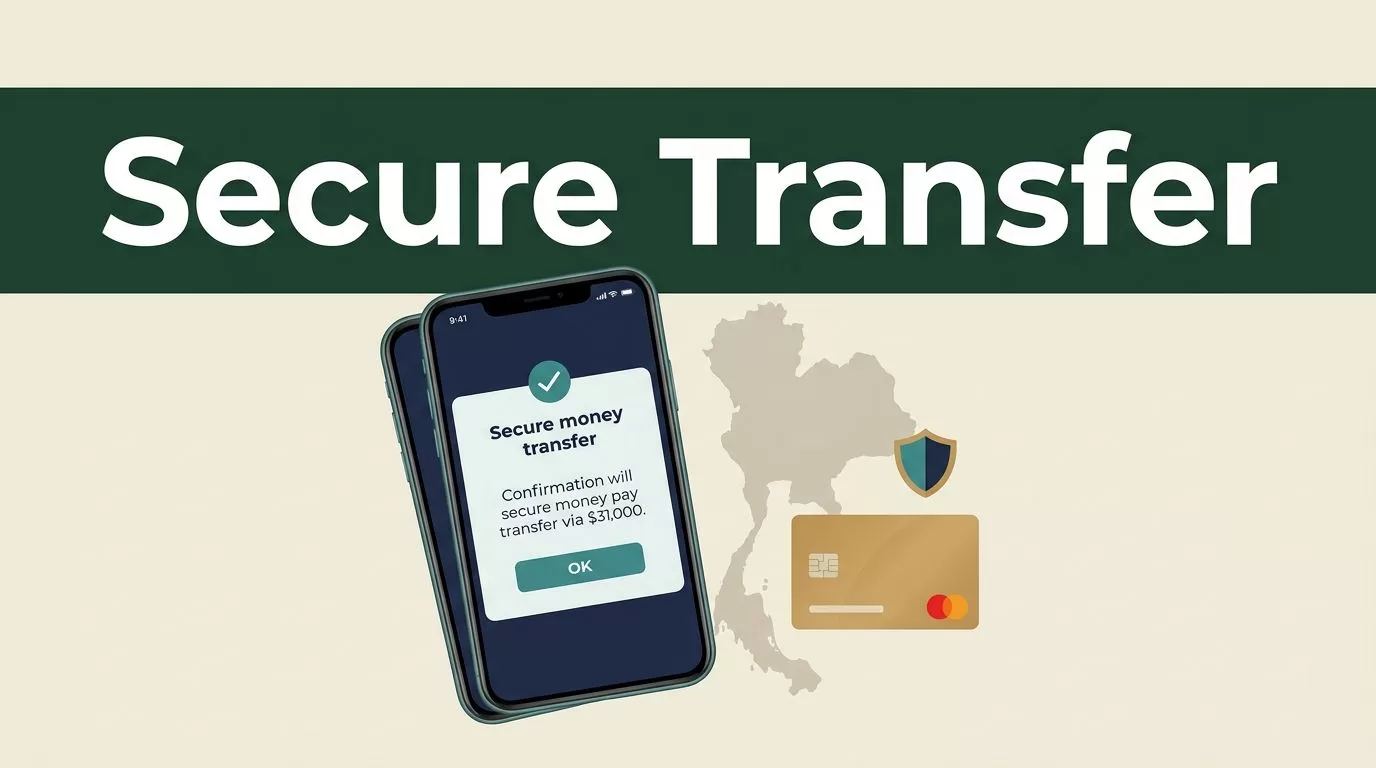
Sending money to Thailand should be a controlled process, not a rushed payment. A Remitly Thailand transfer can support family expenses, school costs, medical bills, or everyday support when you select the right delivery method and verify every detail before approval.
The main risks are simple: a wrong recipient name, an incorrect bank account, an unexpected fee, or a scammer pretending to represent Remitly. Use only the official Remitly website or app, review the final quote, and protect your account credentials and verification codes. Start with the transfer setup, then check the recipient and payment details before you send.
Remitly Thailand transfer options and setup steps
Remitly supports several delivery options for transfers from the United States to Thailand. The listed options include bank deposit, cash pickup, and debit card deposit. The available choices can depend on your sending country, payment method, transfer amount, and the recipient’s location.
Thai payout providers listed by Remitly include Siam Commercial Bank (SCB), Krung Thai Bank, and Bangkok Bank. Remitly also names Kasikornbank among the banks available for some transfers. Cash pickup may be available through providers such as SCB, Government Savings Bank, and Kiatnakin Bank.
Create your account through the official Remitly service. Then follow this sequence:
- Select Thailand as the destination country and enter the amount you want to send.
- Choose how the recipient should receive the money.
- Add the recipient’s legal name, contact details, and payout information.
- Select an available payment method.
- Review the exchange rate, fee, delivery estimate, and recipient amount.
- Confirm the transfer only after every field matches your records.
For U.S. customers, Remitly lists debit and credit cards from Visa and Mastercard, Discover cards issued in the United States, prepaid cards, and some bank account payment methods. Your account may show different choices based on your location and transfer setup.

The official first-time international transfer guide also recommends checking cost, security, and delivery details before submitting a payment. Treat the confirmation screen as the final control point.
Prepare the recipient details before you pay
Most failed transfers start with bad input data. Ask the recipient to send their information in a message you can review. Don’t rely on memory or an old bank record.
For a bank deposit, check the recipient’s full legal name, bank name, account number, phone number, and any other information requested by Remitly. Thai names can include multiple parts and different English spellings. The name entered for the transfer should match the recipient’s bank or identification records.
For cash pickup, confirm the recipient’s legal name and phone number. The name must match the identification document the recipient uses at the pickup location. A nickname, shortened name, or spelling variation can delay collection.
Debit card delivery requires its own checks. Confirm that the recipient’s card or account can receive the transfer and that the details are current. Don’t assume a previous card remains valid.
Ask the recipient to confirm the details before you press send. A quick two-minute verification is cheaper than correcting a transfer after processing begins.
A recipient’s phone number is not enough to validate a transfer. Match the legal name and payout information against the receiving account or identification document.
Keep a private record of the recipient’s confirmed details. Store the confirmation message and transfer receipt in a secure folder. Don’t post account numbers, identity documents, or transaction references in public chats or social media groups.
Review fees, exchange rates, and delivery timing
The amount the recipient receives depends on more than the transfer fee. Review the exchange rate, service charge, payment method, and payout method together.
Remitly’s Thailand safety information has stated a flat fee of USD $0.99 for U.S. customers sending money to Thailand, as of the time that page was written. Fees can change. Promotions, transfer size, funding method, customer location, and delivery choice can affect the quote shown in your account.
The final price on your transfer screen is the figure to use. Don’t rely on an old blog post, a search result, or a quote from another sender. If the fee or exchange rate looks different from what you expected, stop and check the details before approval.
Recipients in Thailand generally don’t pay a receiving fee through Remitly. The recipient amount can still vary because exchange rates and delivery conditions change. Remitly also states that many transfers arrive within minutes, but timing depends on the payout method, verification, operating hours, and when you complete the payment.
| Delivery method | Best fit | Details to check |
|---|---|---|
| Bank deposit | Recipients with an active Thai bank account | Bank name, account number, legal name |
| Cash pickup | Recipients who need physical cash | Pickup provider, legal name, identification |
| Debit card deposit | Recipients using an eligible debit card | Card details, eligibility, recipient name |
Bank deposit is usually practical for recurring household support. Cash pickup may fit urgent needs or recipients without a suitable bank account. Debit card delivery can be convenient when the recipient’s account is eligible.
The fastest displayed option isn’t always the best option. Choose the method the recipient can access without extra travel, account problems, or identity issues.
Protect your Remitly account and avoid impersonation scams
A secure transfer depends on both the provider’s controls and your own account habits. Use the official Remitly website or the verified mobile app. Download the app through your device’s official app store. Avoid links sent through unexpected emails, social media messages, or private chats.
Create a unique password for Remitly. Don’t reuse your banking password. Protect your email account as well, because an attacker who controls your email may attempt to reset other accounts.
Never share a verification code, password, payment card number, or account recovery detail with someone who contacts you unexpectedly. Remitly support won’t need your one-time code to prove that you own the account.
Watch for common impersonation patterns:
- Someone claims your transfer is blocked and demands an extra payment through a personal account.
- A caller asks for your verification code to release or cancel a transaction.
- A social media account promises a better exchange rate if you send money outside the Remitly platform.
- A recipient asks you to change the name or destination after you have already approved the transfer.
- A message pressures you to act immediately or threatens account closure.
Stop the conversation when a request feels unusual. Open the official app yourself and check the transfer status there. Don’t use a phone number or link provided by the suspicious message.
Remitly describes multiple security measures on its U.S. security and services page. Independent background information is also available in this Remitly safety guide, but the official app remains the correct place to manage your account.

Remitly may request identity documents or additional information based on the transfer amount or its ability to verify your identity. Submit documents only through the official app or website. Don’t email identity documents to an unverified address.
Confirm and track the transfer after sending
Save the confirmation screen and transaction reference after payment. Send the recipient the relevant tracking information through a private channel. Don’t publish it where strangers can access it.
The recipient should know the expected payout method and provider. For cash pickup, tell them to bring the identification document required by the payout location. They should check the branch details and opening hours before traveling.
Track the transfer inside your Remitly account. If the status doesn’t change within the displayed estimate, check for a request for additional information. Verification holds can happen when account details, payment information, or transfer activity needs review.
Contact Remitly through the official support channel if you see an unfamiliar transaction, receive a suspicious message, or enter incorrect recipient information. Act quickly. A transfer may be difficult to cancel after the recipient collects the money or the bank deposit completes.
For recurring support, review each new transfer instead of copying old details without checking them. Banks change account numbers. Cards expire. Recipients move. A saved template reduces typing, but it doesn’t replace verification.
Conclusion
A secure Remitly Thailand transfer follows a short control process. Use the official app or website, choose the delivery method that fits the recipient, verify the legal name and payout details, and review the final fee and exchange rate before paying.
Protect your password and verification codes. Ignore requests to move the transaction outside Remitly. When you treat each transfer as a financial transaction that needs review, you reduce avoidable errors and give the recipient a better chance of receiving the money without delay.

