How to Make a Cheap Remitly Turkey Transfer
Sending money to Turkey cheaply depends on the amount delivered, not the fee beside the send button. A low-cost Remitly Turkey transfer compares the fee, exchange rate, delivery speed, and payout method together. Remitly’s quote chang...
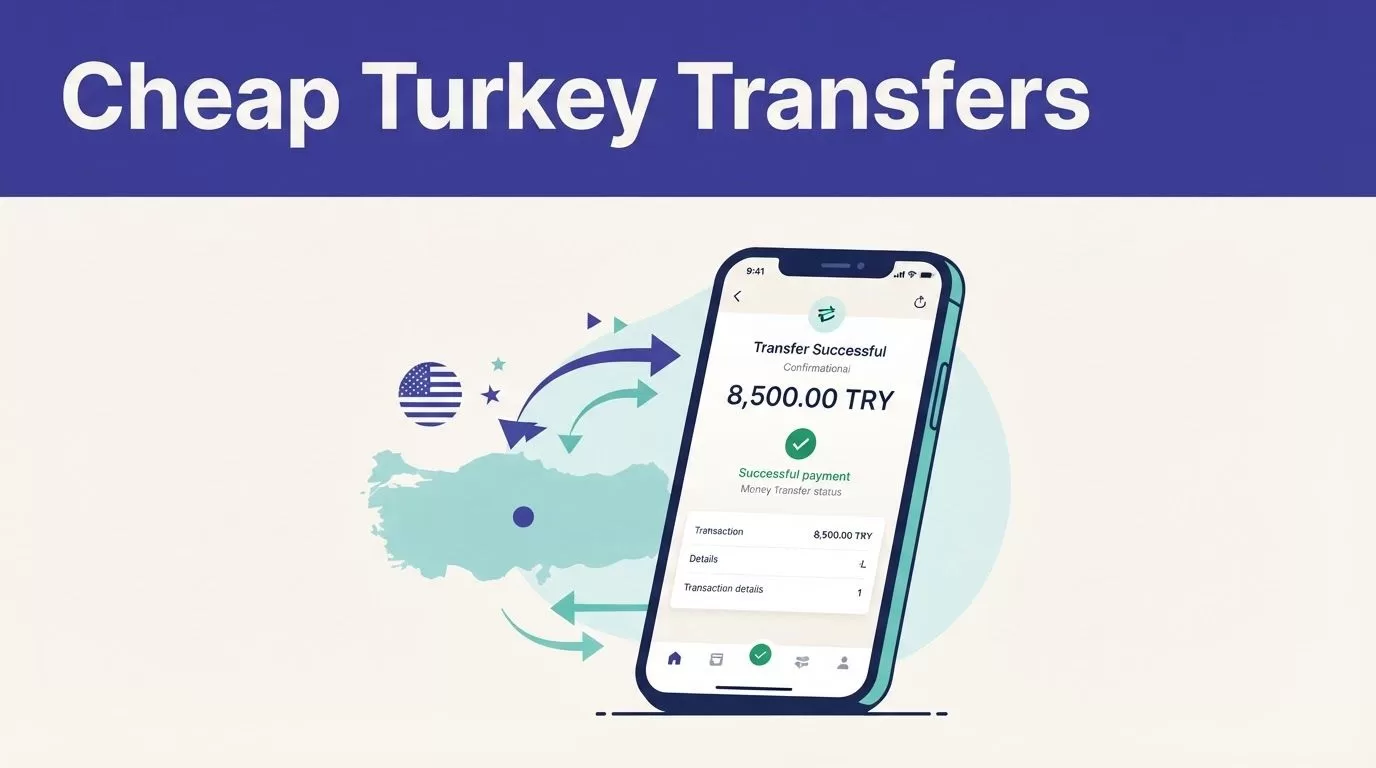
Sending money to Turkey cheaply depends on the amount delivered, not the fee beside the send button. A low-cost Remitly Turkey transfer compares the fee, exchange rate, delivery speed, and payout method together.
Remitly’s quote changes by sender country, payment method, amount, delivery option, and account history. The steps below focus on the U.S. to Turkey corridor. Confirm the live quote before you pay. Start with the recipient’s needs, then build the transfer around the final amount they receive.
What makes a Remitly Turkey transfer cheap?
A low advertised fee doesn’t always produce the lowest total cost. Remitly shows the exchange rate and recipient amount before payment. Review those figures together instead of comparing the transfer fee alone.
Compare the amount the recipient gets
Enter the amount you want to send and check the Turkish lira amount shown for the recipient. A transfer with no visible fee can still deliver less if its exchange rate is weaker. Card funding, delivery speed, and the selected payout method can also affect the final result.
Use Remitly’s Turkey transfer page to enter the actual amount. Review these fields before continuing:
- The amount you pay.
- The transfer fee.
- The exchange rate.
- The amount received in TRY.
- The estimated delivery time.
The recipient amount is your main comparison figure. Don’t choose a transfer only because the first fee looks low.
Match the payout method to the recipient
Remitly may offer cash pickup, bank deposit, or mobile wallet delivery in Turkey. Availability depends on the recipient’s location, the selected provider, the transfer amount, and the live quote.
Bank deposit can be useful when the recipient has a supported Turkish account. Remitly’s Turkish bank deposit information shows that bank details and, where requested, an IBAN may be needed. Cash pickup may suit someone without a bank account, but the recipient must follow the payout partner’s identification instructions.

Photo by Nurullah Karaman
How to complete a Remitly Turkey transfer
The process is short, but each field matters. A misspelled name or incorrect account number can create delays.
Create the transfer
Use the Remitly website or mobile app. Create an account with your email address, then select Turkey as the destination.
Follow this sequence:
- Enter the amount you want to send.
- Choose the available delivery speed.
- Select cash pickup, bank deposit, or another available method.
- Add the recipient’s information.
- Enter your payment details.
- Review the quote and confirm the transfer.
Remitly may offer different delivery speeds. The faster option can cost more or produce a different recipient total. Compare the options on the same screen before selecting one.
Funding options also vary. Debit card and credit card payments may be available on some routes, but your options depend on the sending country and transfer details. Use only a payment method shown inside your verified Remitly account.
Enter accurate recipient information
Use the recipient’s full name exactly as it appears on their identification. Don’t use a nickname, shortened name, or different spelling. Remitly advises checking the recipient name against their ID.
For a bank deposit, enter the correct bank name, account details, and IBAN when requested. Check every digit before continuing. Ask the recipient to confirm the information through a trusted channel if you didn’t receive it directly.
The recipient may also need an address or other details. Remitly or its local payout partner can request additional information during processing. Keep the processing screen open if the service asks for a correction or verification step.
Review the live quote before payment
The live quote is the final decision point. Remitly’s rates and fees are not permanent.
Check the full cost, not only the fee
Review the amount you pay and the amount received in TRY. Then check the delivery estimate and selected payout provider. If you change the speed, funding method, or recipient option, review the quote again.
Fees, exchange rates, delivery estimates, and available payout methods can change without matching an older screenshot or online review. Promotions can also have restrictions. A first-transfer offer may depend on the sender’s country, account status, payment method, or promotion period.
Only treat a promotion as active when the discount or special rate appears in the current quote. If the recipient total doesn’t improve, the promotion may not make the transfer cheaper.
Check limits and verification requirements
Your transfer limit may depend on identity verification, payment method, transfer history, delivery method, and the destination. Remitly’s U.S. sending limits page currently displays transfers up to $100,000, but your personal limit can be lower.
Check the limit shown in your account before preparing a large payment. Don’t split a transfer to avoid a limit. Instead, follow the instructions Remitly provides and complete any requested verification.
The service may ask for more information before confirming the transfer. This can include identity details, payment verification, or information about the recipient. Provide information only through the official Remitly website or app.
Prevent delays and scams
A completed payment isn’t useful if the money goes to the wrong person or the transfer stays pending. Use a short control process before and after payment.
Keep a trusted transfer record
Before confirming, save the recipient details and the quote shown on screen. After payment, keep the confirmation email, transfer number, amount, date, and delivery method.
Treat the completed receipt as the last trusted record. If you need to contact support or send another payment, compare it with that record. Don’t rely on an old browser tab or an unverified screenshot.
Avoid delays by checking the recipient’s name, bank details, payout method, and delivery estimate. Use a supported payment method with enough available funds. Don’t close the app while Remitly is processing a correction or verification request.
Protect the account and payment
Send money only to someone you know or to a business you have independently verified. Don’t send money because a stranger creates urgency, promises a refund, or claims to be Remitly support.
Never share your password, card security code, or one-time verification code with someone who contacts you unexpectedly. Open Remitly by typing the official website address or using the installed app. Don’t use payment links from unsolicited messages.
If the recipient details are wrong, contact Remitly support immediately. Contact your bank or card provider if you suspect unauthorized activity. Fast reporting gives the providers more information while the transfer is still being processed.
Conclusion
A cheap Remitly Turkey transfer starts with the recipient amount in TRY. Compare the fee, exchange rate, delivery speed, and payout method in the same live quote.
Enter the recipient’s details exactly, check the current limits and verification prompts, and save the final receipt. Confirm every variable before payment because promotions, rates, fees, delivery estimates, and available methods can change.
