Remitly Uganda Transfer: Steps, Fees, and Timing
Sending money to Uganda should not require guesswork. A Remitly Uganda transfer lets you select a delivery method, review the exchange rate, and confirm the recipient details before payment. The fastest option depends on your sending countr...


Sending money to Uganda should not require guesswork. A Remitly Uganda transfer lets you select a delivery method, review the exchange rate, and confirm the recipient details before payment.
The fastest option depends on your sending country, payment method, recipient location, and delivery method. Use the process below to reduce errors and avoid delays.
Check These Details Before You Start
Prepare the transfer information before opening the Remitly app or website. Missing recipient details can slow down delivery or create correction work.
Remitly supports transfers to Uganda from selected sending countries. The official Remitly Uganda transfer page covers the route from the United States. If you send from another country, select your correct origin country first. Fees, payment methods, exchange rates, and delivery choices can change by corridor.
Have these details ready:
- The recipient’s full legal name, written exactly as it appears on their identification or account.
- A current Ugandan phone number that the recipient can access.
- The recipient’s preferred delivery method, such as mobile wallet, bank deposit, or cash pickup.
- The mobile wallet number, bank name, account number, or other receiving information required by the selected option.
- The amount you want to send and the currency you will use to pay.
- Your own identification and payment details, in case Remitly requests account verification.
Ask the recipient to confirm their information before you submit the transfer. A single incorrect digit in a phone or account number can stop the payment from arriving.
If the recipient will collect cash, their name must normally match the identification they present at the pickup location. If the money goes to a mobile wallet, confirm that the wallet is active and registered to the correct number.
The sender’s name, recipient’s name, phone number, and account details should come from official documents or the recipient directly. Don’t rely on old saved contacts.

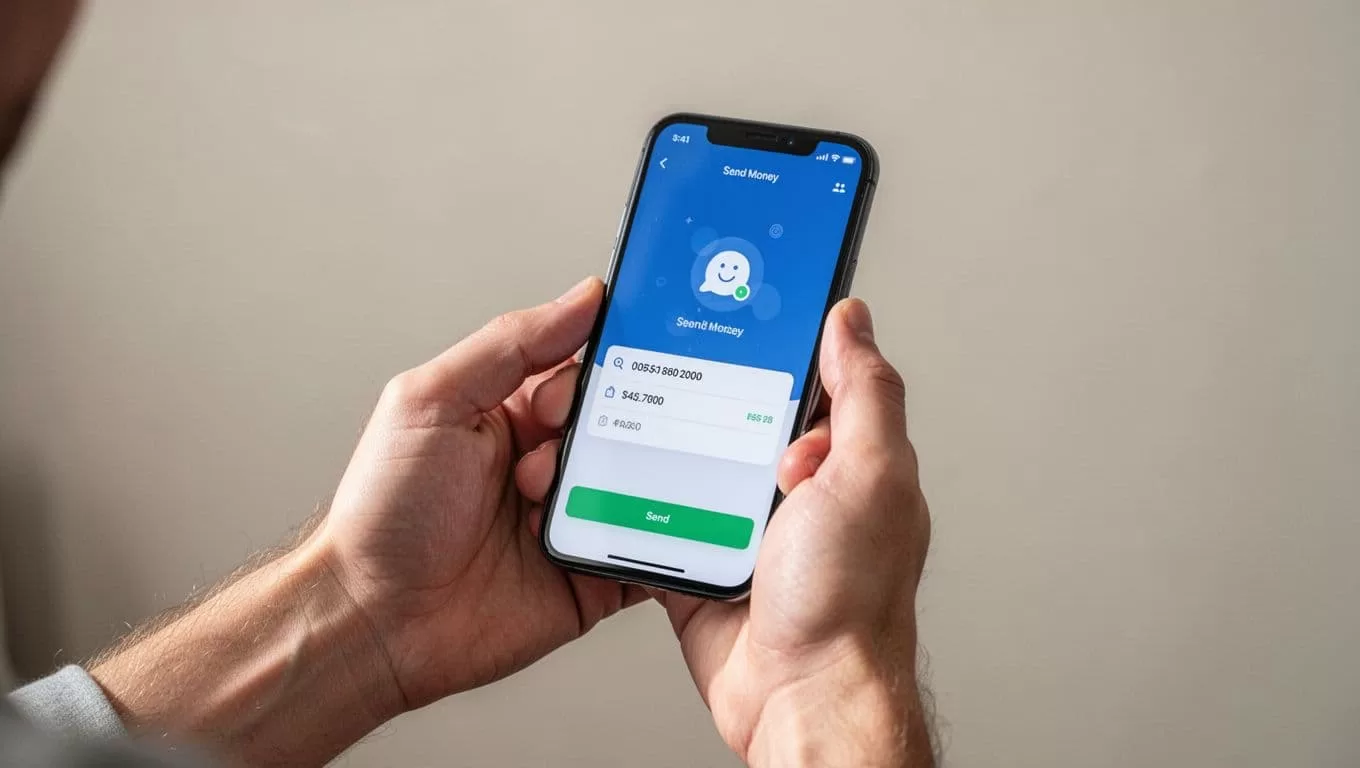
How to Start a Remitly Uganda Transfer
The transfer process is straightforward, but each screen affects the final cost and delivery speed.
- Open Remitly and select the sending route. Choose the country you are sending from and select Uganda as the destination. Check that the available route matches your location.
- Create an account or sign in. Remitly may ask for your name, address, phone number, and identity documents. Complete these checks before sending if the service requests them.
- Enter the transfer amount. The app should show the amount you pay and the amount the recipient receives in Ugandan shillings. Review both figures. A larger amount does not always produce the same rate or fee structure as a smaller amount.
- Select a delivery method. The available choices depend on the recipient’s location and provider. You may see mobile money, bank delivery, or cash pickup. Some options may include Express or Economy delivery speeds.
- Add the recipient. Enter the recipient’s legal name and receiving details. Check every field against the information they provided. Pay close attention to phone numbers and account numbers.
- Review and pay. Check the exchange rate, transfer fee, payment method, delivery method, and final recipient amount. Submit the payment only after the details match your instructions.
After payment, save the confirmation number or reference code. The recipient may need it for cash pickup, and support will usually request it if the transfer needs review.
A Remitly Uganda transfer can also trigger an additional verification request. Respond quickly if Remitly asks for a document or clarification. The transfer may remain pending until the review is complete.
Choose the Right Delivery Method in Uganda
The delivery method determines how the recipient receives the funds. It also affects speed, cost, and the information you need to provide.
Mobile money is useful when the recipient already uses a supported Ugandan wallet. Remitly’s Uganda information identifies MTN Money as a supported mobile wallet option. Airtel Money is also covered on Remitly’s Uganda Airtel Money transfer page.
Mobile money can be practical for household expenses, school payments, and urgent support. Confirm the recipient’s wallet number before sending. The recipient may need an active account and enough wallet capacity to receive the funds.
Bank deposit works better when the recipient wants the money in a bank account. You will need the account information requested in the Remitly form. Use the recipient’s official bank details, not a nickname or informal account label.
Cash pickup can help when the recipient doesn’t use mobile money or needs physical cash. The recipient should bring the required identification and transfer information to the selected pickup provider. Pickup availability can vary by city and provider.
Some corridors may display additional delivery choices. Remitly’s app shows the options available for the selected route and recipient location. Don’t assume that a method offered to one recipient will appear for another.
Compare Fees, Exchange Rates, and Delivery Speed
Remitly doesn’t use one universal fee for every Uganda transfer. The final cost can depend on the amount, payment method, delivery option, and sending country.
Check the checkout screen before you pay. Review these four figures:
- The amount charged to your payment method.
- The transfer fee.
- The exchange rate applied to the transaction.
- The amount the recipient will receive in Ugandan shillings.
A promotion may reduce the first-transfer cost or provide a special exchange rate. Remitly’s current Uganda page advertises no fee on the first transfer and a special rate for first-time customers. The provider information also states that the promotional exchange rate applies to the first $500 sent. Amounts above $500 may receive the non-promotional rate when paid through a bank account or Remitly Wallet.
Promotions have conditions. Check the eligible payment method, maximum amount, expiration date, and recipient amount at checkout. Don’t calculate your final cost from an old screenshot or a previous transfer.
Remitly’s Uganda information advertises $0 mobile wallet fees for the corridor. The checkout screen remains the practical reference because rates and terms can change.
Delivery speed also varies. Express is described as the fastest option for transfers to an MTN Money account. Economy transfers will typically take a few hours according to Remitly’s Uganda guidance. Payment processing, identity checks, weekends, public holidays, provider maintenance, and incorrect details can extend the timeline.
The Poland-to-Uganda Remitly transfer information also warns that delivery timing can vary by payment and delivery method. That is why no transfer speed should be treated as a guarantee.
What to Do If the Transfer Is Delayed
Start with the transaction status in the Remitly app or website. Look for labels such as processing, pending, delivered, or action required.
If the transfer is pending, check your email and account notifications. Remitly may need identity documents, payment confirmation, or more information about the recipient.
Next, confirm the recipient’s details. Check the spelling of the legal name, mobile number, wallet provider, and bank information. If a correction is needed, contact Remitly support before sending another transfer.
Keep these details available when you contact support:
- Your transfer reference number.
- The sender account email or phone number.
- The transfer amount and date.
- The recipient’s name and receiving method.
- Any error message shown in the app.
Don’t create a duplicate transfer while the first one is still under review. You could send the money twice or complicate the refund process.
If the recipient says the money hasn’t arrived but Remitly marks it as delivered, ask them to check the correct wallet, bank account, or pickup provider. Contact support if the details match and the funds remain unavailable.
Treat unexpected requests with caution. Never share your Remitly password, one-time security code, or full payment credentials with the recipient or an unknown caller.
Complete the Transfer With Fewer Errors
A fast Remitly Uganda transfer starts with accurate recipient information. Select the correct sending country, compare the final rate and fee, and choose the delivery method that fits the recipient’s actual access.
Mobile money can work well for active MTN Money or Airtel Money users. Bank deposit fits recipients who prefer account funds. Cash pickup can help when digital receiving options aren’t available.
Review the confirmation screen before payment and keep the reference code afterward. If the status changes slowly, check for verification requests and contact Remitly support instead of submitting a second transfer. Careful preparation is the most reliable way to move money to Uganda without avoidable delays.

