Remitly Ukraine: How to Send Money Securely
Sending money across borders requires more than entering an amount and tapping “send.” A Remitly Ukraine transfer needs accurate recipient data, a supported payout method, and a final cost review before payment. Remitly can supp...
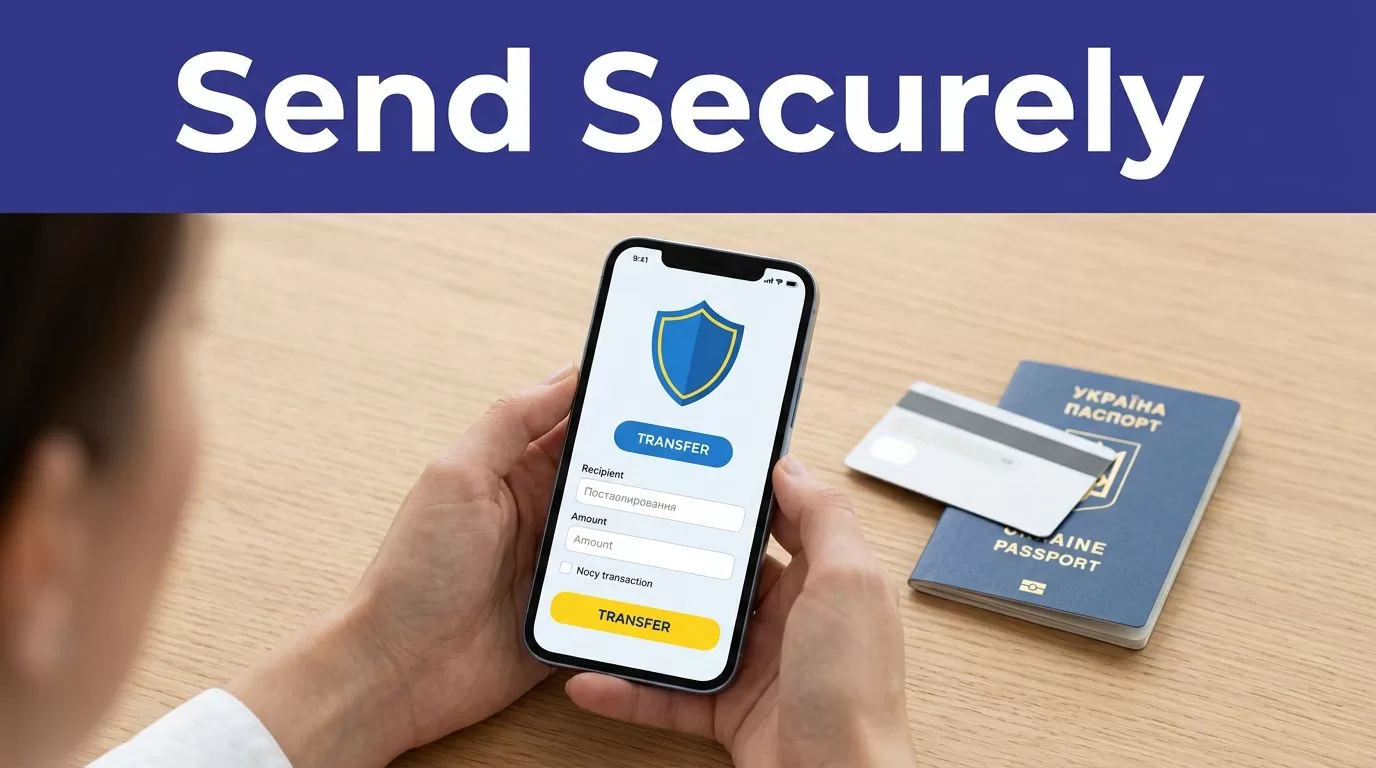
Sending money across borders requires more than entering an amount and tapping “send.” A Remitly Ukraine transfer needs accurate recipient data, a supported payout method, and a final cost review before payment.
Remitly can support transfers to Ukrainian bank accounts, cash pickup locations, and some eligible Visa debit cards. The available options depend on your sending country, the recipient’s location, and the provider supporting the route. Use this process to send money securely and keep a reliable record of the transaction.
CHECK THE ROUTE BEFORE YOU START
Confirm your sending country
Remitly pricing and delivery options are country-specific. The quote for a sender in the United States may differ from the quote for someone sending from Canada, Germany, Lithuania, or another country.
Start with the correct country setting on the official Remitly page for sending money to Ukraine. Don’t rely on a search result, an old promotion, or a quote someone else received.
Fees, exchange rates, payment methods, transfer limits, delivery speeds, and compliance requirements can change. Confirm the final details inside Remitly before every transfer.
Prepare the recipient record
Ask the recipient for the information required by the selected payout method. Use their legal name exactly as it appears on their government-issued identification.
For a bank deposit, you may need the recipient’s bank name, account details, address, and phone number. Cash pickup may require the recipient’s name, location, and contact details. Some routes may support providers such as PrivatBank or First Ukrainian International Bank, also known as PUMB.
Don’t use a nickname, shortened name, or spelling variation. A mismatch can delay the transfer or prevent collection.
REMITLY UKRAINE: SEND MONEY STEP BY STEP
1. Create or access your account
Open Remitly through its official website or mobile app. Create an account with your own email address, or sign in if you already have one.
Use a password that you don’t use for email, banking, or social media. Remitly may ask for identity or transaction information before allowing a transfer. Complete those checks through the official Remitly interface.
Never create an account through a link sent by an unknown person. A fake login page can capture your password and verification code.
2. Enter Ukraine and the transfer amount
Select Ukraine as the destination. Enter the amount you want to send, then review the currency and amount the recipient is expected to receive.
Keep the purpose of the transfer accurate if Remitly asks for it. Don’t split a transfer into smaller payments to avoid a limit or review. That can create additional questions and delay the transaction.
The amount received can change when you adjust the send amount, payment method, delivery option, or recipient location.
3. Select the delivery method
The US-to-Ukraine route may show bank deposit, cash pickup, and Visa debit card deposit options. Other sending countries can display different methods.
Choose the method that matches the recipient’s actual situation.
- A bank deposit works when the recipient has an eligible Ukrainian account.
- Cash pickup can help when the recipient doesn’t use a supported bank account.
- A Visa debit card deposit may work when the recipient’s card and route meet the provider’s requirements.
Check the recipient’s preferred method before you continue. A fast option is not useful if the recipient can’t access it.
4. Add and verify the recipient
Enter the recipient’s full legal name, phone number, address, and payout information. Review every character before moving to payment.
For cash pickup, confirm the recipient’s identification requirements and selected collection location. For a bank deposit, verify the account information directly with the recipient. Don’t copy bank details from an old message without checking them again.
If someone sends a last-minute request to change the recipient, account, or pickup location, pause the transfer. Confirm the change through a separate trusted channel.
5. Review, pay, and save the receipt
Before authorizing payment, compare the complete transaction. Check the send amount, recipient amount, exchange rate, transfer fee, payment method, delivery option, and estimated arrival time.
Pay with an accepted method for your route. Save the confirmation number, receipt, and tracking details after submission. Share the transfer reference only with the intended recipient.
COMPARE THE TOTAL COST
A low advertised fee doesn’t prove that a transfer is cheap. The exchange rate also affects how much the recipient receives.
Use the live quote shown for your account and route. Remitly’s US pricing page for Ukraine is useful for checking the current United States route, but it isn’t a universal price list.
Compare these fields before you approve payment:
| Cost factor | What to check |
|---|---|
| Amount charged | The total deducted from your payment method |
| Exchange rate | The conversion applied to your currency |
| Transfer fee | The visible fee for the selected route |
| Amount received | The exact hryvnia or other supported currency amount |
| Delivery method | Whether bank deposit, pickup, or card delivery changes the quote |
| Promotions | Eligibility, expiry date, and any new-customer conditions |
Country-specific pricing pages can show different results. Remitly’s Canada-to-Ukraine pricing page is separate from the US page for that reason.
Compare the amount charged with the amount delivered. Comparing the transfer fee alone can hide the effect of the exchange rate.
Remitly may be convenient, but it isn’t always the cheapest option. If the amount is large or the transfer is recurring, compare the final recipient amount with other regulated providers. Use the same send amount, payout method, and delivery speed for a fair comparison.

Photo by Dmytro Glazunov
VERIFY DETAILS BEFORE PAYMENT
Check the recipient’s identity data
The recipient name should match their government ID. This matters most for cash pickup, where a payout provider may compare the transfer record with the document presented at collection.
Ask the recipient to send the spelling exactly as it appears on their document. Check middle names, order of names, accents, and transliteration differences. Don’t guess how a Ukrainian name should appear in Latin characters.
Also confirm the recipient’s phone number. Remitly or the payout provider may use it for notifications or collection instructions.
Check bank and pickup details
For a bank deposit, verify the account information with the recipient immediately before submitting the transfer. Confirm the bank, account number, and any required routing or identification field.
For cash pickup, confirm the city, provider, and location. The recipient may need valid identification and the transfer reference. Provider hours and local rules can affect collection.
The recipient may not need a Remitly account for some payout routes. They still need to follow the local provider’s collection requirements.
PROTECT YOUR ACCOUNT AND AVOID SCAMS
Keep credentials private
Remitly will not need your password or one-time verification code from a stranger contacting you by phone, email, or social media. Never share those details with the recipient, a supposed support agent, or anyone offering a special exchange rate.
Use the official Remitly website or app. Avoid APK files, unofficial download pages, and links from unexpected messages. Check the web address before signing in.
Use a unique password and keep your email account secure. If your email is compromised, an attacker may be able to reset your Remitly password.
Review account notifications and payment records. Contact Remitly through the support option inside the official account if something looks wrong.
Recognize payment fraud
Treat urgent requests with caution. Common warning signs include:
- A person asks you to send money to a new account without prior confirmation.
- Someone promises a guaranteed exchange rate or fee that isn’t shown in your account.
- A caller claims your transfer is blocked and demands another payment.
- A recipient asks you to share a verification code.
- An unknown person sends a link to “confirm” your transfer or download an app.
Remitly’s Ukraine receiving guidance also warns recipients to share a payment link instead of private account details when that feature applies. Keep transfer references private and send them only to the intended recipient.
Don’t send money on behalf of someone you don’t know. Don’t use your account to move funds for a stranger. If a transfer involves a business payment, investment offer, loan, or prize, verify the arrangement independently before paying.
TRACK THE TRANSFER AFTER SUBMISSION
Use the transfer status
Open your Remitly account and check the transaction status. Remitly provides tracking information so you can follow the transfer after payment.
Give the recipient the transfer reference through a private channel. Ask them to confirm when the money reaches the bank account or becomes available for pickup.
A delivery estimate is not a guarantee. Compliance checks, payment verification, provider issues, bank processing, holidays, and incorrect recipient data can change the timing.
A completed payment in your account doesn’t always mean the recipient has collected cash. Check the payout status and confirm receipt separately.
Handle delays in the right order
If the transfer is delayed, check the status before sending another payment. Don’t assume a second transfer is required because one message says the first attempt failed.
Review the recipient details and any request for additional information. Follow Remitly’s support process if the status doesn’t change or the recipient can’t collect the funds.
Keep screenshots, receipts, confirmation numbers, and support messages. These records help resolve duplicate charges, incorrect details, and delivery disputes.
If the recipient’s name or bank information is wrong, contact Remitly before making another transfer. A correction may require support and can delay delivery.
WHEN TO RECHECK YOUR CHOICE
Remitly is a practical option when the recipient needs a supported bank deposit, cash pickup, or card deposit and you want app-based tracking. It may not be the best fit for every route or amount.
Recheck the quote when you send regularly, transfer a large amount, or use a different payment method. Compare the final amount received, not only the visible fee.
Also confirm whether your transfer is personal and permitted under the rules that apply to your sending country and destination. Limits and verification thresholds can vary. Remitly may pause a transaction for review, so keep your identification and payment information accurate.
CONCLUSION
A secure Remitly Ukraine transfer starts with the correct route and ends with a saved receipt. Select the payout method first, enter the recipient’s legal details carefully, compare the full cost, and review every field before payment.
Fees, exchange rates, delivery options, limits, and regulations can change by sending country and transfer route. Check the live Remitly quote every time, then track the transaction until the recipient confirms receipt.
