Remitly Uruguay transfer: A Practical Sending Guide
Speed matters when family needs money in Uruguay, but a fast transfer still fails if the recipient details are wrong. A Remitly Uruguay transfer gives you a clear online process for sending money to a bank account, cash pickup location, or...

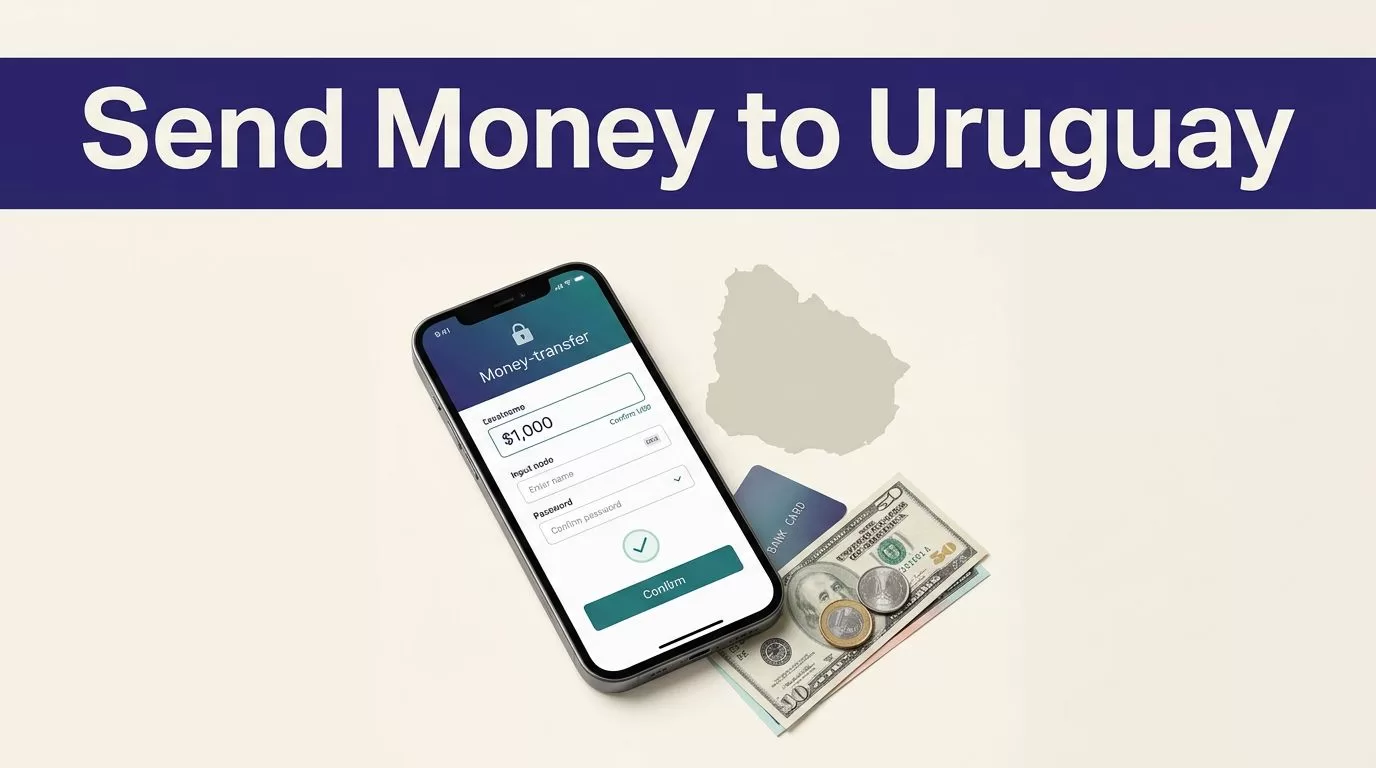
Speed matters when family needs money in Uruguay, but a fast transfer still fails if the recipient details are wrong. A Remitly Uruguay transfer gives you a clear online process for sending money to a bank account, cash pickup location, or another supported payout method.
Your Remitly Uruguay transfer isn’t tied to one fixed fee, exchange rate, or delivery time. The final quote depends on your sending country, transfer amount, payment method, recipient location, delivery option, and current promotions. Confirm those details before you pay.
Before You Start a Remitly Uruguay Transfer
Start by confirming that Remitly supports transfers from your country to Uruguay. The United States route is different from routes available in Canada, Spain, or other countries. If you’re sending from the U.S., check the official Remitly page for transfers to Uruguay.
Confirm your sending country and eligibility
Create your transfer only through the Remitly website or official mobile app. Enter your sending country and Uruguay as the destination. The available payout methods and payment options will update based on that route.
Remitly can apply transfer limits over 24-hour, 30-day, or 180-day periods. Limits may also change based on your location, the recipient’s location, the payout provider, and the amount. If your transfer exceeds the displayed limit, don’t assume that splitting it will cost less. Two transfers can create two fees.
Prepare the recipient’s information
Ask the recipient to confirm their details before you begin. Use the person’s full name exactly as it appears on their government ID. A small spelling difference can delay a cash pickup.
For a bank deposit, you need accurate bank account information. Confirm the bank name, account number, and any other fields Remitly requests. For cash pickup, confirm the recipient’s city and preferred pickup provider.


Photo by Monstera Production
How to Complete a Remitly Uruguay Transfer
The Remitly Uruguay transfer flow follows four basic stages: account setup, recipient details, delivery selection, and payment confirmation.
1. Create your account and start the transfer
Open Remitly.com or the Remitly app. Register with your email address and follow any identity or account verification prompts. Remitly may request additional information before allowing the transfer, especially when the amount or transaction pattern requires review.
Select Uruguay as the destination. Enter the amount you want to send or the amount the recipient should receive. The app will calculate the related values in the sending and receiving currencies.
2. Add the recipient and choose delivery
Enter the recipient’s legal name, address, and contact information. Add bank details if you’re sending a deposit. If you’re using cash pickup, select the available provider and location shown for the recipient.
Available delivery methods aren’t identical for every sender or recipient. A method may disappear when the recipient’s location, payout partner, or transaction details don’t support it.
3. Review the quote and pay
Choose the available payment method. Remitly may show different costs or delivery estimates based on how you fund the transfer.
Read the complete summary before confirming. Check the fee, exchange rate, total amount charged, recipient payout, payment method, delivery option, and estimated arrival. Submit the transfer only when every field matches your instructions.
Choose the Right Delivery Method in Uruguay
The right method depends on what the recipient can use locally. Review the available Remitly providers in Uruguay before choosing a payout route.
Bank deposit
Bank deposit is useful when the recipient already has an account and doesn’t need to visit a payout location. Remitly’s Uruguay pages show bank deposit options through selected providers, including Banco Santander.
Enter the account information carefully. An incorrect number can delay delivery or create a correction request. The recipient should confirm when the deposit appears in the account rather than relying only on the sender’s confirmation.
Cash pickup
Cash pickup works when the recipient needs physical cash or doesn’t use a supported bank account. Select the provider and location available in the transfer flow. Availability can depend on the recipient’s city and the payout partner.
The recipient should bring valid government ID and use the same name entered in the transfer. They may also need the transaction or pickup information shown by Remitly. Check the provider’s instructions before the recipient travels.
For example, More Money Transfer in Uruguay may appear as a cash-pickup option for eligible locations. It won’t necessarily be available for every recipient.
Mobile wallet
A mobile wallet may appear for some Uruguay transfers. Use it only when Remitly displays the option for your route and the recipient’s account is eligible.
Confirm the recipient’s phone number or wallet details before sending. Don’t substitute a personal number or another account because the transfer may not route correctly.
Check the Full Cost Before Sending
The exchange rate is only one part of the transaction. Compare the amount you pay with the exact amount the recipient receives. Remitly’s USD to UYU currency page can help you understand the currency pair, but the transfer quote is the amount that controls your transaction.
Compare the recipient payout, not only the rate
Review these fields in the final quote:
- The transfer amount and receiving currency.
- The exchange rate used for the selected route.
- The transfer fee and any discount.
- The total amount charged to your payment method.
- The exact amount the recipient should receive.
- The delivery method and estimated arrival window.
A promotional rate can look attractive while applying only to a first transfer, a specific sending country, a certain payment method, or a limited amount. Promotions can expire or change without applying to your route.
Don’t rely on a quote you checked yesterday. Reopen the transfer and confirm the values when you’re ready to send. Rates and fees can change even when you send the same amount.
Check delivery time and transfer limits
Remitly may display more than one delivery speed. A faster option can cost more, while a lower-cost option may take longer. The app’s estimate is specific to the selected route and method. It isn’t a universal guarantee.
Timing can change because of payment processing, delivery method, transaction review, system availability, weekends, or local provider procedures. If the recipient needs the money on a specific day, leave time for these variables.
Confirm the transfer limit before entering a large amount. If Remitly requests more verification, complete it through the official app or website. Don’t send personal documents through an unsolicited message or an unknown link.
Track the Transfer and Protect the Transaction
Track the status after payment
Remitly provides transfer tracking through its website or app. Keep the confirmation number, receipt, recipient name, amount, and date in your records.
Send the tracking information only to the intended recipient. If you’re making regular family payments, store each receipt with the related household or accounting record. Don’t copy an old transfer without reviewing the current recipient and payout details.
Use basic security controls
Use a unique password for your Remitly account. Never share your password, one-time verification code, or payment information with someone who contacts you unexpectedly.
Verify an urgent request through a known phone number or another trusted channel. Scammers often pressure people to send money immediately and discourage independent confirmation.
Before paying, check the recipient’s name and payout method one more time. After payment, don’t create a second transfer while the first one is still pending. Contact Remitly support through the official app or website if you suspect fraud or an unauthorized transaction.
Troubleshooting a Delayed or Failed Transfer
The recipient can’t collect or hasn’t received the deposit
Start with the transfer status. Check whether Remitly is waiting for payment, identity verification, recipient information, or provider processing.
For cash pickup, review the recipient’s name, government ID, selected provider, and pickup location. The provider shown for one city may not support another city.
For bank deposits, recheck the bank account information and confirm whether the receiving bank has posted the deposit. Don’t send another payment until you understand the first transfer’s status.
The transfer is blocked, rejected, or contains an error
A payment can fail because the card or bank method was declined, the transfer exceeds a limit, or Remitly needs additional verification. Follow the exact instruction shown in the account. Contact your card issuer or bank when the payment method itself is rejected.
If you entered the wrong recipient or bank information, contact Remitly as soon as possible. Cancellation may depend on the transfer status and payout method. Don’t assume a completed or collected transfer can be reversed.
When the status doesn’t change within the displayed estimate, save a screenshot of the status and quote. Contact Remitly support with the transaction number, transfer amount, date, and recipient details. Avoid sending sensitive information through public social media comments.
Conclusion
A fast transfer to Uruguay starts with accurate recipient information and ends with a complete quote review. Confirm the sending country, payout method, fee, exchange rate, recipient amount, delivery estimate, and transfer limits before payment.
Use bank deposit when the recipient has a supported account. Use cash pickup when the recipient can reach the selected provider with valid ID. The safest Remitly Uruguay transfer is the one you verify before sending and track until the recipient confirms delivery.

