Deploy Rewardful Affiliate Attribution Without Lost Sales
Affiliate tracking usually fails at one handoff. The referral click is captured, but the Stripe customer or Checkout Session never receives the matching ID. Rewardful affiliate attribution fixes that handoff when your campaign, tracking scr...

Affiliate tracking usually fails at one handoff. The referral click is captured, but the Stripe customer or Checkout Session never receives the matching ID.
Rewardful affiliate attribution fixes that handoff when your campaign, tracking script, and Stripe flow use the same referral data. You need a tested record path, not a dashboard that looks active.
Start with one campaign and one checkout path. Prove that path works before you give affiliates traffic.
Deploy Rewardful Affiliate Attribution on a Clean Foundation
Connect your Stripe account in Rewardful, then create the campaign that will govern commissions. Set the commission terms before you invite affiliates. Changing terms after referrals begin creates unnecessary disputes.
Choose your attribution rule early. Rewardful supports first-touch and last-touch attribution, so decide which affiliate receives credit when a buyer clicks more than one partner link. Document that rule in your affiliate terms.
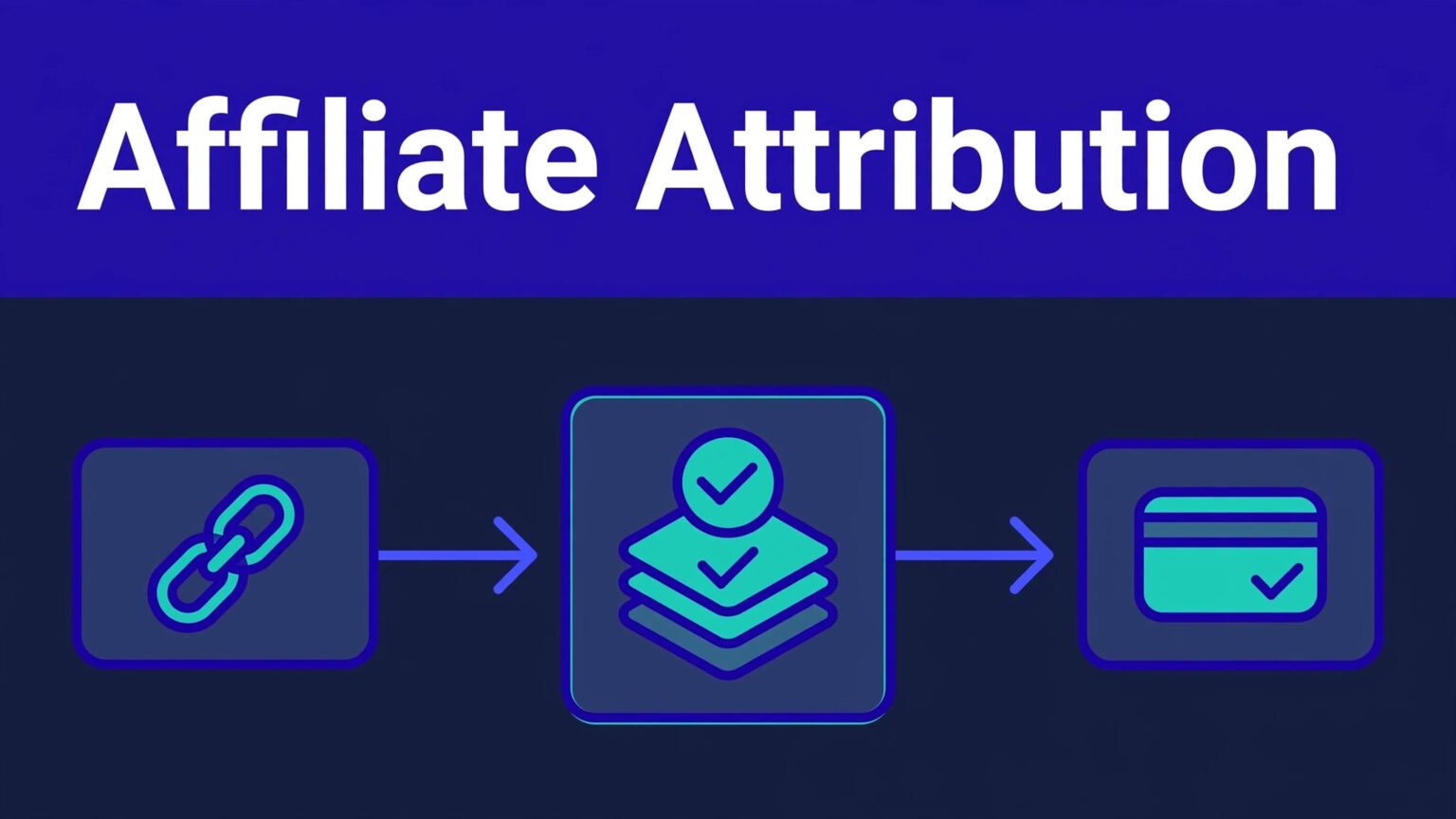
Treat Rewardful affiliate attribution as a record chain:
- An affiliate link creates a referral visit.
- Rewardful’s script reads the referral ID.
- Your checkout flow passes that ID into Stripe.
- Rewardful matches the Stripe customer and transaction to the affiliate.
Install the Rewardful JavaScript snippet on your marketing site, app, checkout entry pages, and relevant subdomains. A script installed only on the pricing page will miss visitors who land on content or a partner page first.
Confirm the tracking script before checkout testing
Use Rewardful’s provided installation link in a private browser window. It commonly uses the ?via=install parameter. Let the page load, return to Rewardful, and refresh the setup view.
Disable ad blockers for this test. A blocked script can look like a campaign problem when the page never recorded the referral.
Pick the Stripe Flow Your Product Actually Uses
Don’t combine multiple attribution methods because a test failed. Identify the payment route that creates the Stripe Customer, then follow Rewardful’s documented handoff for that route.
Stripe Checkout needs a referral ID and Customer record
For server-side Stripe Checkout, Rewardful documents passing the click or referral ID as Stripe’s client_reference_id. Your browser reads the value, your application sends it to the server, and the server adds it when creating the Checkout Session.
Follow Rewardful’s server-side Stripe Checkout instructions closely. Set customer_creation to always so Stripe creates a Customer record that Rewardful can associate with the referral.
Only send client_reference_id when you have a real referral ID. Stripe rejects a blank value.
Direct Stripe API flows use Customer metadata
Some SaaS products create or update Stripe Customers through their own API endpoint. In that case, Rewardful documents reading Rewardful.referral in the browser and storing it in Stripe Customer metadata under the key referral.
Use the documented Stripe API endpoint integration rather than guessing metadata names. A field named affiliate, partner, or referrer_id may look sensible, but it won’t match the documented integration path.
Payment Links must create Stripe Customers
Stripe Payment Links can also support Rewardful tracking, but guest purchases create a gap. Configure the Payment Link to save customer details for future use, so Stripe creates a Customer object.
If your selected Rewardful Payment Link method requires data-rewardful on the link or host element, add it only where Rewardful instructs. Test the actual page element, not a copied link from a staging document.
Validate the Full Attribution Record
A click is not a commission. A commission is not a cleared payout. Test the records your team will use to approve affiliate payments.
A tracking test passes only when the referral, Stripe Customer, and commission point to the same affiliate.
Run one controlled test in the environment you plan to deploy. Open a real affiliate link in a private browser, complete the normal signup and payment path, then inspect the resulting records.
Your Rewardful affiliate attribution test should confirm:
- The selected campaign and affiliate received the referral.
- Stripe created the expected Customer and transaction record.
- The referral ID appears in the documented session field or Customer metadata.
- Rewardful shows the referred customer and the expected commission rule.
- A refund or cancellation produces the expected commission status change.
Keep a deployment log with the test URL, affiliate ID, campaign, Stripe Customer ID, date, environment, result, and reviewer. Save screenshots when the record moves through several systems.
Don’t overwrite the original test result when a refund changes it. Add an adjustment entry with the date and reason. You need that history when an affiliate asks why a commission changed.
Fix Common Rewardful Attribution Failures
Most failures are small configuration errors with large payout consequences.
The affiliate link works, but no customer is attributed
Check script placement first. The visitor may have landed on a subdomain or application route without the Rewardful script.
Then inspect your checkout handoff. Server-side Checkout needs a non-empty client_reference_id and customer_creation set to always. Direct Stripe API flows need the referral metadata key on the Customer.
The Stripe payment exists, but the commission is wrong
Confirm the campaign attribution rule and the referral’s affiliate. A buyer may have clicked another partner’s link later, used a promotion code, or returned after the attribution period.
When a genuine mapping error occurs, Rewardful provides a process to manually attribute a referred customer. Record why the correction happened. Manual fixes without evidence become payout arguments later.
Final Deployment Checklist
Before launch, confirm each item below:
- Stripe is connected to the correct Rewardful account and campaign.
- The tracking script loads on every entry page, app route, and subdomain.
- Your attribution model is documented for affiliates and internal reviewers.
- Stripe Checkout sends
client_reference_idonly when a referral exists. - Checkout creates a Stripe Customer when your flow requires one.
- Direct API flows store the referral under the documented
referralmetadata key. - Payment Links save customers rather than creating guest-only purchases.
- A private-browser test produced matching Rewardful and Stripe records.
- Your team can separate clicks, created commissions, reversals, and paid commissions.
- One owner reviews exceptions, refunds, and manual attribution changes.
If your checkout crosses domains or uses custom Stripe logic, get an implementation review before opening the program. Book A Call with the campaign settings, checkout URL, and a test record ready.
Final Thoughts
Reliable Rewardful affiliate attribution is not about generating more clicks. It is about preserving one referral ID until Stripe creates the customer and Rewardful applies the correct commission.
Deploy one path, test it with real records, and keep the evidence. That process prevents most affiliate payout corrections before they reach your inbox.

