Rewardful Partner Attribution Setup for SaaS Teams
A partner program breaks when clicks, subscriptions, and payouts live in different systems. Rewardful partner attribution connects those events, so your team can identify who referred a paying customer and what commission is due. Rewardful...

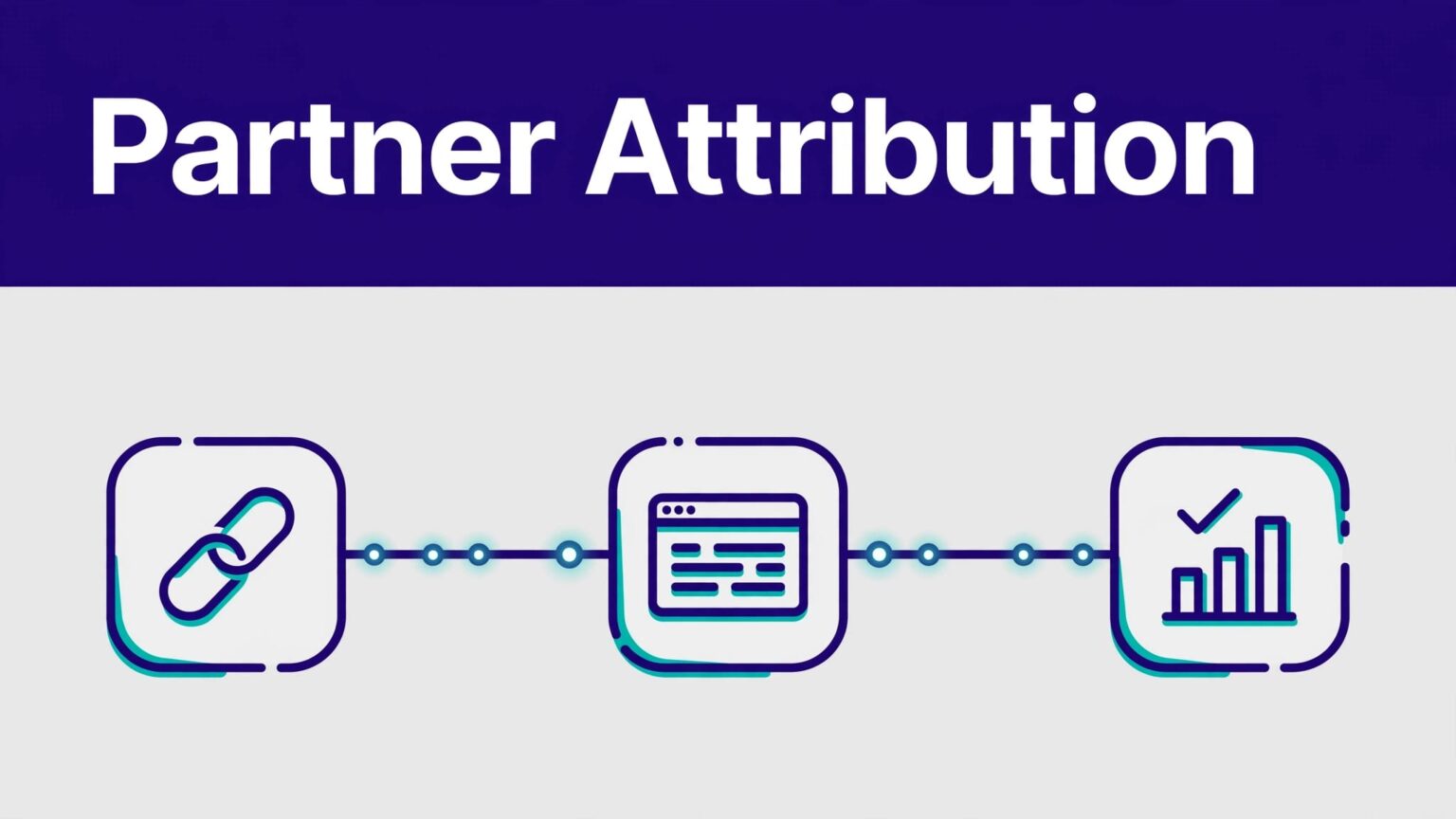
A partner program breaks when clicks, subscriptions, and payouts live in different systems. Rewardful partner attribution connects those events, so your team can identify who referred a paying customer and what commission is due.
Rewardful is built for Stripe-based businesses. It tracks referral activity, passes referral identity into your billing flow, and uses Stripe events to create commission records. A correct setup gives partners credit without manual spreadsheet matching.
Start with the business rules. Then connect the payment flow, test it, and only then invite partners.
HOW REWARDFUL PARTNER ATTRIBUTION WORKS
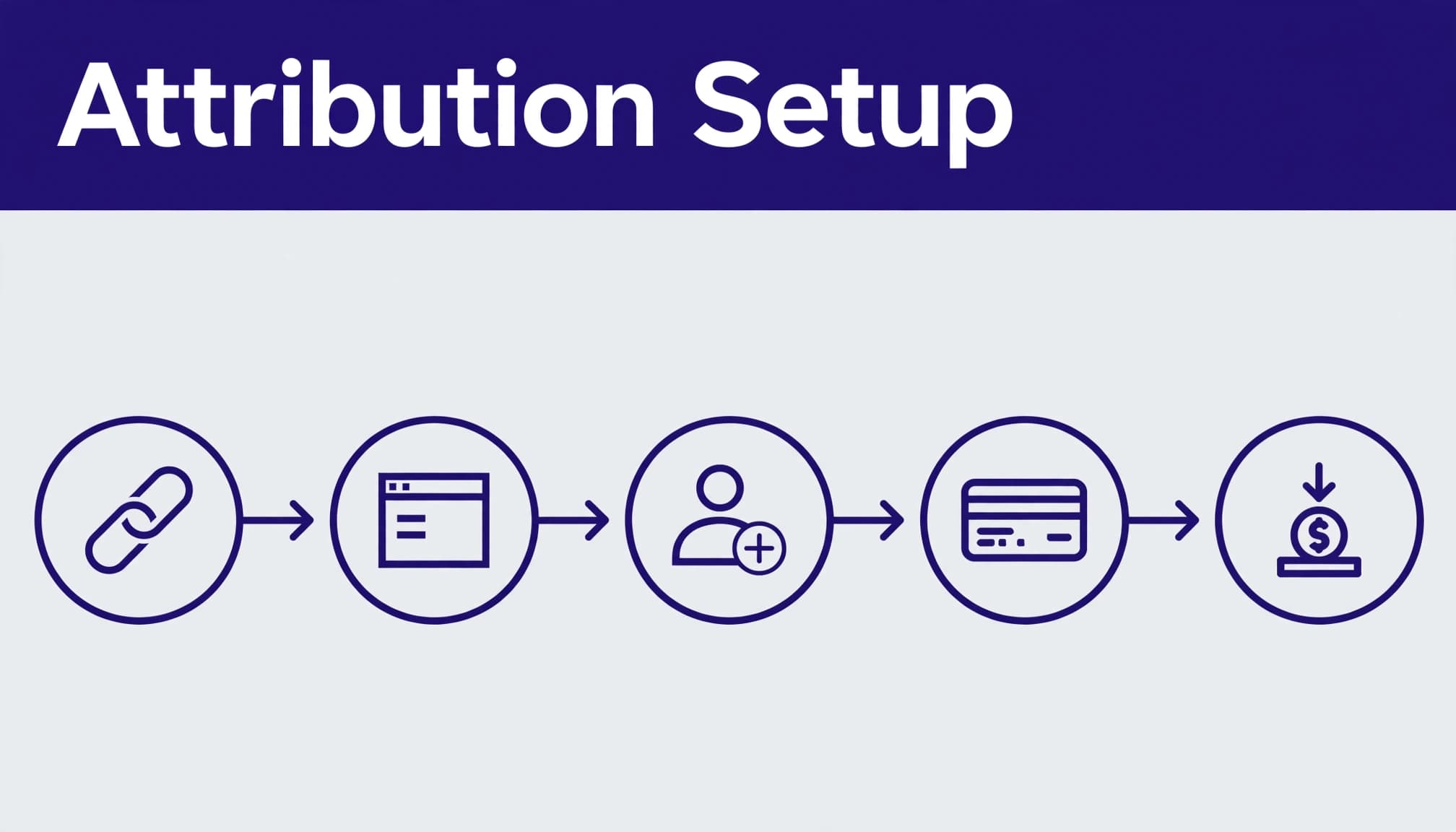
A partner shares a referral link. A visitor clicks it and lands on your site. Rewardful stores a referral ID in the browser, then your checkout flow passes that ID to Stripe.
When Stripe creates a customer, subscription, invoice, refund, or cancellation event, Rewardful uses the linked referral to calculate commissions. Stripe remains the payment system. Rewardful handles the attribution and partner-program records.

THE REFERRAL ID IS THE HANDOFF
The referral ID is the value that ties a browser click to a Stripe customer. It is not a partner’s email address or an internal spreadsheet name.
For a custom checkout, Rewardful’s script exposes the referral value. Your application then sends it to Stripe as client_reference_id, clientReferenceId, or customer metadata, based on the integration method. Review Rewardful’s custom Stripe integration instructions before asking a developer to build this handoff.
If the ID never reaches Stripe, the referral can look valid in the browser but fail to create a commission.
STRIPE EVENTS DRIVE COMMISSION STATUS
Rewardful receives relevant billing activity after you connect Stripe. That is why a charge, paid invoice, refund, and cancellation can affect a partner balance.
Do not treat a click as revenue. Do not treat a pending commission as cash owed today. Your finance report needs separate fields for referral clicks, pending commissions, approved commissions, and completed payouts.
A working referral link proves only that a click happened. It does not prove the Stripe customer carried the correct referral ID.
CHECK THE PREREQUISITES BEFORE YOU BUILD
Get the operating details in place first. This prevents a campaign that looks complete but cannot attribute subscriptions.
YOUR PRE-LAUNCH CHECKLIST
- You have a Stripe account that processes the subscription or one-time payments you plan to reward.
- You can edit the
<head>section of your marketing site and app, or you have a developer who can do it. - Your team knows whether checkout uses Stripe Checkout, Payment Links, a Pricing Table, a Buy Button, or a custom Stripe flow.
- You have decided which products, plans, upgrades, refunds, and cancellations qualify.
- Finance has approved the commission type, payout currency, payment method, and minimum payout threshold.
- You have a test card or test-mode process that will not distort production reporting.
- A named owner can approve commissions and investigate disputed attribution.
Rewardful’s current setup flow starts by connecting Stripe, creating a campaign, installing the tracking code, and verifying the installation. Keep account access limited to people who need to change billing, campaign, or payout settings.
CREATE A CAMPAIGN WITH RULES PEOPLE CAN FOLLOW
A campaign is the rule set for a partner group. You can run different campaigns for affiliates, agencies, customers, or strategic partners. Do not start with five variations. Launch one clear campaign, validate it, then add complexity.
Set the commission model around your actual margins. A percentage can work for recurring SaaS revenue. A fixed amount can work when every qualified signup has similar value. One-time rewards fit programs where you only pay on the first purchase.
DEFINE QUALIFIED REVENUE
Write down the event that earns commission. For example, it may be a customer’s first paid invoice after a trial. It may be every paid subscription invoice for 12 months. It should not be “when someone signs up” unless free accounts create real value for your business.
Also decide how to handle:
- Refunds and chargebacks.
- Upgrades, downgrades, and canceled subscriptions.
- Internal test purchases.
- Existing customers who later use a partner code.
- Sales-assisted deals and partner exceptions.
Rewardful supports fixed or percentage commissions, plus one-time or recurring structures. Its Stripe integration is designed to track recurring billing changes, but your campaign rules still need to match your commercial policy.
SET A PAYOUT THRESHOLD
A minimum threshold stops your team from sending many small payouts. Rewardful marks payouts as due only after an affiliate reaches the campaign’s threshold. Until then, the amount remains pending.
Use the campaign settings guidance to confirm how thresholds affect your program. Pick a number that covers payment processing and admin time without forcing partners to wait too long.
Record the policy in your partner terms. Partners should know the commission rate, attribution window, review process, threshold, and payment schedule before they promote your product.
INSTALL THE TRACKING CODE IN THE RIGHT PLACES
Install Rewardful’s tracking script in the <head> of every page where a visitor can arrive, sign up, or buy. That often includes the public site, pricing pages, application pages, and checkout entry points.
Do not place it only on the homepage. A partner may link to a comparison page, product page, or direct signup URL.
MATCH THE SETUP TO YOUR STRIPE FLOW
The tracking script is the common first step. The next step depends on how customers pay.
For a custom integration, add the Rewardful referral value when you create the Stripe customer or checkout session. For Stripe Checkout, use the documented client-side or server-side approach. Rewardful’s server-side Checkout guide shows the referral ID passed through Stripe’s client_reference_id parameter.
Payment Links, Buy Buttons, and Stripe Pricing Tables can require an additional data-rewardful attribute or configuration. Do not copy code from a different Stripe method. A Payment Link setup and a custom Checkout session do not pass attribution in the same way.
Some Payment Link and Buy Button flows depend on Stripe Customer objects. Rewardful’s documentation also states that saving payment details for future use is required in relevant Payment Link flows for reliable attribution.
KEEP THE HANDOFF SIMPLE
Use one source of truth for the referral value. Do not create a second script that writes a different affiliate ID into Stripe metadata. Conflicting values create investigation work later.
Your developer should document:
- Where the Rewardful script loads.
- Where the referral value is read.
- Which Stripe field receives it.
- Which checkout paths use that field.
- How the team tests changes after a deploy.
If your checkout logic has grown across Webflow, a Next.js app, Stripe Checkout, and sales-assisted invoices, Book A Call before you release the campaign. Fixing attribution after partners have sent traffic is harder.
TEST THE FULL REFERRAL-TO-PAYMENT PATH
Do not invite partners when the dashboard only shows a successful script install. Test the entire path in a private or incognito browser session.
Rewardful’s installation check uses a ?via=install referral link. Open it in a private window, visit your site, then refresh the Rewardful dashboard to confirm the tracker detected the visit.

RUN A SMALL, CONTROLLED TEST
Use a real campaign test partner or a restricted internal account. Follow the same path a prospect will use. Click the referral URL, browse your site, start checkout, complete a permitted test purchase, and inspect the resulting customer and commission records.
Check these results:
- The landing URL includes the expected referral value.
- Rewardful records the referral visit.
- Stripe stores the referral value on the intended customer or Checkout session.
- The customer appears under the correct partner.
- The commission has the expected amount and status.
- A refund or canceled test subscription adjusts the commission as your rules state.
Test desktop and mobile paths. Also test direct-to-checkout links. A referral may work on your pricing page but fail when a partner sends prospects straight to Stripe Checkout.
MEASURE APPROVED RESULTS, NOT ACTIVITY
A dashboard can show many clicks and still produce poor program results. Track the records your team accepts after review.
| Metric | What it tells you |
|---|---|
| Referral clicks | Whether partners generate traffic |
| New referred customers | Whether attribution reaches Stripe |
| Pending commissions | Potential payout liability |
| Approved commissions | Amount that passed your rules |
| Reversed commissions | Refund, cancellation, or policy impact |
| Paid payouts | Cash already sent to partners |
Run a small approved batch before forecasting monthly payouts. Compare approved commissions with Stripe revenue and your partner terms. A program that creates many manual corrections is not ready to scale.
FIX COMMON REWARDFUL TRACKING PROBLEMS
Most Rewardful partner attribution issues come from a broken handoff, an unsupported checkout path, or a reporting assumption.
CLICKS APPEAR BUT NO COMMISSION EXISTS
First, confirm that Stripe received the referral ID. A click can be present while the checkout session lacks client_reference_id or the expected metadata.
Next, check the campaign. The product, payment event, and commission rules may not match the purchase. A free trial, failed payment, excluded plan, or test customer may not qualify.
Review the page where the script loads. If it appears after checkout begins, Rewardful may not capture the referral before the customer record is created.
THE WRONG PARTNER GETS CREDIT
This usually points to browser history, an existing referral cookie, a coupon code, or a later referral click. Test in a fresh private session with no prior campaign visits.
Do not manually reassign every disputed record without evidence. Save the referral URL, customer ID, Stripe invoice or subscription ID, date range, campaign, and screenshots of relevant reports. Keep the original record unchanged and document the final decision.
COUPON CODES DO NOT ATTRIBUTE SALES
Coupon tracking needs Stripe configuration. For Stripe promo-code attribution, read Rewardful’s promotion-code tracking documentation.
Confirm that promotion codes are allowed where required and that the code belongs to the intended campaign. Also test whether a customer can combine a code with another referral route. Your terms should state which method wins when both exist.
PROTECT DATA, ACCESS, AND PAYOUT RECORDS
Referral tracking uses browser data, referral IDs, customer records, and Stripe events. Treat these as business data, not marketing clutter.
LIMIT WHAT YOU COLLECT
Use referral IDs and internal customer identifiers where possible. Do not put names, email addresses, deal notes, or other personal data into referral parameters.
Describe affiliate tracking in your privacy notice and consent setup where local law requires it. Check your cookie rules for the markets you serve. Legal requirements differ by location, so get advice for your own program before launch.
Keep Stripe and Rewardful access behind unique user accounts and multi-factor authentication. Store API keys and private credentials in approved secrets storage. Never put them in browser code, public repositories, or partner documentation.
BUILD A RECOVERY RECORD
Every campaign change needs an owner, date, reason, and rollback path. Export or retain the last trusted payout report before changing commission rules.
When a report looks wrong, do not start with “a commission is missing.” Record the partner ID, customer ID, Stripe object ID, referral URL, campaign, date range, expected result, and actual result. Support can investigate a complete record faster.
Rewardful explains how its payout process uses Stripe activity in its affiliate commission payout overview. Reconcile completed partner payouts against your bank or payment-provider records each month.
KEY TAKEAWAYS
A reliable Rewardful setup has four parts: campaign rules, site tracking, Stripe referral handoff, and controlled testing.
Keep click data, pending commissions, approved commissions, and paid payouts separate. They answer different questions.
Start with one campaign and one checkout path. Test it in a private browser. Review the Stripe record before you open partner enrollment.
FINAL THOUGHTS
Rewardful partner attribution works when the referral ID survives the path from partner link to Stripe customer. That one connection determines whether your commission report is usable.
Build the rules first. Test real payment paths next. Then scale the partner program using approved commission records, not click volume.

