Launch a Rewardful Affiliate Program Without Code
An affiliate program can bring qualified buyers to your SaaS. It can also create a mess of untracked links, disputed commissions, and manual spreadsheets. A Rewardful affiliate program gives Stripe-based businesses a cleaner starting point....
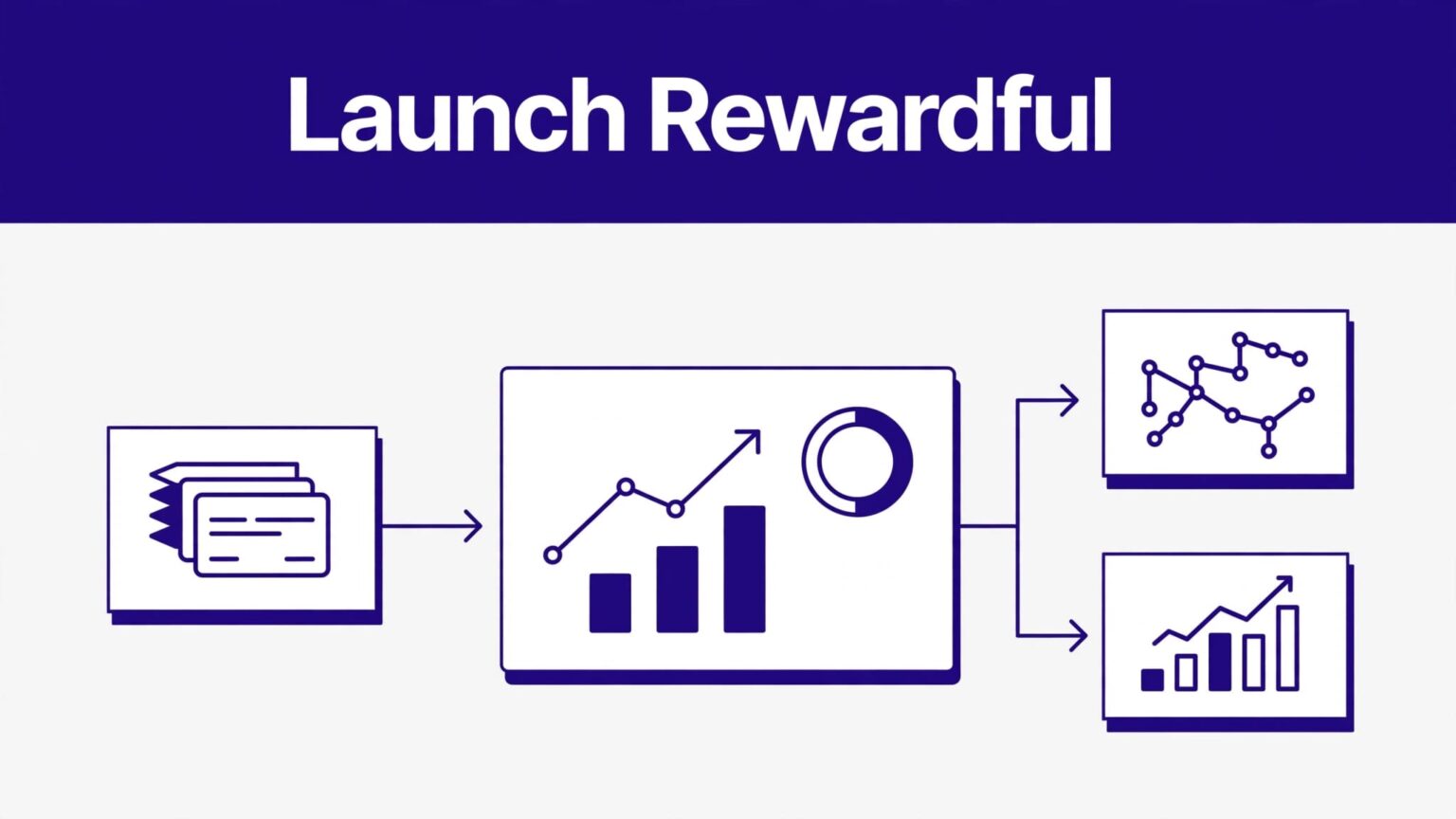
An affiliate program can bring qualified buyers to your SaaS. It can also create a mess of untracked links, disputed commissions, and manual spreadsheets.
A Rewardful affiliate program gives Stripe-based businesses a cleaner starting point. You connect billing, set a campaign, install tracking, and give approved partners a referral link or code.
The goal is simple: track paid customer referrals without building an affiliate system from scratch.
Build a Rewardful affiliate program that fits your checkout
Rewardful is built for subscription businesses that bill through Stripe. Its Stripe affiliate software is designed to track recurring commissions, subscription changes, and cancellations from Stripe data.
“No code” does not mean no setup. You still need access to your website, Stripe account, and checkout flow. You may also need to paste a tracking script into your site’s global header.
When the no-code route is the right fit
This setup works well when you use Stripe Payment Links, a Stripe Pricing Table, or a site builder with a custom-code field.
It also fits teams that want to launch one offer quickly. You don’t need to build an affiliate portal, create referral logic, or reconcile every subscription by hand.
A founder running a $49 per month tool can start with one campaign and a small group of trusted partners. That is easier to test than opening a public program on day one.
When you need a developer instead
A no-code setup is less suitable when your app creates Stripe Checkout Sessions on the server. It is also a poor fit if your sign-up flow crosses several subdomains or uses a custom billing system.
In those cases, referral data must pass into Stripe during customer creation or checkout. Rewardful documents a custom Stripe integration method that uses customer metadata, but that route needs engineering work.
Pick the checkout method before you recruit affiliates. Attribution problems usually start with an unclear checkout path, not with the affiliate link.
Set the offer before you invite partners
Affiliates need a clear reason to promote you. They also need terms they can understand in one read.
Start with one product, one audience, and one commission rule. Avoid building five commission tiers before you know which partner type sends paid customers.
Choose a commission you can afford
Recurring commissions can fit SaaS because the customer may pay for several months. A one-time reward can fit a low-cost product, a course, or a service with a short customer lifetime.
Use your gross margin and churn rate before setting the number. A 30% recurring commission may sound attractive. It becomes expensive if your margins are thin and customers stay subscribed for years.
Rewardful supports flexible commission structures, affiliate links, and coupon-code attribution through its Stripe Marketplace listing. Keep the first version simple.
Write down these rules before launch:
- State which plan or product earns a commission.
- Decide whether commissions apply once or recur on subscription payments.
- Set a fixed refund and cancellation policy.
- Define prohibited promotion methods, such as brand-bidding or misleading discount claims.
- State when you review and pay approved commissions.
Don’t promise earnings based on clicks. A click is attention. A paid, retained customer is the result that matters.
Keep promotion terms practical
Your terms should tell affiliates what they can say and where they can promote. Add approved product descriptions, brand assets, and any required disclosures.
Give partners a short list of allowed channels. Examples include review articles, newsletters, YouTube videos, communities, and customer referrals. If paid search is allowed, define the rules clearly.
Check live campaign settings and labels before publishing terms. Rewardful’s interface can change, and your written policy must match the setup in your account.
Gather the no-code launch prerequisites
Do this work before you start a free trial or connect Stripe. It prevents a half-finished program from sitting in your dashboard for weeks.
Use this short checklist
- You have administrator access to the Stripe account that receives subscription payments.
- Your site has a global header field, tag manager, or another approved place for the Rewardful tracking script.
- Your landing page, sign-up page, and checkout route are mapped on paper.
- You know whether you use Stripe Payment Links, Pricing Tables, hosted Checkout, or a custom API flow.
- Your commission rule, refund policy, payout method, and affiliate terms are ready.
- You have a real test path that does not require a live customer order.
Stripe Payment Links are often the simplest path for a lean team. Stripe lets you attach a client_reference_id to a Checkout Session for reporting and reconciliation through its Payment Link tracking parameters.
That field matters because affiliate attribution must survive the journey from the partner’s link to the paid Stripe session.
Connect Stripe and create the first campaign
Rewardful’s standard launch flow is account creation, Stripe connection, campaign setup, then tracking installation. Its 15-minute launch guide follows the same order.
Authorize the Stripe connection
Open Rewardful and start the Stripe connection. You will be sent to Stripe to authorize access to the correct account.
Check the Stripe account name before you approve it. Many founders have a test account, an old account, or a second business in the same Stripe login.
Rewardful uses Stripe billing data to identify referred customers and commissions. It does not replace Stripe as your payment processor.
After the connection, confirm that the products and subscriptions you expect to reward are visible. If you sell in more than one currency, decide which campaign currency and payment approach you will use before recruiting anyone.
Configure the campaign with plain rules
Create one primary campaign first. Name it so your team can identify it later, such as “SaaS Partner Program 2026” or “Agency Referral Program.”
Then set the commission structure, attribution window, and payout details shown in your account. Don’t guess at an old cookie-duration setting from a blog post. Review the live campaign options and save the date you checked them.
Give the campaign a short public description. Explain the product, the ideal buyer, the commission rule, and the approval process. A partner should not need a sales call to understand the offer.
Install tracking and preserve the referral
The tracking script identifies referral visits. The checkout handoff connects that visit to the Stripe customer or session.
Both steps must work. A correctly installed script cannot fix a checkout that drops the referral value.
Use the setup route that matches Stripe
For a Payment Link flow, follow Rewardful’s Stripe Payment Links integration instructions. The setup requires the Rewardful tracking script and a way to pass referral information to the Stripe link.
For a Stripe Pricing Table, use Rewardful’s dedicated Pricing Table guidance. It passes the detected referral into the Pricing Table’s client reference field.
If your app creates customers through the Stripe API, this is not a no-code job. Rewardful’s custom method requires you to store the referral value in Stripe customer metadata under the expected referral field.
Watch the full customer path
Test every page a buyer uses:
- An affiliate referral URL opens your landing page.
- The visitor moves to pricing or sign-up without losing attribution.
- The Stripe checkout opens with the referral value attached.
- The completed purchase appears under the correct campaign and affiliate.
Cross-domain journeys cause trouble. For example, www.yoursite.com may hold the landing page while app.yoursite.com handles sign-up. Install tracking where Rewardful requires it, including pages that collect the referral and start checkout.
Consent tools and script blockers can also affect tests. Test with your normal cookie-consent settings, not only in an unrestricted admin browser.
Test tracking before a public launch
Do not announce the program after you see a referral link. A visible link proves almost nothing.
Use a private or incognito browser. Open a test affiliate URL with the ?via= parameter. Then move through the same route a real visitor uses.
Check the dashboard and Stripe record
Refresh Rewardful after the test visit. Confirm that the setup status and referral visit appear as expected.
Next, inspect the related Stripe customer or Checkout Session. The customer, session, or metadata should contain the referral handoff required by your setup method.
Stripe describes client_reference_id as a unique value you can use to reconcile a Checkout Session. Review the Checkout Session reference when you need to validate the value in Stripe.
Do not create a live paid subscription only to test attribution. Use Stripe’s test environment when your checkout workflow supports it. Then repeat the test on a phone.
Fix common tracking failures
If a referral does not appear, work through the path in order:
- Confirm the tracking script loads on the actual landing page, not only on the home page.
- Open a fresh private-browser session and use the complete affiliate URL.
- Check redirects, including vanity domains and sign-up subdomains.
- Confirm the referral value reaches the Payment Link, Pricing Table, or Stripe customer record.
- Disable only your own test blockers long enough to identify whether consent or browser extensions caused the issue.
- Compare the campaign’s eligible products with the product used in the test.
Build a support record if the issue remains. Include the landing-page URL, affiliate link, campaign name, Stripe test reference, date, browser, screenshots, and the result you expected.
Don’t write, “Tracking is broken.” State where the path failed.
Recruit slowly and run the program like an operating system
Your first affiliates should be people with a real audience match. Start with existing customers, consultants, agencies, newsletter operators, and creators who already discuss your category.
Send each approved partner one direct link, a short product brief, approved copy points, and a clear contact route. Do not make them search through a folder for basics.
Track results that survive refunds
Clicks are useful. They are not revenue. A pending commission is not final cost either.
Keep one spreadsheet or database row for each campaign, affiliate, traffic source, and reporting period. Record referral clicks, trials, paid subscriptions, provisional commissions, approved commissions, reversals, and payout date.
Use a simple formula:
Net commission expense = approved commissions – reversals
Do not overwrite an earlier amount when a refund or cancellation changes it. Add an adjustment row with the date and reason. You need that history when an affiliate asks why their balance changed.
Compare affiliates and landing pages using the same time period. A partner who sends 100 clicks and $500 in retained revenue may be stronger than one who sends 2,000 clicks and $100 in short-lived subscriptions.
Rewardful explains its affiliate commission payout flow, including how Stripe data feeds commission calculations. Review payout settings and current eligibility before you promise a payment date.
Final thoughts
A Rewardful affiliate program works when the referral survives every step from partner link to Stripe payment. The campaign settings matter, but the checkout handoff is the control that protects attribution.
Start with one offer and a small affiliate group. Test the full path, separate pending commissions from approved amounts, and keep every adjustment in your operating record.
Reliable tracking comes before affiliate scale.
