Configure Rewardful Affiliate Tracking With Stripe
An affiliate sale is not proven when someone clicks a referral link. It is proven when that referral reaches the Stripe record that collects the payment. That handoff is where Rewardful affiliate tracking often fails. Your campaign can look...

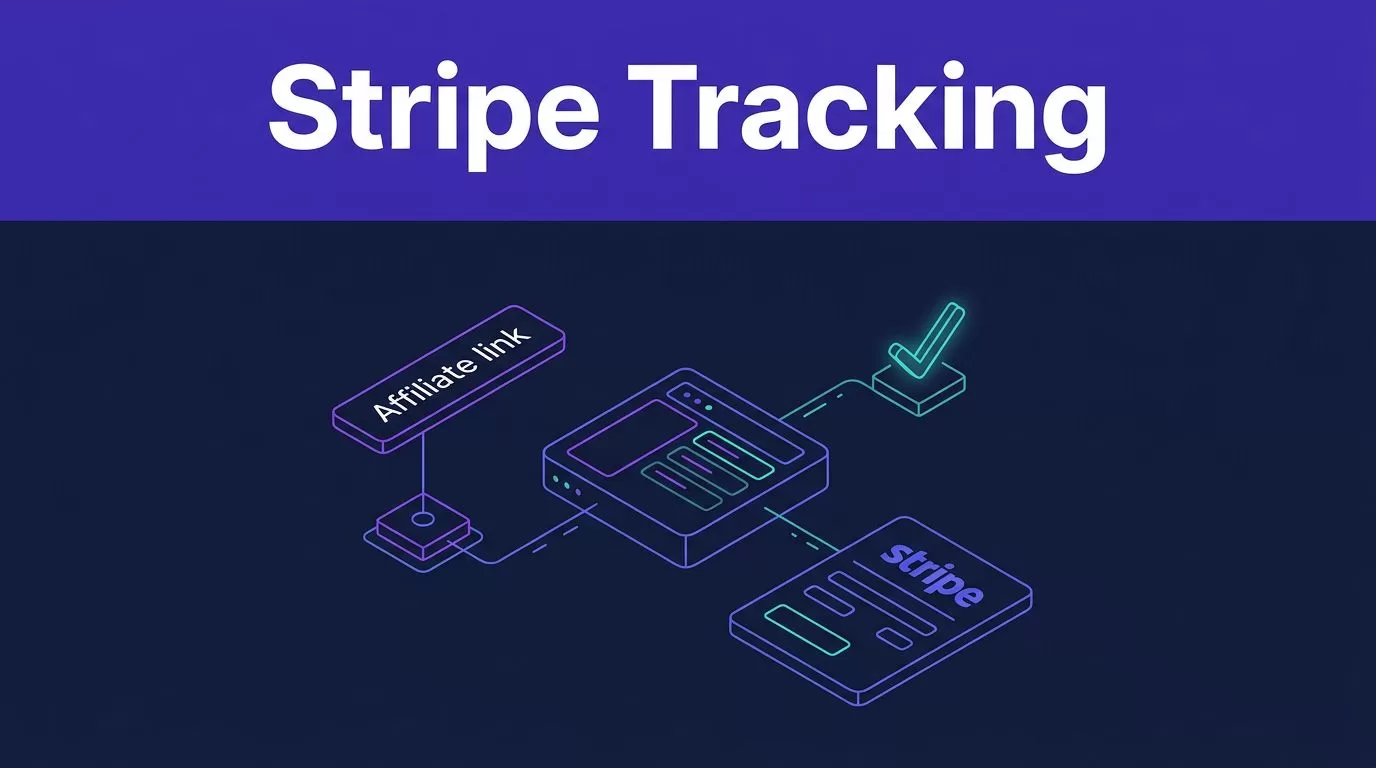
An affiliate sale is not proven when someone clicks a referral link. It is proven when that referral reaches the Stripe record that collects the payment.
That handoff is where Rewardful affiliate tracking often fails. Your campaign can look active, affiliates can send traffic, and Stripe can collect revenue, yet no commission appears. Build the rules, connect the data, and test the full path before you publish links.
Build Rewardful affiliate tracking Rules Before You Publish Links
Start with the commercial rule. The tracking code only records what your campaign tells it to reward.
Decide which customers and payments count
Create a campaign in Rewardful, then define the reward before inviting affiliates. Set the commission type, attribution model, cookie window, and minimum payout threshold.
Use first-touch attribution when the first partner should keep credit. Use last-touch attribution when the most recent eligible referral should receive it. Don’t change this rule after affiliates start promoting. It creates disputes that support teams can’t resolve from memory.
Rewardful supports link and coupon-based programs. Its Stripe app listing describes both tracking paths. Start with one attribution path if your team is new to the platform. A simple system is easier to verify.
Write the finance rule in plain language
State what generates a commission. For most SaaS programs, that means a successful customer payment, not a trial start, page view, or list-price subscription.
Decide how refunds, account credits, canceled subscriptions, and failed renewals affect rewards. Record the rule where finance and affiliate support can find it.
Rewardful’s program launch guide is useful for checking the campaign basics. Your internal rule still matters most. It tells staff when a commission moves from pending to approved, paid, or voided.
Connect Stripe and Install the Tracking Script
Connect the Stripe account that processes the subscriptions you want to reward. Check the account carefully if your company has separate Stripe accounts for brands, regions, or test activity.
Rewardful reads Stripe customer, payment, invoice, and refund data after the connection is active. The two-way Stripe sync also keeps affiliate and transaction information aligned between the two systems.
Load the script before checkout starts
Install Rewardful’s tracking script on every public page that can receive an affiliate referral. The script must load before the visitor leaves for Stripe.
Do not place it only on your thank-you page. At that point, the referral opportunity has already passed.
The script creates the browser value Rewardful.referral. Treat this value as an opaque ID. Don’t replace it with an affiliate email, partner name, or a code your application invents.
If you use a consent manager, test its behavior. A visitor who reaches checkout before the tracking script loads will not have a referral ID to pass into Stripe. The same issue can happen with ad blockers, redirect pages, and single-page applications that do not load the script on the referral landing route.
Select the Stripe Checkout Path You Actually Use
A Stripe Checkout Session, Payment Link, Pricing Table, and custom API checkout do not all pass referral data the same way. Pick the route your customer uses, then implement that documented route without mixing instructions.
| Checkout setup | Referral handoff | Key dependency |
|---|---|---|
| Stripe Checkout Session | client_reference_id | Your checkout code must pass the browser referral value |
| Stripe Payment Link | Rewardful tracking plus a saved Stripe Customer | “Save payment details for future use” must be active |
| Custom Stripe API flow | Customer metadata referral, or a Checkout Session reference | Your server must write the value to the final Stripe object |
| Stripe Pricing Table | The pricing table referral attribute | The tracking script must load on the pricing page |
Payment Links need a Stripe Customer
Payment Links are not a passive setup. Rewardful attributes this flow through Stripe Customer data.
Enable “Save payment details for future use” in the Payment Link’s advanced options. If the link already exists, edit that link rather than creating a second version with different settings.
Follow Rewardful’s Payment Links Method B instructions for the required custom script placement. That method uses Footer Tracking, not Header Tracking. Test the actual published page in a private browser window.
A raw Payment Link sent without the Rewardful referral path does not automatically know which affiliate introduced the buyer.
Checkout and API flows need an explicit handoff
For a custom implementation, read Rewardful.referral in the browser after the tracking script loads. Pass that value into the Stripe object that creates the paid customer relationship.
Rewardful’s custom Stripe integration method documents two common paths:
- Send the value as
clientReferenceIdfor a browser-based Stripe Checkout flow, orclient_reference_idwhen your server creates the Checkout Session. - Save it as Stripe Customer metadata with the key
referralwhen your application creates the Customer directly.
Developers should pass the referral ID from browser to server as part of the checkout request. The server must then write it to the same Checkout Session or Customer that creates the invoice. Don’t store the value in a separate internal record and assume Stripe can find it later.
Also avoid overwriting a full metadata or passthrough object. A backend update can remove the referral value without producing an obvious checkout error.
Test the Full Referral-to-Payment Chain
A redirect to Stripe is not a successful test. Rewardful affiliate tracking works only when the referral ID, Stripe payment record, and Rewardful commission agree.
Run one controlled purchase
Use an internal test affiliate and follow this sequence:
- Copy the test affiliate’s actual referral link from Rewardful.
- Open it in an incognito window with ad blockers disabled.
- Let the landing page finish loading before you open checkout.
- Confirm
Rewardful.referralexists in the browser if you have developer access. - Complete a test purchase in the Stripe environment your integration supports.
- Check the resulting Stripe Session or Customer, then check Rewardful for the attributed referral and commission.
Use Stripe test mode where your connected setup supports it. If you need a controlled live purchase, get finance approval first and record the charge, refund plan, and affiliate outcome.
A completed payment proves revenue. It does not prove attribution until the Stripe record contains the same referral ID that Rewardful uses for the commission.
Allow time for normal webhook processing before calling the test a failure. Then check the exact object used by your flow. A Checkout Session should contain the reference value. A Customer-based flow should show referral in metadata. A Payment Link flow should create the required Customer record.
Fix Missing Referrals in the Right Order
Don’t change campaign settings first. Follow the data in order: landing page, browser referral, Stripe record, then Rewardful commission.
Find the broken handoff
If Rewardful shows no referred visitor, check the referral URL, landing-page domain, tracking script, consent behavior, and page-load timing. Run the test again in a new private session. Old cookies can hide the real result.
If Rewardful.referral exists but Stripe has no reference, the browser-to-server handoff is broken. Review the checkout request and the API call that creates the Session or Customer. The value must reach the final payment object, not a temporary cart or draft account.
If Stripe has the referral but Rewardful shows no reward, review the campaign assignment, payment status, connected Stripe account, webhook delivery, and existing customer attribution. Payment Link users should also recheck the saved-customer setting.
Keep the Stripe customer ID, Session ID, invoice ID, referral ID, and test date in one exception record. Don’t guess at old sales or overwrite the first result. Add the correction and its reason as a separate entry.
If checkout, billing, and tracking sit with different owners, Book A Call before changing a live payment flow.
Monitor Approved Revenue, Not Dashboard Activity
The first successful referral is a setup test. Ongoing control comes from reconciliation.
Rewardful can track subscription renewals, upgrades, downgrades, cancellations, and refunds through Stripe data. That does not remove the need for review. A high click count can still produce weak customer quality or large reversals.
Keep a fixed attribution record
Keep one row for each commissionable customer payment. Store the original evidence and add later corrections separately.
- Record the affiliate, campaign, referral ID, and original referral date.
- Keep the related Stripe Customer, Checkout Session, payment, and invoice IDs.
- Store the collected amount after discounts, refunds, and credits.
- Separate pending, approved, paid, and voided commission amounts.
- Add the payout date, reversal reason, and reviewer when a status changes.
Review this record each month against Stripe. Measure approved commissions, retained paid customers, refund rate, and total program cost. Clicks are traffic. Pending commissions are not final earnings.
A referral system becomes reliable when each payout traces back to one real customer and one valid Stripe payment.
Final Checks Before You Invite Affiliates
Rewardful works best when the browser referral ID reaches the Stripe object that creates revenue. The campaign rule, tracking script, checkout handoff, and Stripe Customer data must all match.
Run a controlled test before launch. Keep the first verified record. Then reconcile commissions against real payments, refunds, and retained customers.
Accurate attribution beats a busy affiliate dashboard.

