Configure Rewardful Affiliate Tracking for B2B SaaS
Affiliate programs fail when the referral ID disappears between a B2B buyer’s first visit and the Stripe customer that pays. Rewardful affiliate tracking closes that handoff when you map one purchase route, pass the ID into Stripe, an...

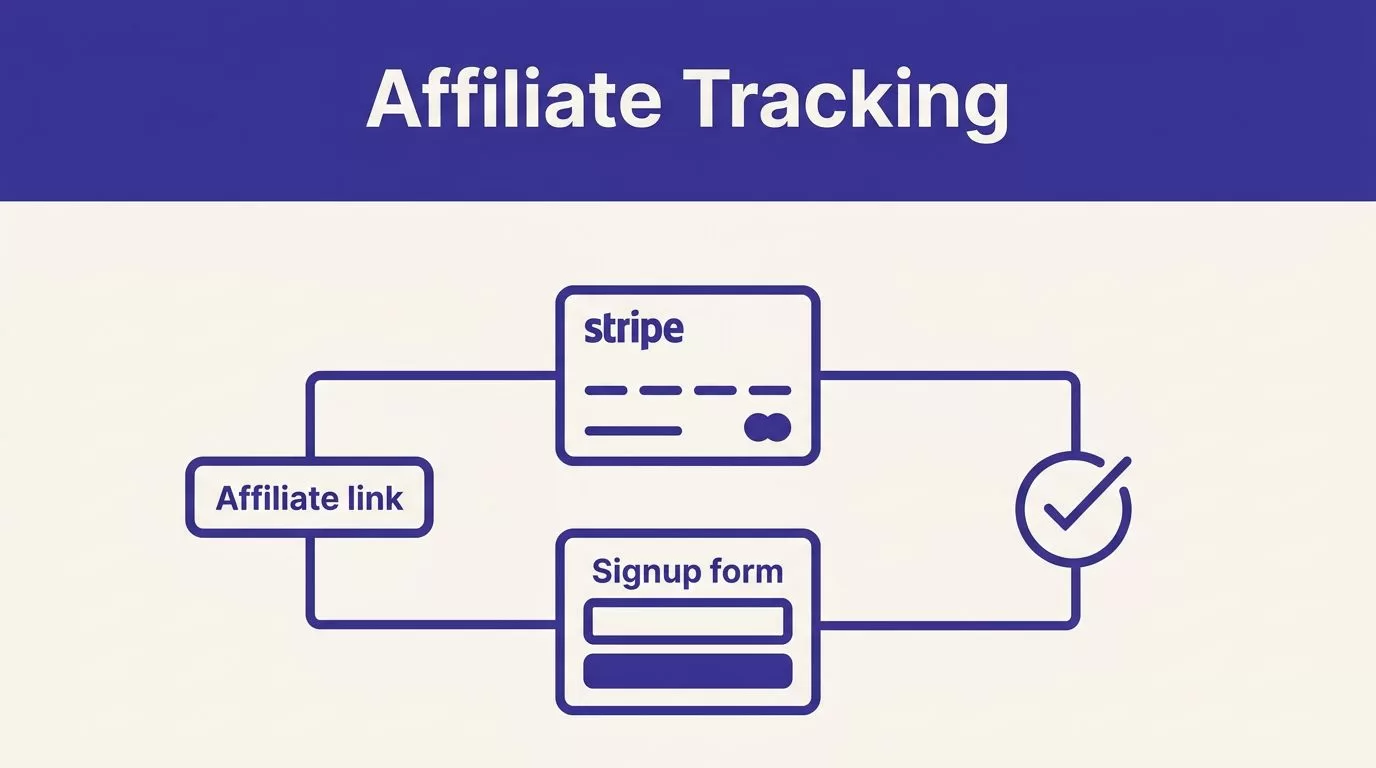
Affiliate programs fail when the referral ID disappears between a B2B buyer’s first visit and the Stripe customer that pays.
Rewardful affiliate tracking closes that handoff when you map one purchase route, pass the ID into Stripe, and test a paid invoice. A click isn’t proof of attribution.
Set up one path before you add partners. Growth, engineering, and finance need the same record.
Map the Rewardful affiliate tracking flow
Write the full event path before you touch code: affiliate link, landing page, signup, Stripe Customer, paid invoice, Rewardful conversion, commission. Every handoff needs an owner and a record you can inspect.
Define the commission event
Before you create a link, define the conversion. For most B2B SaaS teams, it is a first paid subscription from a new Stripe customer.
Decide how you handle free trials, annual plans, upgrades, sales-created invoices, refunds, and cancellations. Rewardful can track recurring commission events from Stripe billing, but your campaign terms define what partners receive.
Put those terms in a short policy that finance and partnerships approve. Use one accountable customer ID. A buying company may have several users, but the Stripe billing record decides whether a subscription paid.
Choose one checkout route
Rewardful has separate instructions for client-side Stripe Checkout, Payment Links, pricing tables, and custom Stripe flows. Don’t combine code patterns from two routes.
Use this routing map.
| Purchase path | Referral value reaches Stripe through |
|---|---|
| Client-side Checkout | clientReferenceId |
| Payment Links | A Stripe Customer created for the purchase |
| Custom signup or API | Customer metadata, key referral |
| Stripe Pricing Table | client-reference-id |
Follow Rewardful’s client-side Checkout instructions for the first route. The client-side pattern is not interchangeable with a Customer you create on your server.
Configure Rewardful and Stripe in order
Campaign and integration options can differ by plan and product version. Use current in-app instructions for your checkout route before you change production code.
Keep the systems separate
Rewardful manages affiliates, links, campaign rules, and commissions. Stripe creates customers, subscriptions, invoices, refunds, and payment records. Keep that boundary clear while you troubleshoot.
- In Rewardful, connect the Stripe account that owns the subscriptions you plan to reward. Confirm whether you are working in an approved test or live environment.
- Create the campaign in Rewardful. Set the rate and recurrence terms your policy requires.
- Install the Rewardful tracking script on every landing, pricing, and signup page where a referred buyer can start. Include the relevant root domain and app subdomains.
- For client-side Checkout, pass
Rewardful.referralas StripeclientReferenceIdwhen your app opens Checkout. Follow Rewardful’s client-side Checkout instructions. - For Payment Links, follow Rewardful’s Payment Links method. In Stripe, enable “Save Payment Details for Future Use” when the setting is available. This route needs a Stripe Customer for attribution. Stripe documents how
client_reference_idattaches a value to a Checkout Session. - For a custom signup or API flow, store the referral UUID on Stripe Customer metadata under
referral. Follow Rewardful’s custom Stripe integration method.
Test the full billing path before launch
Do not launch after a browser check. Test a route with no old referral data, then match the billing records.
Test with a clean browser and customer
Use an incognito window with no old Rewardful cookie. Disable ad blockers while you verify the tracking script.
Use Stripe test mode only where the current Rewardful route supports it. Otherwise run a controlled live transaction with finance approval. Record the test date, affiliate, checkout route, Stripe IDs, and expected outcome before you run it.
- Open an affiliate link in the clean session.
- Move through the landing page, signup, and selected checkout path.
- Complete checkout with a unique test email and a new Stripe Customer.
- In Stripe, inspect the Checkout Session client reference ID or Customer metadata, based on your route.
- Confirm the invoice is paid in Stripe, then confirm the conversion and commission in Rewardful.
- Issue a controlled refund or cancellation, then record the resulting commission status.
- For a recurring campaign, check the first renewal before you promise ongoing payouts.
A completed checkout proves Stripe collected payment. It does not prove Rewardful received the referral ID or credited the right affiliate.
Your Rewardful affiliate tracking test is complete only when those records match.
Fix common attribution issues
Most missed conversions are handoff problems, not campaign problems. Check the route before you edit rates or add partners.
Check the referral handoff
Start with the original affiliate landing page. A tag that loads only on pricing can’t capture every visitor. Cookie-consent tools, ad blockers, and untested cross-subdomain moves can interrupt attribution.
Then inspect Stripe. A custom flow can create the Customer before it receives the referral field. A Payment Link can lack the Customer setting it needs.
Treat existing customers, sales-assisted deals, and buyers who switch devices as policy exceptions. Don’t guess how each case should pay. Don’t repair a missing commission manually without a written exception. That hides the cause and makes renewal reconciliation harder.
Reconcile commissions every week
Match each Rewardful conversion to one Stripe Customer ID, Checkout Session ID, subscription, paid invoice, and refund record. Store the affiliate ID, referral UUID, timestamps, and decision beside it.
Keep the original capture and later corrections as separate records. Track paid conversions, missing referrals, duplicate commissions, refunds, and resolution time. Measure accepted commissions, not clicks.
Keep the last trusted reconciliation export available. It gives finance a recovery point when a webhook arrives late or a record changes.
Final check before partner launch
Rewardful affiliate tracking should create an auditable line from affiliate link to Stripe invoice to commission. If one link is missing, stop and repair the route before partner volume hides it.
Run the clean-session test for each checkout route. Retain the reconciliation record and review refunds and renewals on a schedule.
Correct affiliate credit starts with records finance can trust.

