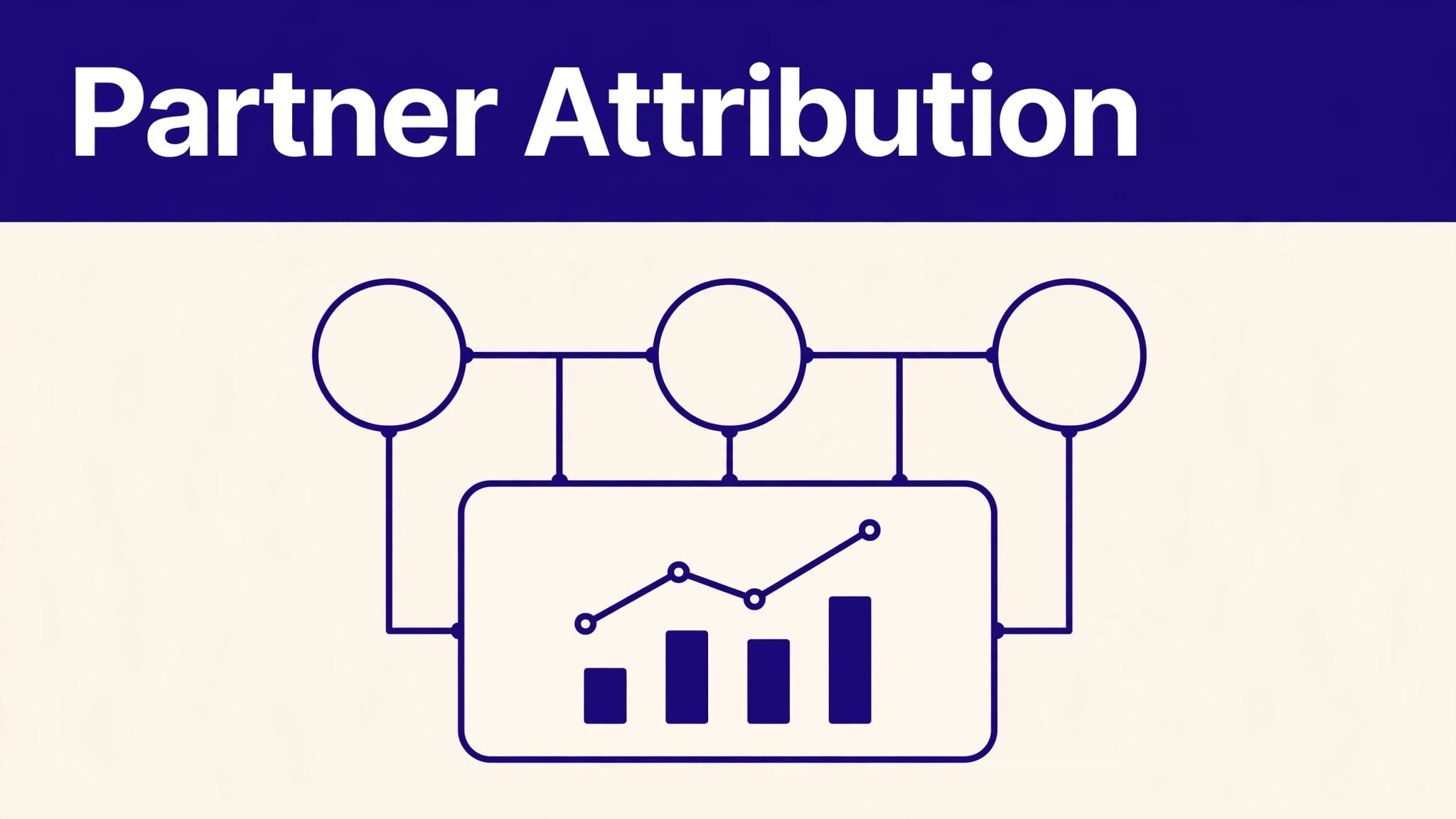
Partner revenue becomes unreliable when referral clicks, trial signups, invoices, and payouts live in separate systems. Your team sees activity, but can’t prove which partner created a paying customer.
Rewardful attribution connects partner referrals to subscription revenue in Stripe or Paddle. It gives affiliate managers a record to review, approve, and pay. It doesn’t remove every tracking gap, but a controlled setup gives you numbers you can use.
Start with the billing path. Then test the complete journey before you invite partners.
Build Rewardful attribution around one record
Rewardful is built for SaaS companies that bill through Stripe or Paddle. It tracks affiliate-driven sales and ties commission activity to billing events.
A basic journey looks like this:
- A partner shares a unique referral link.
- A visitor reaches your website through that link.
- Rewardful records the referral according to your campaign settings.
- The visitor signs up and becomes a paying customer.
- Stripe or Paddle reports billing events.
- Rewardful creates, updates, or reverses commission records.

The important point is simple. A click is not a commission. A trial is not paid revenue. A paid invoice is not cash owed to a partner until it passes your pending period.
A partner program works when each commission can be traced back to a referral, customer, invoice, campaign, and payout decision.
Use one internal record for every referred customer. Include the affiliate ID, campaign, referral date, signup date, billing-provider customer ID, subscription status, invoice ID, commission status, and payout date.
That record makes disputes easier to investigate. It also prevents your team from treating dashboard totals as the full audit trail.
Choose the billing source first
Rewardful currently supports Stripe and Paddle as its billing sources. If your subscription revenue runs through another processor, Rewardful won’t be the attribution system for that revenue path.
For Stripe-based SaaS products, Rewardful’s Stripe integration is designed to track affiliate sales and manage commissions through the billing connection. It also supports subscription events such as renewals, upgrades, cancellations, and refunds.
If Paddle is your merchant of record, review the Rewardful Paddle integration before you build your campaign. Your checkout, tax handling, and customer lifecycle can differ from a direct Stripe setup.
Connect billing, campaigns, and your site
Rewardful’s setup order is practical. Connect the billing provider. Configure a campaign. Add Rewardful to the site where referred visitors land.
Don’t reverse that order. A referral script without a working billing connection only records the top of the funnel.
Connect Stripe with the right permissions
Connect Rewardful to the Stripe account that receives subscription payments. Review the requested permissions before approval. Rewardful uses billing events and webhooks to identify paid invoices, refunds, and customer changes.
Use a production Stripe account for production billing. Keep test-mode checks separate. A test subscription can prove your configuration works, but it should not become a real partner commission.
Rewardful’s Stripe permissions guidance also covers coupon tracking. That option matters when a podcast host, newsletter operator, or sales partner needs a code instead of a long referral URL.
Configure one campaign before adding more
Start with one campaign and one commission rule. A SaaS company might pay 20% of collected subscription revenue for the first 12 months. Another may pay a fixed amount after the first paid invoice.
Set these rules before recruiting affiliates:
- Define whether the reward is a fixed amount or a percentage of revenue.
- State if the commission is one-time or recurring.
- Set a pending period that matches your refund policy.
- Decide how upgrades, downgrades, pauses, and cancellations affect rewards.
- Write the payout schedule and minimum payout amount into your partner terms.
Rewardful can use percentage-based, fixed, one-time, and recurring commissions. The tool can calculate the record. Your team still needs to define what a partner has earned.
A 30-day pending period is common when a SaaS product has a 30-day refund window. If your refund policy lasts 14 days, holding commissions for 60 days creates unnecessary friction.
Configure referral capture before traffic arrives
Affiliate tracking relies on the visitor journey. The link, landing page, signup flow, checkout path, and billing event must connect.
This is where Rewardful attribution often breaks. Not because the software failed, but because the site moved the visitor through an untested path.
Set cookie and domain rules
Referral cookies help Rewardful recognize a referred visitor later in the signup process. Cookie duration, cross-domain tracking, and commission settings should match how customers buy your product.
For example, a self-serve tool with a same-day checkout may need a short window. An enterprise SaaS product with a 45-day sales cycle needs a longer window if your partner terms support it.
Review Rewardful’s cookie and commission controls before you publish referral links. Check every domain involved in the journey, including marketing pages, app subdomains, hosted checkout pages, and regional sites.
If your visitor lands on www.example.com, creates an account at app.example.com, and pays on another hosted page, test each handoff. A domain change can break the chain even when the landing page records a click.
Use coupon codes for offline-style promotion
Referral links work well in articles, email newsletters, YouTube descriptions, and partner resource pages. Coupon codes can work better for podcasts, webinars, live demos, and private communities.
A code also gives the partner a simple callout. “Use ACME20 at checkout” is easier to say than a tracking URL.
Don’t assume the code solves every attribution issue. Define what happens if a customer uses a coupon after clicking another partner’s link. State whether your program uses last-click logic, coupon priority, or manual review for conflicts.
Know where attribution can fail
No affiliate platform can track every customer journey perfectly. Browsers, devices, privacy settings, and your own marketing tools can all create gaps.
Treat partner attribution as a controlled operating process, not a promise of flawless reporting.
Cookie loss and cross-device buying
A visitor may clear cookies, use private browsing, block tracking scripts, or move to another device. A founder might click a partner’s newsletter link on a phone, then subscribe from a work laptop two weeks later.
That second device may not carry the original referral information.
Reduce the impact by keeping signups simple. Ask referred prospects to start their trial from the same session when possible. Give partners a coupon code for channels where cross-device behavior is common. Add a short partner-referral field to high-value demo forms if your sales cycle is long.
Do not use that field as automatic proof. Store it as supporting evidence for review.
Conflicting attribution sources
Your CRM, paid-ad platform, analytics tool, and affiliate program may all claim credit for one customer. That isn’t always a data error. Each system can use different rules.
A Google Ads campaign may report an assisted conversion. Your CRM may credit a sales representative. Rewardful may assign a commission to the latest eligible affiliate referral. These reports answer different questions.
Set a written source-of-truth rule:
- Use Rewardful for affiliate commission eligibility.
- Use Stripe or Paddle for collected revenue and refunds.
- Use your product database for account status and activation.
- Use your CRM for sales ownership and pipeline reporting.
Don’t overwrite one system with another. Reconcile them through shared IDs and clear definitions.
Validate the full implementation
Test the path before you publish the partner application page. Use a real browser, a fresh session, a controlled partner account, and a low-value test subscription.

Run the test in stages. First, open a partner referral link and confirm the landing page works. Next, create a new trial account. Then complete a test payment and review the customer, invoice, and commission records.
Use a concise launch checklist
Before launch, confirm each item below:
- The referral link sends visitors to the correct public landing page.
- A new browser session records the referral against the test signup.
- The billing-provider customer ID matches the Rewardful customer record.
- A paid invoice creates the expected commission amount.
- The commission shows the correct campaign and partner.
- Your pending period matches the published refund policy.
- A full refund removes or reverses the expected commission.
- A partial refund changes the commission amount correctly.
- A subscription renewal follows your recurring commission rule.
- The affiliate portal shows the partner information you expect.
Keep a test log with the date, partner ID, referral URL, test email, billing customer ID, invoice ID, expected result, actual result, and reviewer name.
A completed click test is not enough. Test paid invoices, refunds, renewals, and cancellation cases. Those events affect what you owe.
Stop and fix repeat exceptions
If the tracking test fails, don’t add manual spreadsheets around the problem and keep recruiting. Fix the domain path, campaign configuration, billing connection, or rule conflict first.
Store the original event data. Add corrections as separate notes or adjustment records. You need the history when a partner asks why a commission changed.
For complex Stripe setups, multi-domain products, or partner disputes, bring the billing, growth, and operations owners into one review. If your team needs help mapping that workflow, Book A Call.
Report on approved partner revenue
Your partner dashboard should separate activity from money. Clicks show interest. Trials show intent. Pending commissions show possible liability. Approved commissions and completed payouts show what happened.
Track these monthly by partner, campaign, and acquisition channel:
| Metric | What it tells you |
|---|---|
| Referral clicks | Whether the partner sends traffic |
| Referred trials | Whether the landing page converts |
| Paid customers | Whether traffic becomes revenue |
| Pending commissions | What may become payable |
| Approved commissions | What your company owes |
| Refund and reversal rate | Whether partner revenue holds up |
| Retained referred revenue | Whether referred customers stay |
The most useful number is not total clicks. It is the revenue that remains after refunds, failed payments, cancellations, and commission reversals.
Keep payout decisions auditable
Rewardful can track commission status and support payouts through methods such as PayPal and Wise. Your finance record still needs a clear payout trail.
For every payment batch, keep the reporting period, affiliate ID, amount approved, adjustments, payout method, payout date, transaction reference, and reviewer.
Don’t delete a commission record when a refund arrives. Preserve the original amount and add the reversal. This gives finance, support, and partners the same history.
A program that creates 50 commission records but needs hours of correction work is not efficient. Measure approved partner revenue, cleared commissions, and review time before you expand the program.
Final Thoughts
Rewardful attribution works best when referral tracking, billing events, campaign rules, and payout records use the same customer identifiers. The tool handles the repeatable parts. Your operating rules decide whether the data is usable.
Test the complete subscription path before launch. Then measure approved revenue, not click volume. That is how partner reporting stays credible when real customers, refunds, and multiple channels enter the picture.