Track Partner Links With Rewardful Without Lost Credit
A partner can send qualified traffic for months and still lose credit because one tracking setting is wrong. Rewardful partner links give your affiliate or referral program a clear path from a partner’s promotion to a recorded custome...
A partner can send qualified traffic for months and still lose credit because one tracking setting is wrong. Rewardful partner links give your affiliate or referral program a clear path from a partner’s promotion to a recorded customer and commission.
The link is only one part of the system. Your campaign rules, tracking script, checkout flow, cookie window, and billing integration must agree.
Set those pieces before you recruit partners. Then test the full path with a controlled referral.
How Rewardful Partner Links Track Referrals
Rewardful is built for affiliate and referral programs. Its public terminology centers on affiliates, referrals, campaigns, and commissions. Your team may call these people partners, creators, customers, or ambassadors. The tracking logic stays the same.
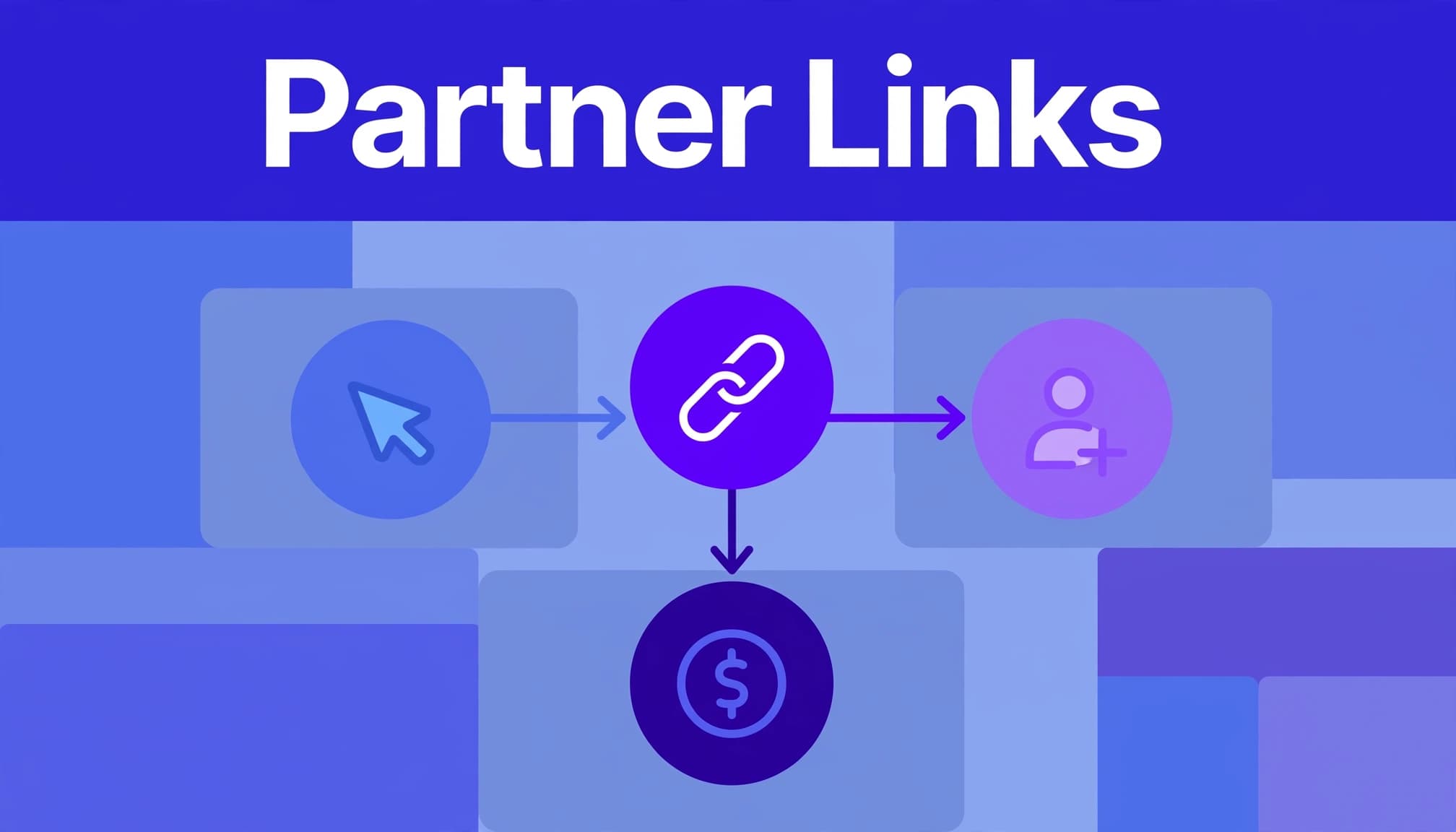
A Rewardful partner link normally includes a unique token. Current Rewardful documentation uses the ?via=token format. A visitor clicks the link, lands on your site, and Rewardful records the referral. If the person signs up and becomes a paying customer within your campaign rules, the referral can be tied back to the affiliate.
A link token identifies the partner
The token is the partner’s identifier. It lets Rewardful connect the referral path to one affiliate record.
For example, a partner named Maya might share:
https://yourapp.com/?via=maya
The visitor does not need to complete checkout on that first visit. Rewardful uses the campaign’s attribution and cookie settings to determine whether a later signup still belongs to Maya.
Do not reuse one token across several partners. You lose the ability to compare traffic quality, conversion rates, and commission liability.
A tracked click is not a paid commission
Track the funnel in separate stages:
- A click or visitor shows that the link worked and somebody reached your site.
- A lead or signup shows that the visitor created an account or completed the event your program tracks.
- A conversion or commission shows that the billing event met the campaign rules.
- An approved payout is money your finance team can release or reconcile.
A partner can produce many clicks and few conversions. That does not mean Rewardful failed. The destination page, trial flow, pricing, payment failure, refund, or attribution rule may be the problem.
A partner report is useful when it separates traffic, attributed customers, pending commissions, reversals, and paid amounts. One dashboard total is not enough.
Set Up the Link System Before Recruitment
Start with the campaign. Connect your billing platform, set the commission terms, and decide which customer event creates the reward. Rewardful supports Stripe natively and also has a Paddle integration flow. Product options can change, so confirm the settings available in your account before you publish terms.
Install tracking where the visitor lands
The Rewardful tracking script needs to load on the pages that receive referral traffic. For most SaaS teams, that means the marketing site, pricing page, signup pages, and any custom checkout route.
Do not assume your app subdomain inherits the script from your main website. If a partner sends traffic to www.yourapp.com but signup happens on app.yourapp.com, test both domains.
If your flow uses Stripe Payment Links, Rewardful’s setup guidance states that the tracking script is still required. Review the payment path after every major checkout or domain change.
Give partners one approved destination
Choose the page that matches the offer. Send product-review traffic to a useful product or pricing page. Send webinar traffic to the registration page. Send customer-referral traffic to an invitation or signup page.
Avoid giving affiliates a home page link when a deeper page has stronger intent. More clicks do not fix a weak destination.
Rewardful also supports direct page tracking for cases where you want to attribute visits without a standard affiliate link. Use it for planned partner placements or controlled landing-page relationships. Keep the rule documented. A hidden attribution method creates disputes later.
Rewardful Partner Links Are Not UTM Links
UTM parameters explain where traffic came from in analytics platforms. Rewardful partner links identify the affiliate or referrer who should receive attribution and possibly commission.
You can use both on the same URL. They answer different questions.
| Parameter type | Primary job | Example use |
|---|---|---|
| Rewardful token | Assign affiliate attribution | ?via=maya |
| UTM parameters | Analyze campaign source and content | utm_source=newsletter |
| Promotion code | Capture an affiliate at checkout | A partner’s unique discount code |
A combined link can look like this:
https://yourapp.com/pricing?via=maya&utm_source=maya_newsletter&utm_medium=affiliate&utm_campaign=q4_launch
The via token tells Rewardful who referred the visitor. The UTMs help your team compare Maya’s newsletter against her YouTube description or paid social placement.
Do not substitute UTMs for referral tracking
Rewardful states that UTMs cannot track referred visits by themselves. If you remove the Rewardful token and keep only UTMs, Google Analytics may show the session, but Rewardful may not assign the referral.
This is a common reporting error. Marketing sees a campaign source. Finance sees no attributed customer. Both teams think the other system is wrong.
Use a stable naming convention for UTMs. Keep the affiliate token unchanged. Store the final approved URL in your partner portal, CRM, or campaign brief.
For partners who promote an offer at checkout, promotion-code tracking can provide a second attribution route. It is useful for podcasts, events, and creator content where people may not click the original link.
Configure Attribution Before Traffic Arrives
Attribution rules decide who gets credit when more than one partner influences a customer. Rewardful campaign settings include first-touch and last-touch attribution. New campaigns default to first touch according to Rewardful’s current documentation.
Review the campaign settings overview before launch. Your rule should match the program promise in your affiliate agreement.
First touch rewards the original introducer
First touch gives credit to the first affiliate link the visitor clicked during the eligible period.
Use it when partners create early demand. This fits content affiliates, review sites, comparison pages, and creators who introduce a new buyer to your product.
The downside is clear. A second partner may help close the sale but receive no credit.
Last touch rewards the latest referral
Last touch gives credit to the most recent eligible affiliate link. This can fit launch promotions, coupon publishers, and short sales cycles.
It can also create friction. A coupon site may receive credit after a creator did the harder work of educating the buyer.
Rewardful’s default cookie window is 60 days, but campaign settings can be customized. Use a window that fits your sales cycle. A 14-day self-serve tool and a 90-day annual-contract product do not have the same buying pattern.
Write down three rules before launch:
- State whether your program uses first touch or last touch.
- Set a cookie duration that fits the expected time to pay.
- Define how self-referrals, refunds, chargebacks, and partner-owned accounts are handled.
Test Attribution Before You Publish Links
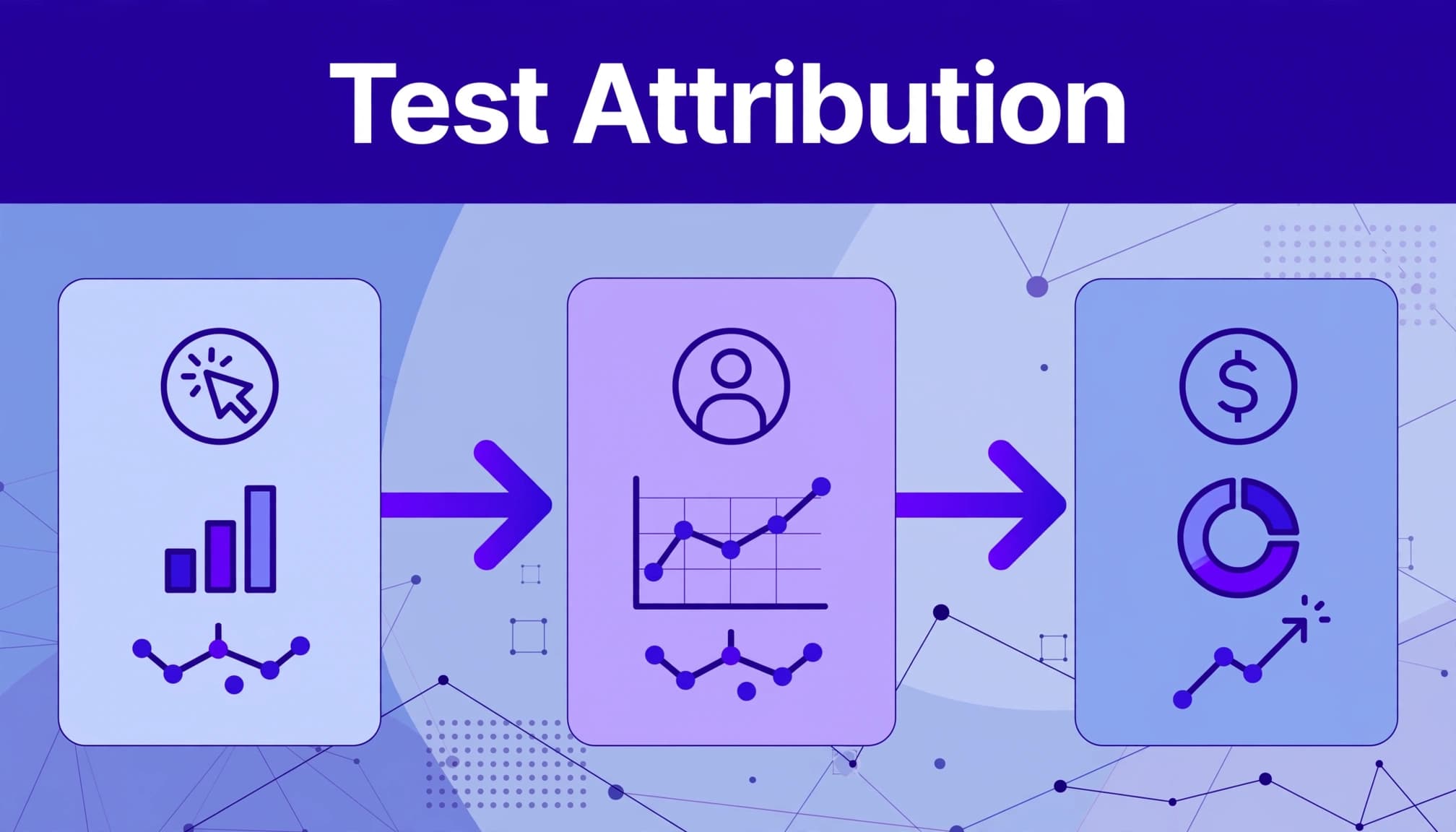
Do not test by clicking a link and assuming the system worked. Run a complete controlled referral through the same domains, signup form, checkout, billing system, and campaign that real users will use.
Use a clean test session
Open a private browser window or a fresh browser profile. Click a test affiliate’s Rewardful link. Confirm the landing page loads without redirect errors.
Complete signup using a test account that has never used your product. Then complete a low-risk test payment where your billing setup permits it.
Check these records after the normal processing window:
- The affiliate received the referral, not another test partner.
- The customer record is linked to the correct affiliate.
- The conversion and commission match the campaign terms.
- Your Stripe or Paddle event appears as expected.
- Refund or cancellation handling follows the program rule.
Do not test only on desktop. Run the same test on mobile. Partners often send traffic from social apps, email clients, and mobile browsers.
Test collisions, not only the happy path
Use two internal test affiliates. Click Partner A’s link, then Partner B’s link. Complete a test conversion. The credited partner should match your selected attribution model.
Also test a visitor who returns later, changes devices, uses a promotion code, or enters through a direct page. Cookies and browser privacy controls can affect what your team sees.
If you need to correct a valid referral after the fact, Rewardful documents a manual customer attribution process. Treat manual attribution as an exception workflow. It should not replace a working tracking setup.
Run Partner Reporting Like an Operating Process
Your dashboard is the live view. Your internal record is the history your marketing, partnerships, and finance teams can review later.
Create one row per partner, campaign, source placement, and reporting period. Include the landing URL, affiliate token, UTM campaign, clicks, referrals, conversions, commission status, reversals, and payout status.
Keep pending and approved amounts separate
A recorded commission is not always an amount you should pay. A customer may cancel, receive a refund, fail payment, or fall outside your approval terms.
Use three financial states:
- Pending commissions show potential payout liability.
- Approved commissions show amounts that passed your program conditions.
- Paid commissions show money sent through your payout process.
Do not overwrite historical values when a refund changes a commission. Keep the original entry and add an adjustment row with the date, amount, reason, and related customer or invoice record.
That audit trail prevents a predictable argument six months later.
Investigate missing credit with evidence
Start with the full referral path. Check the exact partner URL, token, landing page, tracking script, signup timestamp, customer record, checkout method, and campaign settings.
A missing commission may have a valid cause. The visitor may have used another affiliate’s link later. The cookie may have expired. The customer may not have paid. The transaction may have been refunded or excluded by the campaign terms.
For a Stripe integration issue, review the current Stripe permission requirements before reconnecting anything. Do not change campaign rules while you are investigating. You need a stable record.
When you contact support, include the content URL, campaign name, partner ID or token, SubID if used, test date, report range, expected result, and screenshots of the relevant records. Support can investigate a reproducible case. It cannot reconstruct a vague complaint.
If your program needs a controlled payout record, exception process, and partner reporting model, Book A Call.
Key Takeaways for Rewardful Link Tracking
- Use a unique Rewardful token for every affiliate or referral partner.
- Keep Rewardful tracking parameters and UTMs together, but do not treat UTMs as affiliate attribution.
- Set first-touch or last-touch rules before partners begin promoting.
- Test clicks, signup, billing, commission creation, and refund behavior with controlled accounts.
- Separate clicks, pending commissions, approved commissions, and paid amounts in every report.
- Preserve adjustments and support evidence instead of changing old records.
Final Thoughts
Reliable Rewardful partner links depend on clear attribution rules and a tested referral path. The link starts the process. Your script, checkout, billing events, campaign settings, and finance controls finish it.
Build the record before you scale recruitment. That gives every partner a clear answer when they ask where their referral went.
FAQ
What does a Rewardful partner link look like?
Rewardful’s current default format uses a ?via=token parameter. The token identifies the affiliate or referrer. Older links may use other parameters, so test migrated links before you rely on them.
Can I add UTMs to a Rewardful affiliate link?
Yes. Add UTMs after the Rewardful token to track source, medium, campaign, and content in analytics. Keep the via parameter intact because UTMs do not assign affiliate credit in Rewardful.
Why did a partner get clicks but no commission?
Check the campaign rules, cookie window, payment status, refund status, and attribution model. The visitor may have abandoned signup, failed to pay, used another partner link, or completed the purchase after the attribution window.
Can Rewardful track referrals without a partner link?
Yes, in supported use cases, direct page tracking and promotion codes can attribute referrals without a standard affiliate URL. Confirm the rule and test it before you offer it to partners.
