How to Enable Rewardful Payment Automation
Paying affiliates one by one works at first. Then your program grows, commissions stack up, and payment day becomes a finance task nobody wants to own. Rewardful payment automation moves that work into Managed Payouts. You fund one payout,...

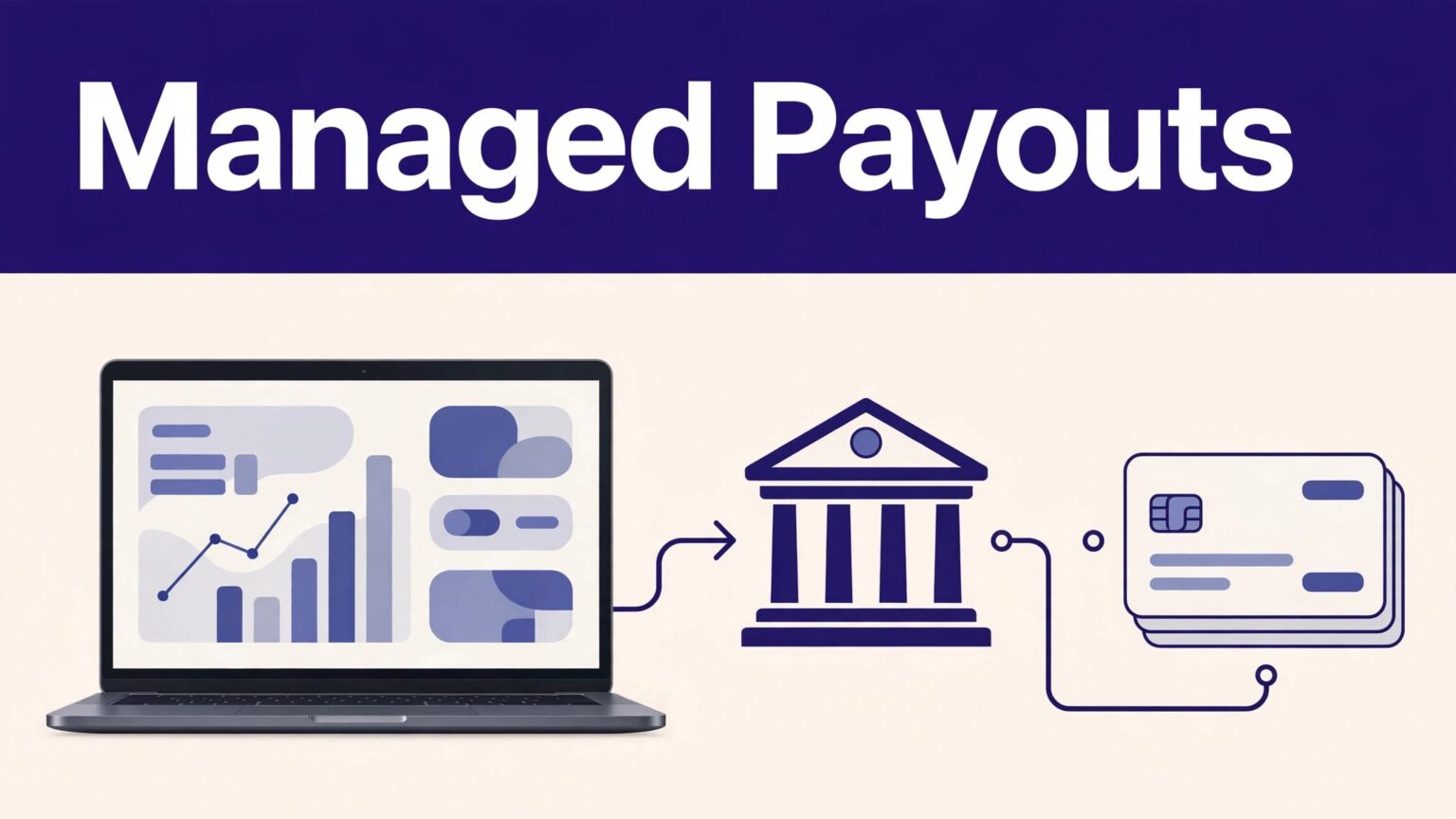
Paying affiliates one by one works at first. Then your program grows, commissions stack up, and payment day becomes a finance task nobody wants to own.
Rewardful payment automation moves that work into Managed Payouts. You fund one payout, then Rewardful allocates commissions to eligible affiliates. The setup still needs controls. Payment automation won’t fix missing bank details, unapproved commissions, or unclear affiliate terms.
Start with the program rules and payout records before you enable anything.
WHAT REWARDFUL PAYMENT AUTOMATION DOES
Rewardful’s automated option is called Managed Payouts. Instead of exporting commissions and paying each person through a separate batch, you connect a bank account and fund a single payout.
Rewardful then distributes the funds to affiliates who have completed the required onboarding. Affiliates can withdraw available earnings through their Rewardful dashboard.
The Managed Payouts overview lists a 3% processing fee on each payout. Treat that as a direct program cost. Add it to your commission model before you promise a fixed net amount to partners.
AUTOMATION DOES NOT REMOVE APPROVAL WORK
Automation sends the payout. It doesn’t decide whether every commission is valid.
Your team still needs to review refunds, chargebacks, duplicate subscriptions, cancelled plans, and suspicious referrals. A commission that looks correct on the day of signup may reverse later.
Fund payouts only after your normal refund and approval window has passed. A fast payout process can still create expensive corrections.
Keep the payout workflow separate from the commission-approval workflow. One team can approve earnings. Another can fund the payout. That division reduces avoidable payment errors.
CONFIGURE THE PROGRAM BEFORE YOU ENABLE PAYOUTS
Managed Payouts may require access from Rewardful. Confirm availability with Rewardful before you redesign your monthly process.
Set the commercial rules first. Your affiliate terms should state the commission rate, whether it applies to collected revenue, the refund period, payout threshold, payment schedule, and reasons a commission can reverse.
CHECK YOUR COMMISSION DATA
Open your commission records and review a small sample before the first automated payout. Compare the referred customer, subscription status, invoice status, affiliate, and commission amount.
Look for:
- Commissions tied to refunded or failed payments.
- Test accounts, internal purchases, and duplicate customers.
- Affiliates with no confirmed payout method.
- Rewards created under old campaign terms.
- Large balances that need a second review.
Rewardful’s standard commission guidance says merchants receive an email on the first of the month when commissions are due. Read the current commission payment workflow if your team also uses manual or batch payout methods.
ASSIGN A PAYOUT OWNER
Name one person to approve the commission list and one person to release funding. Store the payout date, funding amount, affiliate count, and approval record in your finance system.
Don’t treat a completed payout as proof that the underlying data was correct. Measure accepted payout records, not the number of payments processed.
A process that removes manual sending but creates hours of affiliate corrections has failed its business test.
VERIFY AFFILIATE ELIGIBILITY AND PAYMENT DETAILS
Every affiliate needs to complete the Managed Payouts onboarding flow. They may need to activate two-step verification, choose a payout method, provide payment details, and complete identity, residence, or tax requests.
Rewardful’s affiliate onboarding guidance explains the information affiliates may need before they can receive funds.
SEND A CLEAR AFFILIATE NOTICE
Tell affiliates about the change before the next payment cycle. State the onboarding deadline, where they complete the steps, what documents they may need, and who handles questions.
Keep the message short. Affiliates care about three points:
- What they need to submit.
- When they can expect a payout.
- What happens if their details are incomplete.
Don’t collect tax documents or banking information through email, spreadsheets, or direct messages. Send affiliates to the Rewardful account process. That keeps sensitive data out of your team’s inboxes.
Managed Payouts also handles tax-information collection and provides generated invoices for affiliates. Your company still owns its tax reporting and legal obligations. Ask your finance or tax adviser how affiliate commissions should be recorded in your jurisdiction.
FUND, TEST, AND MONITOR THE FIRST PAYOUT
Rewardful payment automation needs money before payments can move. Connect the approved bank account, review the payout total, and fund the payment only after the commission list is approved.
Rewardful says that once funds clear, payouts are allocated automatically. Its onboarding documentation states the clearing process typically takes around three to five business days. Build that timing into your payment calendar. Don’t promise affiliates same-day access unless the funds are already available.
RUN A CONTROLLED FIRST CYCLE
Use the first payout as a controlled production test. Start with a normal commission cycle, not a month with unusual promotions, major refunds, or a large affiliate migration.
Before funding, record:
- The total approved commissions and the 3% processing fee.
- The number of eligible affiliates and incomplete profiles.
- The payout date and expected funding-clearance period.
- The person responsible for checking payout status.
After funding, check the Payouts dashboard for status changes. Compare the funded amount with the approved amount. Then confirm that a few affiliates can see their available earnings.
Keep the last approved commission export and payout approval record. If a question appears later, your team needs a trusted baseline.
If you need help assigning owners, approvals, and exception handling across finance and operations, Book A Call.
WHY AUTOMATED PAYOUTS MAY FAIL
Most payout problems begin before funding. An affiliate hasn’t completed onboarding. Payment information is incomplete. Identity or tax checks still need action. The payout may also remain pending while the merchant funding payment clears.
USE A SIMPLE EXCEPTION PROCESS
Review incomplete affiliate profiles before each payout date. Contact those affiliates once through your approved communication channel. Give them a deadline, then exclude unresolved profiles from the current payment run if required.
Don’t fund twice because the first payment looks slow. Check the status first. A duplicate funding action can create a larger reconciliation problem.
If a payout was marked paid by mistake, Rewardful documents a way to revert it to unpaid from the paid payout list. For unresolved payment issues, use Rewardful support or in-app chat and retain the payout record, screenshots, and funding confirmation.
FINAL CHECKS FOR A RELIABLE PAYOUT PROCESS
Rewardful payment automation works when your affiliate data is clean and your approval rules are consistent. Connect the bank account, verify affiliate onboarding, approve cleared commissions, then fund one controlled payout.
The 3% processing fee and the funding-clearance period belong in your payout calendar. Keep tax and identity collection inside Rewardful’s approved workflow.
Automation should reduce payment handling, not reduce financial control.

