Track Failed Payments Instantly With Twin.so
Failed subscription charges create silent revenue leaks for B2B SaaS companies. When a credit card expires or a bank declines a renewal, finance teams often find out days later. By then, customers churn or accounts enter collections without...

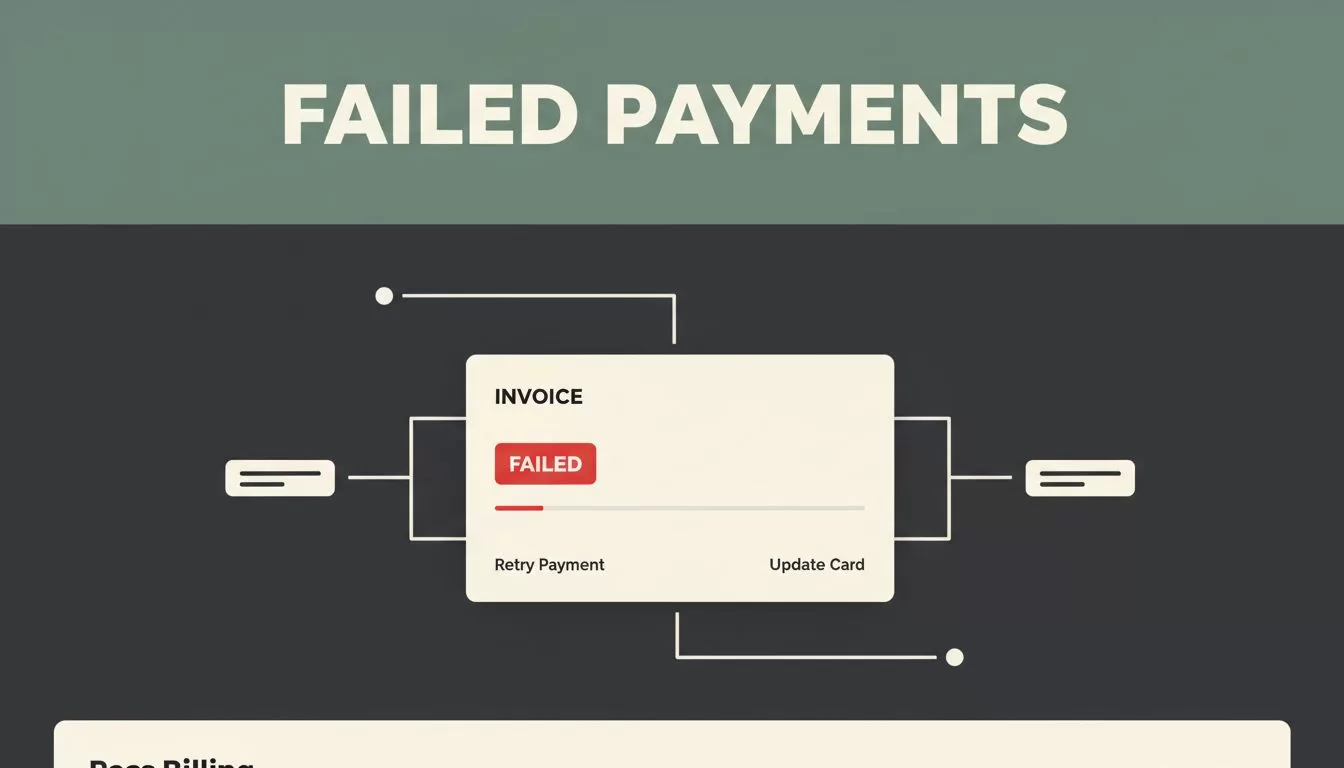
Failed subscription charges create silent revenue leaks for B2B SaaS companies. When a credit card expires or a bank declines a renewal, finance teams often find out days later. By then, customers churn or accounts enter collections without warning. You need a reliable system to catch billing failures immediately and trigger automated recovery workflows.
Effective failed payment tracking stops revenue loss before it turns into permanent churn. You connect your billing source to an automation layer, check invoice statuses in real time, and route exceptions directly to operations teams.
- Catch billing failures early: Spot declined cards and expired payment methods the moment they happen instead of waiting for end-of-month reconciliations.
- Automate recovery workflows: Route failed invoices to dedicated exception logs so team members can resolve errors quickly without manual digging.
- Keep billing records accurate: Update source records automatically with delivery statuses, error messages, and customer links.
- Protect recurring revenue: Reduce involuntary churn by addressing payment issues before subscription access expires.
Identify the Source of Payment Failures
Billing failures usually originate from predictable card errors or outdated bank details. You must map out where these events first register in your software stack. When a charge fails, payment gateways return specific reason codes. Your operational setup needs to capture those codes immediately.
Check your payment processor daily to see which accounts need attention. For a broader look at software options in this category, explore best payment recovery platforms for SaaS to compare different recovery mechanisms and stack fits. You want an alert system that avoids manual spreadsheet reviews.

Photo by Monstera Production
Connect Your Billing Data to Automation
Manual data entry introduces delays and human error into financial operations. You need a direct bridge between your payment gateway and your internal tracking records. Twin.so helps you read billing events and perform configured tasks without writing custom scripts from scratch.
| Integration Type | Primary Function | Best Use Case |
|---|---|---|
| Direct API Endpoint | Fast data transfer | Modern gateways with webhook support |
| Browser Automation | UI-based action execution | Legacy portals lacking public APIs |
| Exception Logging | Error and status capture | Tracking failed requests and missing fields |
Using native connectors is always faster than relying on browser-based steps. When an API option exists in your Twin workspace, pick that path for financial data. If an interface lacks programmatic support, the agent can operate target systems visually. To understand how automated agents interact with different interfaces, review the failed payment recovery tools overview for practical deployment strategies.
Configure Exception Logs and Status Rules
Every failed transaction requires a clear status label so your team knows who owns the next step. Don’t rely on color codes or messy spreadsheet tags. Use explicit status fields like ready, pending, sent, or exception.
When a payment fails, the workflow should catch the error message and write it back to the project record. If a customer email is missing, the system shouldn’t crash. It should flag the record as an exception and state the missing field reason.
Set up your automation to log the record ID, failed action, timestamp, and specific error message every time a transaction breaks. This ensures your finance team can diagnose the root cause without guessing.
Operations managers can then fix the source record and rerun the workflow safely. This approach keeps billing work visible across the entire department.
Troubleshoot Common Automation Roadblocks
Automated payment workflows fail when data formats don’t match between systems. A login failure usually means your connected account needs reauthorization. A missing customer error means your source record uses a name while the invoice system requires an ID.
Source Record Update -> Duplicate Check -> Status Validation -> Exception Handling
Fixing these small mismatches prevents broken billing cycles. Always run tests with a test customer or draft mode before activating live workflows. Confirm that your duplicate checks prevent the system from generating multiple invoices for the same billing period.
Conclusion
Catching billing issues early protects your bottom line and keeps customer relationships intact. You stop relying on manual end-of-month reviews by establishing clear exception rules and automated tracking workflows. Take time to audit your current payment gateway alerts, connect your billing data sources, and deploy an automated monitoring workflow today.

