Rewardful Referral Tracking: Enable and Test Cookie Attribution
A referral click that never reaches checkout is lost revenue for your affiliate and bad data for your team. Rewardful referral tracking gives you a clear attribution path, but only if the site script, campaign settings, checkout flow, and c...

A referral click that never reaches checkout is lost revenue for your affiliate and bad data for your team. Rewardful referral tracking gives you a clear attribution path, but only if the site script, campaign settings, checkout flow, and consent setup work together.
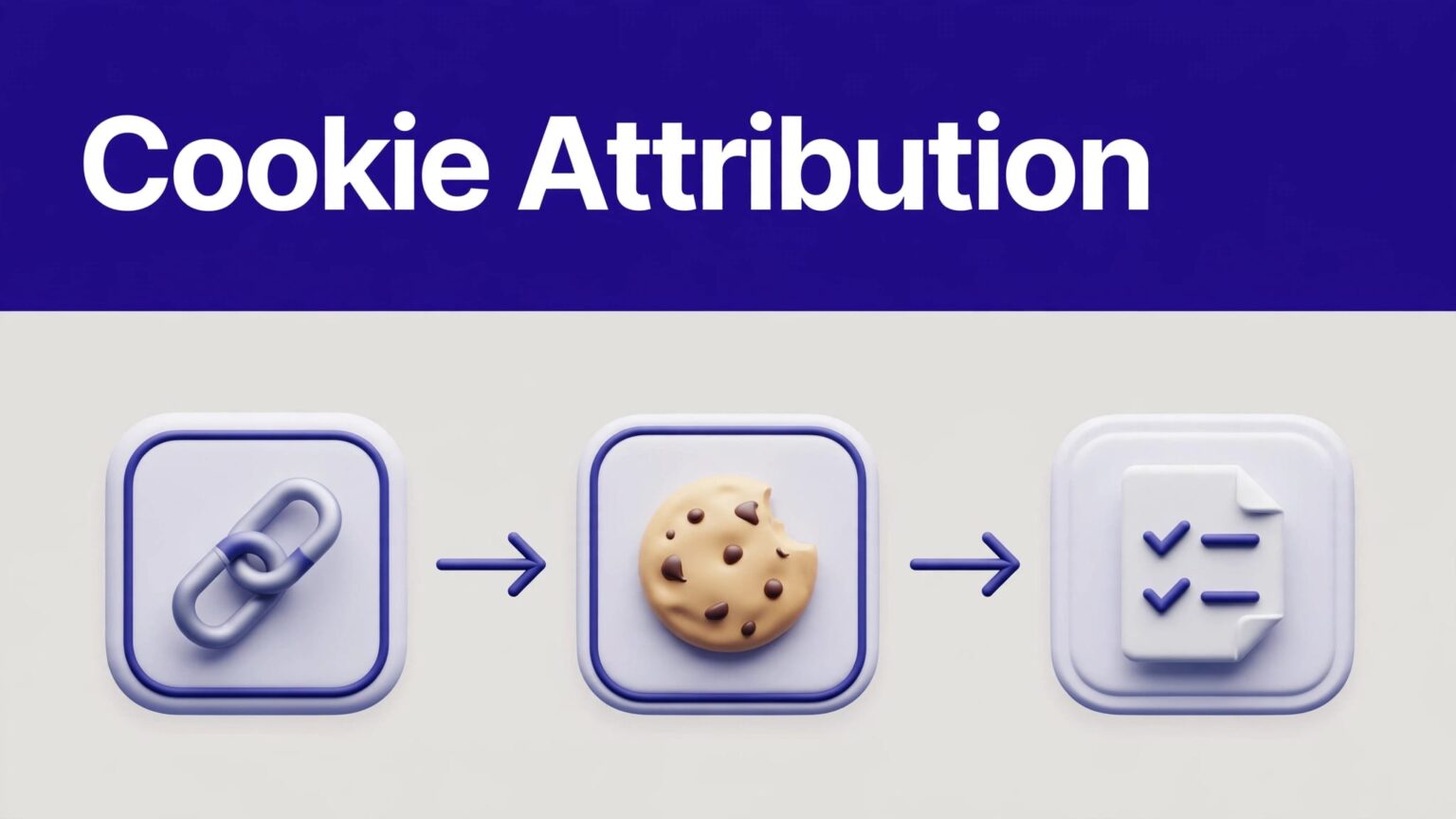
The core process is simple. An affiliate link adds a referral token, Rewardful stores that attribution in a first-party browser cookie, and your signup or payment flow passes the referral into the customer record.
Set up the tracking path before you invite affiliates. Then test it like a customer would.
How Rewardful Cookie Attribution Works
Rewardful uses a first-party cookie on your own domain. This matters because the browser stores the referral data as a cookie for your site, not as a third-party advertising cookie.
A standard affiliate link uses the via parameter. For example, an affiliate may share https://yourdomain.com/?via=partnername.
When a visitor opens a valid link, Rewardful creates a referral record and saves its referral ID in the browser cookie. Rewardful’s JavaScript API identifies that value as Rewardful.referral.
The referral link starts the attribution chain
The ?via=token value identifies the affiliate. The Rewardful script reads the parameter when the landing page loads.
A valid token triggers three actions:
- Rewardful records the referral visit.
- The browser receives the first-party referral cookie.
- Your checkout or conversion flow can connect the new customer to that referral.
The visitor does not need to buy during the same session. The cookie remains active during the campaign’s configured attribution period.
The cookie is stored in the visitor’s browser
The cookie belongs to your website domain. It is not stored in Stripe, your CRM, or the affiliate’s account.
That creates a clear operational rule: the customer must use the same browser and device when they return to sign up or pay. A click on a work laptop followed by a checkout on a personal phone will not carry the original browser cookie.
A recorded affiliate click does not prove a commission should exist. The referral must still reach a tracked conversion before the cookie expires.
Rewardful also supports referral preloading with a URL that contains ?referral=<UUID>. This is useful when your system already knows the referral record. Do not use it as a replacement for normal affiliate links without a defined reason.
Configure the Cookie Window for Each Campaign
Rewardful’s default cookie window is 60 days. You can change the window for each campaign.
The window controls how long a referral click can remain eligible for attribution. If a visitor converts inside that period, the affiliate can receive credit. If the visitor converts after it expires, the original cookie no longer qualifies.
Rewardful explains the default and campaign-level settings in its guide to referral cookie validity.
Set the campaign cookie duration
These dashboard labels can change as Rewardful updates the product. In the current campaign workflow:
- Open Campaigns in Rewardful.
- Select the campaign you want to update.
- Choose Edit campaign.
- Find the Cookie window field.
- Enter the number of days that fits the sales cycle.
- Save the campaign and document the new rule in your affiliate terms.
Do not pick a number because competitors use it. Use your actual buying cycle.
A self-serve SaaS product with a seven-day trial may work with 30 or 60 days. A sales-led platform with demos, procurement, and security review may need a longer period. Your published affiliate terms should match the campaign setting.
Match attribution rules to your program terms
Affiliates need to know when they earn credit. State the cookie window, attribution model, commission trigger, reversal rules, and payout timing in one place.
Rewardful supports cookie and commission controls that can be adjusted by campaign. Review its cookie and commission configuration options before publishing terms that your system cannot enforce.
Keep an internal change log with:
- Campaign name and campaign ID.
- Cookie window and effective date.
- Attribution rule used by the campaign.
- Commission rate and conversion event.
- Owner who approved the change.
Do not overwrite old operating rules without a record. A future commission dispute often starts with a setting someone changed three months earlier.
Install the Rewardful Script on Every Tracked Page
The tracking script must load where affiliate traffic lands. It should also load on pages where users begin signup, create an account, or move into checkout.
A homepage-only installation is not enough if affiliates link to comparison pages, product pages, or blog posts.
Add the script before testing links
Use the Rewardful install snippet from your account or implementation guide. Do not copy an old snippet from a previous website or a contractor’s document.
For Stripe Checkout client-side implementations, Rewardful’s current guidance says to place its tracking script in the footer tracking area, not the header. Follow the Stripe Checkout client-side instructions for the current script and checkout steps.
Check these pages after installation:
- Main landing pages used in affiliate links.
- Pricing and signup pages.
- Login and account creation pages.
- Checkout entry points.
- Thank-you or receipt pages when you use client-side conversion tracking.
Cover subdomains before traffic reaches them
Many SaaS companies use separate domains or subdomains. Marketing may live at www.example.com, while signup happens at app.example.com.
Without cross-domain coverage, the visitor can click an affiliate link on the marketing site and lose attribution before account creation. Rewardful supports cross-domain and subdomain tracking through its script configuration and the data-domains attribute.
Integration-specific example: add the documented data-domains attribute to your existing Rewardful script configuration and include each domain used in the journey, such as www.example.com and app.example.com.
Do not guess the attribute format. Copy the current syntax from Rewardful, then test the complete path in a private browser session.
Pass the Referral Into Your Checkout Flow
The cookie holds the referral data in the browser. Your conversion setup must connect that data to the paying customer.
This step varies by billing architecture. Stripe Checkout, direct Stripe customer creation, payment links, custom signup flows, and server-side billing integrations do not use identical steps.
Stripe Checkout client-side tracking
In Rewardful’s client-side Stripe Checkout flow, your site reads the referral ID from Rewardful.referral and passes it to Stripe as the checkout clientReferenceId.
Integration-specific implementation example: retrieve Rewardful.referral before calling stripe.redirectToCheckout(), then send that value in the clientReferenceId field.
Rewardful can then match the checkout customer back to the stored referral. Your Stripe account needs the required connection permissions, and your payment flow needs to create Stripe Customers for the tracking chain to complete.
Do not send an empty or stale referral ID. Check for a valid value before adding it to the checkout request.
Client-side conversion tracking on a receipt page
Some custom payment flows use Rewardful’s convert function after purchase. This approach requires the Rewardful cookie to be present and the customer’s email address to be available on the thank-you or receipt page.
Integration-specific implementation example: call Rewardful.convert after the confirmed purchase and pass the same customer email used to create the Stripe Customer.
The email is the matching point. A typo, guest checkout email mismatch, or customer record created before conversion can break attribution.
If your app creates customers server-side, have your developer confirm the handoff before launch. The script can record clicks correctly while the payment integration still fails to create referrals or commissions.
Verify Rewardful Referral Tracking End to End
Do not test only the landing page. Test the entire customer journey.
Use a private or incognito browser window. This avoids old cookies, logged-in sessions, and prior affiliate attribution from affecting the result.
Run a controlled affiliate click test
Rewardful’s Stripe Checkout setup guide uses ?via=install for initial script verification. Use that documented test path when it applies to your integration.
Run this sequence:
- Open a private browser window.
- Paste a valid affiliate URL with
?via=token. - Confirm the page loads with no redirect loop.
- Open browser developer tools and inspect site cookies.
- Confirm the Rewardful referral value is present.
- Create a new test customer with a new email address.
- Complete the test checkout using your safe Stripe test process.
- Check the referral, customer, and commission records in Rewardful.
- Confirm the Stripe Customer or checkout reference matches your expected test.
Record the exact URL, affiliate token, test email, campaign, timestamp, and result. This creates a support-ready record if results differ later.
Check the browser value only for debugging
Rewardful exposes Rewardful._cookie for troubleshooting. It is useful when you need to confirm that the browser has stored referral information.
Treat it as a debugging tool only. Rewardful warns that its structure can change, so do not build production logic around it.
For normal implementation checks, Rewardful.referral is the relevant value. It tells your checkout code whether a referral ID is available to pass forward.
A successful browser click test is only the first control. Your final control is a test customer that appears in Rewardful with the expected affiliate attribution.
Handle Consent, Blocked Cookies, and Privacy Tools
First-party cookies are more durable than third-party ad cookies, but they are not guaranteed. Visitors can block cookies, reject consent, clear browser data, use privacy tools, or complete checkout on another device.
You need a fallback plan before affiliates send meaningful traffic.
Load tracking only after required consent
Cookie rules depend on where your visitors are located and what your tracking setup does. Work with your legal or privacy owner to decide whether referral tracking requires consent in your situation.
If consent is required, do not load the Rewardful script before the visitor accepts the applicable cookie category. Configure your consent platform to trigger the script only after approval.
Then test both states:
- A visitor accepts the relevant cookie category and completes a tracked referral journey.
- A visitor declines or blocks cookies and does not receive cookie-based attribution.
Do not hide this limitation from affiliates. State that referrals depend on the program’s tracking method and published terms.
Use coupon attribution when links cannot work
Some channels do not support reliable referral links. Podcasts, offline events, social captions, app stores, and private communities can strip parameters or prevent clean browser handoffs.
Rewardful supports coupon code tracking for cases where link-based attribution is weak. Its two-way Stripe sync overview describes coupon tracking as an option for influencer and other non-link placements.
Give each approved partner a unique code. Then test the code in your real checkout flow.
A coupon is not a substitute for every lost cookie. It can create a second attribution route for channels where a visitor is unlikely to click a tagged URL.
Fix Missing Referrals Before You Scale the Program
When a referral is missing, do not start with a generic support request. Build a reproducible record first.
Check the funnel. Did the affiliate link receive a click? Did the landing page load the script? Did the browser store the cookie? Did the visitor use the same browser at checkout? Did the customer enter the payment flow before the window expired?
Common Rewardful tracking failures
Most problems fall into a small group:
- The Rewardful script is missing from an affiliate landing page.
- A cookie banner blocks the script after consent.
- A redirect removes the
viaparameter before Rewardful reads it. - The user moves from one domain or subdomain to another without cross-domain setup.
- Checkout does not pass
Rewardful.referralinto Stripe. - The visitor switches device, browser, or email address.
- A previous referral is overwritten by a later attributed visit.
- The campaign cookie window expires before conversion.
Separate a tracking failure from a program-rule outcome. A visitor may have clicked correctly but failed a campaign condition, used another affiliate’s later link, or purchased after the attribution period ended.
Send support a complete case
Include the content URL, affiliate token, campaign, customer email, Stripe Customer ID or checkout reference, date range, browser used, consent state, screenshots, and expected outcome.
State the observed result in funnel terms. For example: “The private-browser test stored a referral cookie, but the completed Stripe Checkout session did not create an attributed customer.”
If your team needs help reviewing a custom domain, checkout, and consent setup, Book A Call with the test record ready.
Final Checks Before You Recruit Affiliates
Rewardful referral tracking works when the referral link, browser cookie, campaign window, and conversion event all connect. One missing handoff breaks the chain.
Start with one campaign and a controlled test. Confirm the cookie, customer, and commission records before you expand traffic sources or publish partner terms.
Test completed conversions, not only clicks. That is the record your affiliates and finance team need to trust.

