Riverside as a Descript Alternative for Transistor.fm
Transistor.fm can host and distribute your podcast, but it won’t replace a video editor. You still need a separate tool to record guests, edit footage, create clips, and prepare social content. Riverside is a strong Descript alternati...

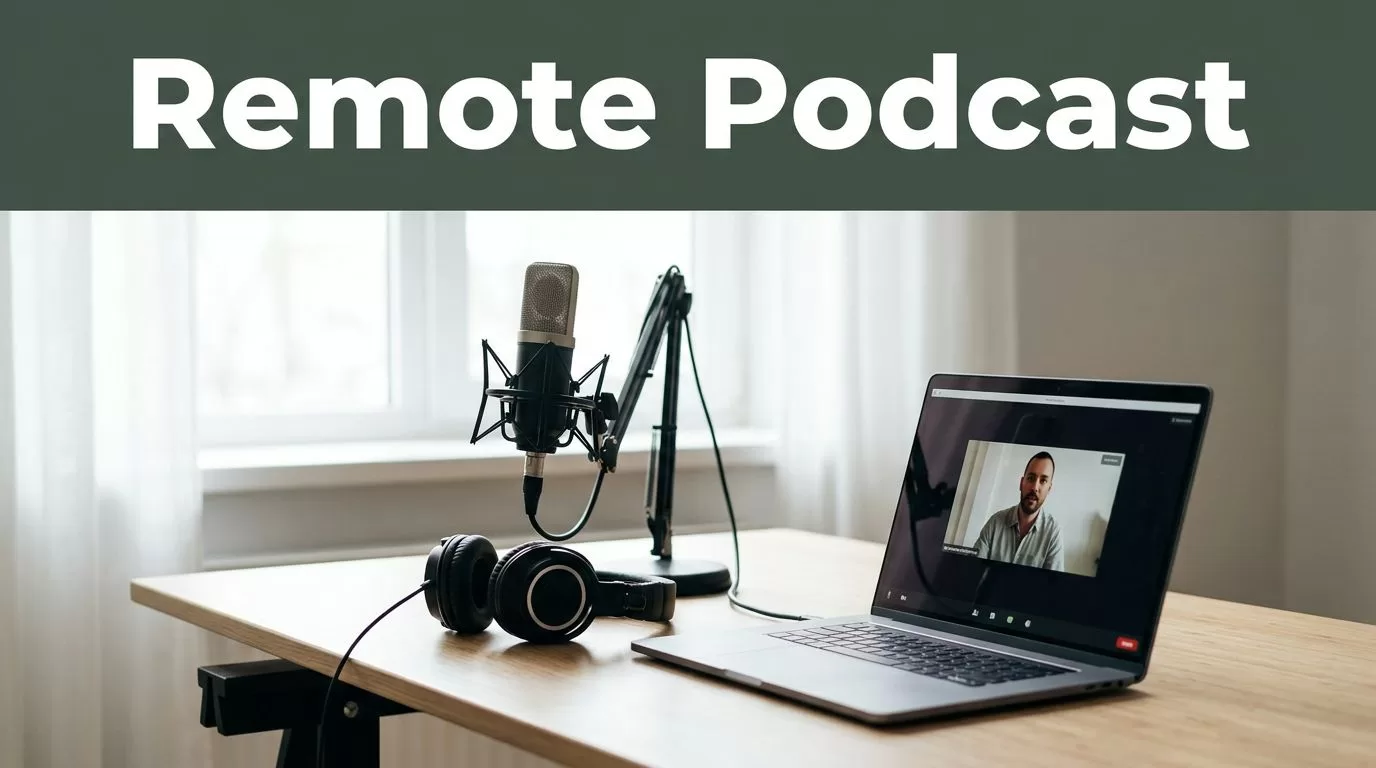
Transistor.fm can host and distribute your podcast, but it won’t replace a video editor. You still need a separate tool to record guests, edit footage, create clips, and prepare social content.
Riverside is a strong Descript alternative for Transistor.fm users who record remote interviews and need video assets. It records separate local tracks, supports transcript-based editing, and creates short clips. The connection to Transistor.fm is manual, not a native publishing integration.
Key Takeaways
- Riverside is stronger than Descript for remote podcast recording and separate guest tracks.
- Descript is stronger for detailed transcript editing, screen recordings, and AI voice tools.
- Riverside does not automatically publish podcast episodes to Transistor.fm.
- The normal workflow is export, review, then upload the final audio to Transistor.
- Riverside and Descript have similar paid pricing, so your recording and editing needs should decide the purchase.
Why Riverside Fits a Transistor.fm Podcast Workflow
Transistor.fm is the distribution layer. Riverside is the production layer.
You use Transistor to host the finished audio, generate the RSS feed, provide podcast analytics, and distribute episodes to listening platforms. You use Riverside before that stage, while the episode is still a recording that needs editing and repurposing.
Riverside records video and audio locally on each participant’s device. The platform then uploads separate tracks. This is different from recording one compressed browser feed. If a guest has an unstable connection, the local recording can still produce cleaner source files.
The platform also includes:
- Separate audio and video tracks for each speaker
- Text-based editing through automatic transcripts
- AI-powered short clip creation through Magic Clips
- Audio enhancement and background noise reduction
- Captions and social video exports
- Remote recording through a browser and supported mobile apps
- High-resolution video and uncompressed audio on paid plans
The main operational benefit is fewer production handoffs. You can record the interview, remove unwanted sections, create clips, and export the podcast audio from one workspace.
Riverside also works well when your podcast has multiple guests. Each speaker has an individual track, so you can fix a loud guest, mute a cough, or adjust the layout without damaging the entire recording.
The Riverside pricing page lists the current limits for recording hours, export quality, AI features, and storage. Check those limits before choosing a plan. The included hours matter more than the headline price if you publish several episodes every month.
Riverside vs. Descript: Which Tool Handles More Work?
Riverside and Descript overlap, but they solve different production problems.
Descript treats the transcript as the main editing interface. Delete a sentence from the transcript and the matching audio or video disappears. It also includes tools such as filler-word removal, Studio Sound, screen recording, captions, templates, and AI voice features.
Riverside uses transcript editing too, but its strongest use case is recording the source material. It gives remote guests a dedicated recording environment and creates separate local tracks without requiring every guest to install complex software.
| Requirement | Riverside | Descript |
|---|---|---|
| Remote podcast recording | Strong | Available, but not its main advantage |
| Separate local guest tracks | Strong | Supported through recording workflows |
| Transcript-based editing | Yes | Yes |
| Short-form podcast clips | Magic Clips and social exports | Clips, scenes, and templates |
| Screen recording | Available | Strong |
| Detailed audio repair | Good for common issues | Stronger post-production controls |
| AI voice and overdub tools | Limited compared with Descript | Stronger |
| Best fit | Interview recording and repurposing | Editing, scripting, and content production |
Descript is usually the better choice when your workflow includes heavy script changes, screen demonstrations, voice correction, or detailed audio cleanup. Its current pricing page also shows plan limits for transcription, media hours, AI credits, and export features.
Riverside is usually the better choice when recording quality and guest management come first. You can still edit the transcript and produce clips, but you won’t get the same depth of voice and script controls found in Descript.
Choose Riverside when the recording is the difficult part. Choose Descript when the edit is the difficult part.
Neither tool replaces Transistor.fm. Both create the files that Transistor needs.
The Transistor.fm Handoff Is Manual
Riverside does not automatically publish a completed episode to Transistor.fm through a documented native integration. Plan for a file-based handoff.
The standard workflow is simple:
- Record the episode in Riverside.
- Edit the conversation and remove unwanted sections.
- Export the final audio as an MP3.
- Export the video version and short clips separately.
- Upload the audio file to Transistor.fm.
- Add the title, description, show notes, artwork, and episode settings in Transistor.
- Schedule or publish the episode from Transistor.
This workflow keeps responsibilities clear. Riverside owns recording and video production. Transistor owns podcast hosting and distribution.
You can also export the Riverside transcript and use it to prepare show notes, chapter descriptions, newsletter copy, and social captions. Review every AI-generated transcript before publication. Names, technical terms, company names, and product references are common error points.
The safest approach is to maintain one episode folder with predictable file names:
show-name-episode-number-final.mp3show-name-episode-number-video.mp4show-name-episode-number-clips.zipshow-name-episode-number-transcript.txt
Transistor’s support documentation covers its dashboard workflows. If you plan to automate episode creation, review the Transistor developer documentation first. Don’t assume an API can perform every dashboard action, and don’t build an automation around an unverified Riverside connector.
A native connection would reduce manual work, but the lack of one doesn’t make Riverside unusable with Transistor. It only means you need a defined export and upload process.
Current Pricing and Software Spend
As of July 2026, the public pricing pages list Riverside Standard at about $19 per month when billed monthly, or about $15 per month with annual billing. Riverside Pro is listed at about $29 monthly, or about $24 per month with annual billing. Business pricing is custom.
Descript’s public plans list Hobbyist at about $24 monthly, or $16 per month with annual billing. Creator is about $35 monthly, or $24 per month with annual billing. Business pricing is higher and depends on the account setup.
| Plan level | Riverside | Descript |
|---|---|---|
| Free | $0 | $0 |
| Lower paid tier | About $15 annual billing | About $16 annual billing |
| Higher creator tier | About $24 annual billing | About $24 annual billing |
| Business | Custom | Custom |
Prices and included limits can change. Confirm the live plan page before buying. Also compare transcription hours, export resolution, AI credits, storage, and collaboration features. A cheaper plan can cost more if you exceed its monthly recording allowance.
For a single podcast with one or two episodes each month, the lower paid tier may be enough. A production team that records several shows or publishes multiple clips per episode should compare the included hours before comparing monthly fees.
Don’t pay for both platforms automatically. Start with the bottleneck. If guests struggle to record clean video, Riverside may replace your current recording tool. If the recording is fine but editing takes too long, Descript may deliver more value.
How to Build the Riverside and Transistor Setup
Use a repeatable process. Don’t treat each episode as a separate production experiment.
Start by creating a Riverside project for each episode. Invite guests through the project link, confirm microphone and camera settings, and record a short test before the interview. The test catches microphone selection, camera framing, and permission problems before the real conversation begins.
After recording, wait for all tracks to finish uploading. Download the original tracks before making major edits. Keep the originals in cloud storage or a local project folder. They give you a recovery point if the edited version contains a mistake.
Edit the long-form episode first. Remove dead air, repeated answers, technical interruptions, and sections that don’t support the episode topic. Then export the final audio for Transistor.
Create clips only after the main episode is approved. Short clips should have one clear point, readable captions, and enough context to make sense without the full interview. Produce vertical versions for short-form platforms and a landscape version when your distribution channel requires it.
Before uploading to Transistor, check the audio file and metadata. Confirm the episode title, guest name, description, explicit-content setting, artwork, and publication date. Uploading the wrong export creates avoidable corrections across podcast directories.
Use Transistor’s podcast hosting features for the final RSS distribution. Store Riverside project links and exported files with the episode record so another team member can locate the source material later.
This setup has one manual transfer, but it is easy to document. The process becomes reliable when the file names, export settings, and approval steps stay consistent.
Who Should Choose Riverside?
Riverside is a good Descript alternative for Transistor.fm creators who:
- Record remote interviews regularly
- Need clean audio and video from each guest
- Want short clips without learning a full professional editor
- Publish video versions on social platforms
- Need a browser-based workflow for outside guests
Descript is a better fit when you produce tutorials, screen recordings, narrated videos, or heavily scripted content. It also makes more sense when AI voice editing and detailed transcript changes are central to your process.
Choose Riverside if recording quality is your main production risk. Choose Descript if editing speed and script control are the main risks. In both cases, keep Transistor as the system that hosts and distributes the final podcast audio.
Conclusion
Riverside is a practical Descript alternative for Transistor.fm users who need remote recording, clean separate tracks, and short-form video production. It handles the production work well, but it doesn’t remove the Transistor upload step.
The strongest setup is clear: record and edit in Riverside, export the approved audio, then upload and schedule it in Transistor. If your team needs advanced script editing or AI voice controls, Descript remains the better choice. The right tool depends on whether your bottleneck is recording the episode or finishing the edit.

